Convert JPG to VP3 embroidery files
JPG files work well once their compression noise is cleaned up. The digitizer smooths JPEG artifacts and blurry edges before it picks thread colors. Download a Husqvarna Viking / Pfaff VP3 file for Husqvarna Viking, Pfaff machines.
Drop your JPG here
PNG, JPG, WebP or SVG · stays on your device
- Free account and preview
- Thread colors stored in file
- Runs in your browser
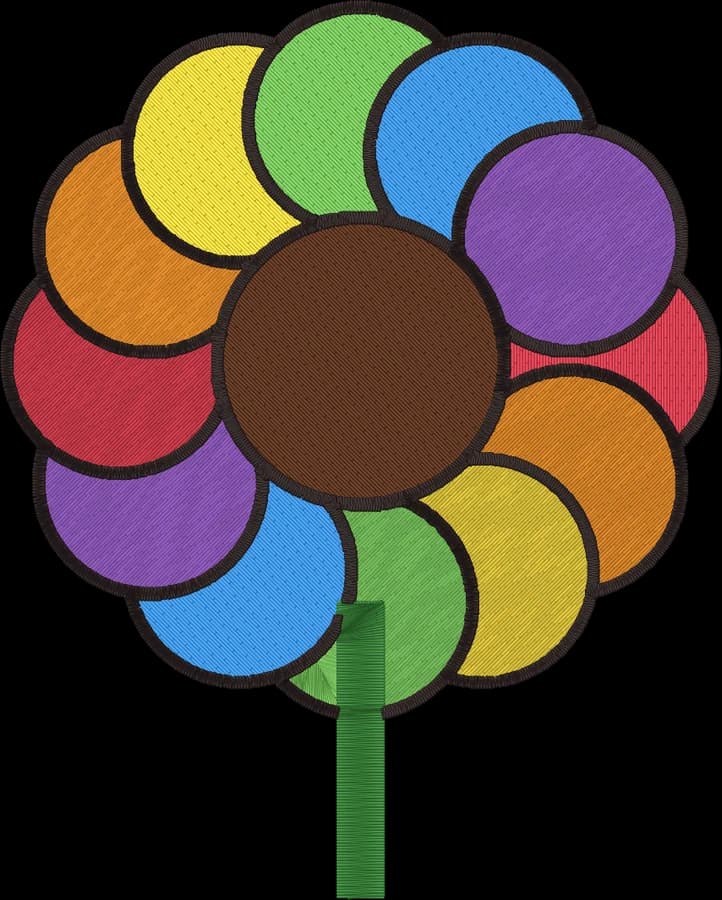
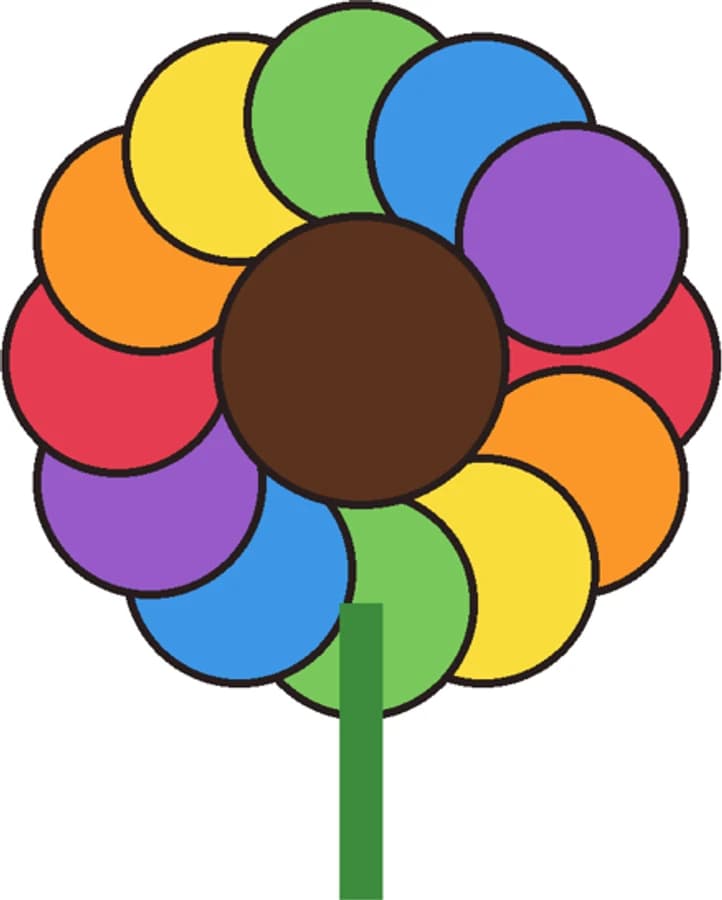
Compression noise is filtered
"Clean up noise" removes the speckles and color fringes JPEG adds around edges, so they don't become extra threads.
Solid backgrounds are removed
A white or single-color background around the artwork is detected and left unstitched.
Fewer colors, cleaner result
Cap the number of colors if gradients or shading split into too many thread colors.
How to convert a JPG to VP3
It takes about a minute, and you can preview every stitch for free before you download.
- 1
Upload your JPG
Drop the .jpg file into the box above or open the digitizer. A free account is all you need.
- 2
Set the size
Type a width, or pick your hoop from 4×4" to 8×12". The proportions are kept.
- 3
Check colors and stitches
Review the thread colors, the stitch preview and the design check. Switch off any color you don't want stitched.
- 4
Download the .VP3 file
Choose Husqvarna Viking or the VP3 format and download. Copy the file to your machine by USB or its app.
The Husqvarna Viking / Pfaff VP3 format
VP3 is the current embroidery format of Husqvarna Viking and Pfaff machines and their mySewnet software.
VP3 stores the exact color of every thread along with its name, so the machine and software show your design as you designed it.
Stitch data is stored per color block, with explicit trims between separate areas.
Tips for the best result
- Use the highest-quality JPG you have. Screenshots of small logos lose detail.
- If the logo sits on a busy background, crop it or remove the background first.
- For photos, start with 4 to 6 colors and adjust from there.
More detail in our guide to preparing artwork for embroidery.
JPG to VP3 converter questions
The quickest way to see what it does with your artwork is to try it. With a free account, digitizing and previewing cost nothing and take about a minute.
Will JPEG artifacts show up in the embroidery?
No. Noise reduction and anti-alias cleanup run before color separation, so blocky artifacts and soft edges are folded into the nearest real color.
Can I convert a photo saved as JPG?
Yes. Photos are simplified into a few flat thread colors, which suits simple, high-contrast pictures best. See the photo-to-embroidery page for tips.
Does VP3 keep the exact colors?
Yes. VP3 stores full RGB thread colors and names for every color in the design.
Will older Viking machines read VP3?
Some older Husqvarna Viking models use the HUS or VIP formats instead. Check which formats your machine lists.
How much does Embrizo cost?
Digitizing is free. With a free Embrizo account you can upload an image, digitize it, change every setting, watch the stitch preview and sew-out, run the design check and save a PNG preview. Downloading embroidery files such as DST, PES or JEF needs a paid plan: Hobby ($20 a month, 20 design downloads), Shop ($50 a month, 100) or Pro ($100 a month, unlimited). Billed annually, plans start at $8 a month. A design counts once per month however many formats you download, and you can cancel anytime. The pricing page has the details.
Is my image uploaded to a server?
No. Your image is processed entirely on your own device in your web browser and is never uploaded. When you download, only the finished stitch data is sent to create your file. If you save a design, only the finished stitch file, a small preview and its thread colors are stored in your account, never the original image.
Keep going
Related tools and guides
- Machine guideHusqvarna Viking machinesVP3 files for Husqvarna Viking embroidery machines, with exact thread colors, mySewnet and hoop tips.Open
- Machine guidePfaff machinesVP3 files for Pfaff creative embroidery machines, with hoop sizes and transfer tips.Open
- Free toolHoop size calculatorFind which hoops fit your design and how far to scale it down if it's too big.Open
- Free previewText to embroidery fileType a name or monogram, pick a font and download a ready-to-sew lettering file.Open
- Free toolStitch count & price calculatorEstimate stitches, sew time and price for any design size and coverage.Open
Make your VP3 file now
Sign up free, upload an image and preview the stitches. Download a Husqvarna Viking / Pfaff VP3 file with any plan.