Convert a photo to an embroidery file
Turn a picture into a bold, patch-style embroidery design. The photo is simplified into a few flat thread colors, which stitch out cleanly on any machine.
Drop your image here
PNG, JPG, WebP or SVG · stays on your device
- Free preview
- 9 machine formats
- Runs in your browser
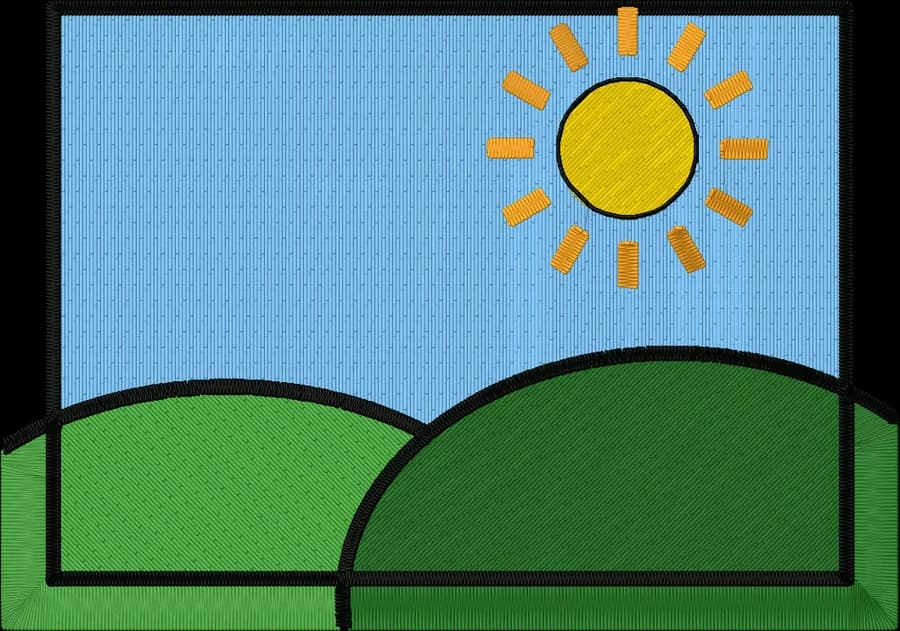
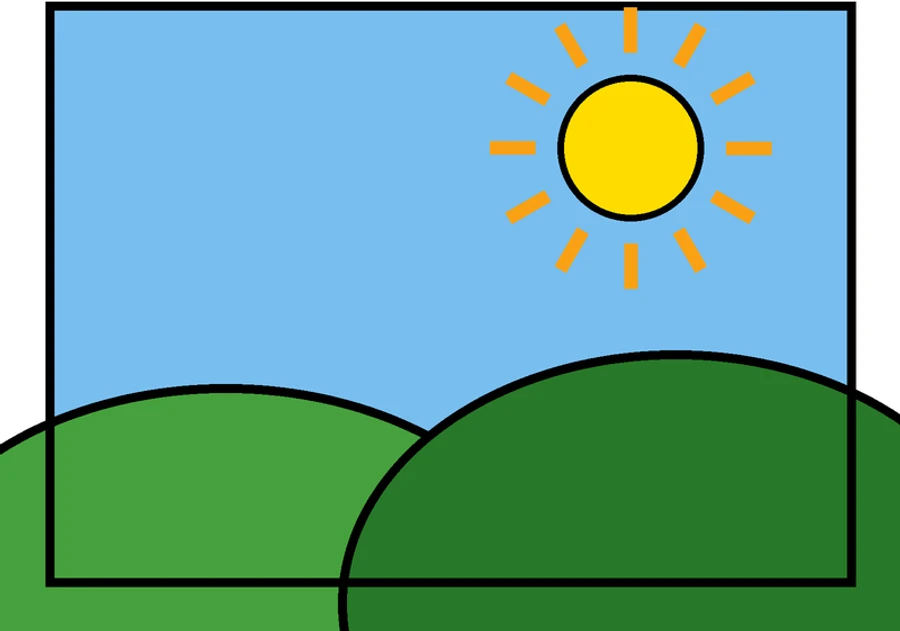
Flat thread colors
The photo is reduced to the number of colors you choose, from 2 to 15, each one a real thread.
Background removal
Plain backgrounds are removed automatically. Crop busy ones first for a cleaner subject.
Honest preview
The stitch preview shows exactly what the file will sew before you download it.
How to convert your photo to an embroidery file
It takes about a minute, and you can preview every stitch for free before you download.
- 1
Upload your photo
Drop the file into the box above or open the digitizer. PNG, JPG, WebP and SVG all work.
- 2
Set the size
Type a width, or pick your hoop from 4×4" to 8×12". The proportions are kept.
- 3
Check colors and stitches
Review the thread colors, the stitch preview and the design check. Switch off any color you don't want stitched.
- 4
Download for your machine
Pick DST, PES, JEF, EXP, VP3, XXX or another format, or download all of them in one ZIP.
Common photo sizes
| Pet portrait | 4×4 in (100 mm) or larger |
|---|---|
| Patch | 3–4 in (75–100 mm) |
| Tote or pillow | 6×10 in field or larger |
Tips for the best result
- Simple, high-contrast photos work best: a pet or person against a plain background.
- Start with 4 to 6 colors, then raise or lower the count to taste.
- Larger designs keep more detail. Faces need at least about 80 mm to read well.
More detail in our guide to preparing artwork for embroidery.
Photo to embroidery questions
The quickest way to see what it does with your artwork is to try it. Digitizing and previewing are free and take about a minute.
Will it look like a photo?
No, and that's deliberate. Thread can't blend colors like pixels, so the photo becomes a bold, flat-color design, similar to a screen print or patch.
What photos work best?
Clear subjects with strong contrast and a simple background: pets, silhouettes, simple portraits and landscapes with large color areas.
How many colors should I use?
Four to six colors usually look best. More colors add detail but also thread changes and stitch count.
How much does Embrizo cost?
Trying it is free. Without an account you can upload an image, digitize it, change every setting, watch the stitch preview and sew-out, run the design check and save a PNG preview. Downloading embroidery files such as DST, PES or JEF needs a paid plan: Hobby ($20 a month, 20 design downloads), Shop ($50 a month, 100) or Pro ($100 a month, unlimited). Billed annually, plans start at $8 a month. A design counts once per month however many formats you download, and you can cancel anytime. The pricing page has the details.
Is my image uploaded to a server?
No. Your image is processed entirely on your own device in your web browser and is never uploaded. When you download, only the finished stitch data is sent to create your file. If you save a design, only the finished stitch file, a small preview and its thread colors are stored in your account, never the original image.
Keep going
Related tools and guides
- Free toolHoop size calculatorFind which hoops fit your design and how far to scale it down if it's too big.Open
- Free previewText to embroidery fileType a name or monogram, pick a font and download a ready-to-sew lettering file.Open
- Free toolStitch count & price calculatorEstimate stitches, sew time and price for any design size and coverage.Open
Make your embroidery file now
Upload an image and see it stitched in under a minute. It's free to try, private and needs no account.