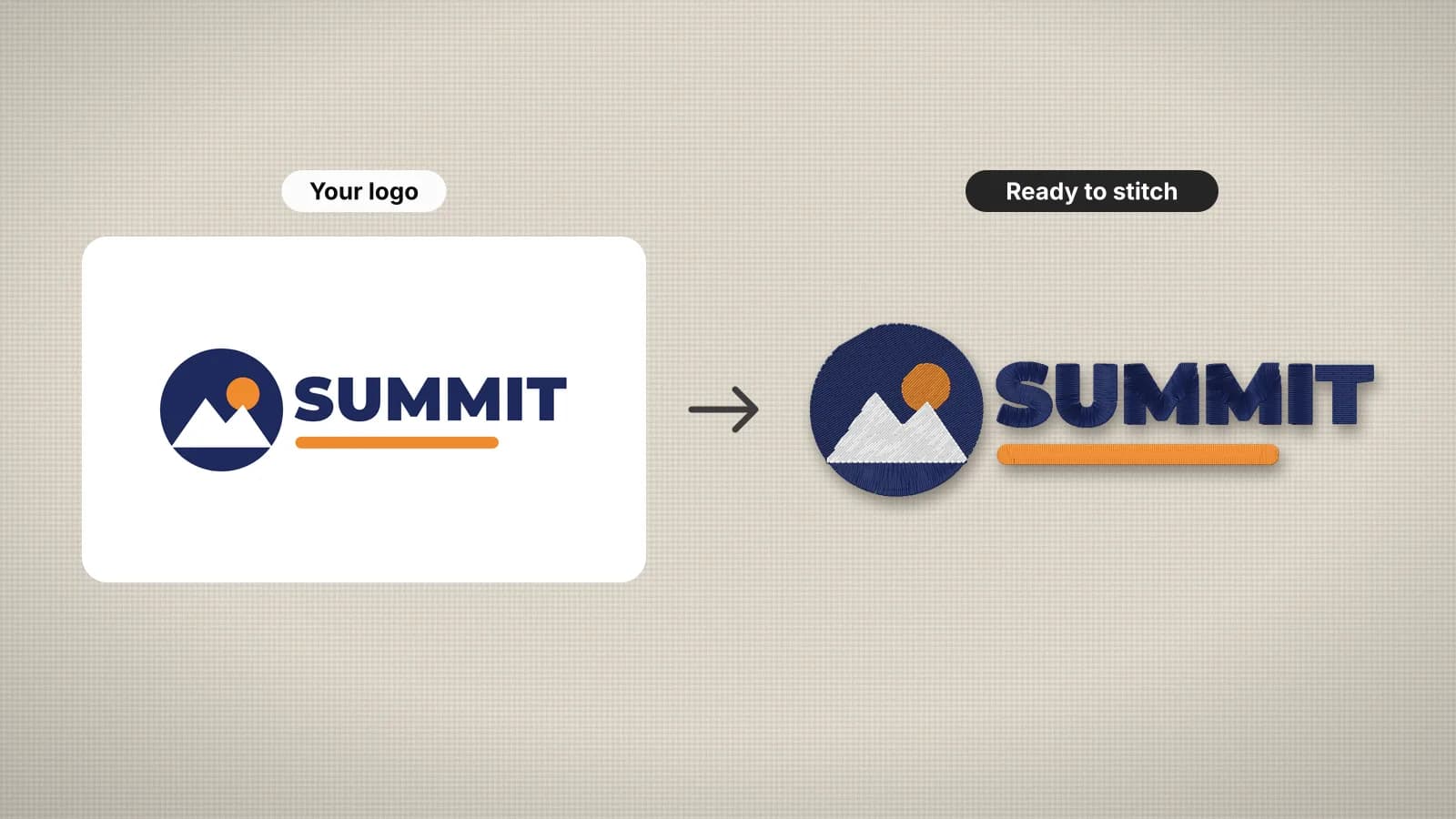
Digitizing is the one-time job of turning artwork into a stitch file. Once a design is digitized, you can sew it as many times as you like, so you pay for it per design, not per garment.
There are three ways to pay. A digitizing service typically charges per design, often roughly $10–$50 or more for a typical logo, and takes one to a few days. Desktop digitizing software is a one-time or subscription cost that often runs to hundreds of dollars, plus the time to learn it. An automatic digitizer such as Embrizo costs a flat monthly fee and shows you a stitch preview in under a minute. Which is cheapest depends on how many designs you need and how hard they are.
What drives the price of digitizing
Whoever does the work, the same things make a design more or less expensive. Services price on them directly. With software, they decide how long the job takes you.
| Factor | Why it costs more | Example |
|---|---|---|
| Stitch count | More stitches take longer to plan, and some services price per 1,000 stitches | A solid filled badge vs a simple outline |
| Size | A bigger design has more area to plan and more stitches | A 10 in jacket back vs a 3.5 in left chest logo |
| Complexity | Small lettering, many colors and overlapping shapes need more hand work | A crest with a tagline vs a bold monogram |
| Special techniques | 3D puff, appliqué and cap-specific sequencing add steps | A puff cap logo vs flat embroidery |
| Artwork quality | Blurry or low-resolution art may need redrawing first | A screenshot vs an SVG |
| Turnaround | Same-day and rush jobs usually cost extra | Tomorrow morning vs three days |
| Edits | Changes after you approve the file may be billed | Moving text or changing the size later |
Size and stitch count go together. Double a design's width and height and you get roughly four times the area, and about four times the stitches. Size also catches people out later: scaling a stitch file by more than about 10% throws off its density, so a new size usually means digitizing again.
Services, software and subscriptions compared
| Option | How you pay | Turnaround | Best for |
|---|---|---|---|
| Digitizing service | Per design, often roughly $10–$50 or more for a typical logo; more for large or complex designs | Typically one to a few days; faster with a rush fee | Detailed logos, structured caps with fine lettering, special techniques, long production runs |
| Desktop digitizing software | A one-time or subscription cost that often runs to hundreds of dollars | As fast as you can work, once you've learned it | People who want full manual control and will digitize often |
| Embrizo subscription | $8–$40 a month billed yearly, or $20–$100 monthly | A stitch preview in under a minute | Clean logos, lettering, patches, drawings and a steady flow of small jobs |
A service gives you a person's judgment on every stitch angle and the sewing order, and usually a round of edits. That is worth paying for on hard designs. On simple ones, you are paying for skilled hand work on something an automatic digitizer handles well.
Try it with your own design
Sign up free, upload an image and get a stitch preview in under a minute.
Drop your image here
PNG, JPG, WebP or SVG · stays on your device
What a design costs on an Embrizo plan
With a free account you can digitize, change every setting and check the stitch preview, the sew-out simulation and the design check. You pay when you download embroidery files. Each plan includes a number of design downloads a month, and a design counts once per month however many formats you download it in.
| Plan | Monthly billing | Annual billing | Designs a month | Cost per design if you use them all |
|---|---|---|---|---|
| Hobby | $20/month | $96/year ($8/month) | 20 | $1.00 monthly; about $0.40 annual |
| Shop | $50/month | $240/year ($20/month) | 100 | $0.50 monthly; $0.20 annual |
| Pro | $100/month | $480/year ($40/month) | Unlimited | Falls with volume: $0.20 at 200 designs a month, annual |
The per-design figure assumes you use the downloads. On Hobby billed yearly, five designs a month works out to $1.60 each, still well below a typical service fee. Unused downloads don't roll over, and editing a design and downloading the new version counts as a new design. You can cancel anytime. The pricing page has the full details.
How to estimate the stitch count
Stitch count is the best single guide to a design's price, its sew time and how stiff it will feel. You can estimate it before anyone digitizes anything:
- Measure the design's width and height at the final size.
- Estimate how much of that area is stitched. A text-only logo might cover 20–30%; a solid badge or patch close to 100%.
- Multiply the stitched area by a density. With this digitizer's settings, tatami fill comes to about 1.1 stitches per mm² and satin to about 2.4, underlay included.
- Or enter the numbers in the stitch count calculator, which also estimates sew time.
As a reference, a 3.5 × 2.5 in (90 × 65 mm) left chest logo with about half its area stitched comes to roughly 4,000 to 6,000 stitches. A 10 in jacket back with heavy fills can pass 50,000. For an exact count, upload the artwork to the digitizer: it reports stitches, colors, trims and sew time before you download.
If you sell embroidery, quote digitizing and stitching separately. Digitizing is paid once per design; stitching is paid on every piece, and many shops price it per 1,000 stitches.
When each option makes sense
- A digitizing service for detailed crests, structured caps with fine lettering, 3D puff or appliqué, and designs you will run hundreds of times, where an expert's sewing order saves machine time.
- Desktop software if you want to place every stitch by hand and expect to digitize regularly for years. Budget for the learning curve as well as the price: stitch types, underlay and sequencing take time to master.
- A subscription if you have a regular flow of logos, names, patches or drawings, want to try a size before you commit, or need the file today.
- A mix. Many shops digitize the simple jobs themselves and send the hard ones out. An automatic file is also a cheap way to test a size and layout before you pay for hand digitizing.
If you're weighing up a service, see how Embrizo compares with a digitizing service. Whichever route you take, clean artwork lowers the cost and improves the result: an SVG or a large PNG digitizes faster and better than a blurry screenshot. The artwork preparation guide has a checklist.