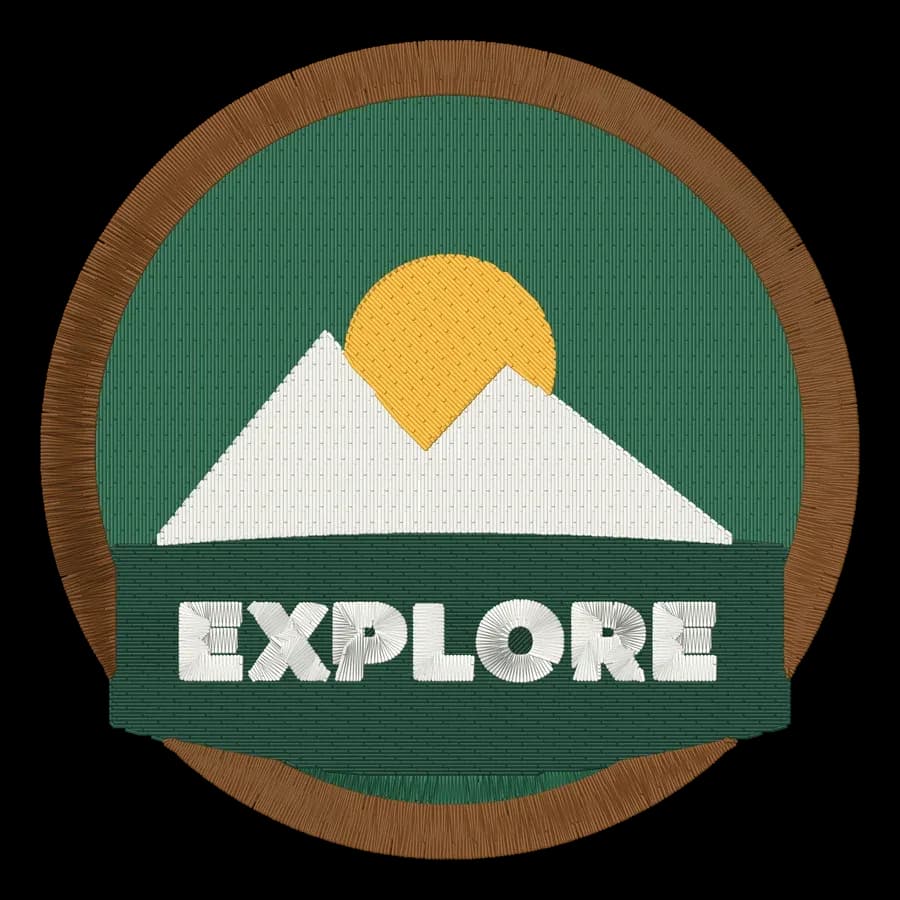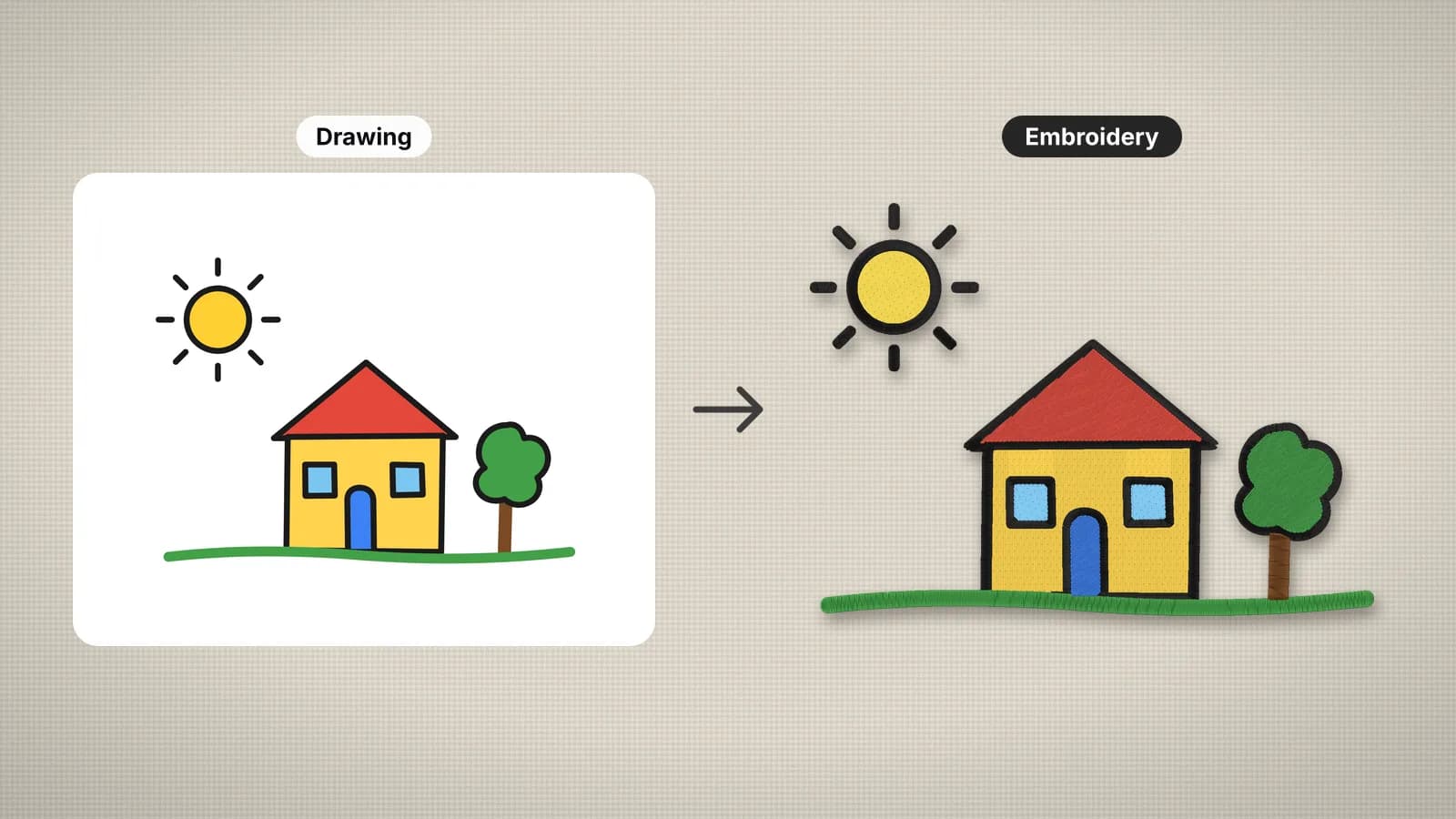
A drawing makes some of the most personal embroidery there is: a child's picture on a pillow, a sketch on a tote, a doodle on a shirt pocket. Lines become running or satin stitches, colored areas become fills, and the result keeps the hand-drawn look of the original.
Most of what makes it work happens on paper. Bold marker lines, solid coloring and a clean scan sew far better than faint pencil. Get those right, choose a generous size, and the drawing to embroidery file page does the rest.
Marker beats pencil
| Drawn with | How it stitches | What to do |
|---|---|---|
| Felt-tip or marker | Solid lines and flat colors: the cleanest result | Nothing; it's ideal as it is |
| Ballpoint or fine pen | Thin lines that may become single running stitches | Trace over them with a thicker marker, or stitch larger |
| Pencil | Faint, gray and uneven; lines may break up or drop out | Go over the lines with a dark marker before scanning |
| Crayon or colored pencil | Textured strokes turn into speckles and gaps | Recolor with markers, or flatten the color in an editor |
| Paint or watercolor | Blends and soft edges become hard bands | Pick a few flat colors and simplify the blends |
Coloring matters as much as the lines. Scribbled coloring leaves white paper between the strokes, which can stitch as a patchy, speckled fill. Color areas in solidly, or leave them as outlines and let the fabric show through, which also keeps the embroidery soft.
Scanning or photographing the drawing
- Scan if you can. 300 dpi in color is plenty. A scanner gives even light and a flat page.
- Or photograph it in daylight, straight on, with the paper filling the frame. Hold the phone parallel to the page so the drawing isn't skewed.
- Avoid shadows from your hand or phone, and glare on glossy paper.
- Crop tight around the drawing, and remove ruled lines, marks showing through from the back and anything else you don't want stitched.
- Save it as a PNG or a high-quality JPG. The digitizer accepts PNG, JPG, WebP and SVG.
Plain white paper is removed automatically and small specks are cleaned up. Before you digitize, run the scan through the embroidery image checker. It looks at the colors, fine detail and resolution, and tells you what to fix.
Try it with your own design
Sign up free, upload an image and get a stitch preview in under a minute.
Drop your image here
PNG, JPG, WebP or SVG · stays on your device
Line thickness at the final size
Lines need to be at least about 1 mm wide at the size you stitch, not on paper. Under about 0.75 mm, a line becomes a single running stitch. That can suit a light sketch, but it's easy to lose on textured fabric.
Drawings usually shrink when they're stitched, and the lines shrink with them. To work out the stitched width, multiply the line width on paper by the stitched width and divide by the drawing's width. For a drawing about 10.5 in (270 mm) across, drawn with a 1.5 mm marker:
| Stitched width | The 1.5 mm line becomes | Result |
|---|---|---|
| 8 in (200 mm) | About 1.1 mm | Satin, with a little to spare |
| 6 in (150 mm) | About 0.8 mm | Borderline: thicken the lines or go bigger |
| 4 in (100 mm) | About 0.55 mm | Running stitch; fine details will be lost |
If the lines come out too thin, stitch larger or trace over them with a broader marker before scanning. Gaps follow the same rule: spaces between lines narrower than about 1 mm close up as the thread spreads.
Choosing the size and colors
Bigger is better for drawings. At 6 in (150 mm) or more, small faces, fingers and lettering survive; at 3 in, only the boldest shapes do. Use the largest hoop your machine has, with a margin. Typical sizes:
- Pillow or tote: 6–8 in (150–200 mm).
- T-shirt front: 8–10 in (200–250 mm).
- Patch or small gift: 3–4 in (75–100 mm), for simple, bold drawings.
Keep the colors down as well. Every color is a thread change, so merge similar shades; four to eight colors usually keeps the character of a drawing, and the design check flags more than 12. Large solid areas add stitches and stiffness, so on a T-shirt, a big filled sky is better left as an outline. Use the knit preset and cut-away stabilizer on T-shirts, and the woven preset for pillows and totes.
From paper to stitches, step by step
- Trace faint lines with a dark marker and color areas in solidly.
- Scan at 300 dpi or photograph in daylight, then crop.
- Check the image with the image checker and fix what it flags.
- Open the digitizer, sign in with your free account and add the image. It's processed in your browser and never uploaded.
- Set the size or click a hoop preset, pick the fabric preset, and reduce or merge colors.
- Compare the stitch preview and the sew-out simulation with the drawing. If a line has gone thin or a detail has vanished, go bigger or fix it on paper.
- Download your machine's format and sew a test on scrap fabric.
Scan the untouched drawing before you trace over it. You keep the original as it was, and you can try again if the first version doesn't stitch the way you hoped.
Gift ideas for kids' drawings
- Pillows and cushion covers: a big drawing on cotton, the most forgiving canvas.
- Tote bags and tea towels: flat, stable fabric that shows line drawings well.
- Hoop art: stitch it on linen and leave it in a wooden hoop to hang.
- Quilt squares and baby blankets: one drawing from each child, or one from each year.
- T-shirts and sweatshirts: keep it light, with more outline than fill.
Add the artist's name and age to make it a keepsake: write it on the drawing before you scan, or set it in a font with the text to embroidery tool. For a grandparent's note or a signature, see handwriting to embroidery.