Make a tote bag embroidery file
Farmers market florals, shop logos and quotes for canvas tote bags. Upload your artwork and get an embroidery file sized for the bag, with colors matched to your thread chart.
Drop your image here
PNG, JPG, WebP or SVG · stays on your device
- Free account and preview
- 9 machine formats
- Runs in your browser


Big, colorful designs
Canvas is stable, so larger fills and multi-color florals stitch flat and clean.
Shop-ready
Make the same logo for totes, aprons and shirts, and download every machine format at once.
Thread colors matched
Each color is matched to Brother or Janome threads, with a color sheet for the stitch order.
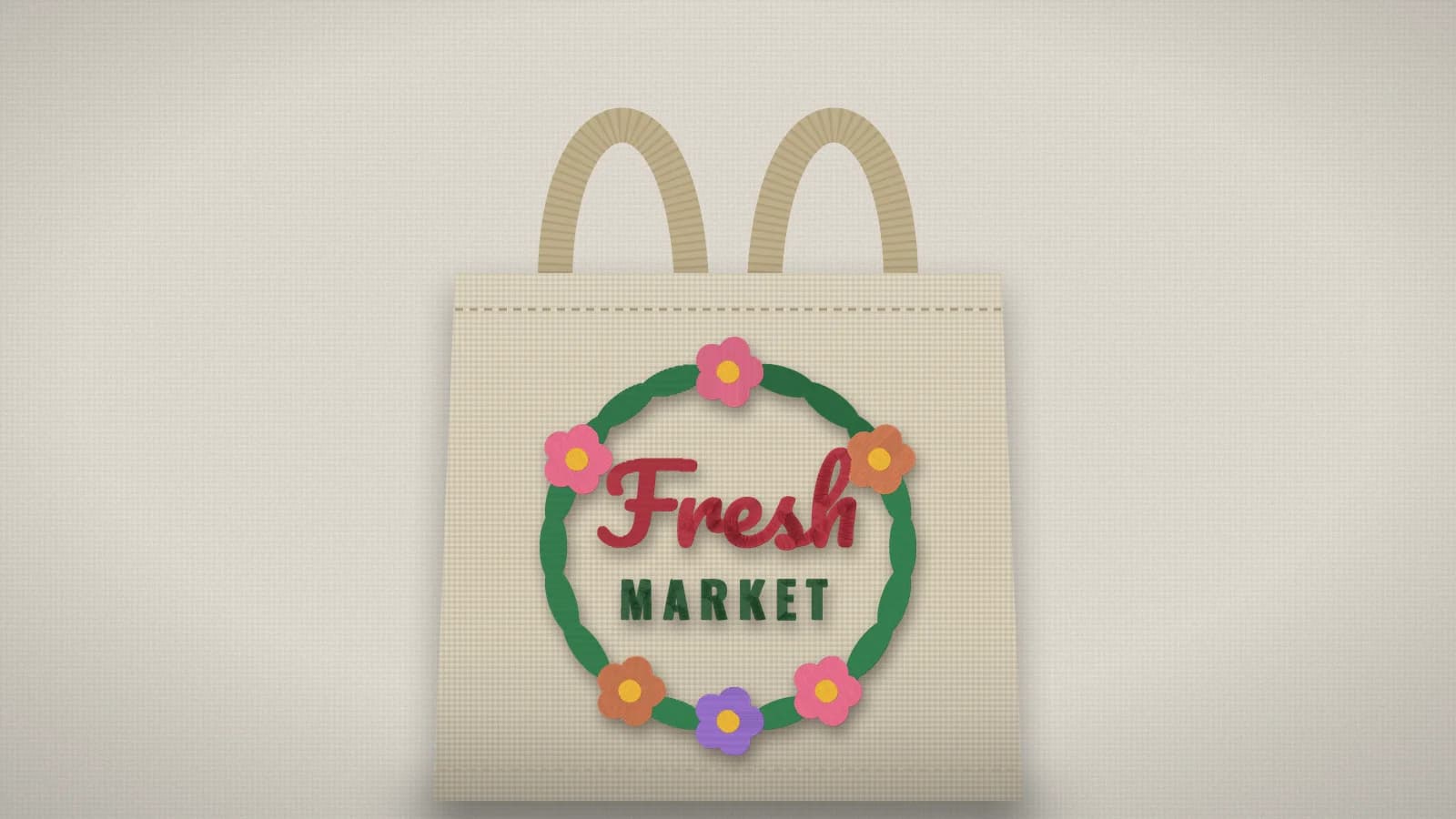
How it looks on a tote bag
On a standard tote, center the design about 2–3 in (50–75 mm) below the top hem. Most bags take designs 5–10 in (125–250 mm) wide; canvas is stable, so fills and fine florals hold their shape well.
How to convert your tote bag to an embroidery file
It takes about a minute, and you can preview every stitch for free before you download.
- 1
Upload your tote bag
Drop the file into the box above or open the digitizer. PNG, JPG, WebP and SVG all work, and a free account is all you need.
- 2
Set the size
Type a width, or pick your hoop from 4×4" to 8×12". The proportions are kept.
- 3
Check colors and stitches
Review the thread colors, the stitch preview and the design check. Switch off any color you don't want stitched.
- 4
Download for your machine
Pick DST, PES, JEF, EXP, VP3, XXX or another format, or download all of them in one ZIP.
Free account · No credit card needed
Common tote bag sizes
| Small tote | 4–6 in (100–150 mm) wide |
|---|---|
| Standard tote | 6–8 in (150–200 mm) wide |
| Large or beach tote | 8–10 in (200–250 mm) wide |
Tips for the best result
- Embroider before the bag is assembled if you can; otherwise open a side seam or use a hoop that fits inside.
- A medium tear-away is usually enough on heavy canvas; use cut-away on thinner bags.
- Keep the design clear of the handles and the top hem so it isn't pulled out of shape.
More detail in our guide to preparing artwork for embroidery.
Skip the per-design digitizing fee
Digitizing services usually charge for every design and take days to send it back. Here you get the file in seconds and can change it as often as you like.
Embrizo
Instant online digitizing
- Price
- From $8 a month
- Turnaround
- Seconds
- Changes
- Unlimited, instant edits
- File formats
- All 9 machine formats
Digitizing service
A person digitizes each order
- Price
- Typically $10–$50+ per design
- Turnaround
- Usually 1–3 business days
- Changes
- Revisions on request, sometimes extra
- File formats
- Usually the one you order
Desktop software
You digitize by hand
- Price
- Often hundreds of dollars upfront
- Turnaround
- As fast as you can work
- Changes
- Unlimited
- File formats
- Depends on the package
| Compare | EmbrizoInstant online digitizing | Digitizing serviceA person digitizes each order | Desktop softwareYou digitize by hand |
|---|---|---|---|
| Price | From $8 a month | Typically $10–$50+ per design | Often hundreds of dollars upfront |
| Turnaround | Seconds | Usually 1–3 business days | As fast as you can work |
| Changes | Unlimited, instant edits | Revisions on request, sometimes extra | Unlimited |
| File formats | All 9 machine formats | Usually the one you order | Depends on the package |
Service and software prices are typical ranges, not quotes. See the full comparison
More things you can make
Real designs digitized automatically. Each one opens a page with sizes, tips and a live before-and-after.
 StitchedTowel embroidery fileNames and monograms for hand, bath and beach towels.Make yours
 StitchedJacket back embroidery fileLarge back designs for jackets, hoodies and vests.Make yours
 StitchedLogo to embroidery fileShirts, caps, uniforms and team wear.Make yours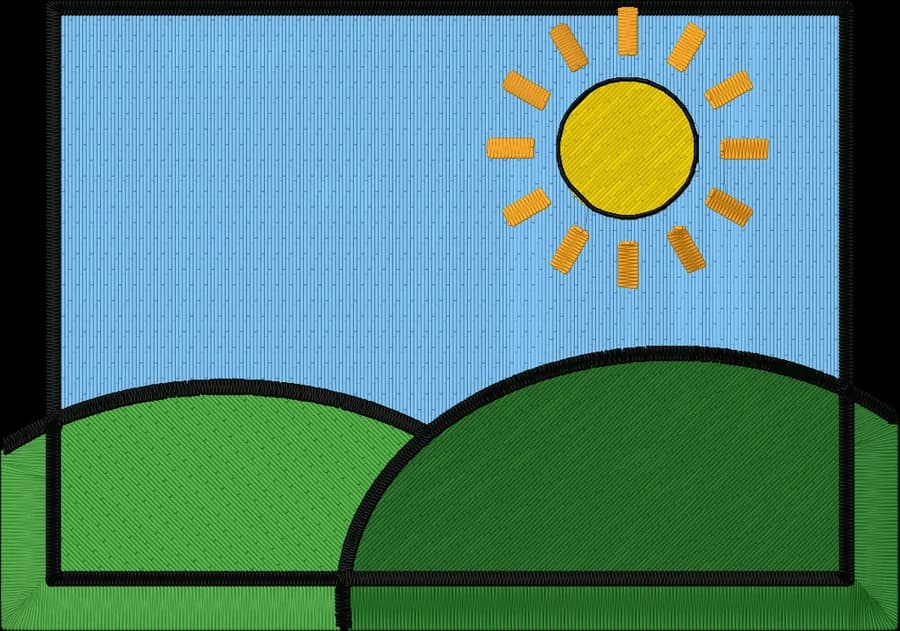
 StitchedPhoto to embroidery filePets, portraits and places, simplified to thread.Make yours
 StitchedHat logo embroidery fileStructured and unstructured cap fronts.Make yours
 StitchedPatch embroidery fileIron-on and sew-on patches with a satin border.Make yours
Free account
Start digitizing in under a minute
Create a free account to digitize any image, try every setting and watch it sew. Choose a plan only when you want to download files.
- Digitize and preview any image
- Realistic stitch preview and sew-out
- Download free ready-made designs
- No credit card needed

Tote bag to embroidery questions
The quickest way to see what it does with your artwork is to try it. With a free account, digitizing and previewing cost nothing and take about a minute.
How big should embroidery be on a tote bag?
About 6 to 8 inches wide on a standard tote, centered 2 to 3 inches below the top hem. Small totes look best around 4 to 6 inches.
Can I embroider a finished tote bag?
Yes, if your hoop fits inside the bag. Turn the handles out of the way and hoop only the front panel, or use a sticky stabilizer and float the bag on top.
What makes a good tote bag design?
Bold shapes and a few flat colors: florals, logos, short quotes and simple illustrations. Very thin lines and photos don't translate well to thread.
How much does Embrizo cost?
Digitizing is free. With a free Embrizo account you can upload an image, digitize it, change every setting, watch the stitch preview and sew-out, run the design check and save a PNG preview. Downloading embroidery files such as DST, PES or JEF needs a paid plan: Hobby ($20 a month, 20 design downloads), Shop ($50 a month, 100) or Pro ($100 a month, unlimited). Billed annually, plans start at $8 a month. A design counts once per month however many formats you download, and you can cancel anytime. The ready-made designs in the free design library download free with an account. The pricing page has the details.
Is my image uploaded to a server?
No. Your image is processed entirely on your own device in your web browser and is never uploaded. When you download, only the finished stitch data is sent to create your file. If you save a design, only the finished stitch file, a small preview and its thread colors are stored in your account, never the original image.
Keep going
Related tools and guides
 GuideEmbroidery placement guide: sizes and positionsStandard embroidery placements with sizes in inches and mm, where to measure from and how to hoop each one.Read the guide
 GuideEmbroidery hoop sizes: a practical guideStandard hoop sizes with their real sewing fields, how to choose one and what to do when a design is too big.Read the guide
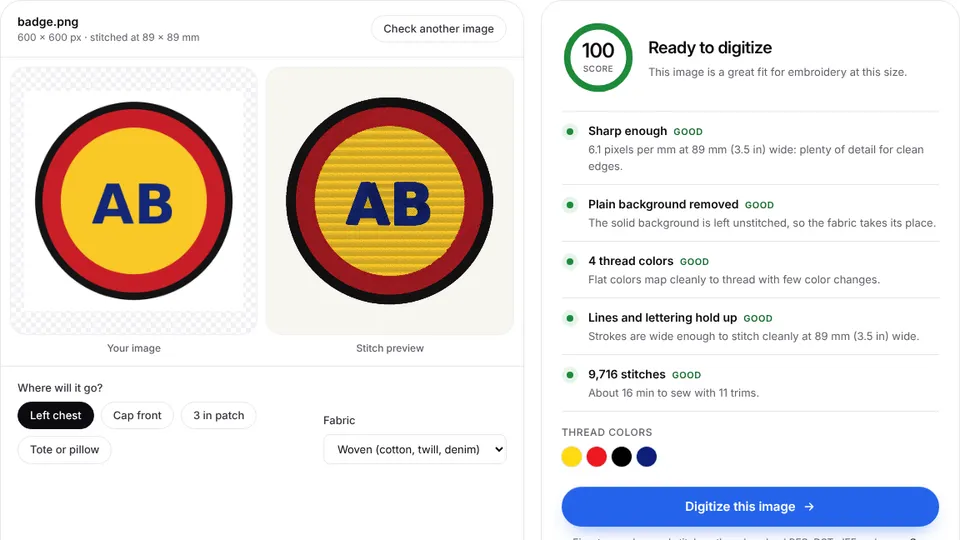 Free toolEmbroidery image checkerUpload an image and see if it's ready to digitize: colors, fine detail, resolution and fixes.Open
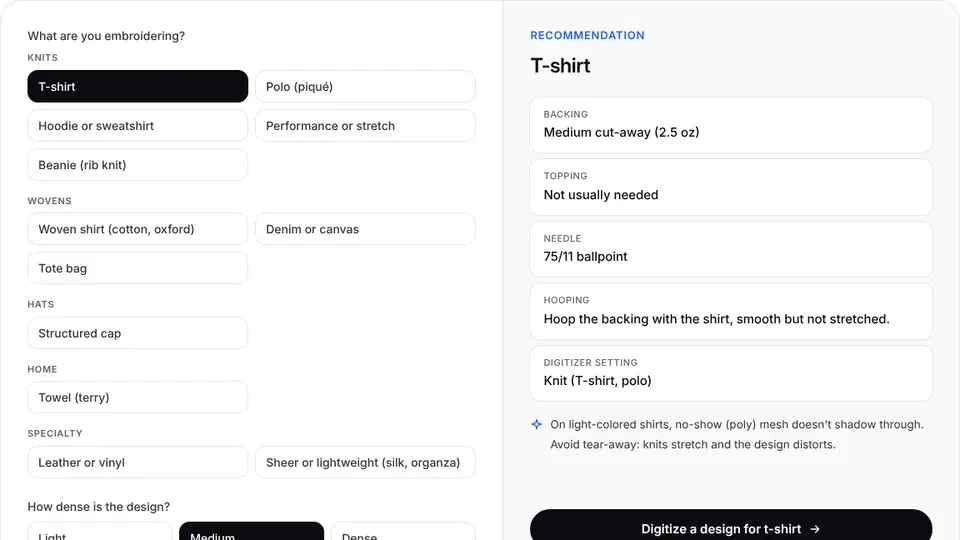 Free toolStabilizer finderPick the fabric and design density to get the right backing, topping, needle and hooping.Open
 Free toolHoop size calculatorFind which hoops fit your design and how far to scale it down if it's too big.Open
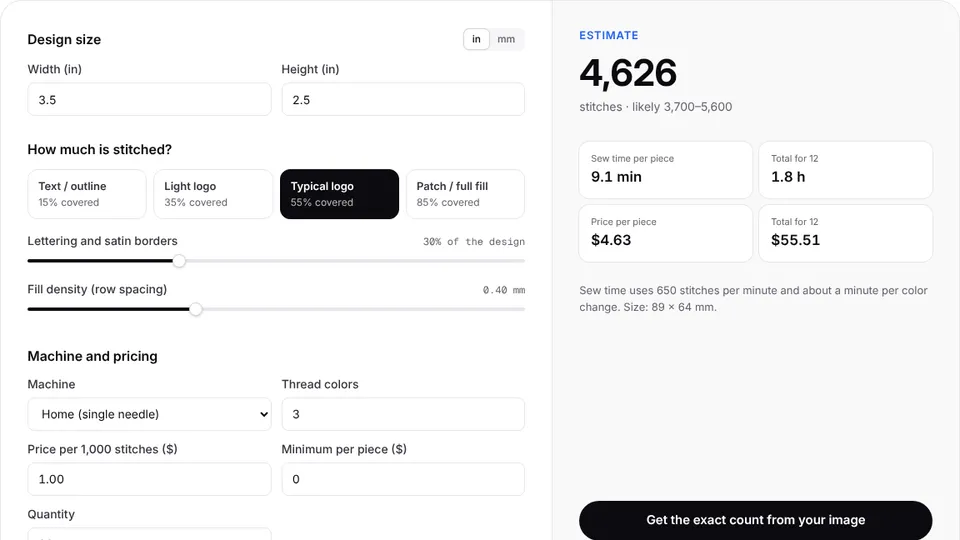 Free toolStitch count & price calculatorEstimate stitches, sew time and price for any design size and coverage.Open
Make your embroidery file now
Sign up free, upload an image and see it stitched in under a minute. Your image stays on your device.