Digitizing software for embroidery businesses
Stop waiting on outsourced digitizing for every new logo. Digitize customer artwork in-house in seconds, quote from the exact stitch count and send DST files straight to your multi-needle machine.
- Files in seconds
- No credit card needed
- 9 machine formats
Same-day quotes
See the real stitch count, colors and sew time of a customer's logo while they're still on the phone.
Keep the digitizing fee
Charge your usual setup fee and keep it, instead of paying a digitizer and waiting one to three days.
Built for production
DST and EXP for commercial machines with trims written the way they expect, plus a color sheet for the needles.
Unlimited on Pro
No monthly cap on downloads, so every revision and every new customer is covered.
From artwork to finished order
The whole job in four steps, with every setting still in your hands.
- 1
Upload the logo
Use the customer's vector or a clean PNG. The design check flags anything too small for the placement.
- 2
Tune for the job
Set the size for left chest, cap or jacket back, pick the fabric and adjust colors and stitch types.
- 3
Quote it
Use the stitch count and sew time in the pricing calculator to price the order and quantity breaks.
- 4
Run it
Download DST for your multi-needle machine, with the color sheet for threading.
What embroidery businesses make with Embrizo
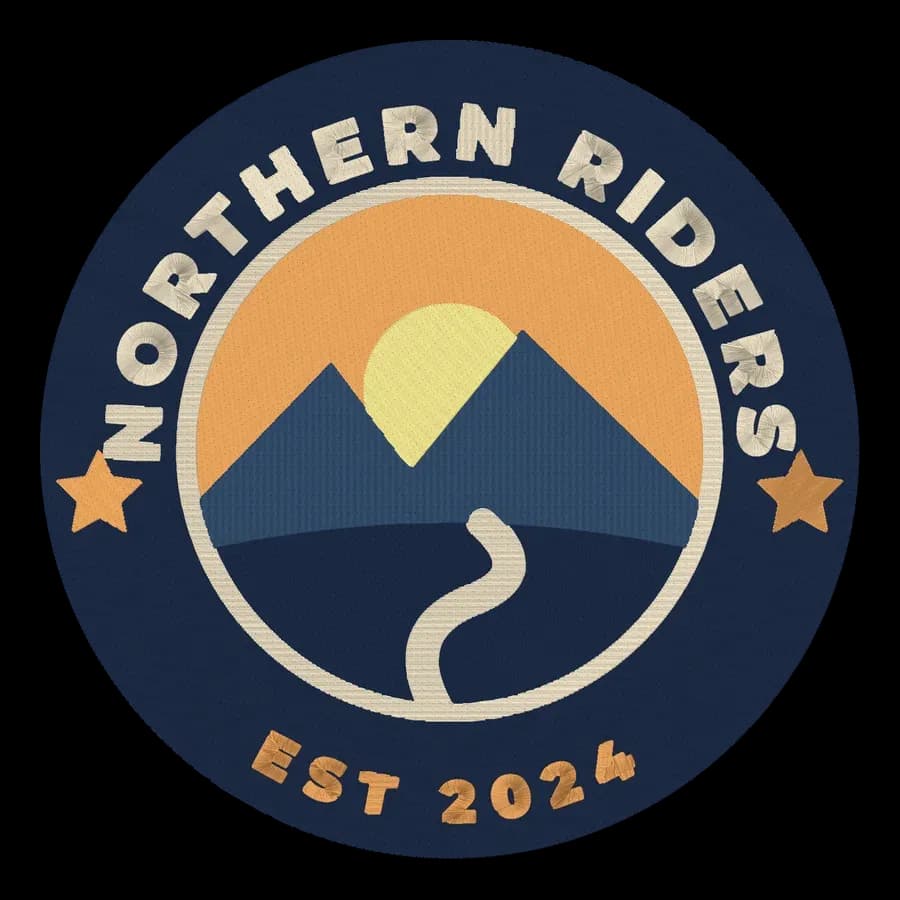
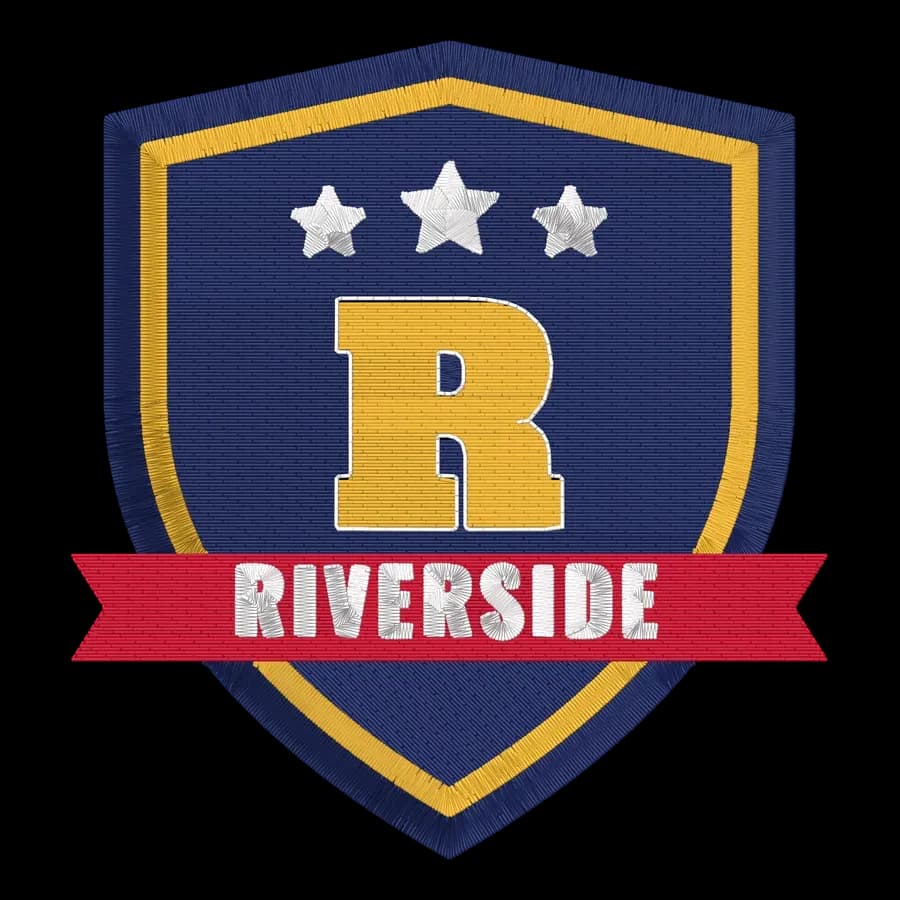
Each one was digitized automatically from the artwork in the corner. Open one for sizes, tips and a before-and-after slider.
 StitchedLeft chest logo embroidery filePolos, scrubs, aprons and workwear.Make yours
 StitchedHat logo embroidery fileStructured and unstructured cap fronts.Make yours
 StitchedTeam logo embroidery fileCrests, mascots and club badges for jerseys and bags.Make yours
 StitchedJacket back embroidery fileLarge back designs for jackets, hoodies and vests.Make yours
 StitchedPatch embroidery fileIron-on and sew-on patches with a satin border.Make yours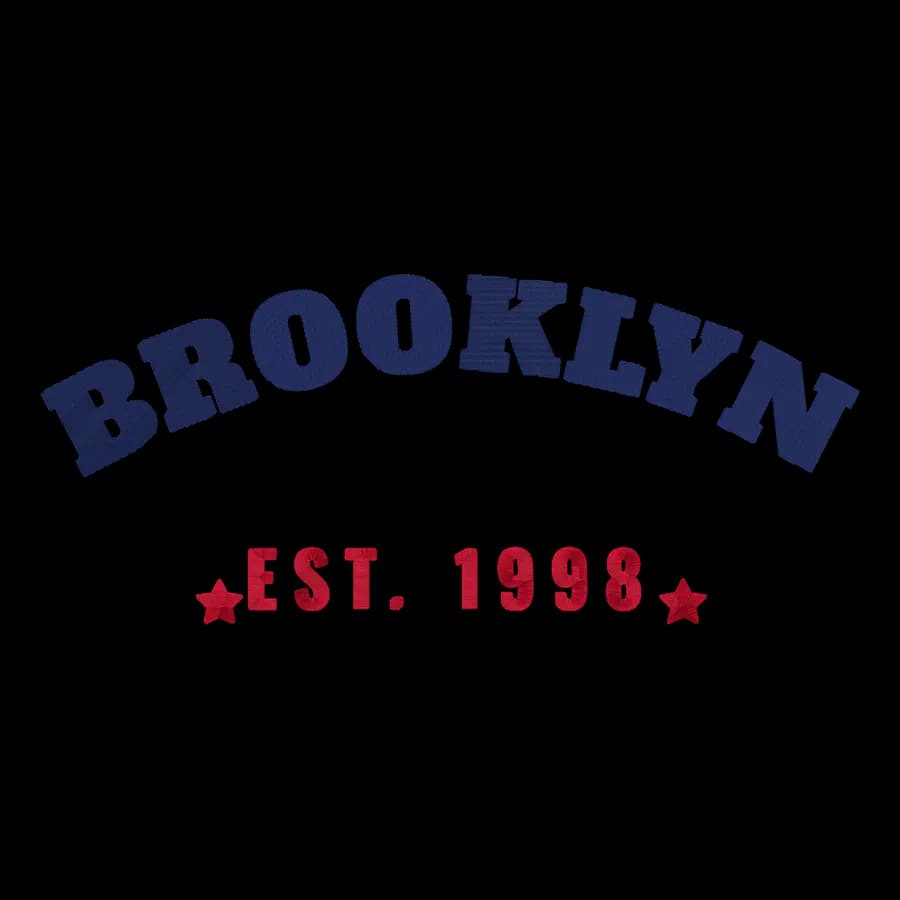
 StitchedHoodie embroidery fileChest logos, arched lettering and sleeve designs.Make yours
Recommended for embroidery businesses
Pro
For production and high volume
$40a month, billed yearly
or $100 billed monthly · Unlimited designs
- Unlimited downloads
- Everything in Shop
- Fastest support response
Digitizing and previews are free with an account; the plan covers downloads.
Tools you'll use every week
 Free toolEmbroidery pricing calculatorQuote embroidery jobs: per-1,000-stitch rates, blanks, setup fees, quantity breaks and profit.Open tool
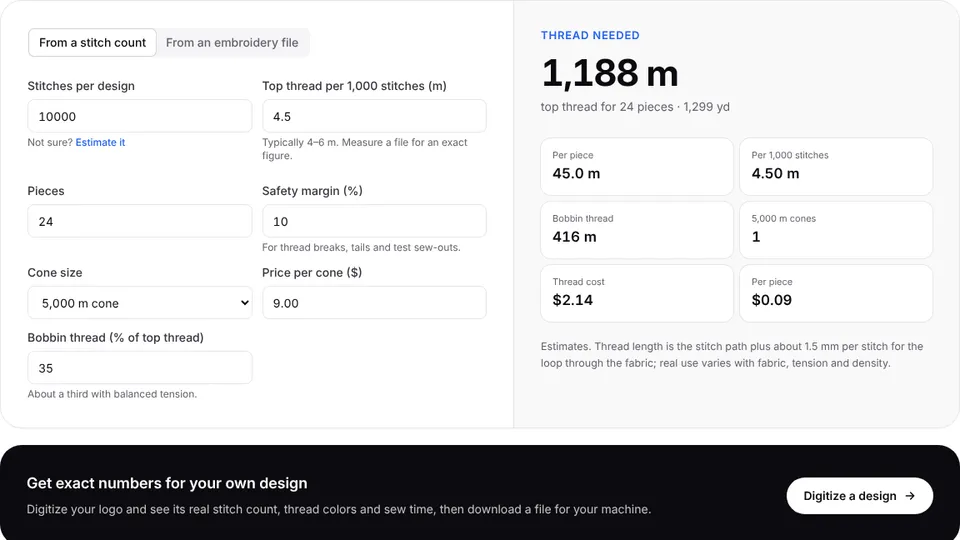 Free toolEmbroidery thread calculatorHow much top and bobbin thread a design needs, per color and per order, from a stitch count or a file.Open tool
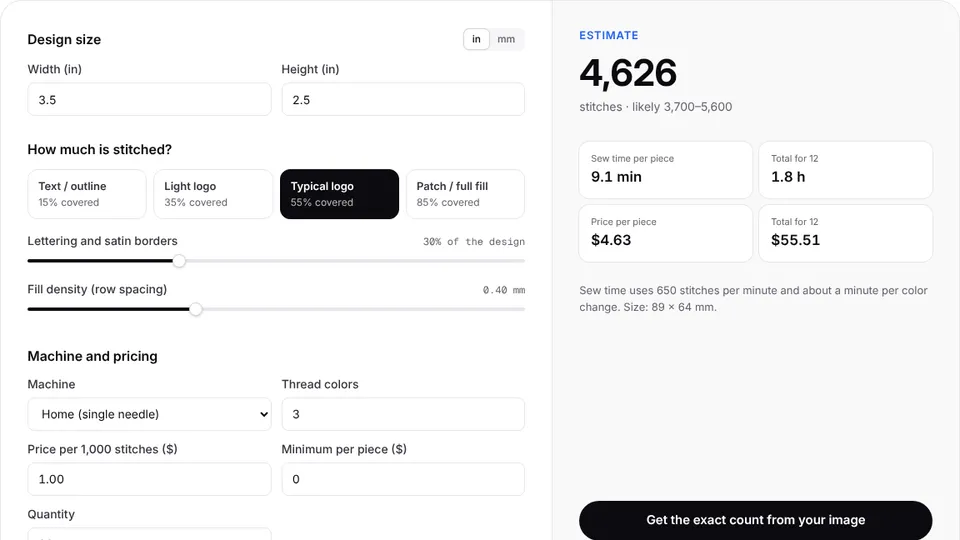 Free toolStitch count & price calculatorEstimate stitches, sew time and price for any design size and coverage.Open tool
 Free toolDST file viewerOpen .dst embroidery files in your browser: stitches, sew-out, colors, size and stitch count.Open tool
Guides for embroidery businesses
 GuideHow to price embroidery workA practical method for quoting embroidery: stitch rates, minimums, quantity breaks, setup fees, blanks and the machine time behind them.Read the guide
 GuideHow much does embroidery digitizing cost?What drives digitizing prices, how services, software and subscriptions compare, and how to work out your cost per design.Read the guide
 GuideHow to embroider a logo on a hatCap types, how big a hat logo can be, how to hold the cap, and how to design and sew a logo that stays crisp.Read the guide
Free account
Your next order, digitized in seconds
Create a free account to digitize any image, try every setting and watch it sew. Choose a plan only when you want to download files.
- Digitize and preview any image
- Realistic stitch preview and sew-out
- Download free ready-made designs
- No credit card needed
Questions from embroidery businesses
The quickest way to see what it does with your artwork is to try it. With a free account, digitizing and previewing cost nothing and take about a minute.
Does it work with multi-needle machines?
Yes. Download DST (or EXP, and the other formats) for Tajima, Barudan, Ricoma, SWF, Melco and most other commercial machines. DST doesn't store thread colors, so a color sheet comes with it.
Is it as good as a professional digitizer?
For logos, lettering and patches it gives you a production-ready file in seconds. For photo-realistic thread painting, 3D puff or very small text on structured caps, a specialist digitizer is still worth it.
Can we open files customers send us?
Yes. The file viewer opens DST, PES, JEF, EXP, VP3, XXX, PEC, U01 and TBF files, shows the stitches and colors, and converts them to another format. To change the shapes, digitize the original artwork again.
Which plan is right for a shop?
Pro has unlimited downloads, which suits a busy shop. Smaller shops often start on Shop with 100 designs a month and move up as volume grows.
Also made for
Comparing software?
Built for embroidery businesses
Sign up free, upload an image and get a ready-to-sew file for your machine in seconds.