Make a hoodie embroidery file
Arched college lettering, a club logo on the chest or a small design on the sleeve: upload your artwork and get a hoodie embroidery file with the heavier underlay and pull compensation thick fleece needs.
Drop your image here
PNG, JPG, WebP or SVG · stays on your device
- Free account and preview
- 9 machine formats
- Runs in your browser
Made for fleece
The fleece setting adds heavier underlay and more pull compensation, so lettering stays crisp on thick, stretchy sweatshirt fabric.
Every placement
Size the same artwork for a full chest, a left chest, a sleeve or the back, and see the stitch count and sew time for each.
Bold lettering
Varsity and arched text becomes smooth satin; large letters switch to fill so they lie flat instead of loosening.
How it looks on a hoodie
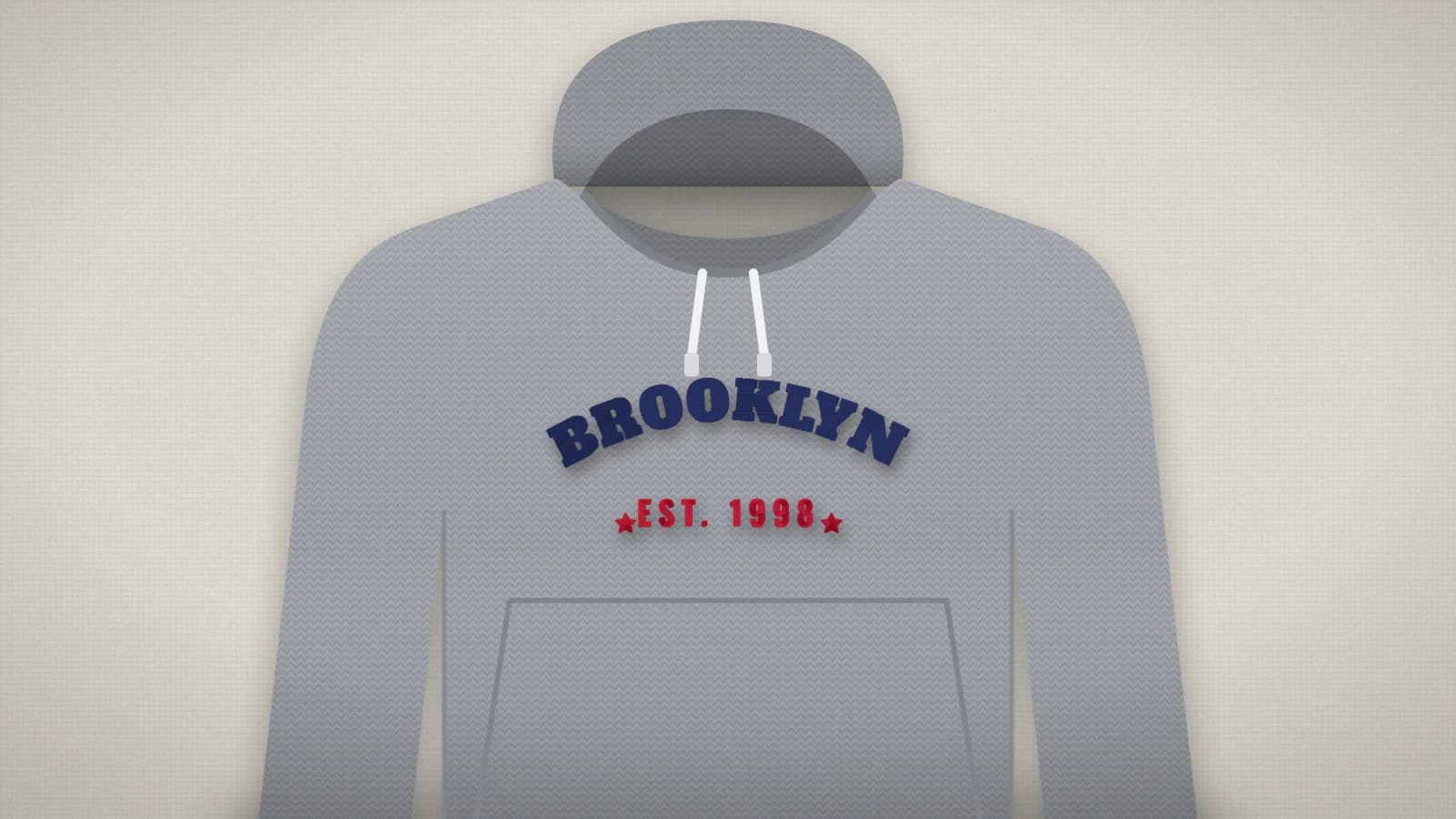
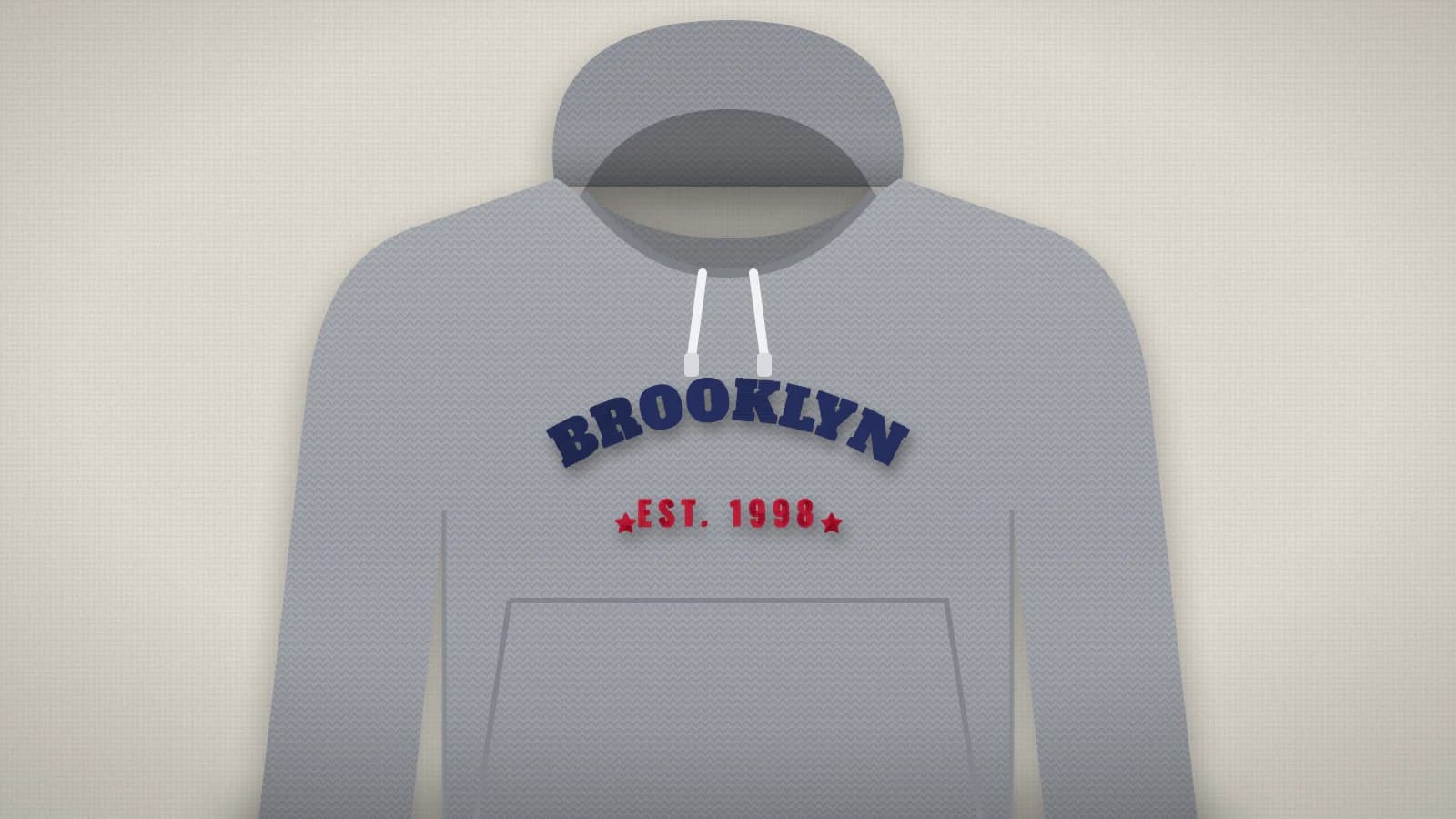
Center chest designs usually sit 3–4 in (75–100 mm) below the collar, between the drawstrings and the pocket. Keep them 8–10 in (200–250 mm) wide on adult sizes, and choose the fleece setting so the stitches stay on top of the pile.
How to convert your hoodie to an embroidery file
It takes about a minute, and you can preview every stitch for free before you download.
- 1
Upload your hoodie
Drop the file into the box above or open the digitizer. PNG, JPG, WebP and SVG all work, and a free account is all you need.
- 2
Set the size
Type a width, or pick your hoop from 4×4" to 8×12". The proportions are kept.
- 3
Check colors and stitches
Review the thread colors, the stitch preview and the design check. Switch off any color you don't want stitched.
- 4
Download for your machine
Pick DST, PES, JEF, EXP, VP3, XXX or another format, or download all of them in one ZIP.
Free account · No credit card needed
Common hoodie sizes
| Full chest | 8–10 in (200–250 mm) wide |
|---|---|
| Left chest | 3–4 in (75–100 mm) wide |
| Sleeve | 2.5–3.5 in (65–90 mm) wide |
| Back | 10–12 in (250–300 mm) wide |
Tips for the best result
- Use a cut-away stabilizer and a water-soluble topping on fleece so stitches don't sink in.
- Hoop the hoodie inside out through the bottom hem, and keep the hood and pocket out of the hoop.
- Avoid very thin lines and tiny text on fleece: keep letters at least 6 mm tall.
More detail in our guide to preparing artwork for embroidery.
Skip the per-design digitizing fee
Digitizing services usually charge for every design and take days to send it back. Here you get the file in seconds and can change it as often as you like.
Embrizo
Instant online digitizing
- Price
- From $8 a month
- Turnaround
- Seconds
- Changes
- Unlimited, instant edits
- File formats
- All 9 machine formats
Digitizing service
A person digitizes each order
- Price
- Typically $10–$50+ per design
- Turnaround
- Usually 1–3 business days
- Changes
- Revisions on request, sometimes extra
- File formats
- Usually the one you order
Desktop software
You digitize by hand
- Price
- Often hundreds of dollars upfront
- Turnaround
- As fast as you can work
- Changes
- Unlimited
- File formats
- Depends on the package
| Compare | EmbrizoInstant online digitizing | Digitizing serviceA person digitizes each order | Desktop softwareYou digitize by hand |
|---|---|---|---|
| Price | From $8 a month | Typically $10–$50+ per design | Often hundreds of dollars upfront |
| Turnaround | Seconds | Usually 1–3 business days | As fast as you can work |
| Changes | Unlimited, instant edits | Revisions on request, sometimes extra | Unlimited |
| File formats | All 9 machine formats | Usually the one you order | Depends on the package |
Service and software prices are typical ranges, not quotes. See the full comparison
More things you can make
Real designs digitized automatically. Each one opens a page with sizes, tips and a live before-and-after.
 StitchedBeanie embroidery fileSmall cuff logos for knit hats.Make yours
 StitchedTote bag embroidery fileFlorals, shop logos and lettering for canvas bags.Make yours
 StitchedTowel embroidery fileNames and monograms for hand, bath and beach towels.Make yours
 StitchedJacket back embroidery fileLarge back designs for jackets, hoodies and vests.Make yours
 StitchedLogo to embroidery fileShirts, caps, uniforms and team wear.Make yours
 StitchedPhoto to embroidery filePets, portraits and places, simplified to thread.Make yours
Free account
Start digitizing in under a minute
Create a free account to digitize any image, try every setting and watch it sew. Choose a plan only when you want to download files.
- Digitize and preview any image
- Realistic stitch preview and sew-out
- Download free ready-made designs
- No credit card needed

Hoodie to embroidery questions
The quickest way to see what it does with your artwork is to try it. With a free account, digitizing and previewing cost nothing and take about a minute.
Where should I put a design on a hoodie?
Center chest, about 3–4 inches below the collar, is the classic spot. Left chest, the sleeve and the upper back are popular too. Pick the placement first, then set the matching width in the digitizer.
What stabilizer works on a hoodie?
A medium cut-away keeps the design from stretching out of shape, with a water-soluble topping on top of the fleece. The stabilizer finder suggests the right combination for your fabric.
Can I embroider over the front pocket?
Stay above it: the pocket adds a second layer and seams the needle has to cross. Keep the design between the drawstrings and the top of the pocket.
How much does Embrizo cost?
Digitizing is free. With a free Embrizo account you can upload an image, digitize it, change every setting, watch the stitch preview and sew-out, run the design check and save a PNG preview. Downloading embroidery files such as DST, PES or JEF needs a paid plan: Hobby ($20 a month, 20 design downloads), Shop ($50 a month, 100) or Pro ($100 a month, unlimited). Billed annually, plans start at $8 a month. A design counts once per month however many formats you download, and you can cancel anytime. The ready-made designs in the free design library download free with an account. The pricing page has the details.
Is my image uploaded to a server?
No. Your image is processed entirely on your own device in your web browser and is never uploaded. When you download, only the finished stitch data is sent to create your file. If you save a design, only the finished stitch file, a small preview and its thread colors are stored in your account, never the original image.
Keep going
Related tools and guides
 GuideHow to embroider a hoodieHow to hoop a thick hoodie, where designs go and how big, which backing and topping to use, and how to set up the file for fleece.Read the guide
 GuideEmbroidery stabilizer guide: which backing for which fabricThe stabilizer types, which one each fabric needs and how to hoop for a flat, pucker-free result.Read the guide
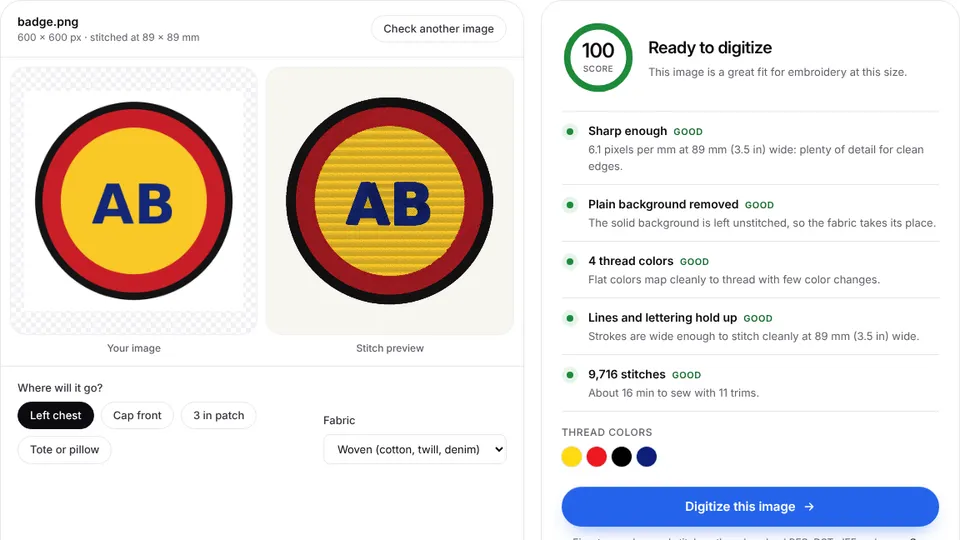 Free toolEmbroidery image checkerUpload an image and see if it's ready to digitize: colors, fine detail, resolution and fixes.Open
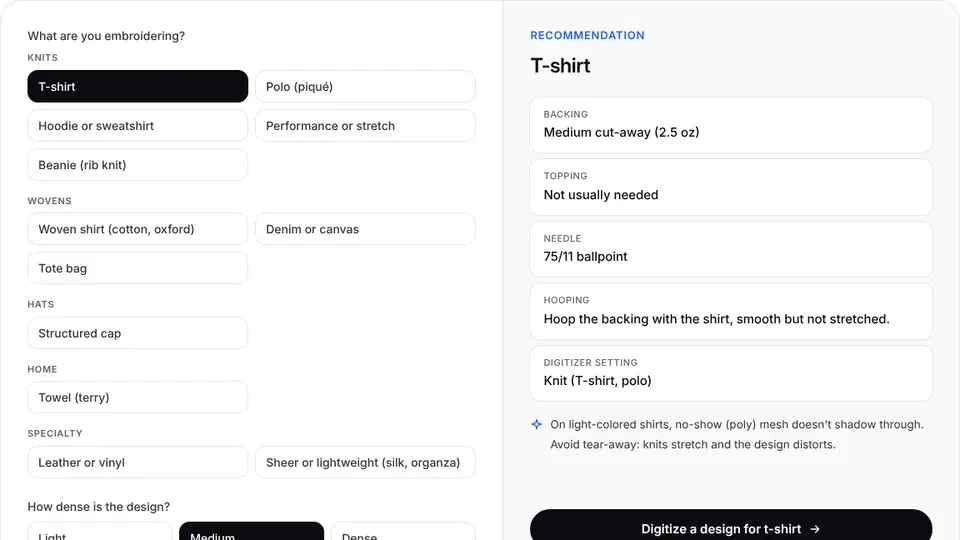 Free toolStabilizer finderPick the fabric and design density to get the right backing, topping, needle and hooping.Open
 Free toolHoop size calculatorFind which hoops fit your design and how far to scale it down if it's too big.Open
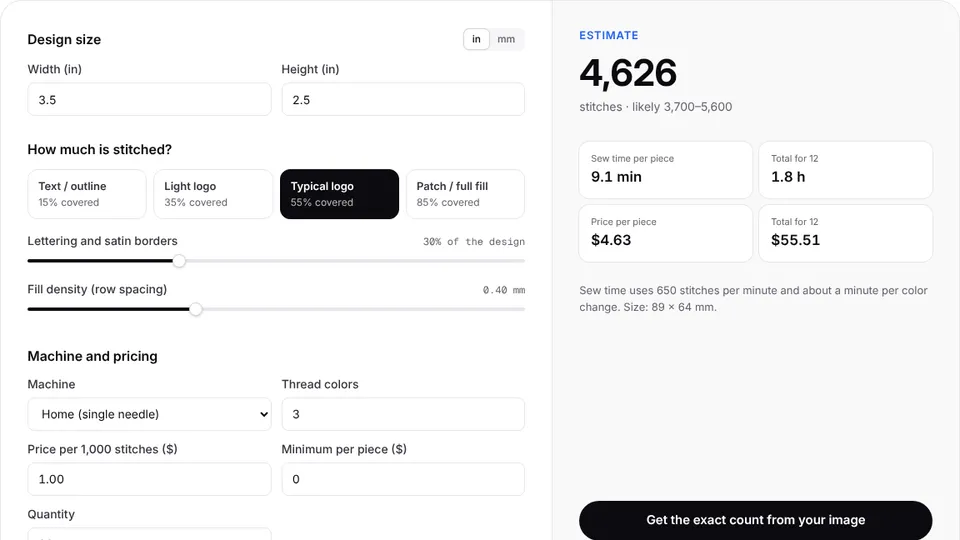 Free toolStitch count & price calculatorEstimate stitches, sew time and price for any design size and coverage.Open
Make your embroidery file now
Sign up free, upload an image and see it stitched in under a minute. Your image stays on your device.