Embroidery digitizing for home embroiderers
You have a home embroidery machine and plenty of ideas: your kids' drawings, a name for a gift, a design for your own hoodie. Turn them into files your machine reads, without learning digitizing software.
- Files in seconds
- No credit card needed
- 9 machine formats
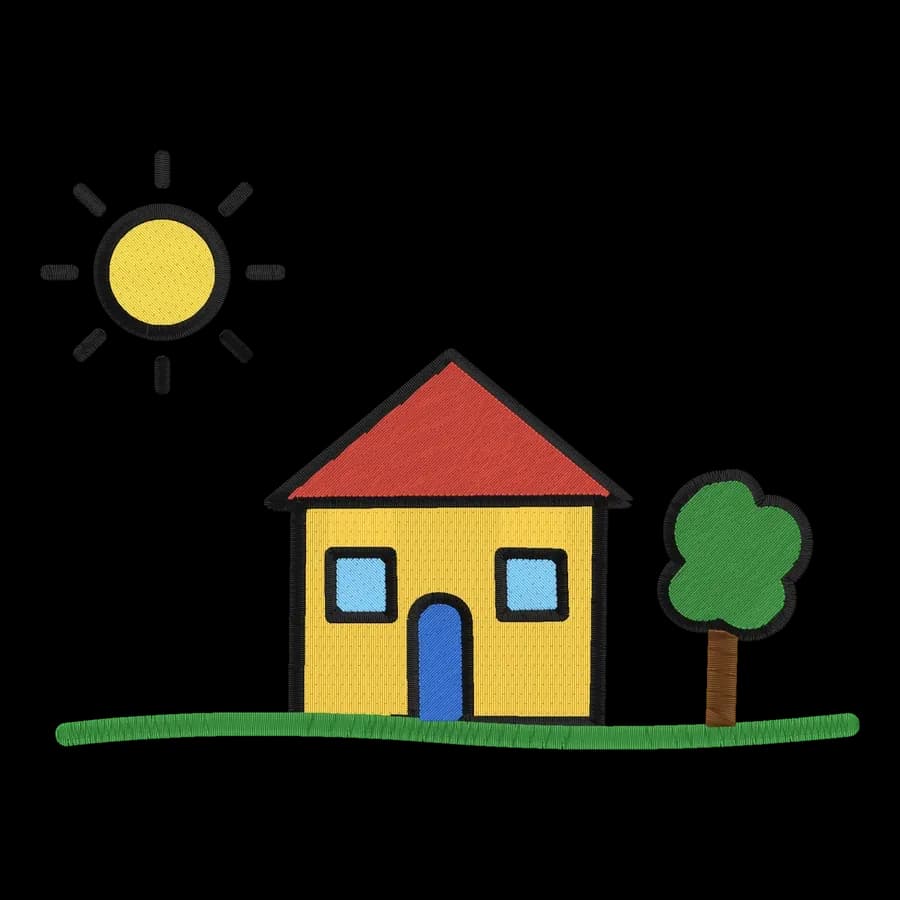
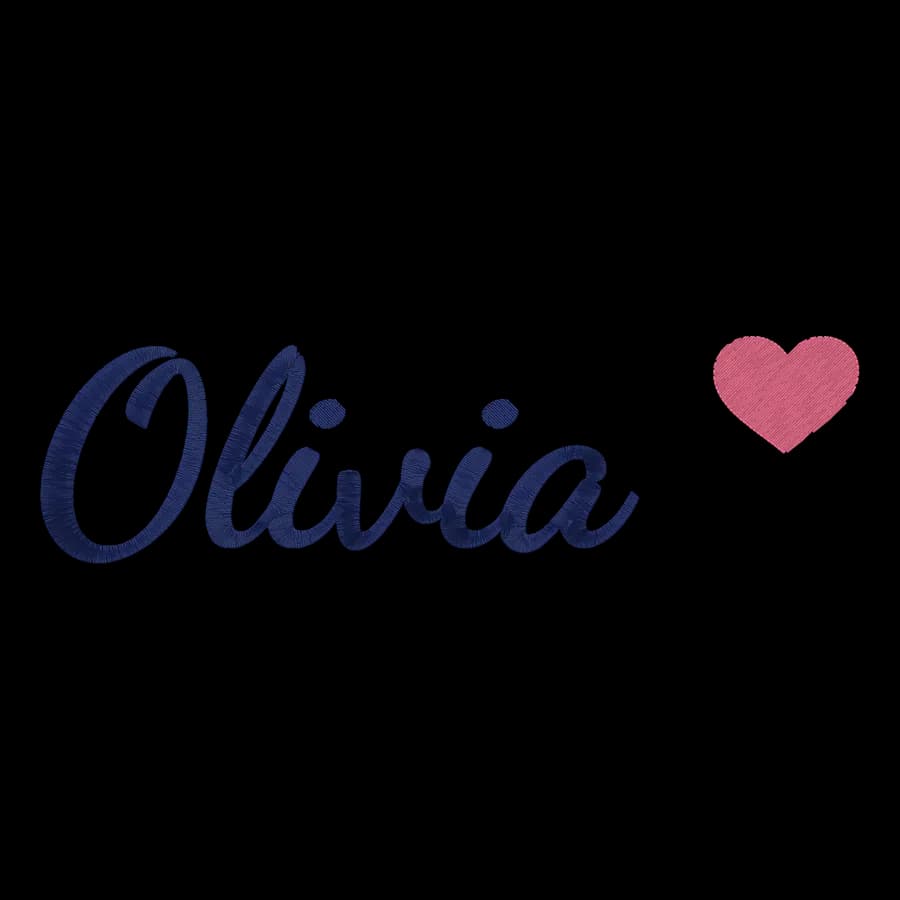
No software to learn
Upload a picture and the stitches, colors and underlay are handled for you. Change anything with plain settings.
Your machine's format
PES for Brother and Baby Lock, JEF for Janome, EXP for Bernina, VP3 for Husqvarna Viking and Pfaff, XXX for Singer.
Gifts and keepsakes
Kids' art, handwritten notes, pet portraits, names and monograms, stitched exactly as you want them.
Free helpers
Font previewer, monogram maker, hoop size calculator and stabilizer finder, all free to use.
From artwork to finished order
The whole job in four steps, with every setting still in your hands.
- 1
Pick your idea
A drawing, a photo turned into simple shapes, a logo or a name.
- 2
Fit it to your hoop
Choose your hoop size, from 4 x 4 in to 8 x 12 in, and the design scales to fit.
- 3
Check the stitches
Watch the sew-out and the design check before anything touches fabric.
- 4
Stitch it
Download your machine's format, copy it to a USB stick and sew.
What home embroiderers make with Embrizo
Each one was digitized automatically from the artwork in the corner. Open one for sizes, tips and a before-and-after slider.
 StitchedDrawing to embroidery fileKids' art, doodles and sketches.Make yours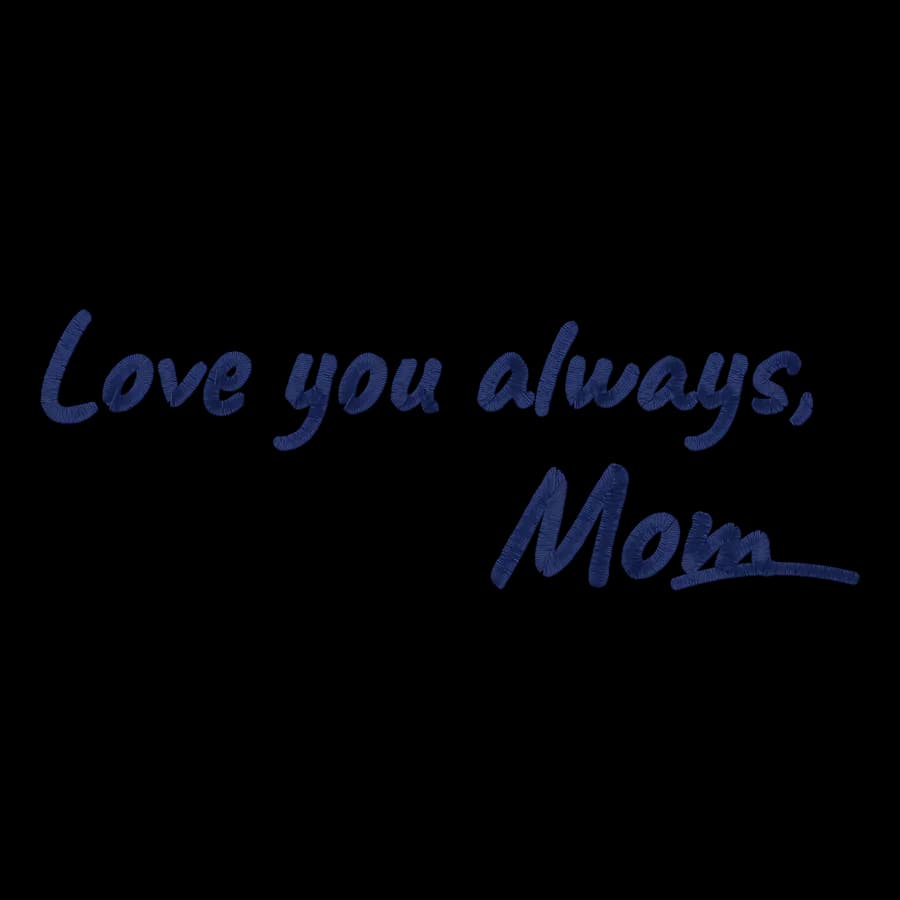
 StitchedHandwriting to embroidery fileNotes, signatures and family recipes.Make yours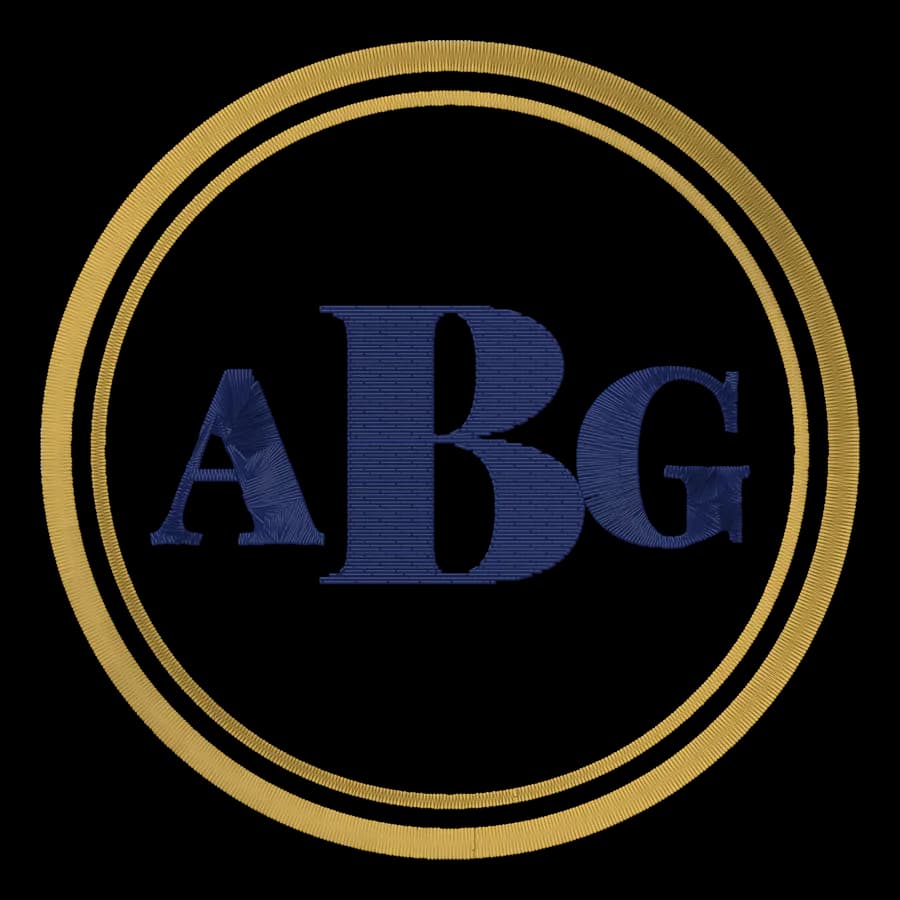
 StitchedMonogram embroidery fileTowels, linens, robes and wedding gifts.Make yours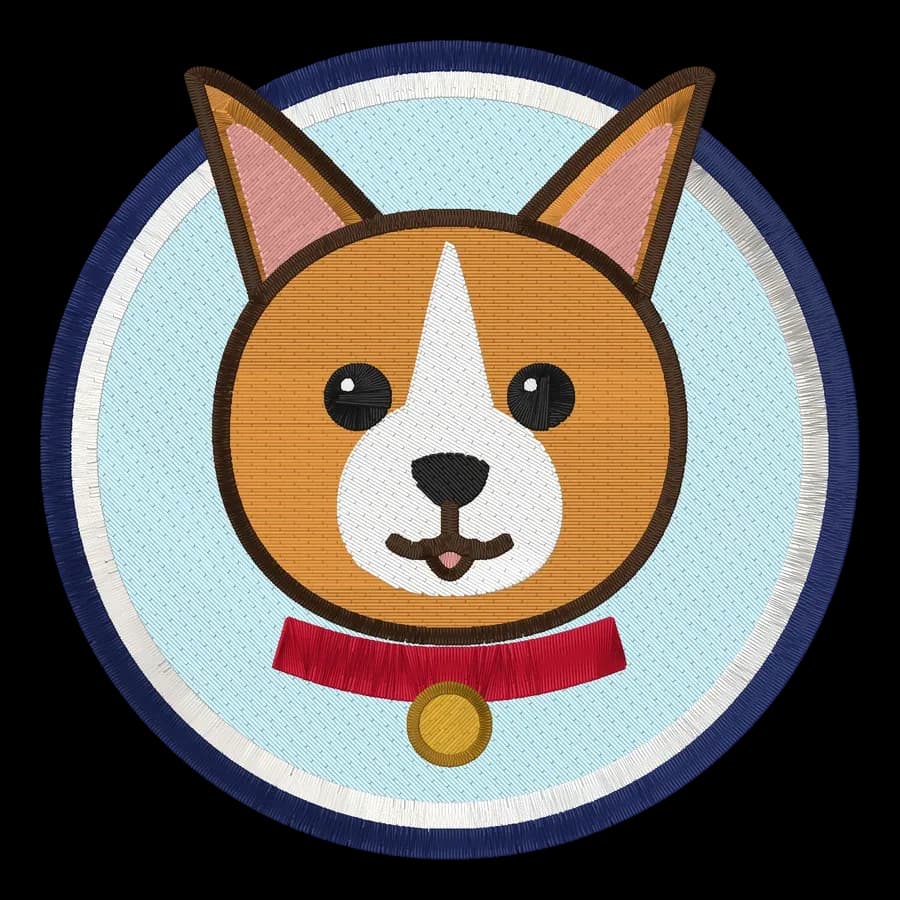
 StitchedPet portrait embroidery fileDogs, cats and other pets as cartoon-style portraits.Make yours
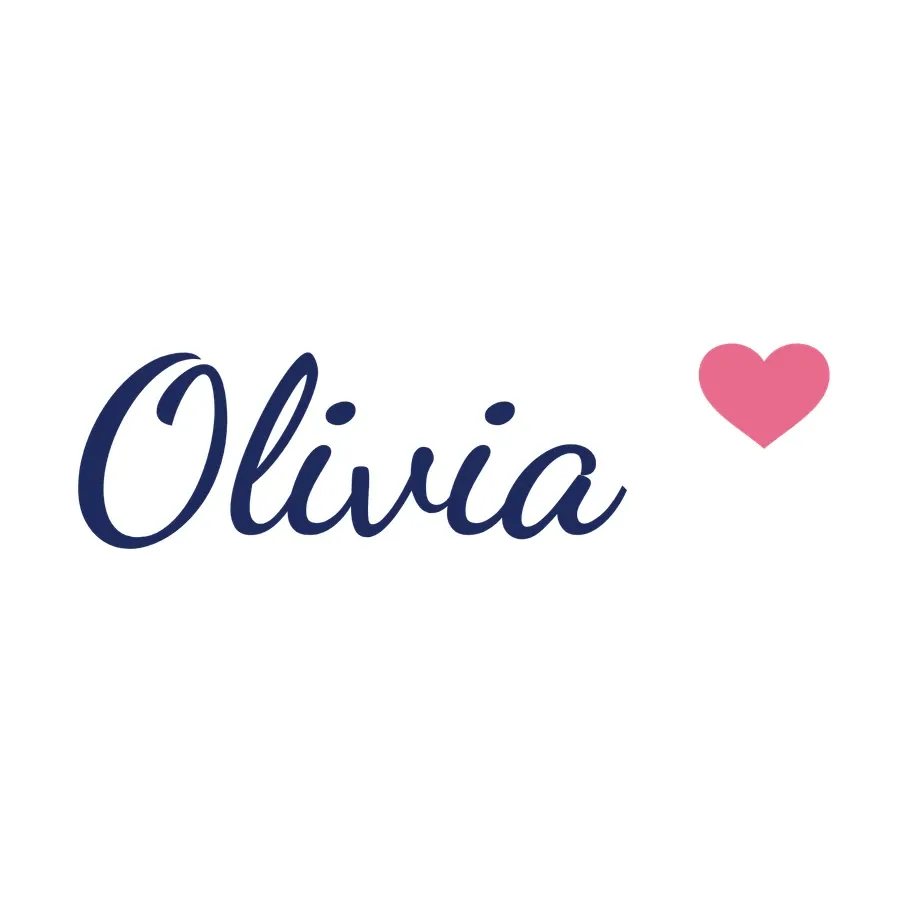 StitchedTowel embroidery fileNames and monograms for hand, bath and beach towels.Make yours
 StitchedBeanie embroidery fileSmall cuff logos for knit hats.Make yours
Recommended for home embroiderers
Hobby
For personal projects and gifts
$8a month, billed yearly
or $20 billed monthly · $0.40 a design at full use
- 20 downloads / month
- All 9 machine formats, plus SVG
- Unlimited digitizing and previews
- Saved designs library
- Email support
Digitizing and previews are free with an account; the plan covers downloads.
Tools you'll use every week
 Free previewMonogram makerDesign a classic one- or three-letter monogram and turn it into an embroidery file.Open tool
 Free toolEmbroidery font previewerType a name and see it stitched in 12 lettering fonts, with stitch counts and minimum sizes.Open tool
 Free toolHoop size calculatorFind which hoops fit your design and how far to scale it down if it's too big.Open tool
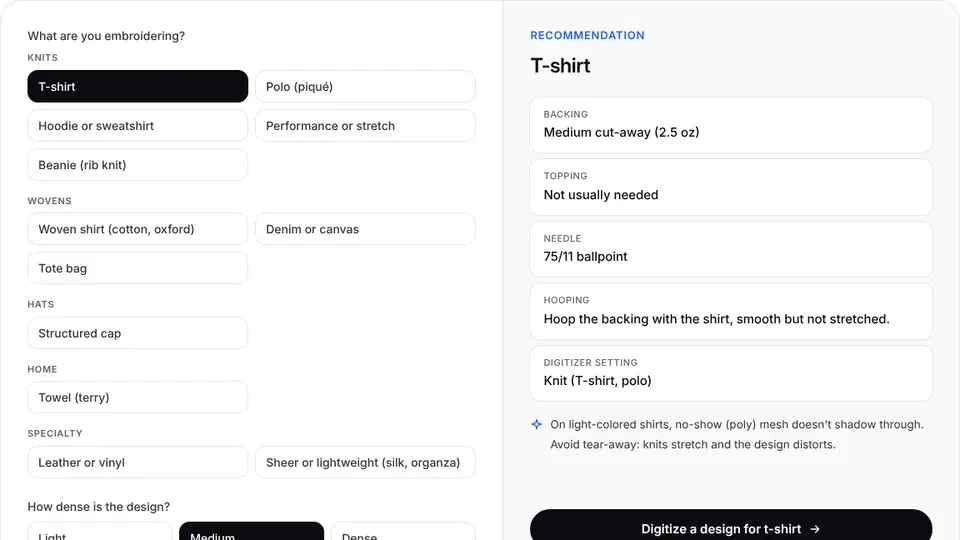 Free toolStabilizer finderPick the fabric and design density to get the right backing, topping, needle and hooping.Open tool
Guides for home embroiderers
 GuideHow to turn a drawing into embroideryHow to capture a drawing, prepare its lines and colors, and size it so it stitches the way it looks on paper.Read the guide
 GuideEmbroidery hoop sizes: a practical guideStandard hoop sizes with their real sewing fields, how to choose one and what to do when a design is too big.Read the guide
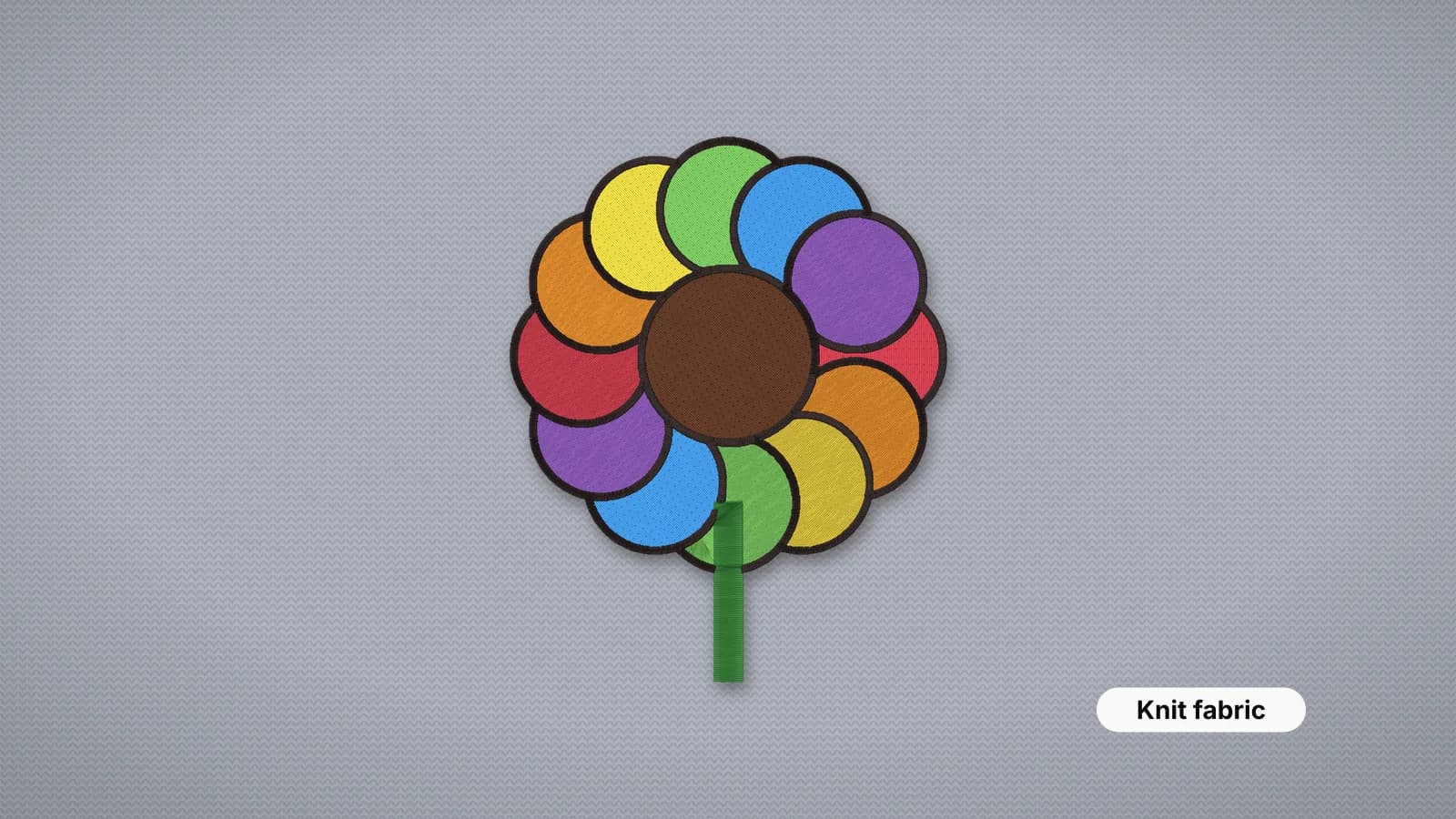 GuideEmbroidery stabilizer guide: which backing for which fabricThe stabilizer types, which one each fabric needs and how to hoop for a flat, pucker-free result.Read the guide
16 original designs, digitized and ready to sew. Download them free with an account in PES, DST, JEF and every other format.
 FreeChristmas tree68 × 94 mm · 4,684 stitches · 5 colors
 FreeFox67 × 95 mm · 5,801 stitches · 5 colors
 FreeSunflower58 × 95 mm · 5,162 stitches · 5 colors
 FreeRainbow95 × 54 mm · 6,550 stitches · 7 colors
 FreeSnowman58 × 95 mm · 6,857 stitches · 6 colors
 FreeCoffee mug94 × 95 mm · 6,056 stitches · 4 colors
 FreeBumblebee95 × 87 mm · 8,608 stitches · 5 colors
 FreeHome sweet home95 × 69 mm · 5,657 stitches · 5 colors
Free account
Your next order, digitized in seconds
Create a free account to digitize any image, try every setting and watch it sew. Choose a plan only when you want to download files.
- Digitize and preview any image
- Realistic stitch preview and sew-out
- Download free ready-made designs
- No credit card needed
Questions from home embroiderers
The quickest way to see what it does with your artwork is to try it. With a free account, digitizing and previewing cost nothing and take about a minute.
Will it work with my home machine?
Yes, if it reads one of the common formats: Brother, Baby Lock, Janome, Elna, Bernina, Husqvarna Viking, Pfaff and Singer machines all do. The machine pages explain how to load files on each.
Is Hobby enough for personal projects?
Hobby includes 20 design downloads a month, which covers most hobby use. Downloading the same design again in another format doesn't use another download.
Do I need to know how to digitize?
No. The digitizer makes the decisions an experienced digitizer would, and the design check points out anything that might not sew well.
Can I try it before paying?
Yes. Create a free account to digitize, preview and save designs. You only need a plan to download embroidery files.
Also made for
Comparing software?
Built for home embroiderers
Sign up free, upload an image and get a ready-to-sew file for your machine in seconds.