Reduce image colors for embroidery
Turn any picture into a few flat colors, the way an embroidery machine needs it. Pick how many thread colors you want, see the closest Brother or Janome threads, and download the result or digitize it straight away.
Drop an image to reduce its colors
PNG, JPG, WebP, GIF, BMP or SVG · processed in your browser
The same color separation the digitizer uses
Auto or a fixed count
Let it find the natural number of colors, or force 2, 3, 4, 5, 6, 8, 10 or 12.
Perceptual clustering
Colors are grouped in Lab space, so similar shades merge the way your eye sees them.
Cleanup
Speckles and anti-aliased edges are folded into their neighbors, leaving clean shapes.
Background removed
A plain or transparent background is left out, as it would be unstitched.
Thread matching
Every color gets the closest Brother or Janome thread, with its share of the design.
Download or digitize
Save a PNG, or open the reduced image in the digitizer.
Choosing the right number of colors
- Start with Auto, then go lower until the image stops reading well: that's your minimum.
- Merge near-identical shades. Two blues a viewer can't tell apart still cost a color change.
- For photos, 4 to 8 colors usually keep the subject recognizable; pets and portraits need simplification.
- Keep at least one dark color for outlines and details; it carries most of the shape.
Free account
Start digitizing in under a minute
Create a free account to digitize any image, try every setting and watch it sew. Choose a plan only when you want to download files.
- Digitize and preview any image
- Realistic stitch preview and sew-out
- Download free ready-made designs
- No credit card needed

Questions
The quickest way to see what it does with your artwork is to try it. With a free account, digitizing and previewing cost nothing and take about a minute.
Why do I need to reduce colors for embroidery?
Every color in an embroidery design is a separate thread and a color change on the machine. Photos and shaded artwork have thousands of colors; a design needs a handful of flat areas, usually 2 to 8, to sew cleanly and quickly.
How many colors should an embroidery design have?
Most logos use 2 to 6 thread colors. Detailed illustrations may use 8 to 12. Fewer colors mean fewer color changes and trims, a faster sew-out and a cleaner look.
How are the thread colors matched?
Each reduced color is matched to the nearest thread in the Brother or Janome chart by perceived color difference (CIE Lab). Check the result against a real thread card before ordering cones.
Is my image uploaded?
No. The colors are reduced in your browser with the same analysis the digitizer uses.
Can I turn the result into an embroidery file?
Yes. Press Digitize this image and it opens in the digitizer, ready to become a DST, PES or JEF file.
More tools
Keep going
 GuideHow to prepare an image for embroidery digitizingA checklist for turning a logo or picture into artwork that digitizes cleanly.Read the guide
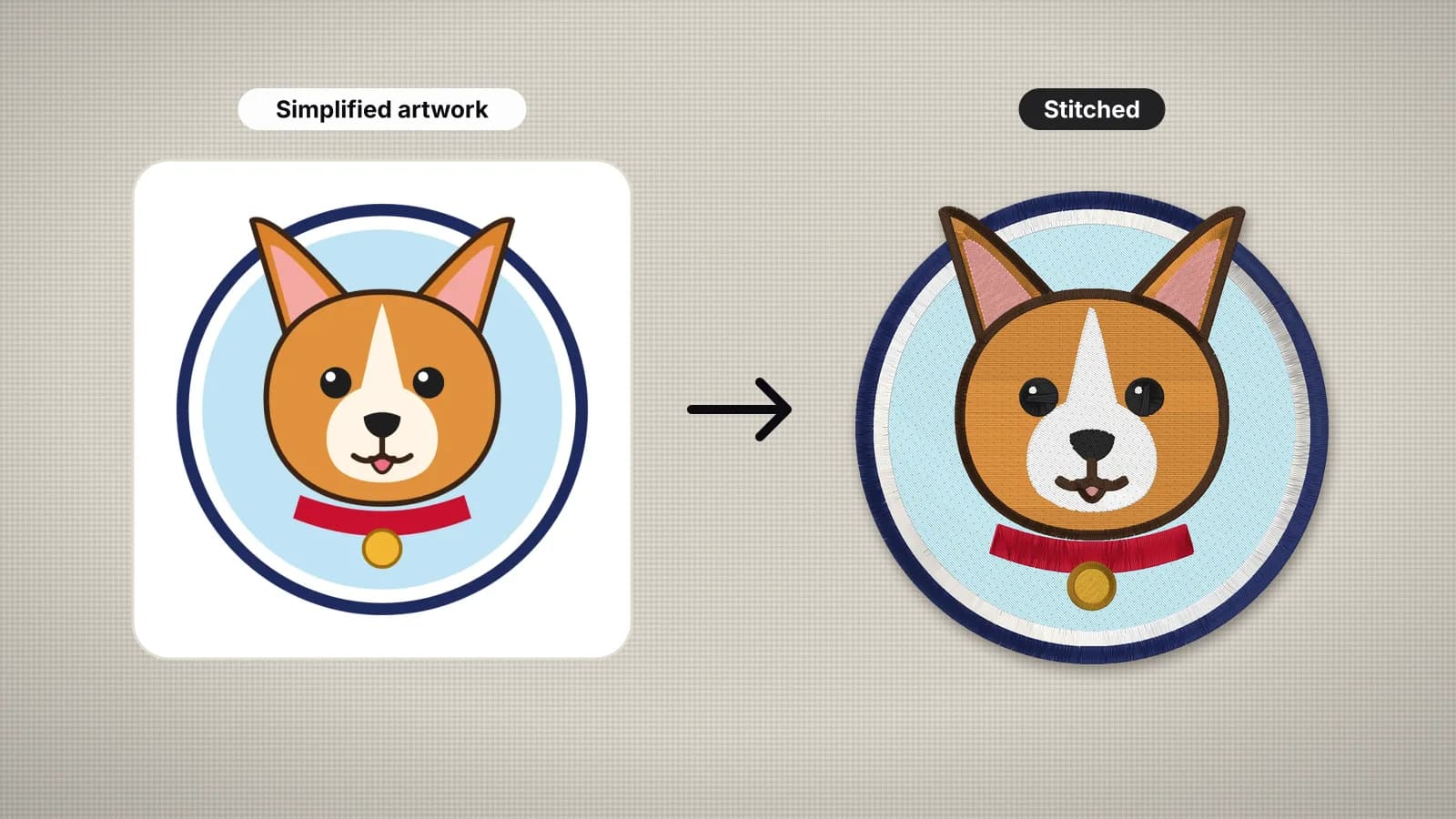 GuideHow to turn a photo into embroideryWhich photos stitch well, how to simplify one to flat colors, how big to stitch it, pet portraits, and what an automatic digitizer will and won't do.Read the guide
 GuideEmbroidery thread guide: types, weights and how much to buyThe main machine embroidery threads, what thread weight means, bobbin thread, spool sizes and how to estimate how much thread a design uses.Read the guide
 Free previewEmbroidery file converterConvert PES, DST, JEF, EXP, VP3 and XXX files to any other machine format.Open
 Free toolEmbroidery file viewerOpen DST, PES, JEF and more in your browser: stitch preview, colors, size and stitch count.Open
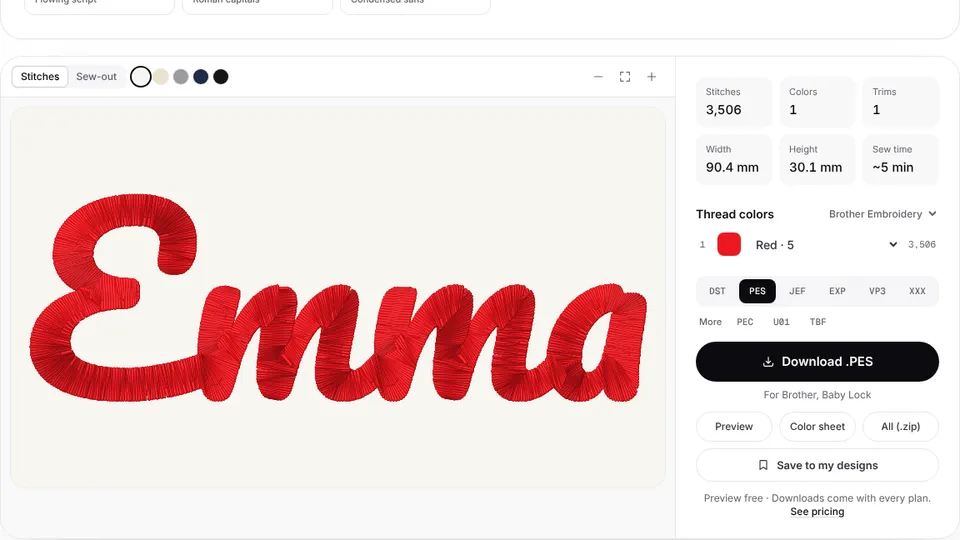 Free previewText to embroidery fileType a name or monogram, pick a font and download a ready-to-sew lettering file.Open
From flat colors to stitches
The digitizer turns each color into fill, satin or running stitches with underlay, in seconds.