Embroidery hoop checker
Drop a batch of embroidery files and get a table of every design: thumbnail, size in mm and inches, stitch count, colors and sew time, with which hoops each one fits. Export it as a CSV.
Drop one or many embroidery files
DST, PES, JEF, EXP, VP3, XXX, PEC, U01, TBF · read in your browser, up to 50 at a time
A quick inventory of your designs
Batch at once
Up to 50 files per drop, in any of nine formats.
Hoop fit
4x4, 5x7, 6x10, 8x8 and 8x12, with a 3 mm safety margin.
Turned designs
Shows when a design fits only if you rotate it.
Scale needed
For designs that don't fit, the percentage they'd need.
Stitches and time
Stitch count, colors and an estimated sew time.
CSV export
Keep a record of a design library or send it to a customer.
When a design doesn't fit
- Within about 10–20% too big, the design resizer can scale it down safely.
- For bigger changes, digitize the original artwork at the size you need.
- Check whether your machine accepts a larger optional hoop before buying a new machine.
- Very large designs can be split and sewn in several hoopings with alignment marks.
Each hoop in detail
Free account
Start digitizing in under a minute
Create a free account to digitize any image, try every setting and watch it sew. Choose a plan only when you want to download files.
- Digitize and preview any image
- Realistic stitch preview and sew-out
- Download free ready-made designs
- No credit card needed


Questions
The quickest way to see what it does with your artwork is to try it. With a free account, digitizing and previewing cost nothing and take about a minute.
How do I know if a design fits my hoop?
Compare the design's width and height with your hoop's sewing field, leaving a few millimeters clear at each edge. Drop the file here and each hoop is marked fits, fits turned sideways, or with the scale it would need.
What does 'turned' mean?
The design fits if you rotate it 90 degrees, for example a tall design in a 5x7 hoop used sideways. Most machines can rotate the design on screen.
Can I check a whole folder of designs?
Yes. Drop up to 50 files at once, then download the table as a CSV for your records or a customer.
Are my files uploaded?
No. They're read in your browser and never leave your device.
More tools
Keep going
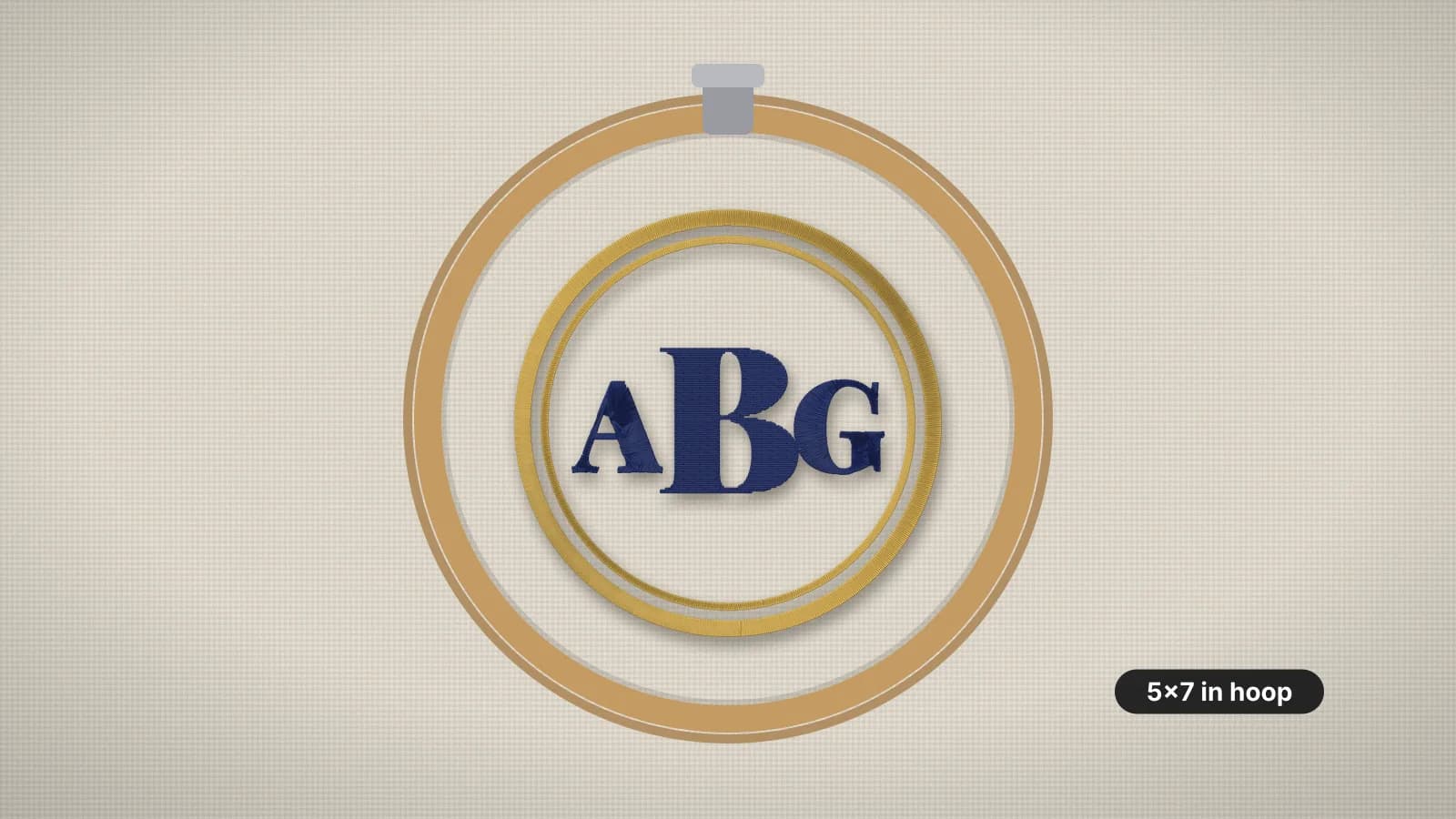 GuideEmbroidery hoop sizes: a practical guideStandard hoop sizes with their real sewing fields, how to choose one and what to do when a design is too big.Read the guide
 GuideHow to open PES, DST and JEF embroidery filesWhat machine embroidery files are, how to view them on any computer, and how to get them into your machine's format and onto the machine.Read the guide
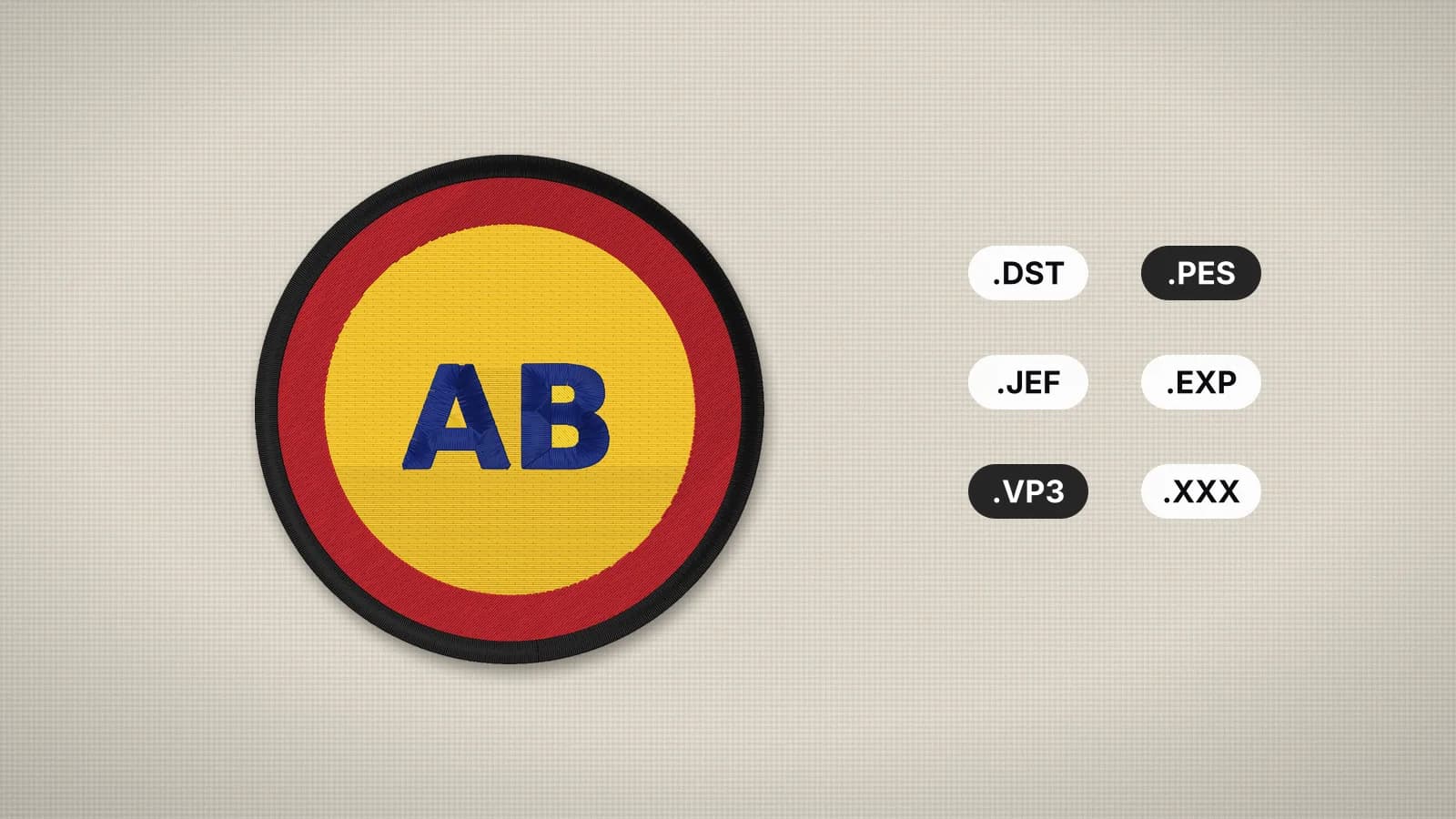 GuideEmbroidery file formats explainedWhat each machine embroidery format is, which machines read it, and how to pick and convert the right one.Read the guide
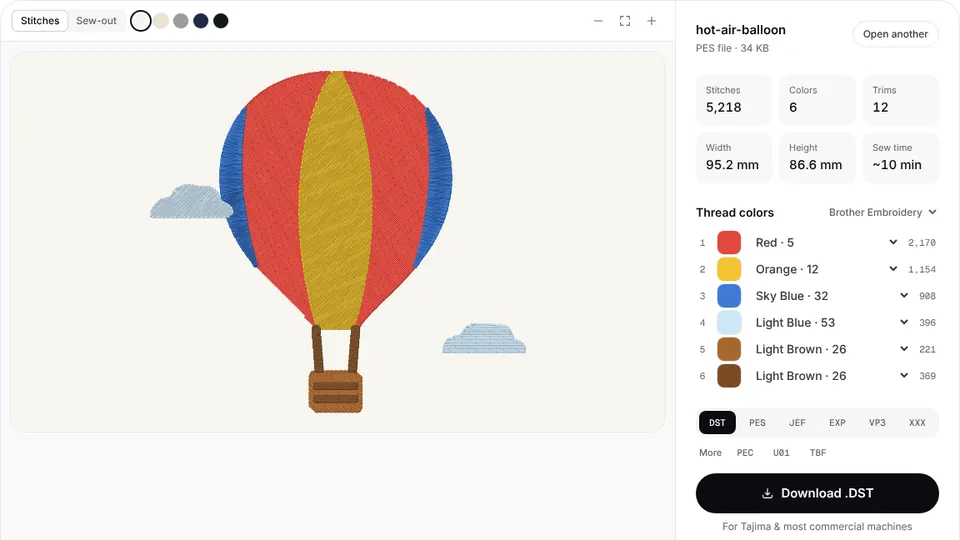 Free previewEmbroidery file converterConvert PES, DST, JEF, EXP, VP3 and XXX files to any other machine format.Open
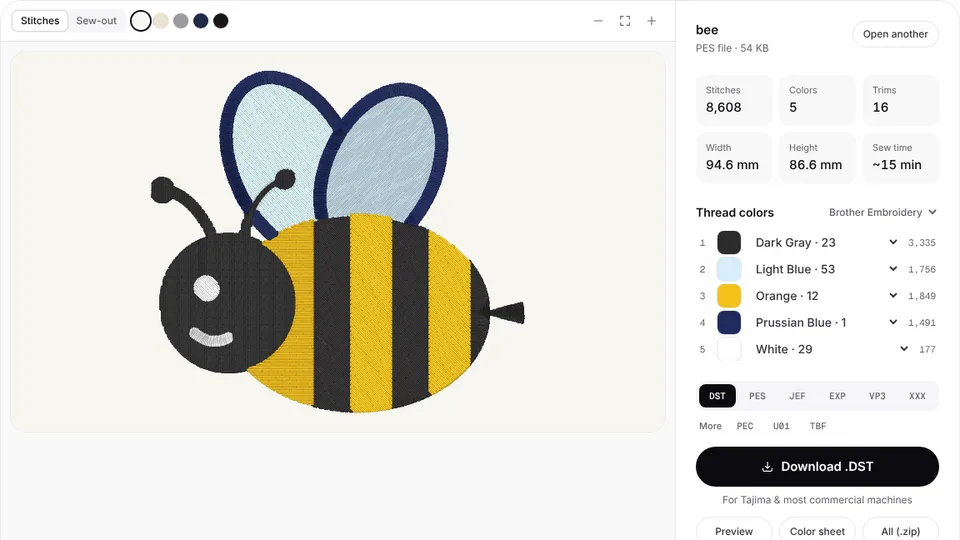 Free toolEmbroidery file viewerOpen DST, PES, JEF and more in your browser: stitch preview, colors, size and stitch count.Open
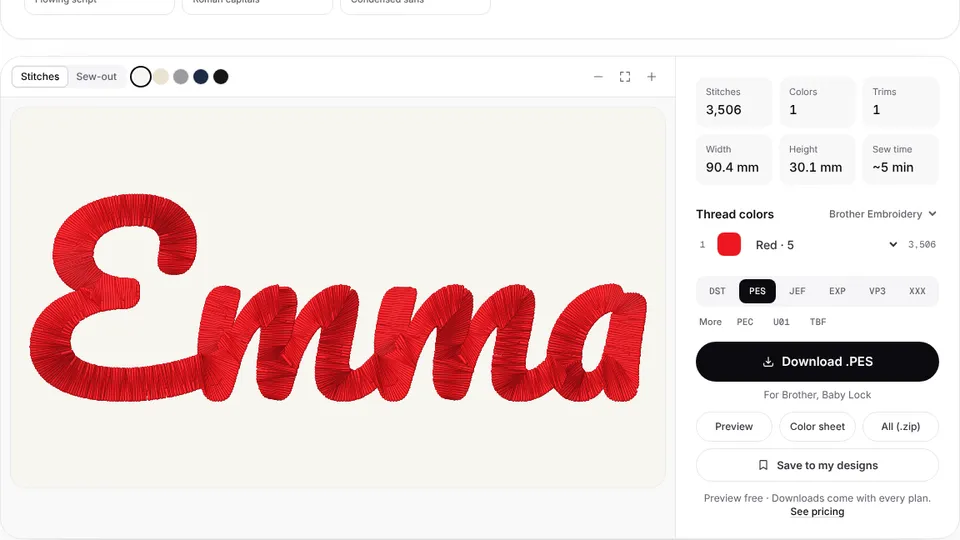 Free previewText to embroidery fileType a name or monogram, pick a font and download a ready-to-sew lettering file.Open
A design that fits, every time
Digitize your artwork at exactly the size your hoop allows.