Embroidery file to image
Turn any embroidery file into a clean picture of its stitches: a transparent PNG for listings and mockups, a JPG for proofs, or an SVG at true size.
Drop an embroidery file here
DST, PES, JEF, EXP, VP3, XXX, PEC, U01, TBF · opened in your browser
Image format
Background
Style
Free account needed to download · no credit card
Need the embroidery file itself?
Turn any logo or picture into a ready-to-sew file, or see this design on a shirt.
A picture that matches the sew-out
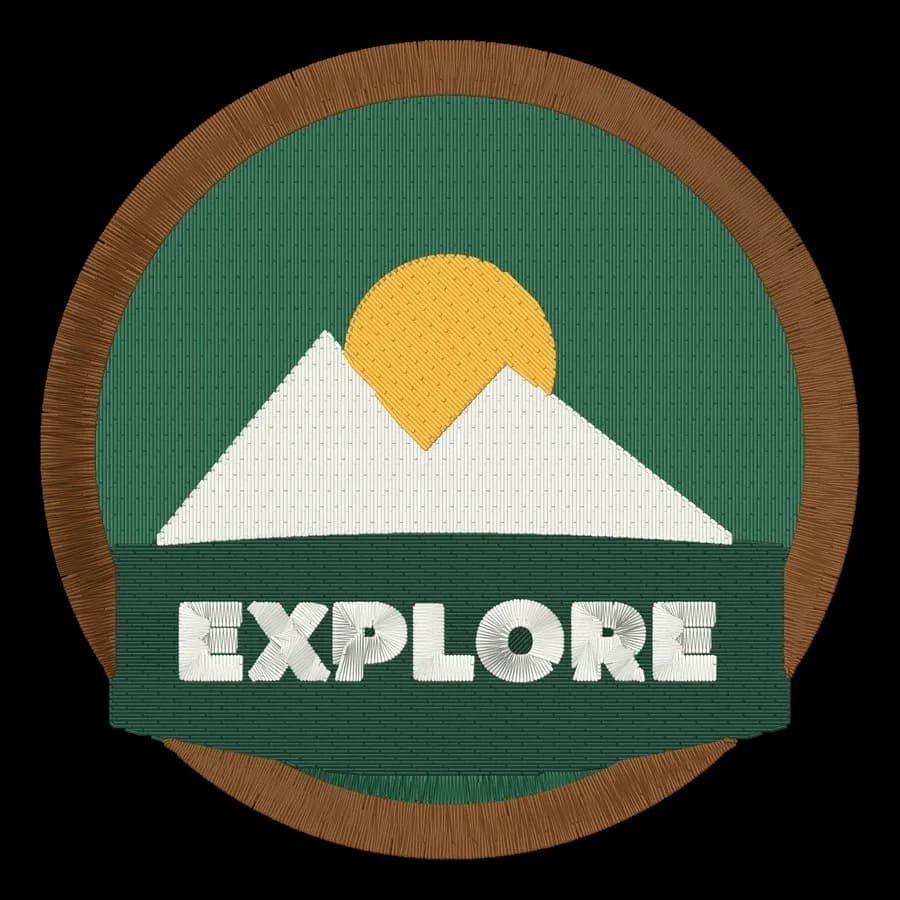
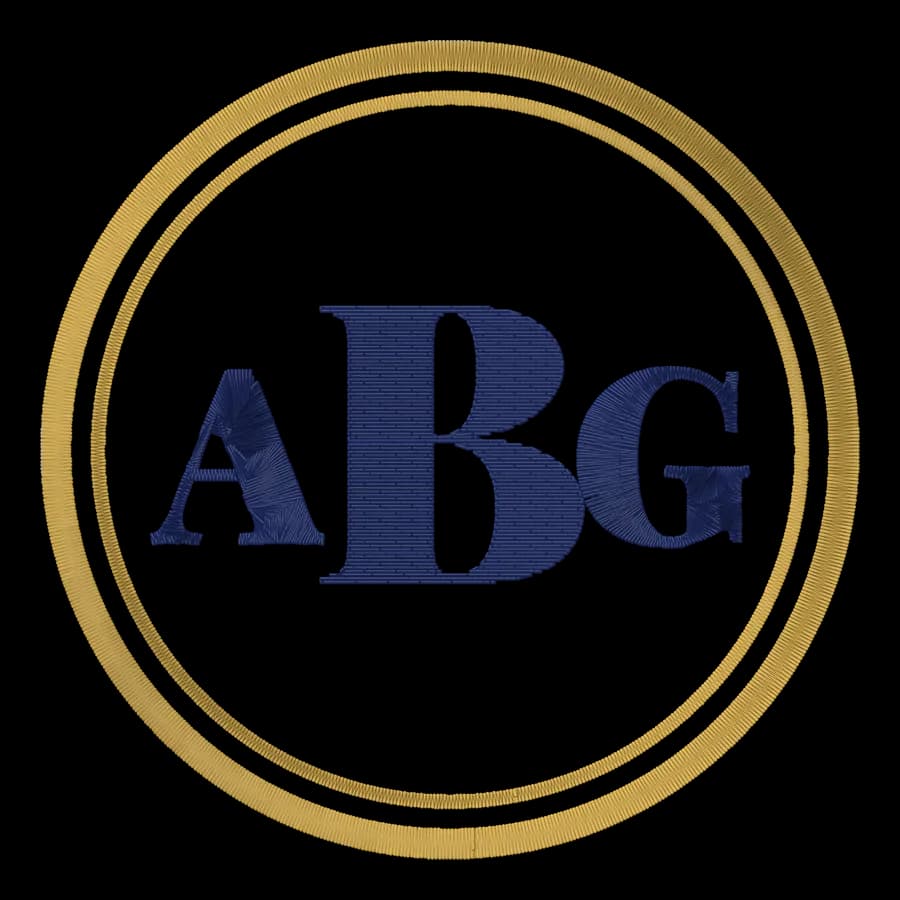
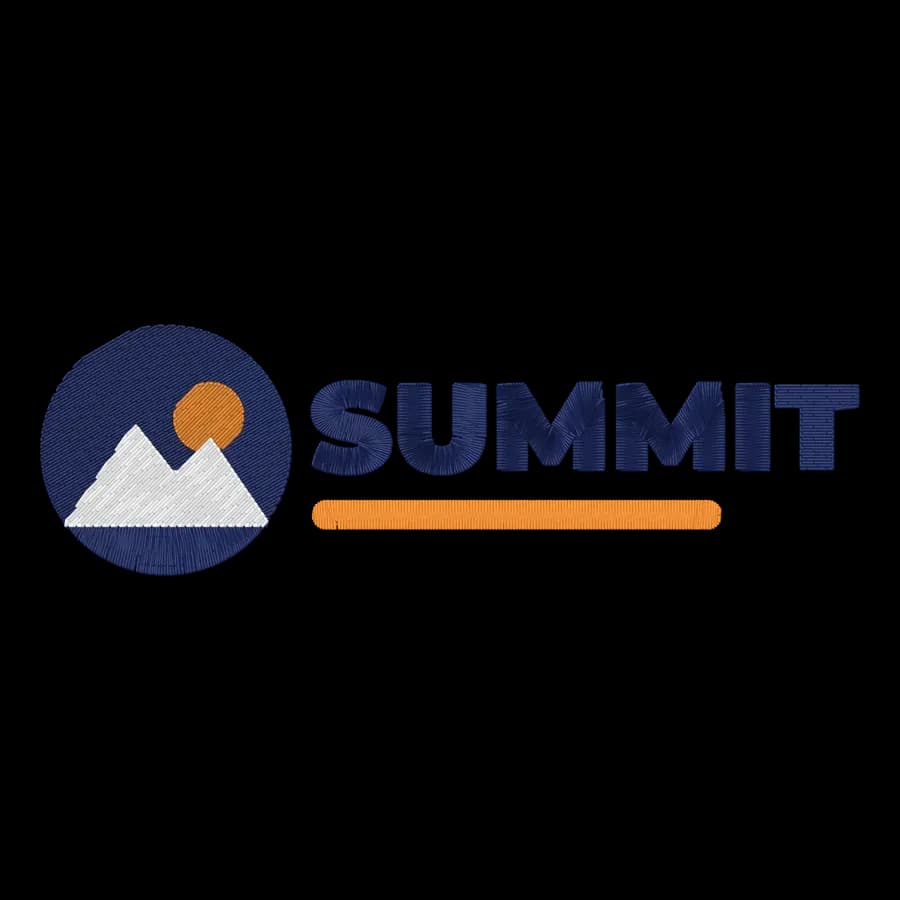
Realistic thread
Every stitch drawn with thread shading, in the file's colors.
Transparent PNG
Drops onto product photos, mockups and listing images.
Solid JPG
Small and universal, for email proofs and order sheets.
True-size SVG
Vector stitch lines in millimeters for templates and editors.
Up to 3,000 px
Sharp enough for print and zoomable listings.
Private
The file never leaves your browser.
Where shops use design images
- Shop listings and product photos with a transparent background
- Customer proofs and approval emails
- Mockups on shirts, caps and bags
- Design catalogs and social posts
- Order confirmations that show exactly what will be sewn
Free account
Start digitizing in under a minute
Create a free account to digitize any image, try every setting and watch it sew. Choose a plan only when you want to download files.
- Digitize and preview any image
- Realistic stitch preview and sew-out
- Download free ready-made designs
- No credit card needed
Questions
The quickest way to see what it does with your artwork is to try it. With a free account, digitizing and previewing cost nothing and take about a minute.
How do I turn an embroidery file into a picture?
Drop the DST, PES, JEF, EXP, VP3 or XXX file above, pick PNG, JPG or SVG, a background and a size, then download. The design is drawn stitch by stitch in its thread colors, in your browser.
Can I get a transparent background?
Yes. PNG and SVG can be transparent, so the design drops onto product photos and mockups. JPG always has a solid background; pick white, natural, navy, black or heather.
What's the difference between realistic and flat?
Realistic draws each stitch with thread shading so it looks sewn; flat uses solid colors, which is cleaner for diagrams and print.
Why would I want an SVG?
An SVG keeps every stitch as a vector line at true size in millimeters: good for printed placement templates, vector editors and cutting-machine layouts.
Do I need an account?
Opening and previewing a file is open to everyone. Downloading the image needs a free account; no credit card.
Is my file uploaded?
No. It's read and drawn in your browser; only the finished image is saved to your device.
More tools
Keep going
 GuideHow to open PES, DST and JEF embroidery filesWhat machine embroidery files are, how to view them on any computer, and how to get them into your machine's format and onto the machine.Read the guide
 GuideHow to sell embroidery on EtsyChoosing products, offering personalization, pricing after fees, photographing your work, running custom orders and staying on the right side of licensing.Read the guide
 GuideEmbroidery file formats explainedWhat each machine embroidery format is, which machines read it, and how to pick and convert the right one.Read the guide
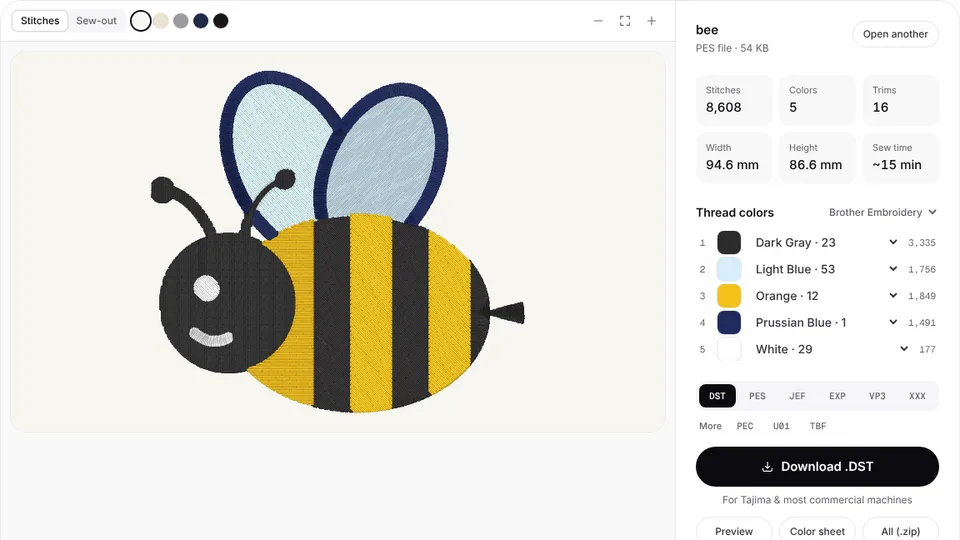
 Free previewEmbroidery file converterConvert PES, DST, JEF, EXP, VP3 and XXX files to any other machine format.Open
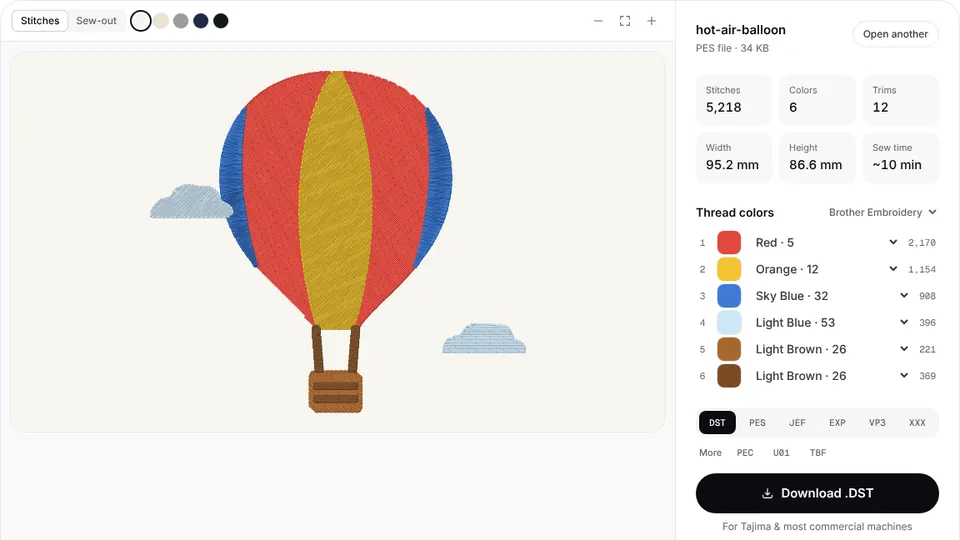
 Free toolEmbroidery file viewerOpen DST, PES, JEF and more in your browser: stitch preview, colors, size and stitch count.Open
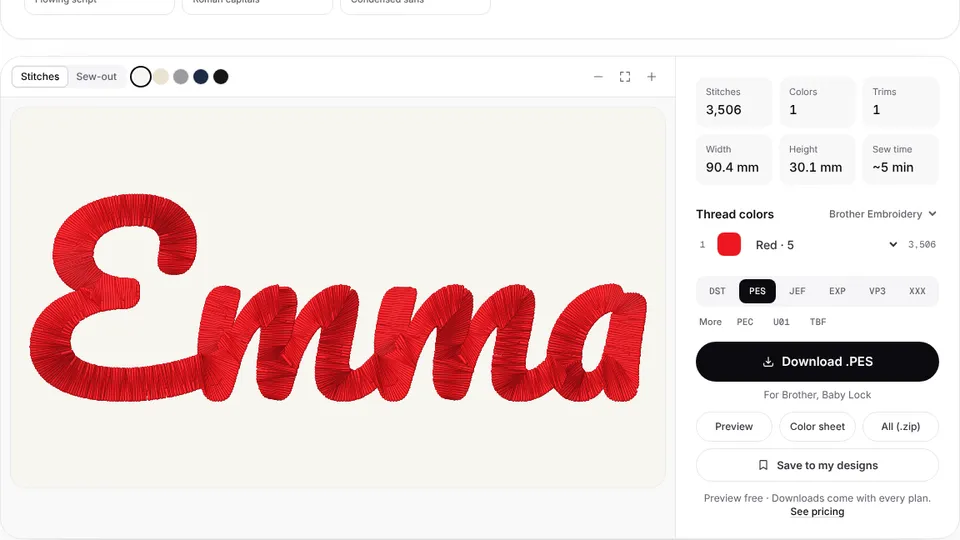 Free previewText to embroidery fileType a name or monogram, pick a font and download a ready-to-sew lettering file.Open
Have the artwork instead?
Upload a logo or picture and get a ready-to-sew embroidery file with a realistic preview.