Embroidery run sheet
Drop a stitch file and get a printable production sheet: preview, size, stitches, the color sequence with needle numbers and thread matches, and run time for the whole order.
Drop an embroidery file
DST, PES, JEF, EXP, VP3, XXX and more
Everything the operator needs
Color sequence
Every stop in sewing order with stitches and progress.
Needle numbers
For 6 to 15 needle machines, with rethread warnings.
Thread matches
Closest Brother and Janome thread for each color.
Run time
Per piece and for the whole order at your speed.
Job details
Customer, garment, placement and backing.
Print or PDF
One clean page for the machine or the job folder.
Smoother production runs
- Sew one test piece and keep it with the run sheet.
- Thread the needles in the order on the sheet, then lock them in.
- Note the hoop size and backing on the sheet for repeat orders.
- Keep the sheet with the file name you sent to the machine.
Brother and Janome, color for color
Free account
Start digitizing in under a minute
Create a free account to digitize any image, try every setting and watch it sew. Choose a plan only when you want to download files.
- Digitize and preview any image
- Realistic stitch preview and sew-out
- Download free ready-made designs
- No credit card needed


Questions
The quickest way to see what it does with your artwork is to try it. With a free account, digitizing and previewing cost nothing and take about a minute.
What is an embroidery run sheet?
A one-page production sheet for a job: the design preview, size, stitch count, the thread colors in sewing order with needle numbers, and how long the run takes. It keeps the machine operator and the order in sync.
How are needles assigned?
Each new thread color gets the next needle in the order it first sews; when a color repeats, it reuses its needle. If a design has more colors than your machine has needles, the sheet flags the stops to rethread.
DST files have no colors. What does the sheet show?
DST stores color changes, not colors, so the sheet shows the colors the reader assigns and their closest thread matches. Set the real threads from your customer's artwork or the color sheet.
How accurate are the thread matches?
They're the closest colors in the Brother and Janome charts by perceived color difference. Always check against a real thread card.
Is my file uploaded?
No. It's read in your browser. Printing needs a free account.
More tools
Keep going
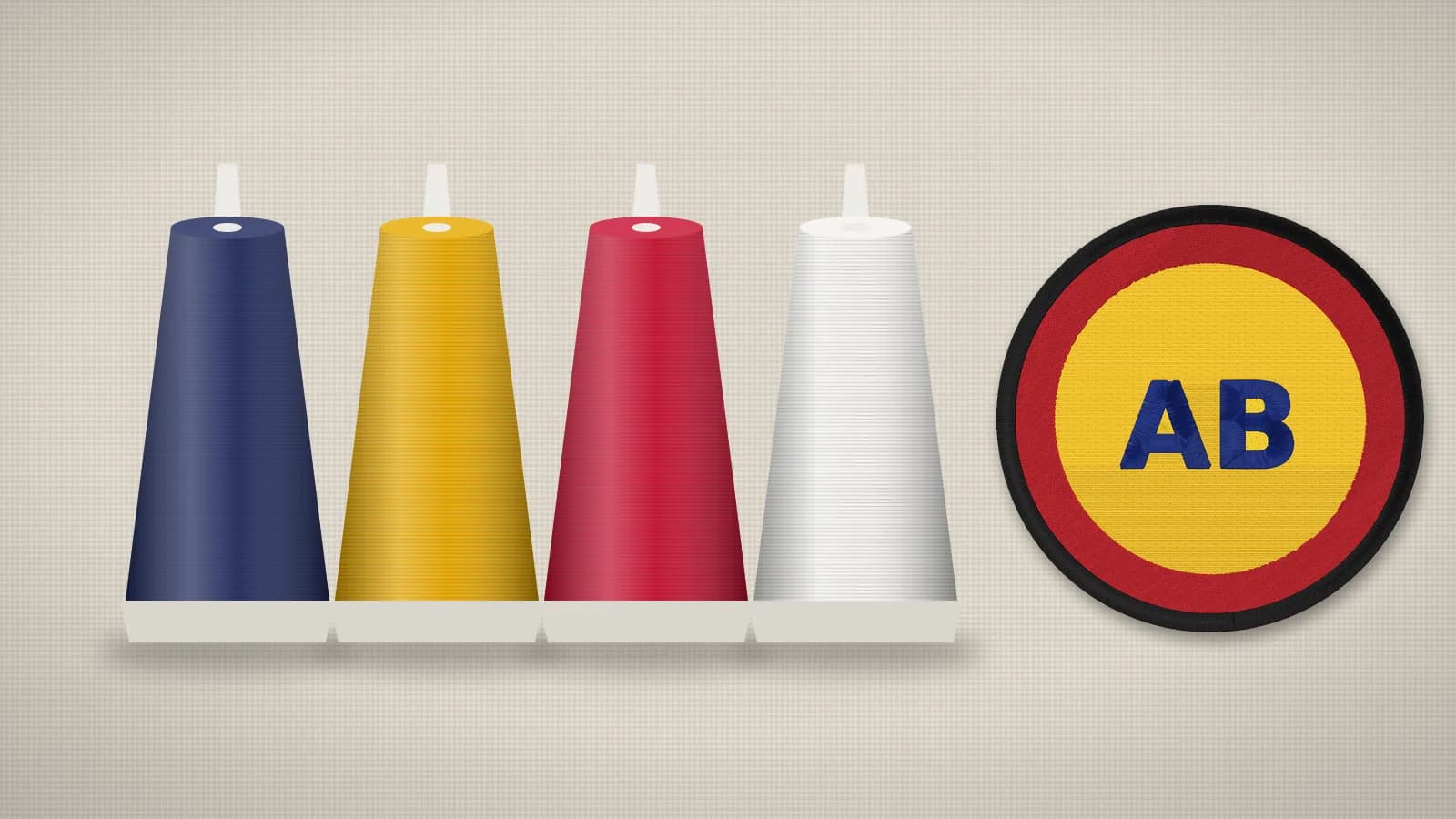 GuideEmbroidery thread guide: types, weights and how much to buyThe main machine embroidery threads, what thread weight means, bobbin thread, spool sizes and how to estimate how much thread a design uses.Read the guide
 GuideHow to start an embroidery business from homeA practical plan for a home embroidery business: niche, machine, blanks, designs, pricing, selling and an order workflow.Read the guide
 GuideHow to price embroidery workA practical method for quoting embroidery: stitch rates, minimums, quantity breaks, setup fees, blanks and the machine time behind them.Read the guide
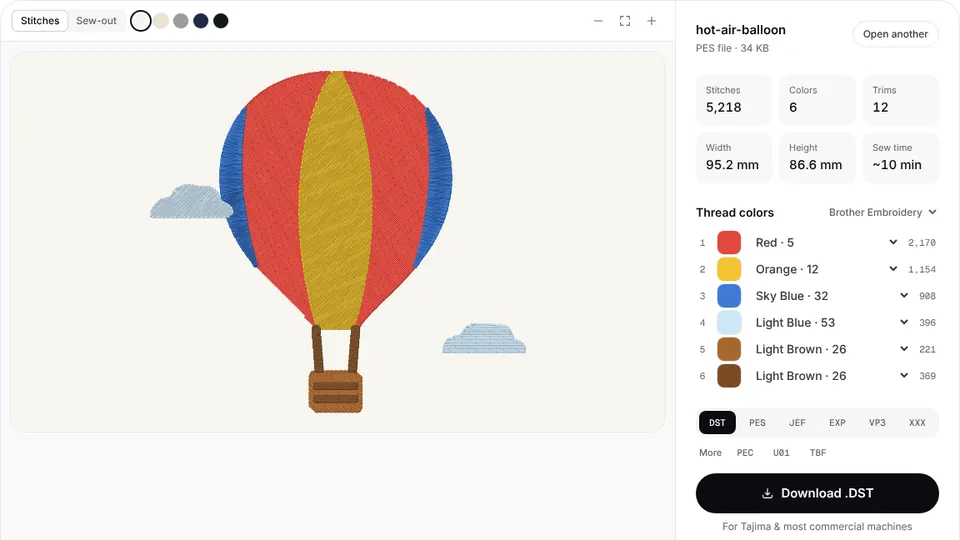 Free previewEmbroidery file converterConvert PES, DST, JEF, EXP, VP3 and XXX files to any other machine format.Open
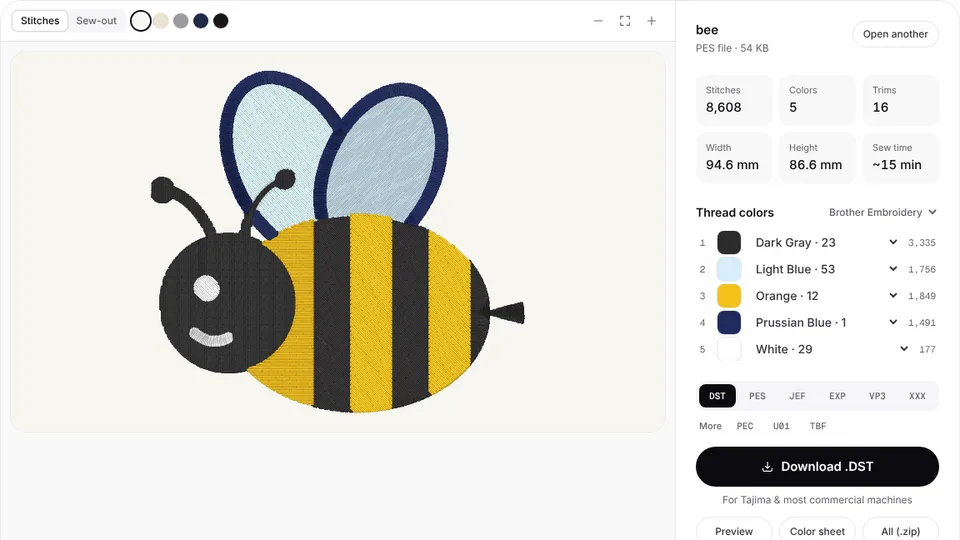 Free toolEmbroidery file viewerOpen DST, PES, JEF and more in your browser: stitch preview, colors, size and stitch count.Open
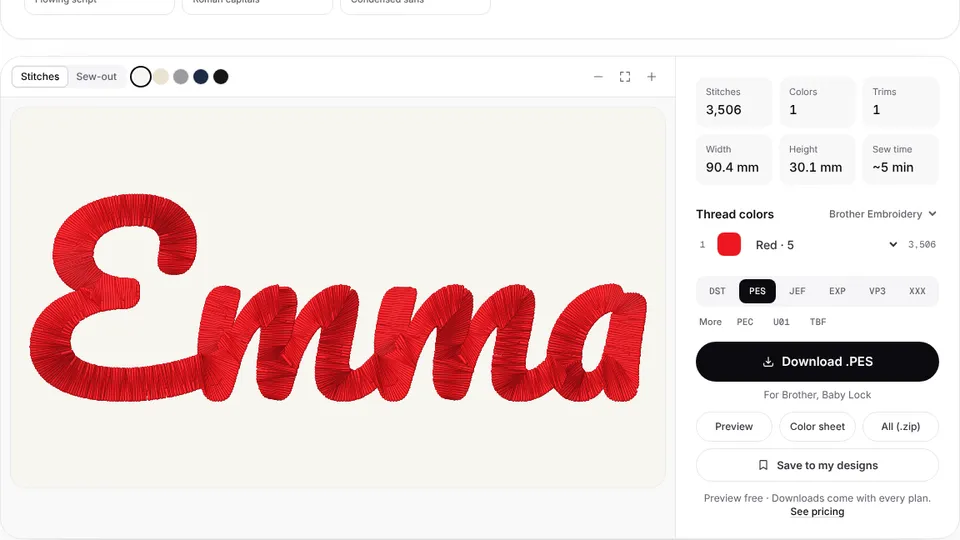 Free previewText to embroidery fileType a name or monogram, pick a font and download a ready-to-sew lettering file.Open
Run sheets for your own designs
Digitize a customer's logo and download it with a color sheet ready for production.