QR code embroidery generator
Put a scannable QR code on a shirt, apron, bag or patch. Enter your link, see how big the code has to be once stitched, and open it in the digitizer to make a file for your machine.
Too small to scan reliably
Type a link to see the code.
Error correction
Thread color
Set the width to 60 mm in the digitizer, then download PES, DST or JEF.
Getting a stitched QR code to scan
Square size
Keep each module at least about 2 mm; the tool warns you below that.
Short links
Fewer characters mean fewer squares, so the code can be smaller.
Contrast
Dark thread on light fabric, or a stitched light panel on dark fabric.
Quiet zone
A blank margin of two squares around the code is built in.
Flat backing
Cut-away or a firm tear-away keeps the grid square while it sews.
Test first
Scan the first stitched code with two different phones before a full run.
Where embroidered QR codes work
- Aprons and staff shirts that link to a menu, booking page or reviews.
- Patches and bag tags that link to a shop, portfolio or social profile.
- Event and team shirts that link to a schedule or sign-up form.
- Tote bags and merch for markets and craft fairs.
Free account
Start digitizing in under a minute
Create a free account to digitize any image, try every setting and watch it sew. Choose a plan only when you want to download files.
- Digitize and preview any image
- Realistic stitch preview and sew-out
- Download free ready-made designs
- No credit card needed



Questions
The quickest way to see what it does with your artwork is to try it. With a free account, digitizing and previewing cost nothing and take about a minute.
Can you embroider a QR code that scans?
Yes, if it's big enough. Thread softens the edges of each square, so keep every square (module) at least about 2 mm wide, use a short link, high contrast (dark thread on light fabric) and a flat, stable backing. Always test-scan the first stitched one.
What size should an embroidered QR code be?
For a short link, about 60–75 mm (2.5–3 in) square is a safe start. Longer links make more squares, so the code has to be bigger to keep each square 2 mm or larger. The generator shows the minimum for your link.
Which error correction level should I use?
Medium is a good balance. Higher levels survive more damage but add squares, which makes the code bigger for the same square size.
Can I put a QR code on a dark shirt?
Yes: tick the white background square so the code is stitched dark-on-light inside a light panel. QR codes need contrast to scan.
Does the QR code expire?
No. It's a plain QR code that points straight at your link; nothing is tracked or redirected through us.
More tools
Keep going
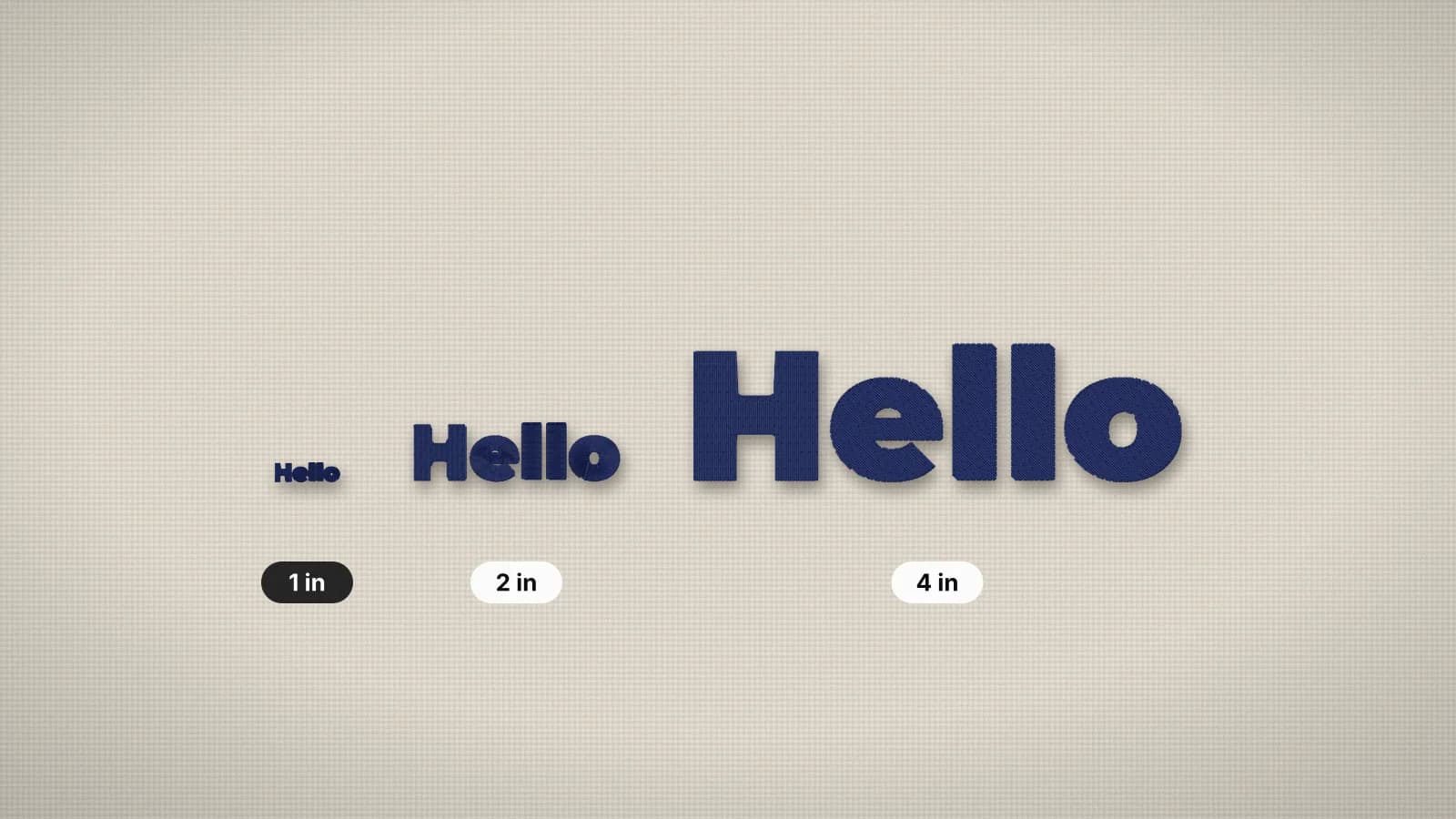 GuideMinimum text size for embroideryHow small embroidered text can go, and how to make small lettering readable.Read the guide
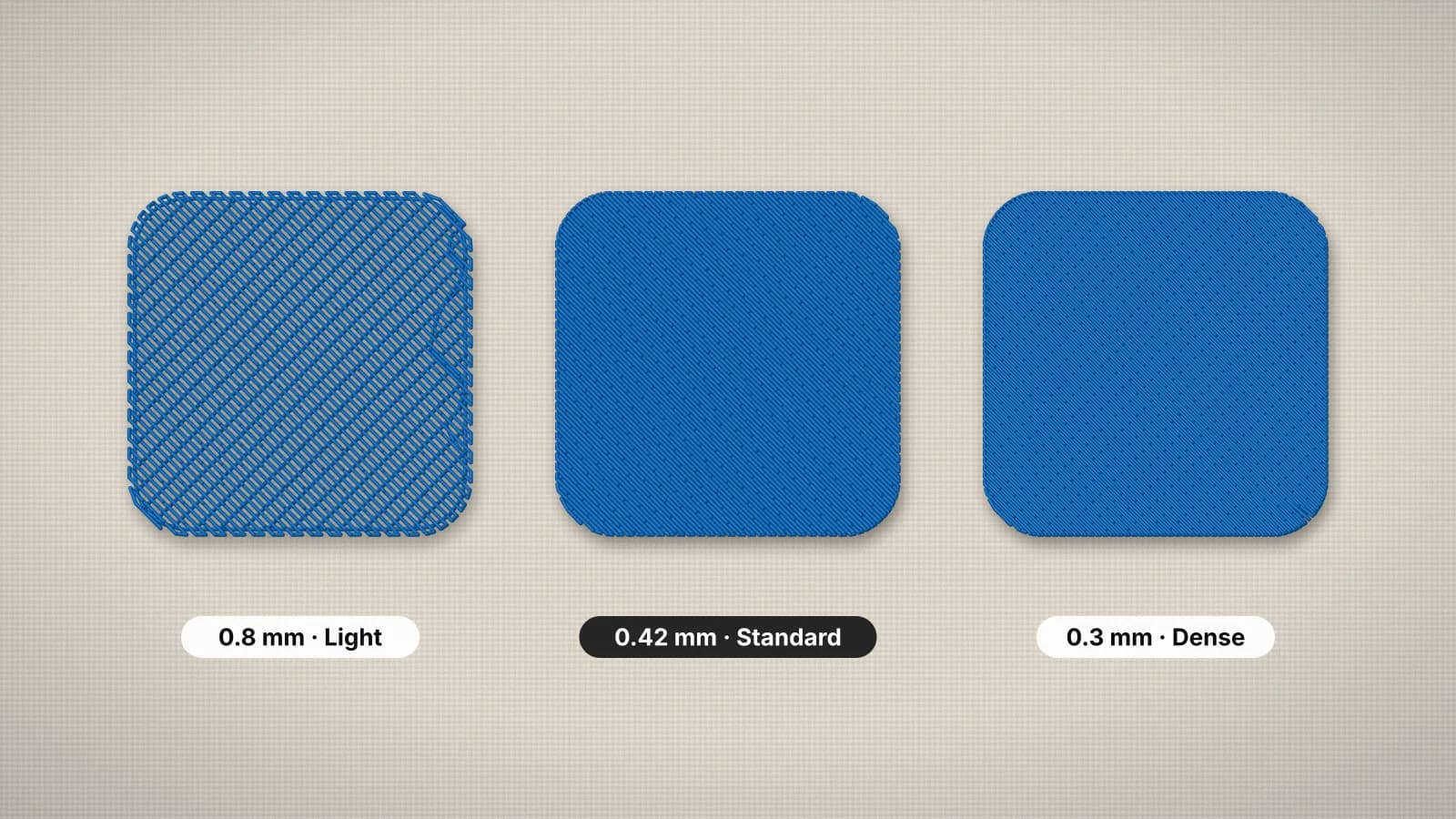 GuideEmbroidery stitch density explainedWhat density means in embroidery, typical spacing for fill and satin, how fabric and thread change it, and what it does to stitch count, sew time and stiffness.Read the guide
 GuideHow to make an embroidered patchMaterials, design rules, sizes and finishing steps for sew-on and iron-on embroidered patches.Read the guide
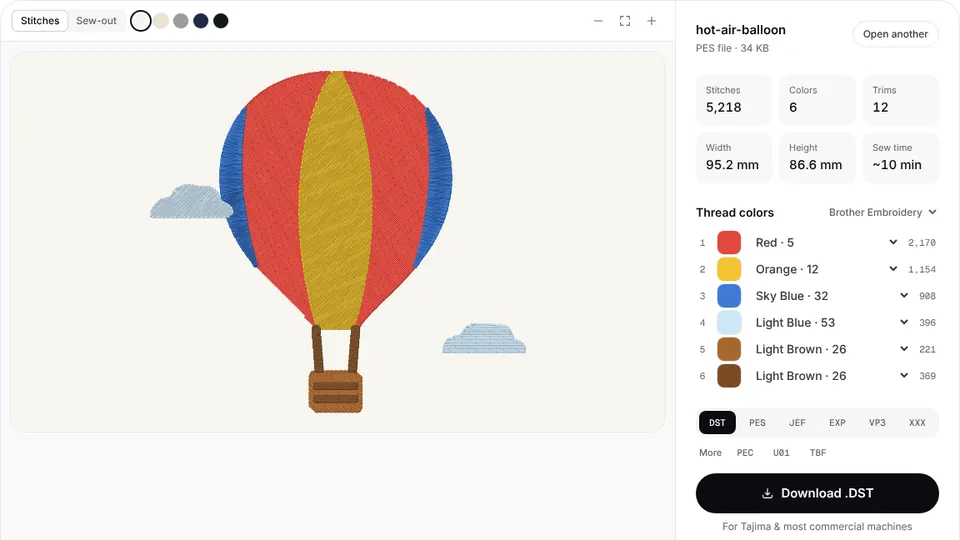 Free previewEmbroidery file converterConvert PES, DST, JEF, EXP, VP3 and XXX files to any other machine format.Open
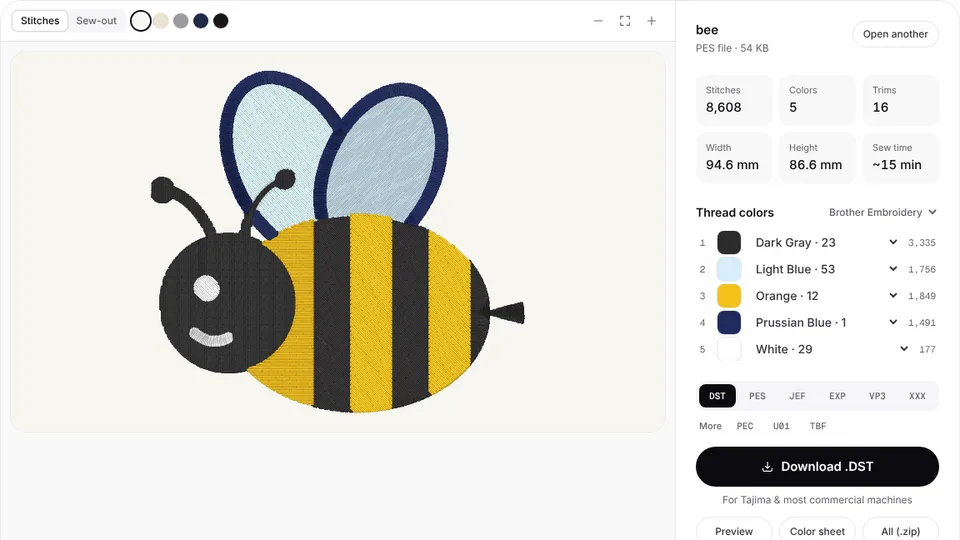 Free toolEmbroidery file viewerOpen DST, PES, JEF and more in your browser: stitch preview, colors, size and stitch count.Open
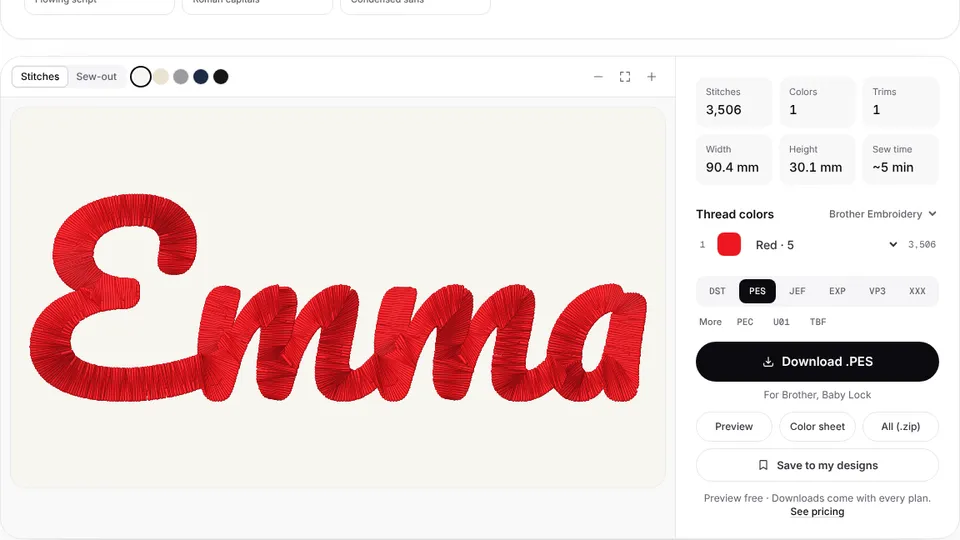 Free previewText to embroidery fileType a name or monogram, pick a font and download a ready-to-sew lettering file.Open
Stitch it for real
The digitizer turns the code's squares into clean fill stitches at the size you set.