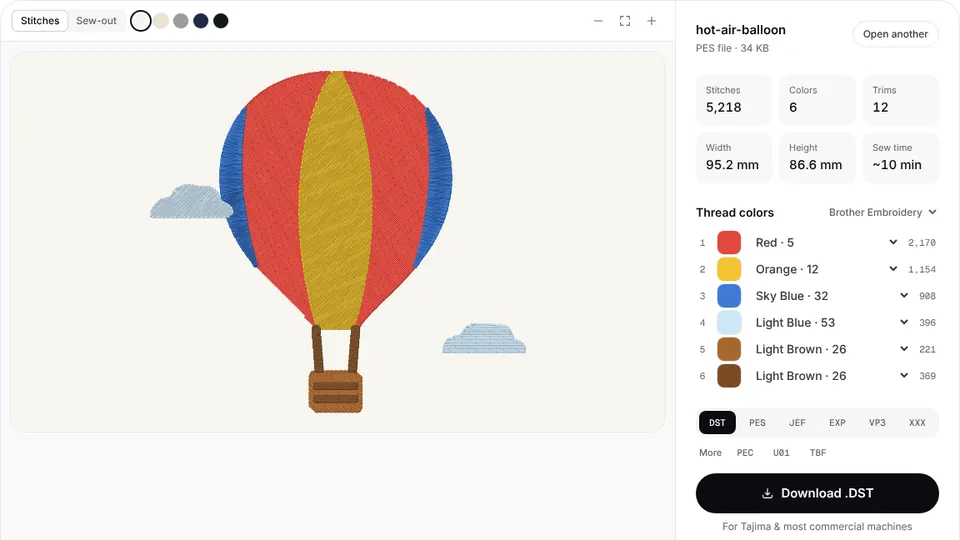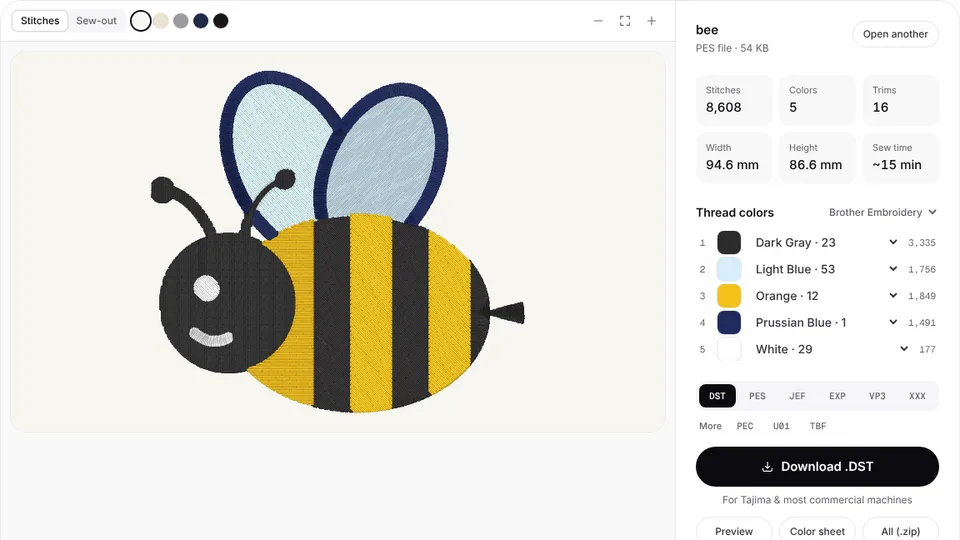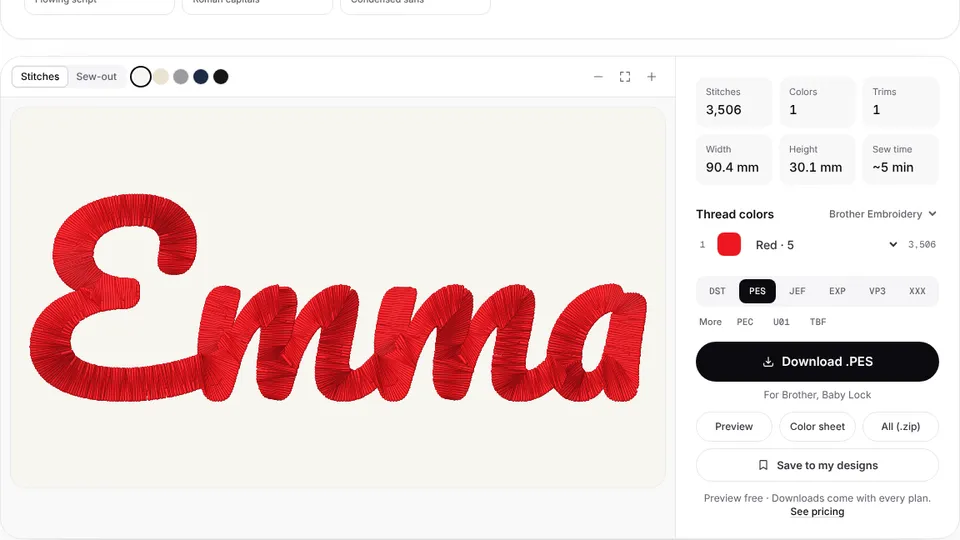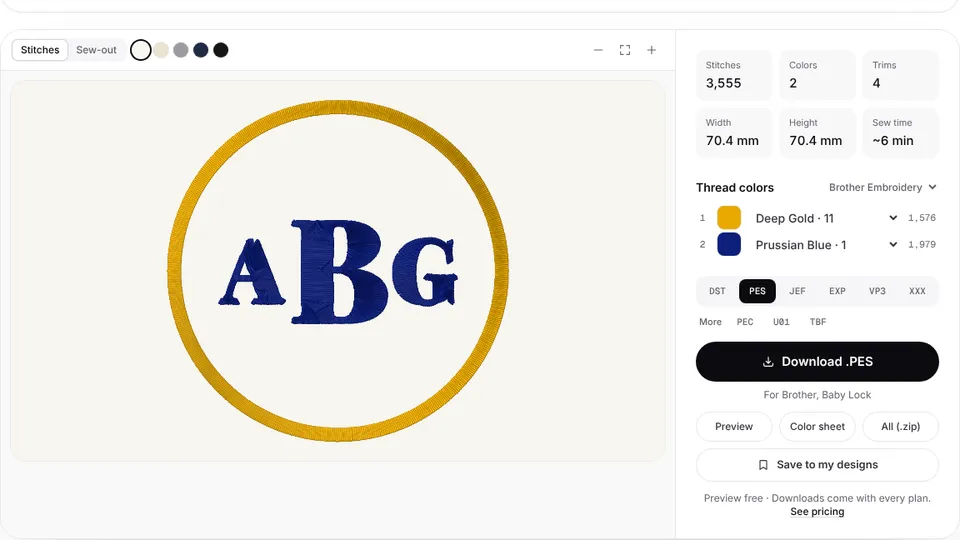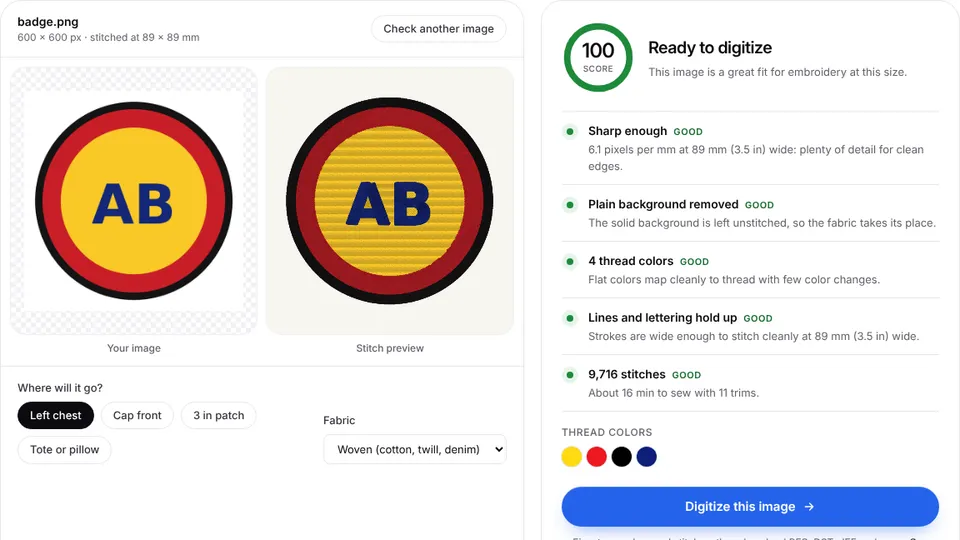

Ricoma's multi-needle machines sew DST, the Tajima stitch format that nearly every commercial machine reads. Embrizo's digitizer turns a logo into a DST in your browser, with trims and color changes in the places a commercial machine expects.
Upload your artwork, check the stitch preview and make a DST file. If a customer sends a home-machine file, convert it to DST instead.
DST on Ricoma machines
A DST file stores stitches, jumps, trims and color changes, but no thread colors. On a Ricoma you assign a needle to each color change at the control panel, so the color sheet that comes with each download lists the colors in sewing order.
Ricoma also sells Chroma, its own digitizing software. Chroma saves editable designs in its own format and exports DST for the machine. If you only need a stitch file from a logo, the online digitizer gets you there without installing anything; see the Chroma comparison for the differences.
Getting DST files onto a Ricoma
Copy the .dst file to a USB stick, insert it at the machine and load the design from the touchscreen. Newer models such as the MT-1501 can also receive designs over a network connection from a computer.
Keep file names short and clear, such as the customer and the placement, so the right design is easy to pick on the panel.
Tips for Ricoma production
- Map needles from the color sheet. Each color change in the DST becomes a needle step on the machine.
- Size to the hoop you will use. Left chest logos usually go in a small round or square hoop; check the hoop sizes chart before digitizing.
- Pick the fabric preset. Performance polos, fleece and caps each need different density and underlay at commercial speeds.
- Caps need care. Sew from the center out and test on a spare cap before a run.
- Quote from the stitch count. The stitch count chart and pricing calculator turn a design into a price per piece.
Convert other formats to DST
- PES to DST for Brother and Baby Lock files
- JEF to DST for Janome files
- VP3 to DST for Husqvarna Viking and Pfaff files
- PNG to DST or JPG to DST for a customer's logo image