Free PES embroidery designs
78 original designs that download as PES files for Brother & Baby Lock machines. PES keeps the thread colors, so your Brother or Baby Lock shows the design in close-to-real colors. Download them free with an account.
- Ready-to-sew PES
- Fits a 4×4 hoop
- OK for items you sell
Christmas
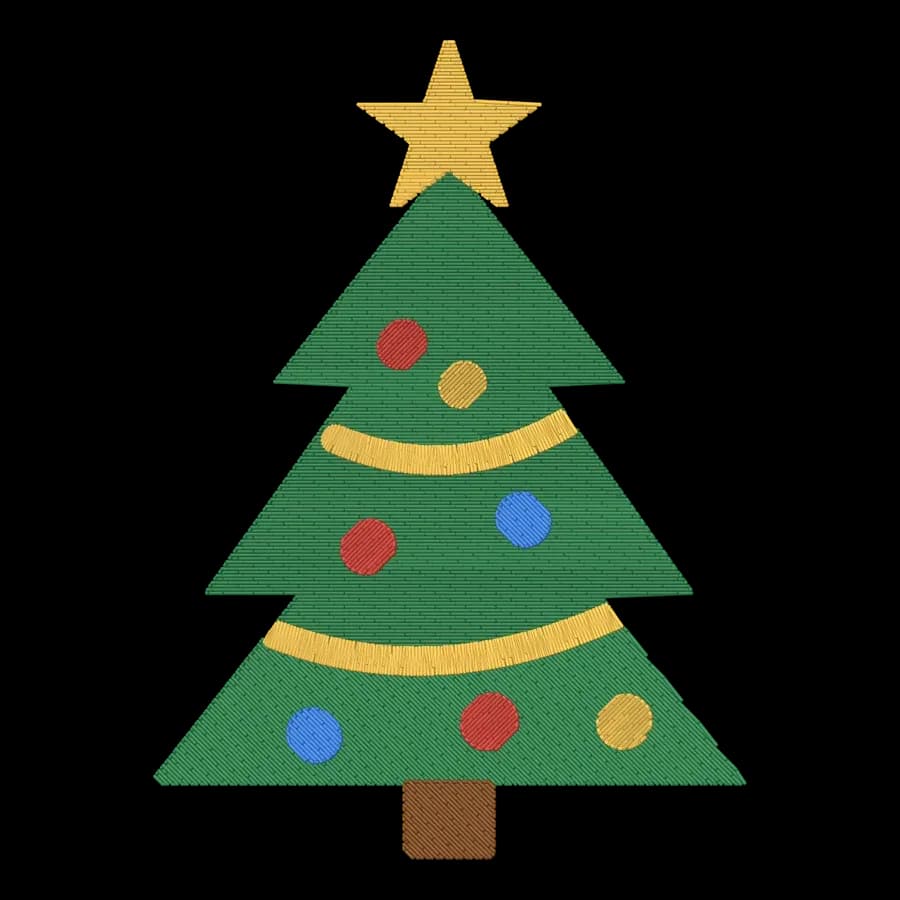
Christmas designs- FreeChristmas tree68 × 94 mm · 4,684 stitches · 5 colors
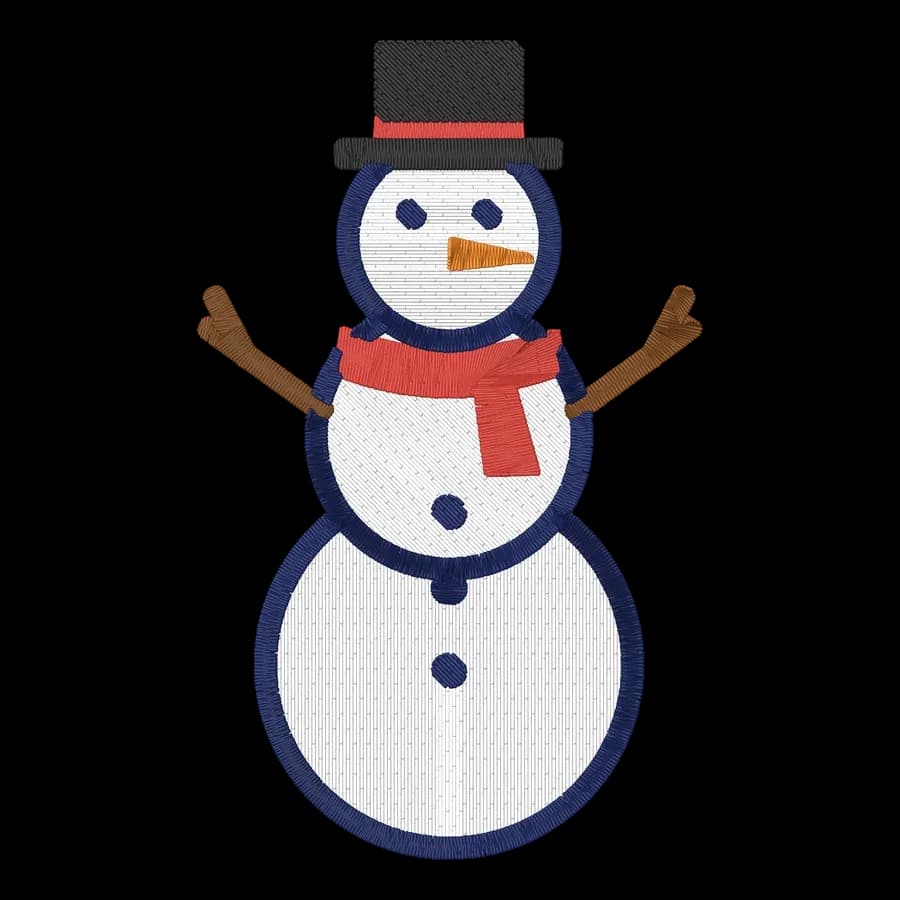 FreeSnowman58 × 95 mm · 6,857 stitches · 6 colors
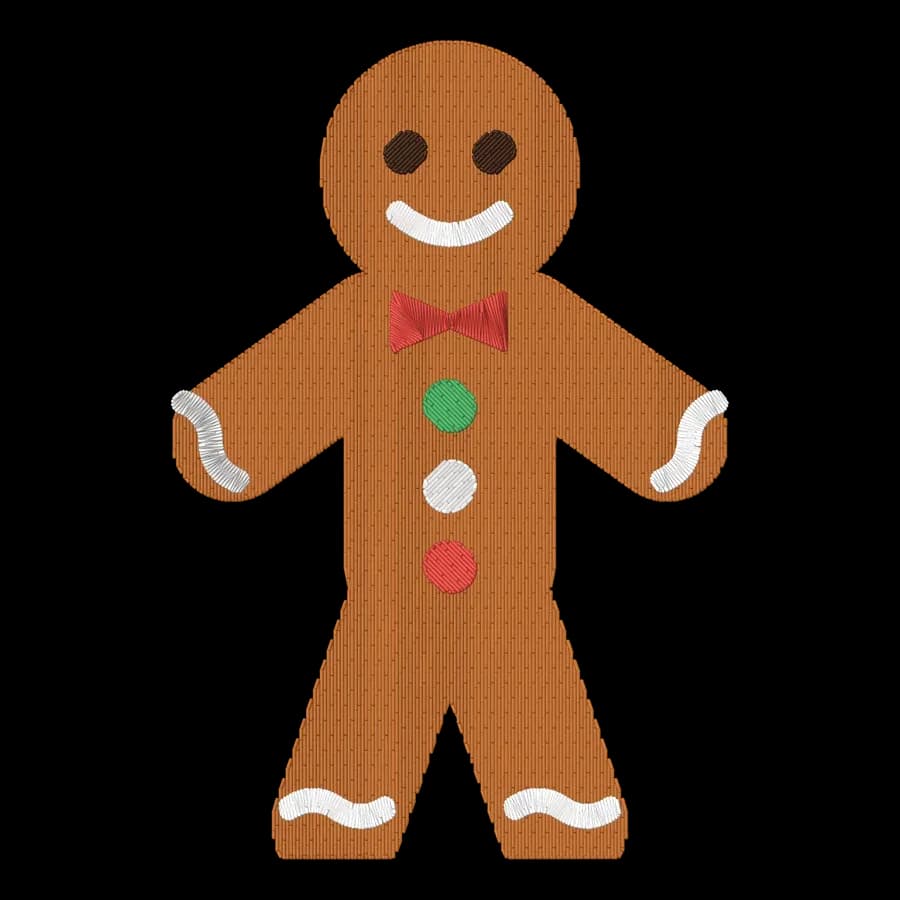 FreeGingerbread man65 × 95 mm · 4,943 stitches · 5 colors
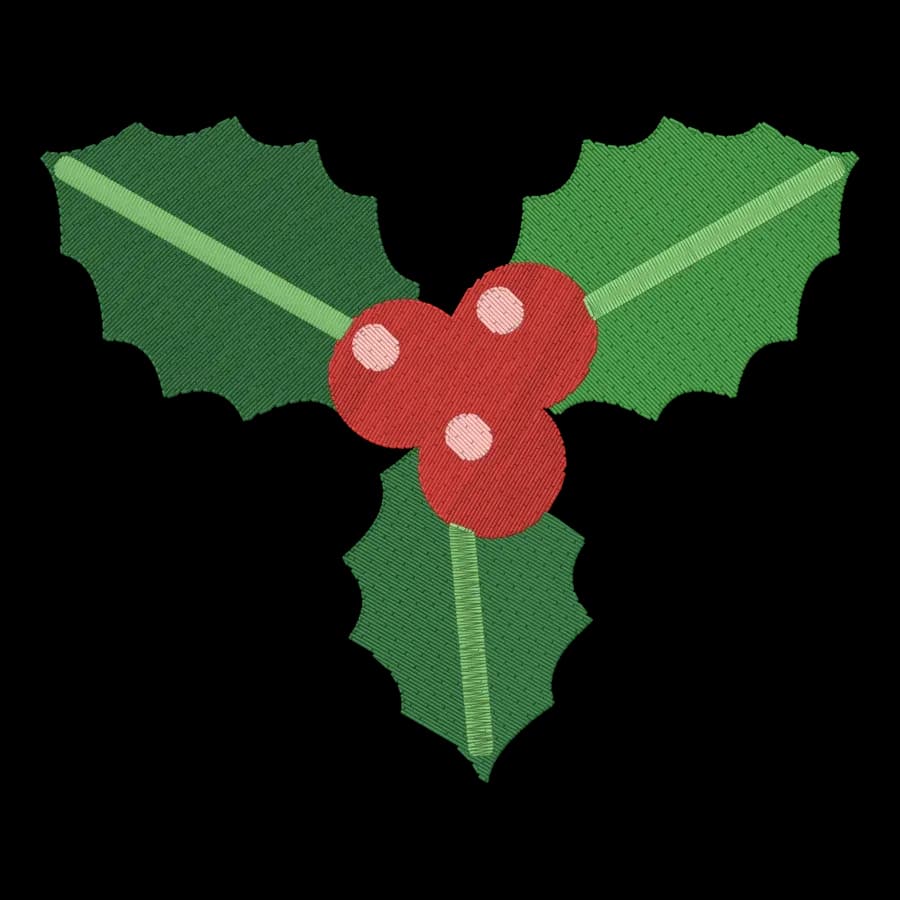 FreeHolly sprig94 × 76 mm · 5,010 stitches · 5 colors
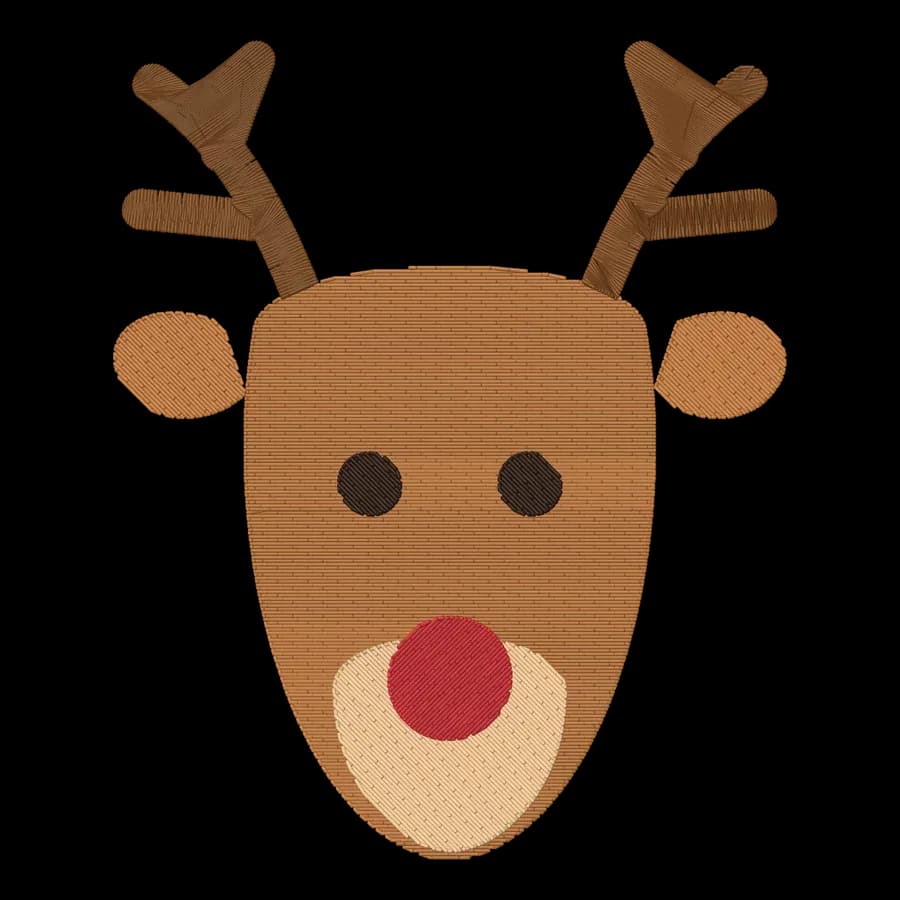 FreeReindeer78 × 95 mm · 5,483 stitches · 5 colors
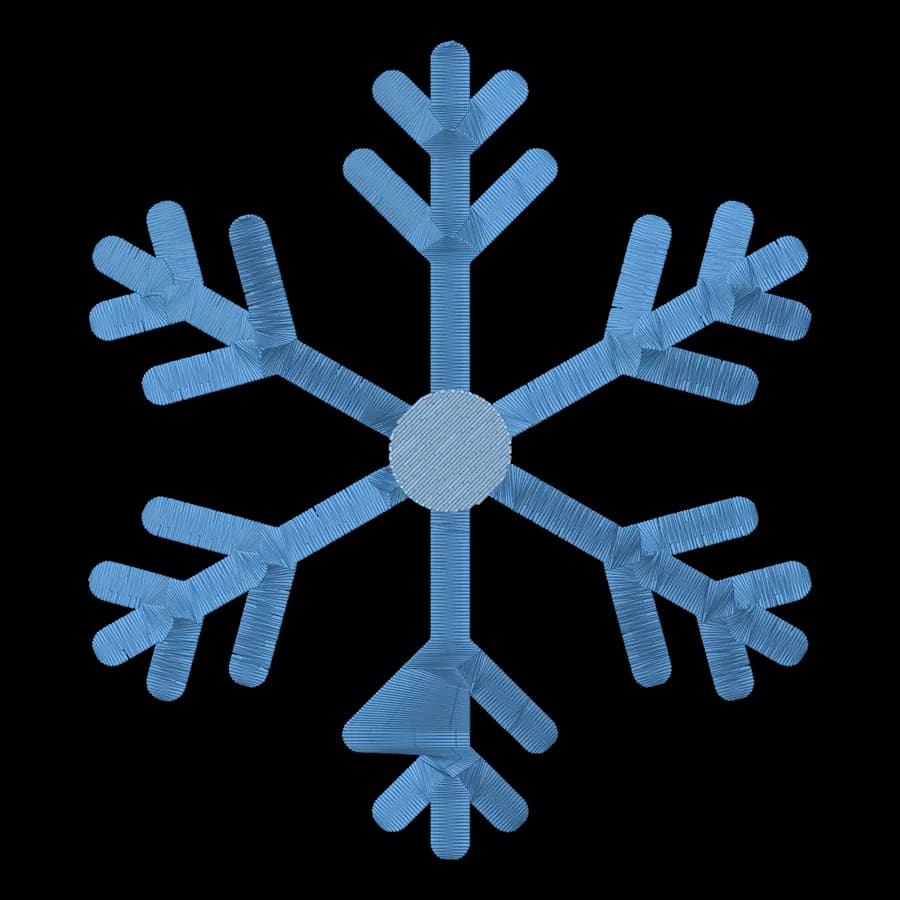 FreeSnowflake84 × 95 mm · 6,868 stitches · 2 colors
 FreeCandy cane65 × 95 mm · 7,286 stitches · 3 colors
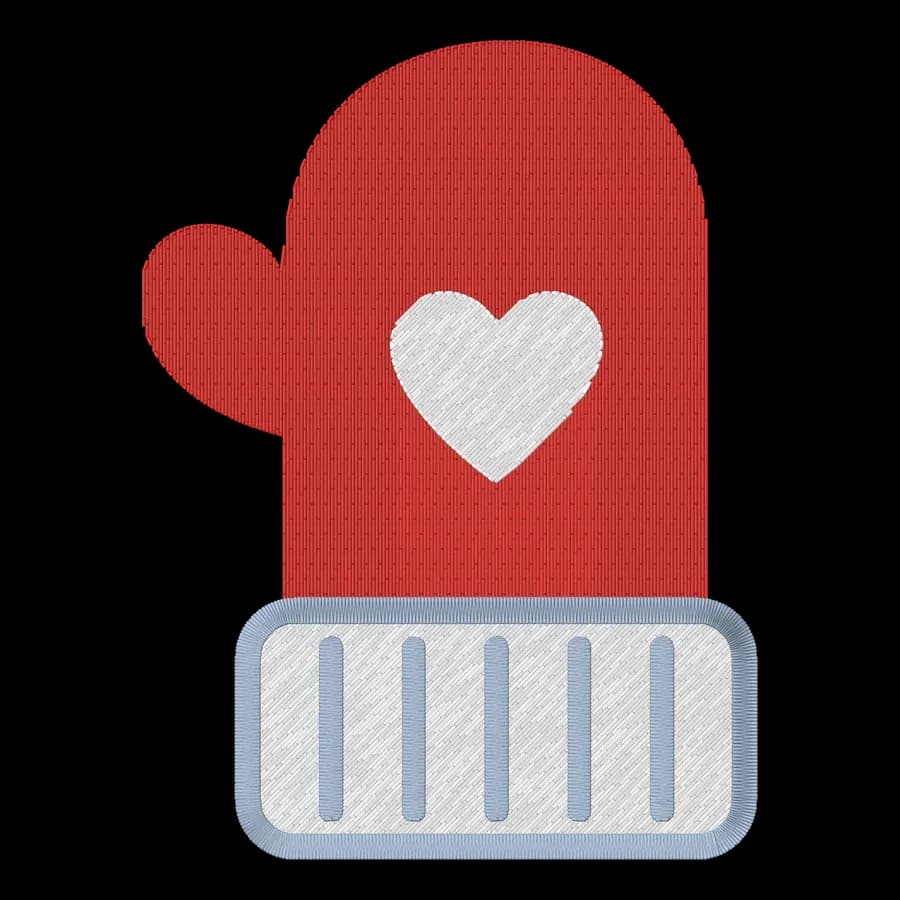 FreeMitten71 × 95 mm · 7,339 stitches · 3 colors
Halloween
Halloween designs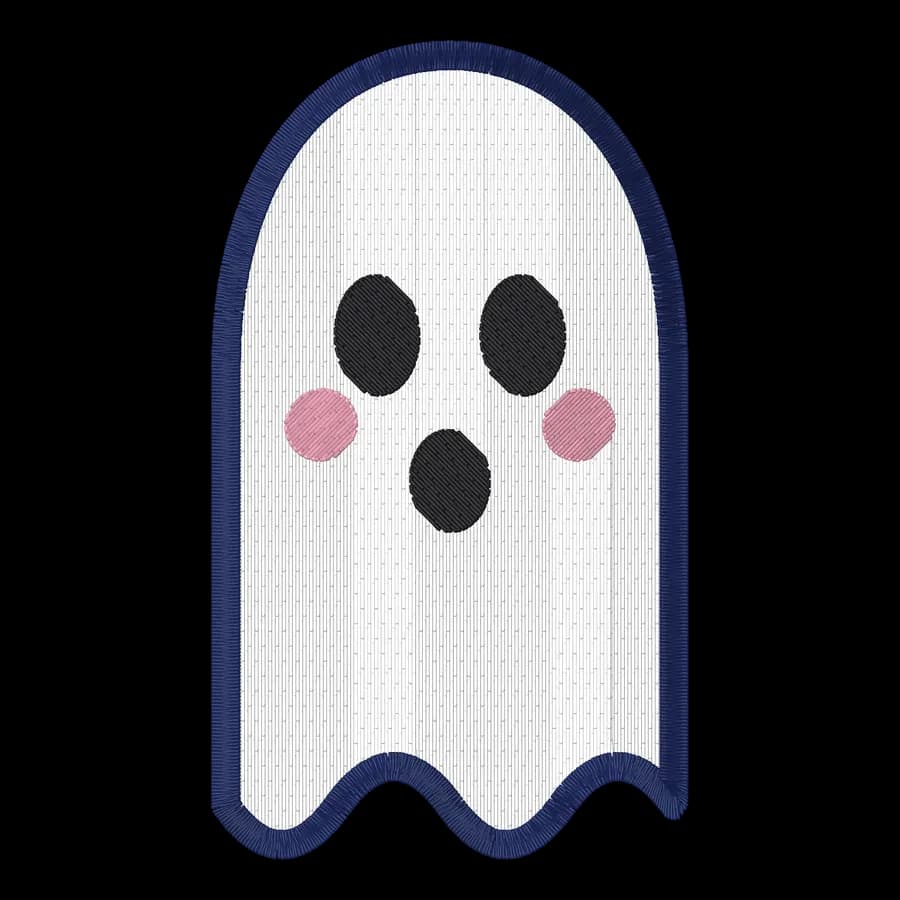
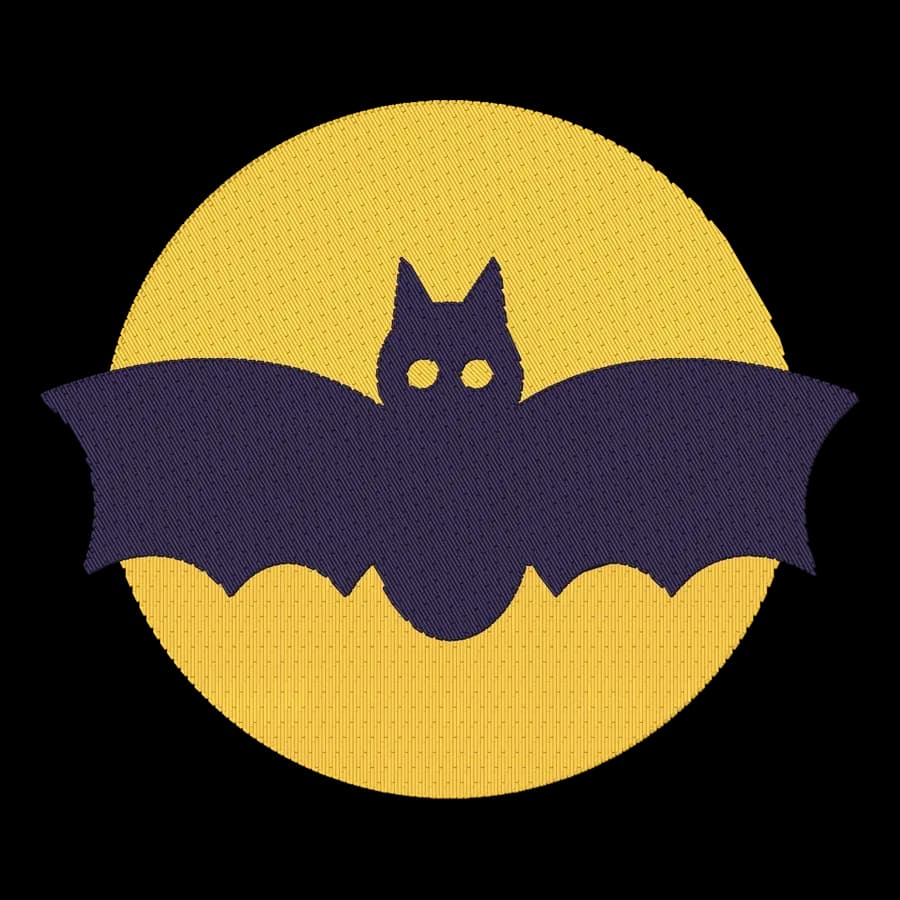
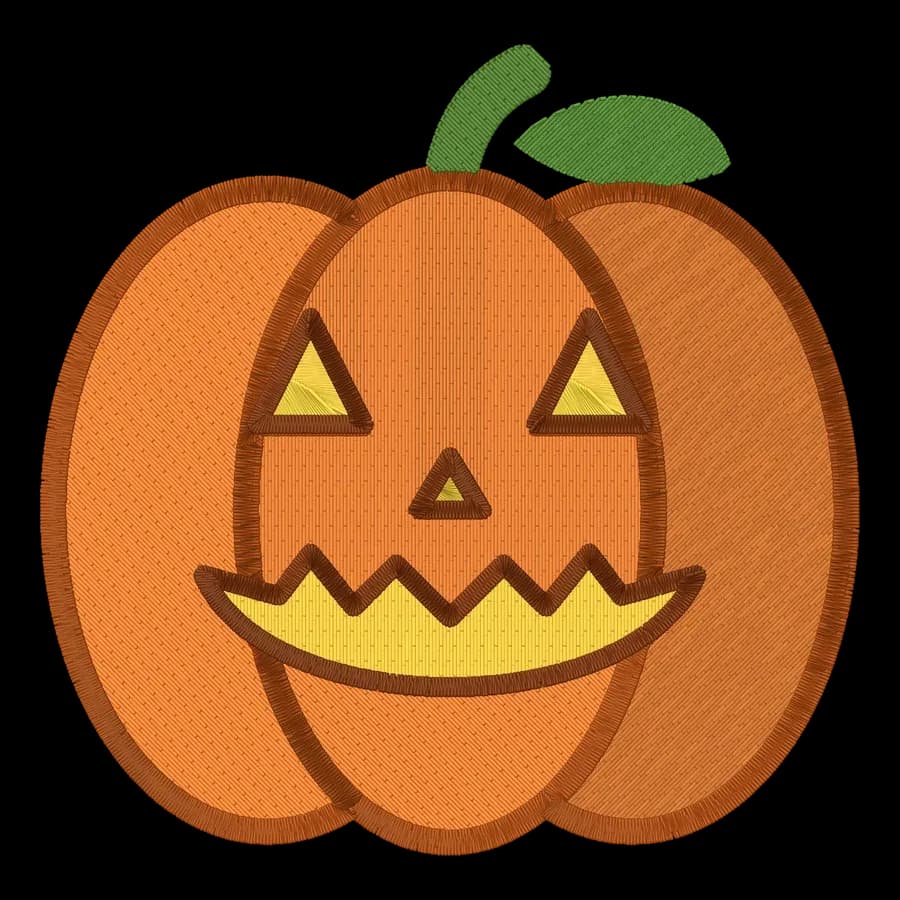
Autumn & Thanksgiving
Autumn & Thanksgiving designs

Valentine's Day
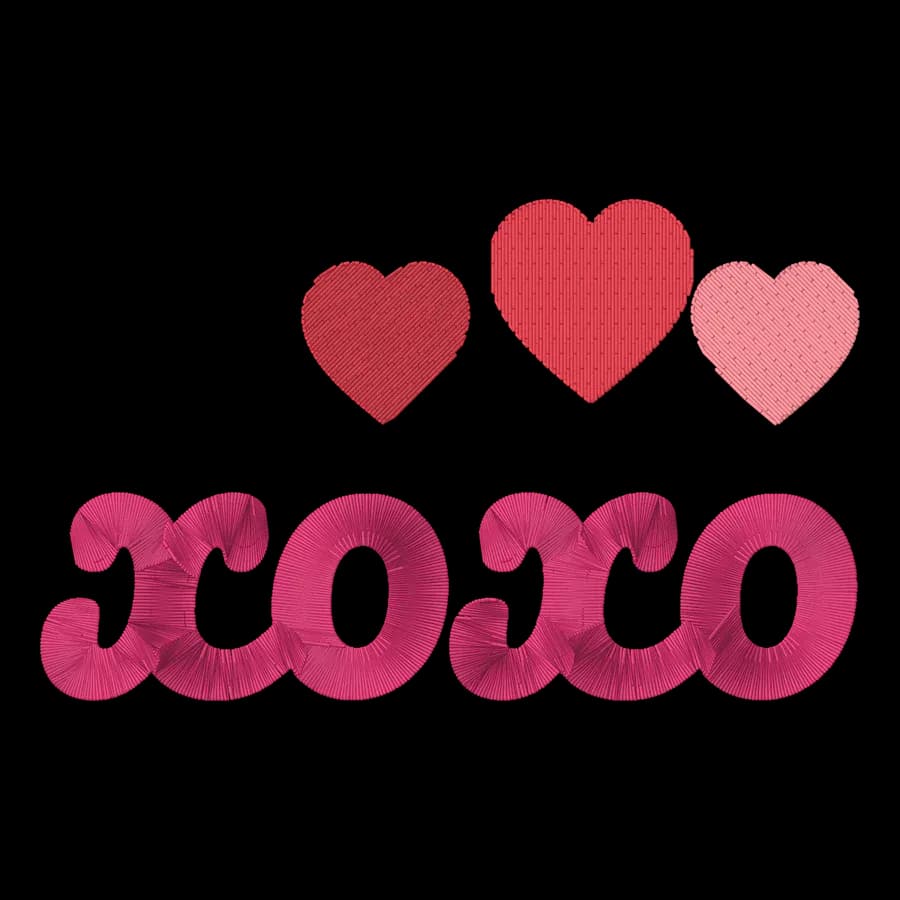
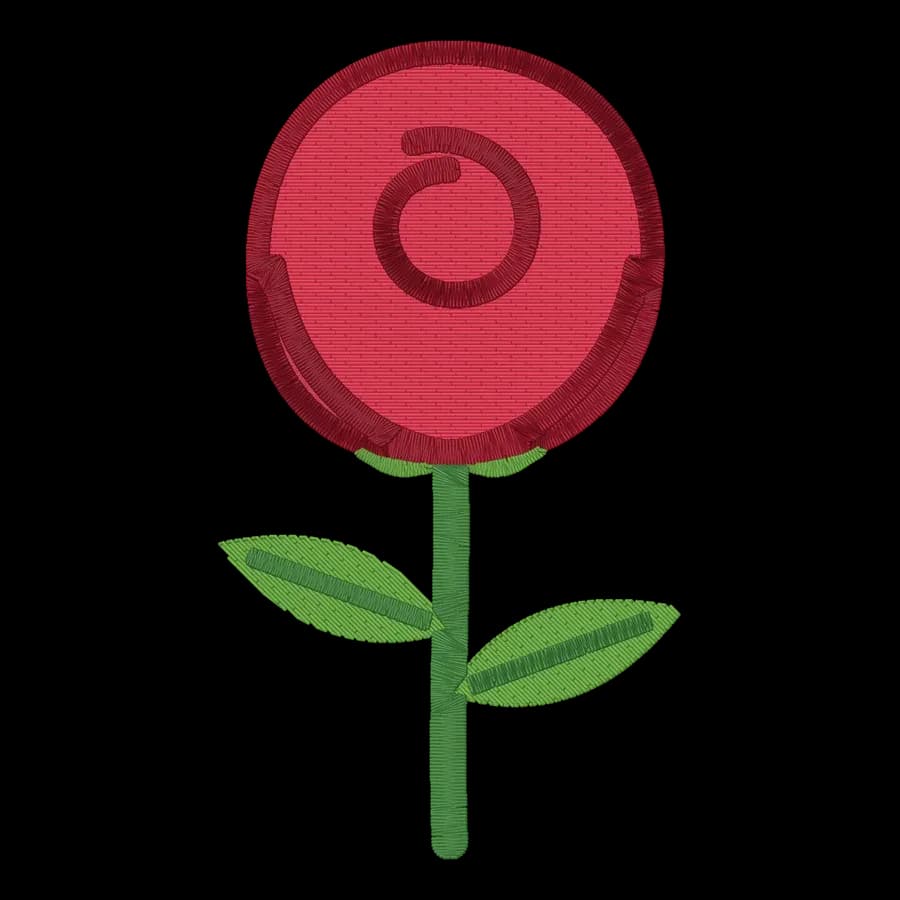
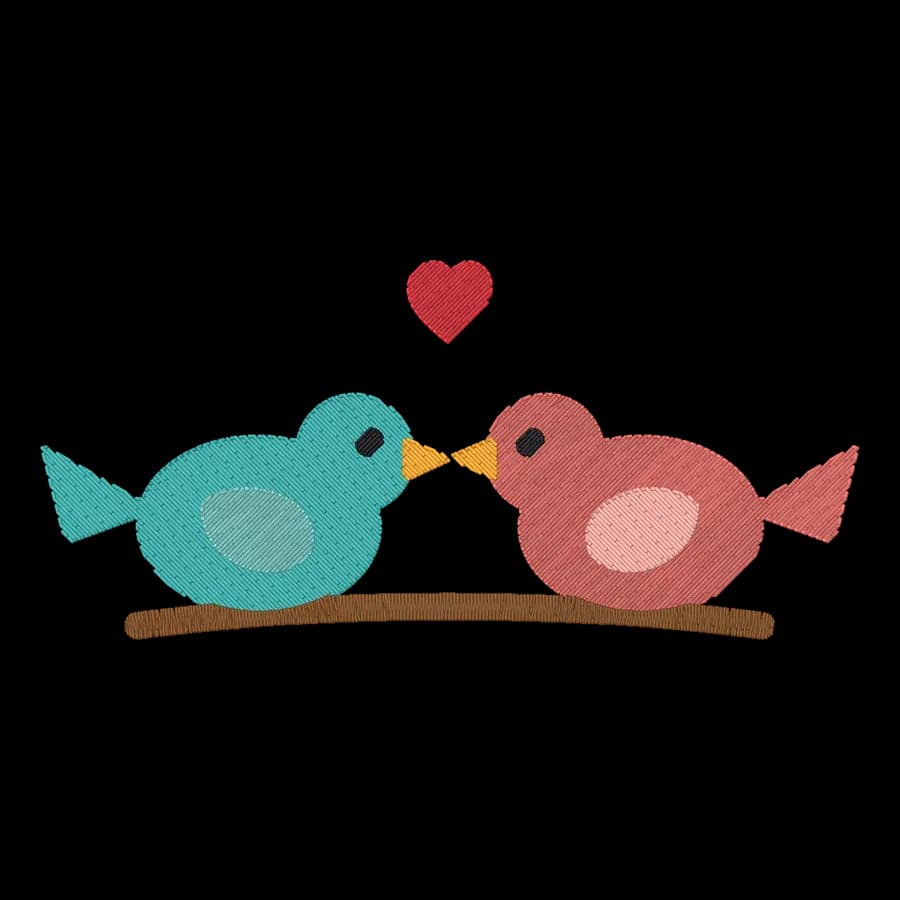
Valentine's Day designs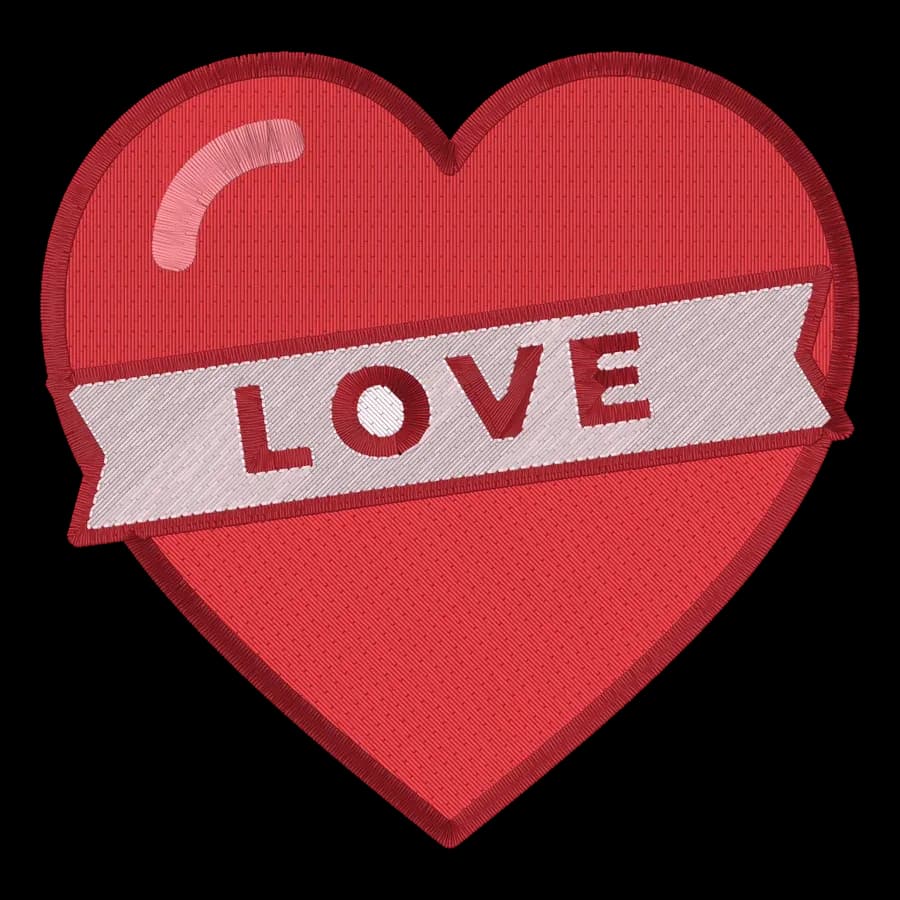
Easter & spring
Easter & spring designs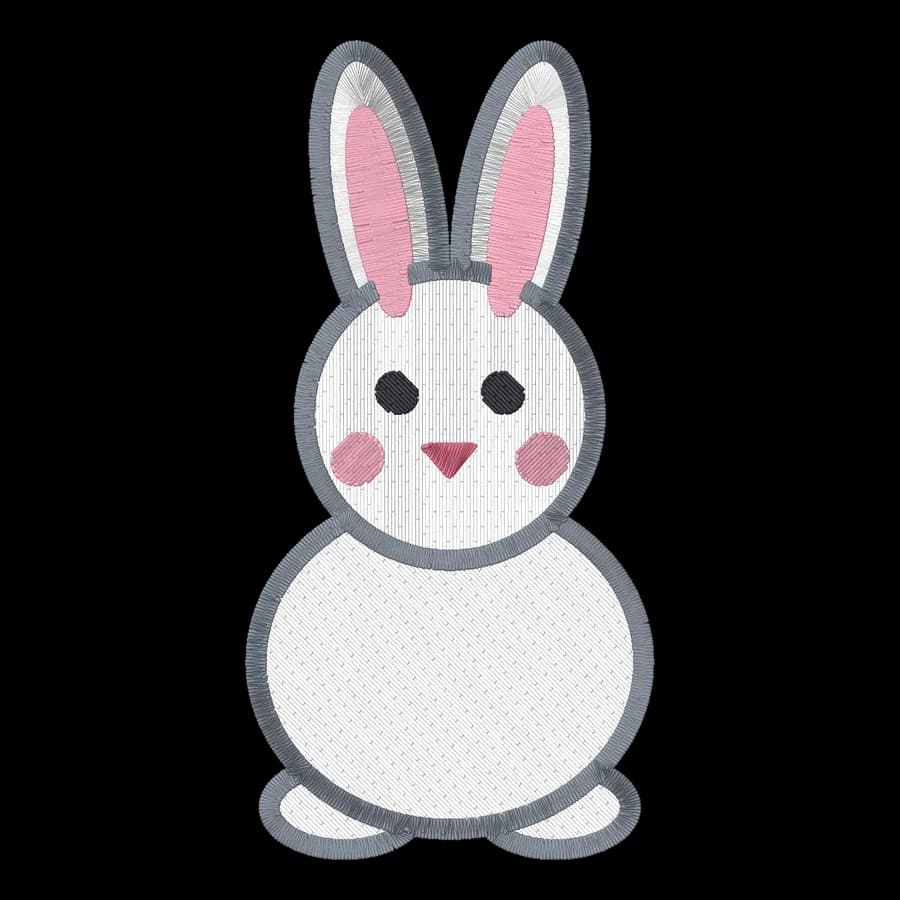
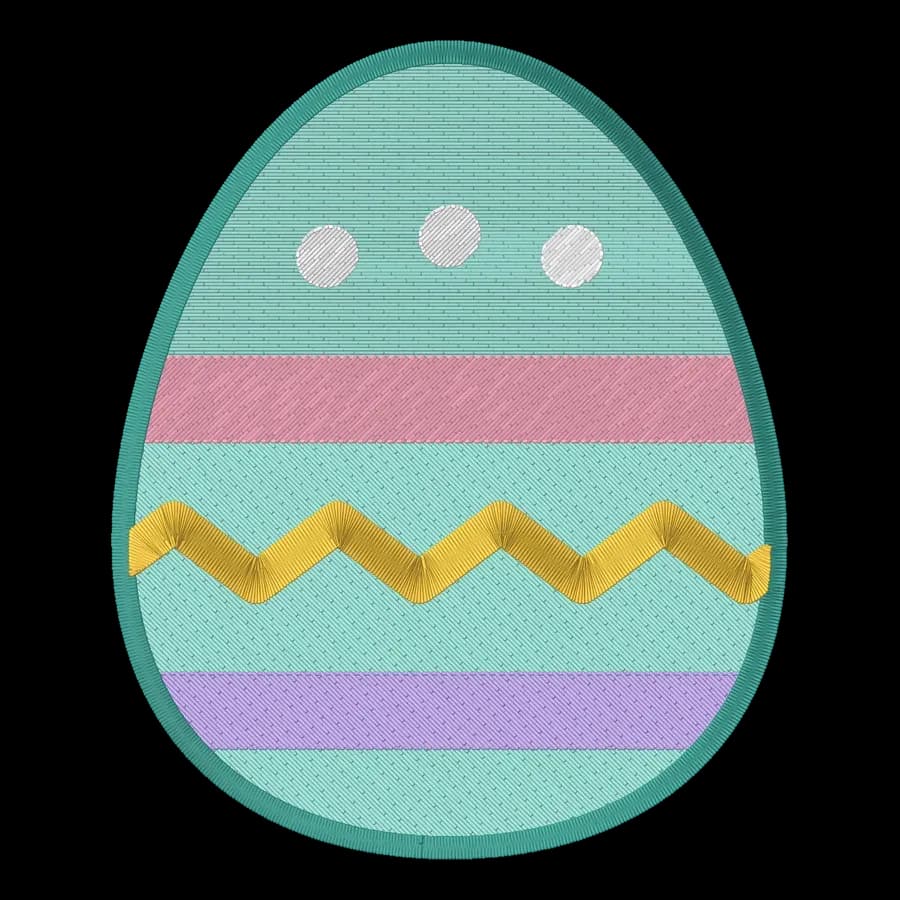
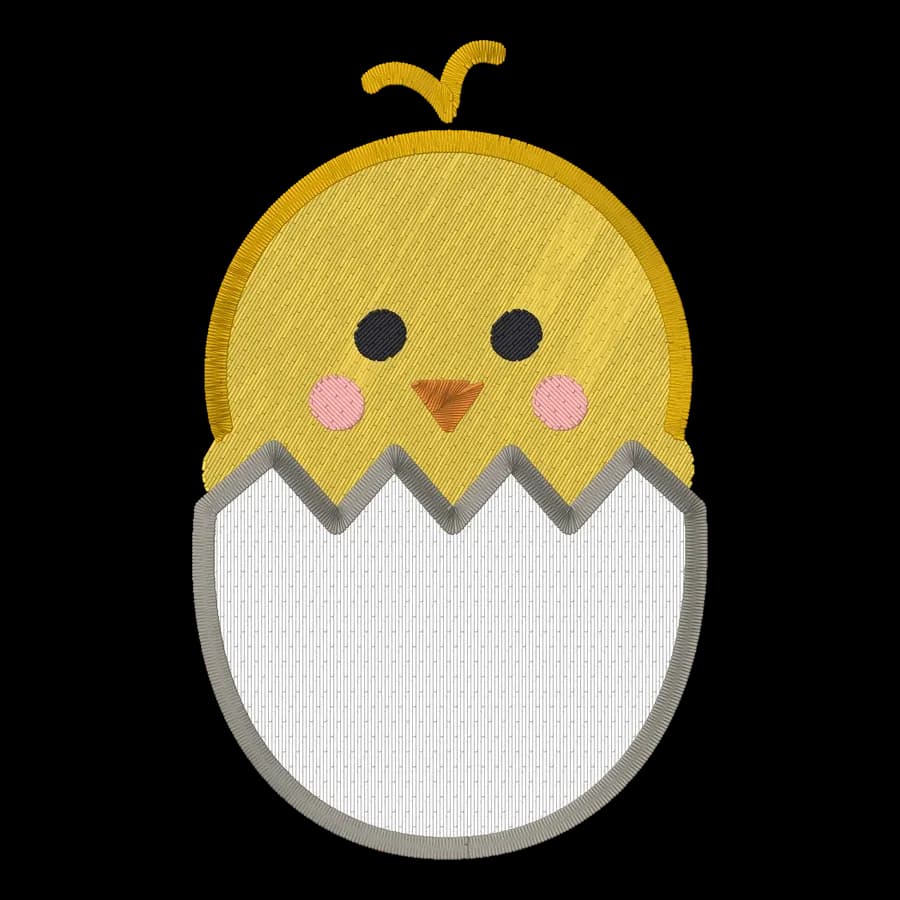
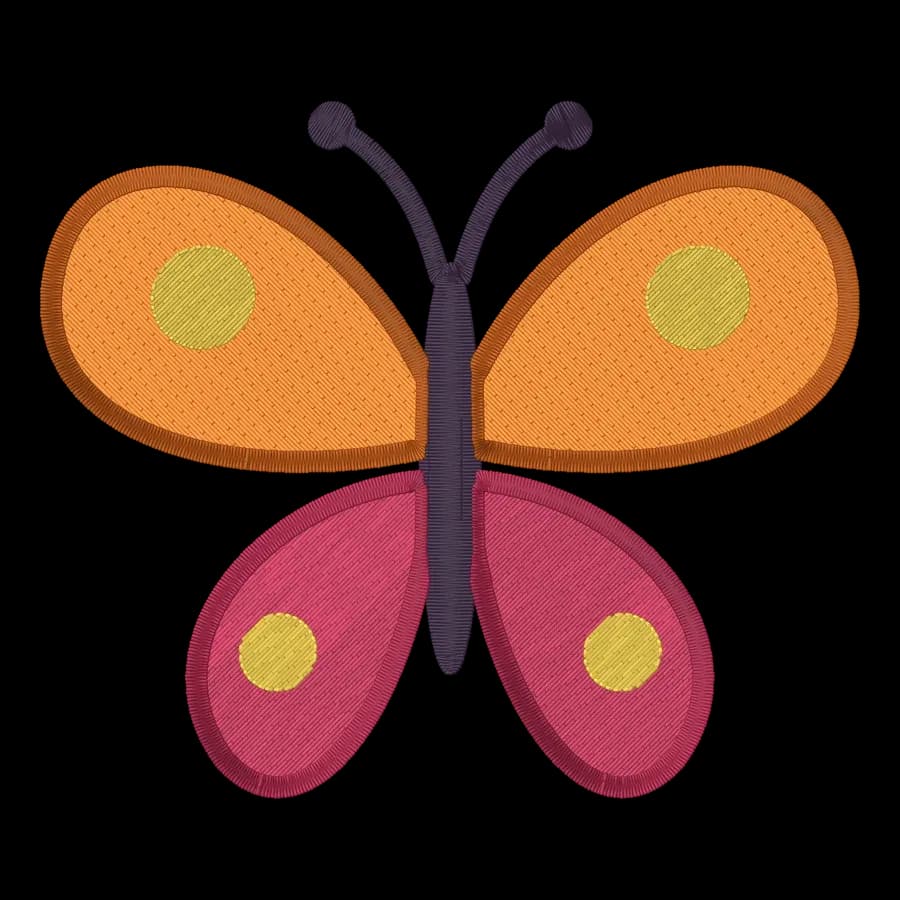
Flowers & nature
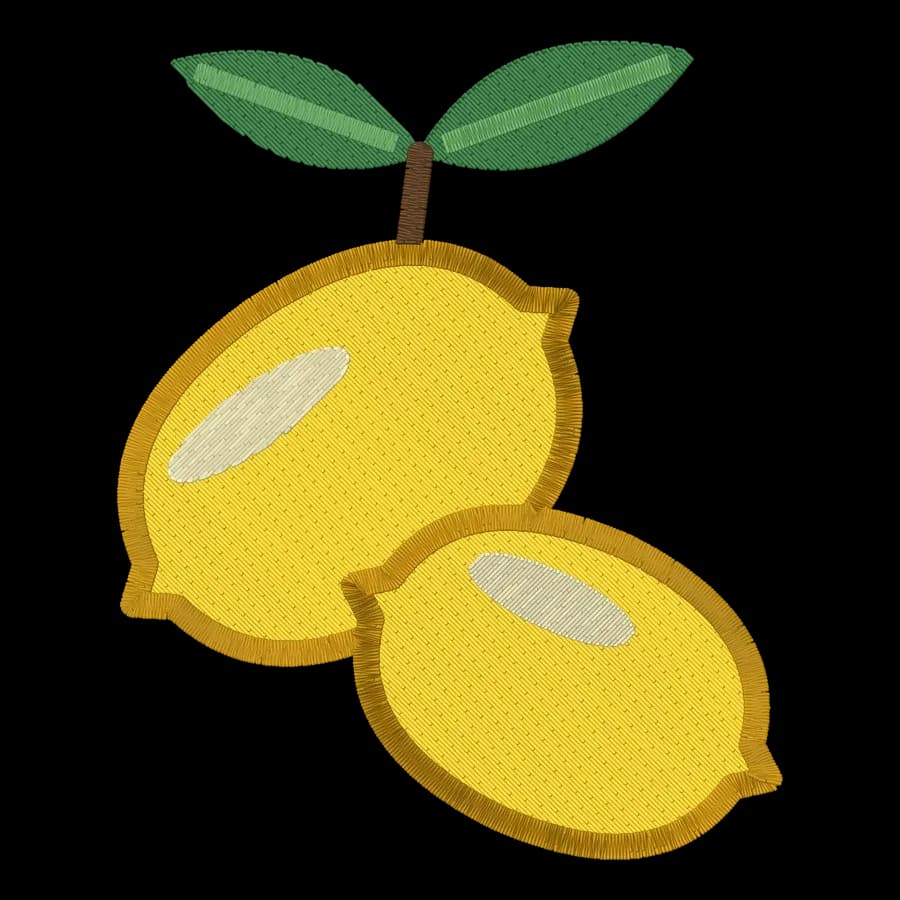
Flowers & nature designs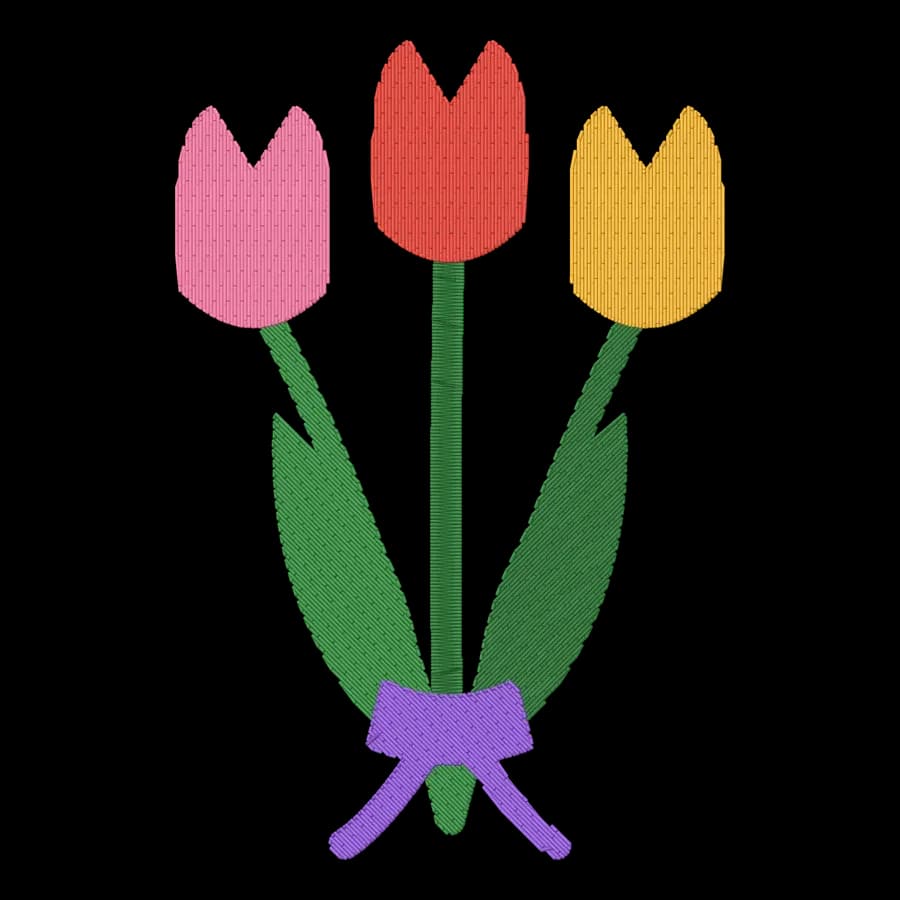
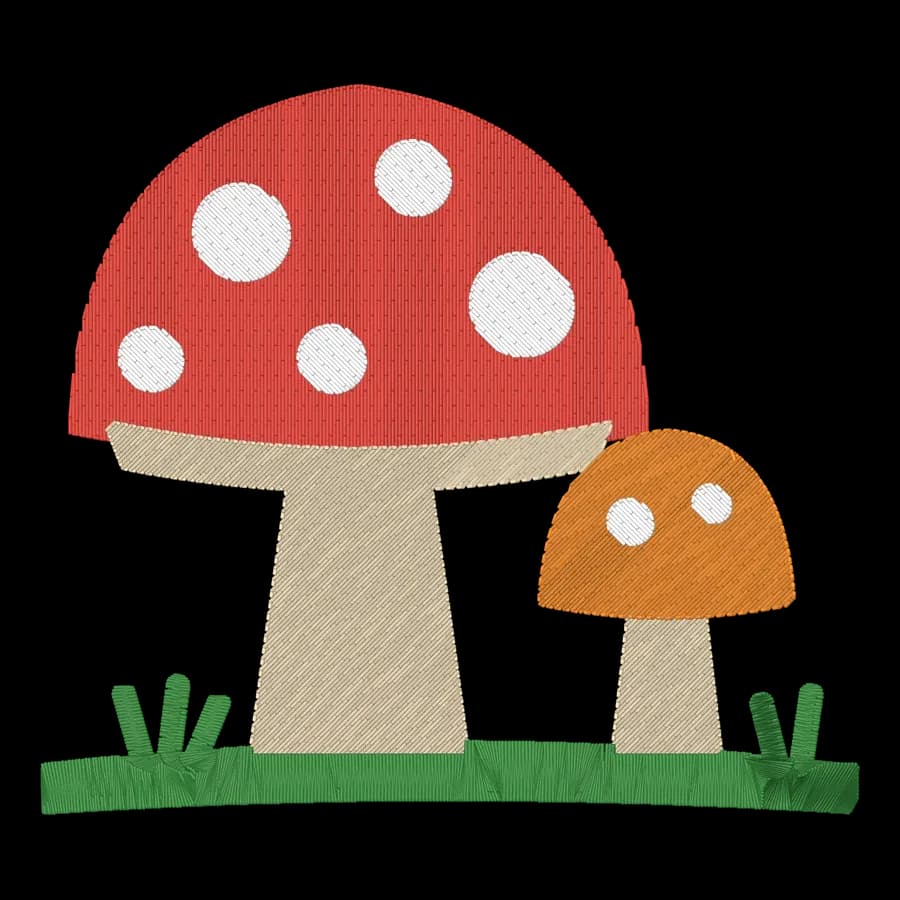
Animals
Animals designs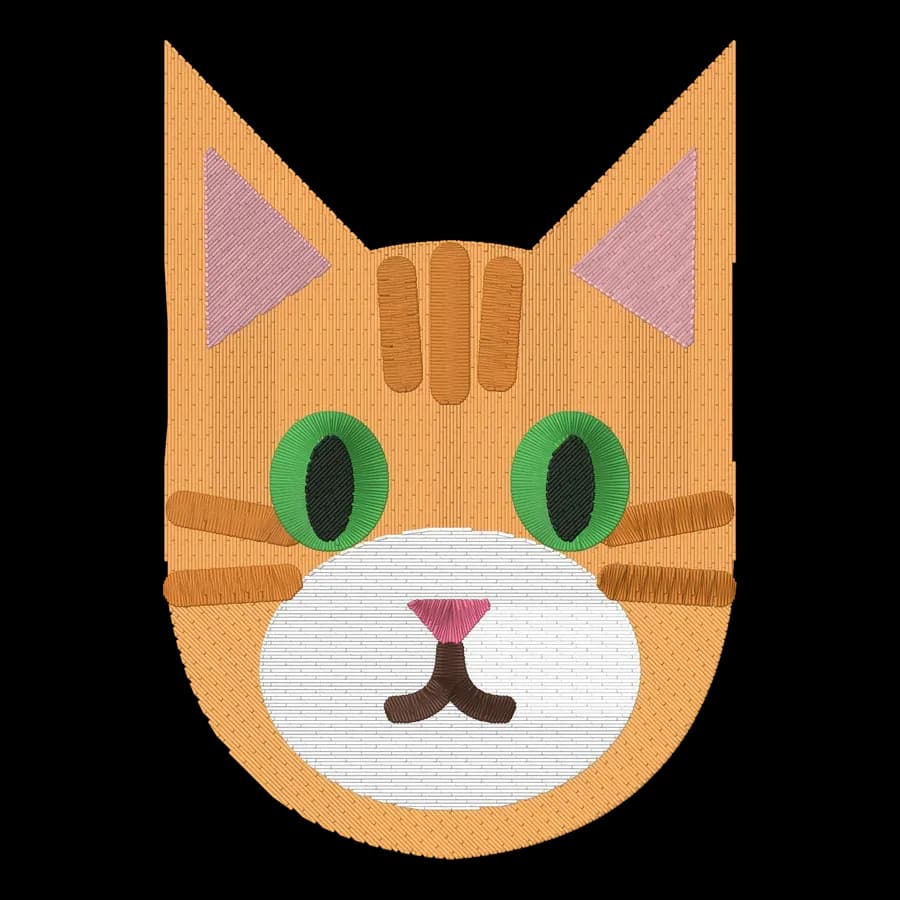
Pets
Pets designs
Baby
Baby designs

Beach & nautical
Beach & nautical designs

Kids & home
Kids & home designs

Sports
Sports designs

























From download to your Brother machine
- 1
Pick a design
Open any design above; PES is already selected on its download panel.
- 2
Download
Sign in free and download the .pes file, or a ZIP with every format.
- 3
Load it
Copy the .pes file to a USB stick, or send it over Wi-Fi on newer Brother and Baby Lock machines, then pick it on the machine's screen.
- 4
Sew a test
Hoop a scrap of similar fabric with the right stabilizer and sew a test before the real item.
Free account
Download every design as PES, free
Create a free account to digitize any image, try every setting and watch it sew. Choose a plan only when you want to download files.
- Digitize and preview any image
- Realistic stitch preview and sew-out
- Download free ready-made designs
- No credit card needed

Free PES design questions
The quickest way to see what it does with your artwork is to try it. With a free account, digitizing and previewing cost nothing and take about a minute.
Are these PES embroidery designs really free?
Yes. All 78 designs download as PES files with a free Embrizo account. No plan or credit card is needed for the free library.
Which machines use PES files?
Brother & Baby Lock machines. PES keeps the thread colors, so your Brother or Baby Lock shows the design in close-to-real colors.
How do I put a PES design on my machine?
Copy the .pes file to a USB stick, or send it over Wi-Fi on newer Brother and Baby Lock machines, then pick it on the machine's screen.
What hoop size do I need?
Every design fits a 4 × 4 in (100 × 100 mm) hoop, so it also sews in any larger hoop.
Can I get my own logo as a PES file?
Yes. Upload a logo, drawing or photo to the digitizer, check the stitch preview and download a PES file for your machine.
Other formats and tools
Your own artwork as a PES file
Sign up free, upload a logo, drawing or photo and get a ready-to-sew PES file for your Brother machine in seconds.