Embrilliance vs Ink/Stitch
Embrilliance runs on Mac and Windows and sells one-time modules from $159; Ink/Stitch runs on Windows, Mac and Linux inside Inkscape and is free and open source. Both run on a Mac. Neither auto-digitizes images; you draw the stitches. For turning logos and artwork into machine files, Embrizo is the top pick over both: it auto-digitizes in any browser, on a Mac or a PC, in seconds and from $8 a month.
Embrilliance
by BriTon Leap
- Mac
- Yes
- Auto-digitizing
- No
- Free
- Paid
One-time modules, from $159
Ink/Stitch
by the Ink/Stitch open-source project
- Mac
- Yes
- Auto-digitizing
- No
- Free
- Yes
Free and open source
From each vendor's site, checked October 2026.
Embrizo, Embrilliance and Ink/Stitch
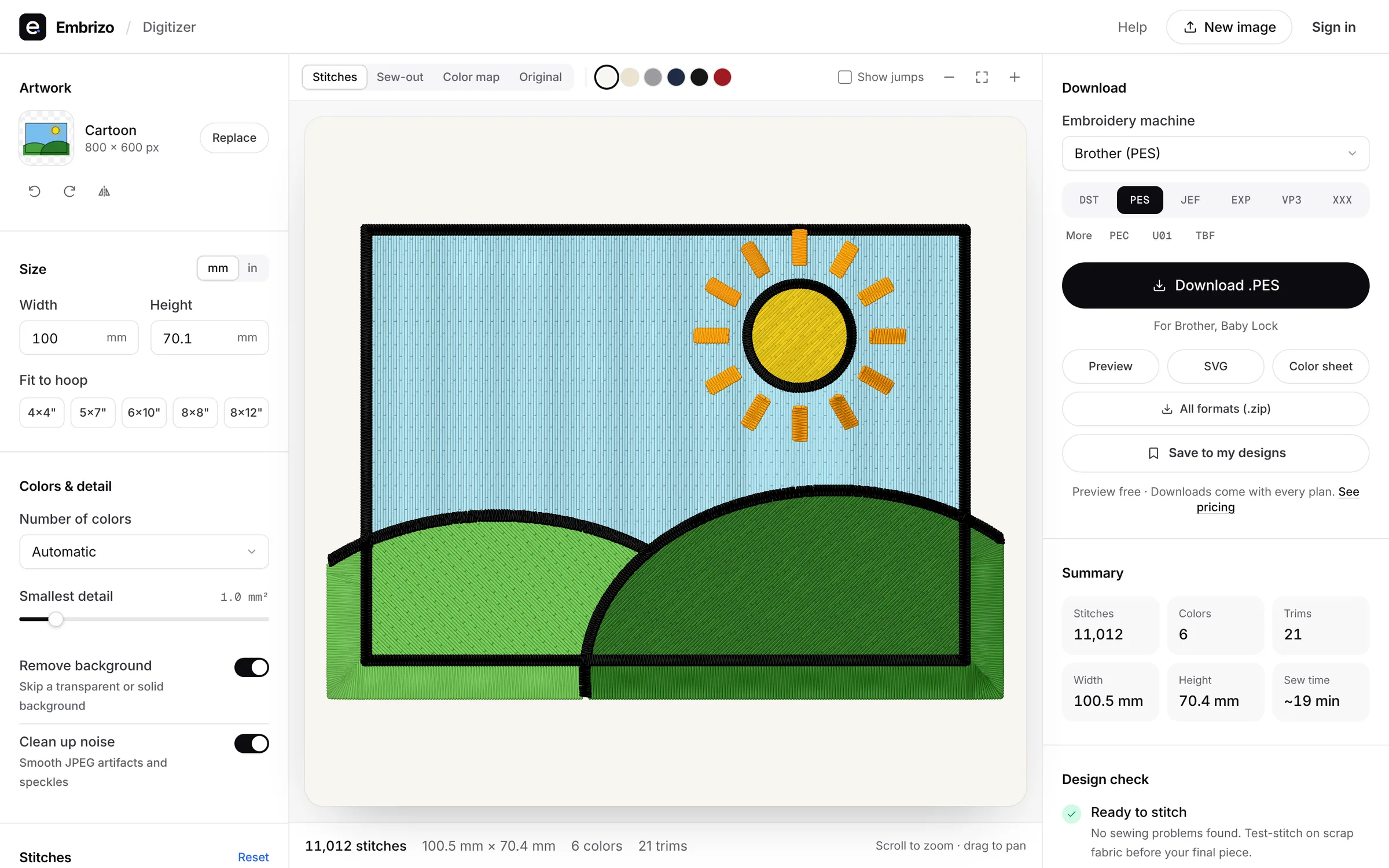
The same five questions for each. Embrizo is the only one that auto-digitizes on any computer with nothing to install.
| Feature | Embrizo | Embrilliance (Essentials and StitchArtist) | Ink/Stitch |
|---|---|---|---|
| Works on | Any modern browser on Windows, Mac, Linux or a Chromebook. Nothing to install. | Windows and Mac. One purchase covers both, on your own computers. | Windows, macOS 12+ and Linux, as an extension to Inkscape (install Inkscape first). |
| Price | Free account to digitize, preview and save designs. Plans for downloads from $8 a month billed yearly ($96 a year), or $20 monthly. | One-time modules: Essentials $159; StitchArtist Level 1 $179, Level 2 $389, Level 3 $699 (regular prices). | Free and open source (GPL-3.0). |
| Auto-digitizing from images | Yes, on every plan: upload a PNG, JPG, WebP, GIF, BMP or SVG and get stitches in seconds. | No. The vendor says StitchArtist isn't an auto-digitizer; Level 3 can trace line art. | Works from vector paths. Images are traced with Inkscape's Trace Bitmap and cleaned up before stitching. |
| Manual digitizing and editing | You adjust settings, not individual stitches: colors, stitch type per color, size, fabric, underlay, rotation and mirroring. | Yes: StitchArtist is built for digitizing by hand. | Yes: you set stitch types and parameters on each path. |
| Trying it | Free account, no credit card. Downloads need a plan; cancel anytime. | Check the vendor's site for current trial options. | Free to download and use. |
Why Embrizo beats both
Embrizo turns logos and artwork into clean, ready-to-sew embroidery files in your browser. Upload an image and get stitches in seconds; no digitizing skills needed.
- Works on Mac, Windows, Linux and Chromebook, nothing to install
- Auto-digitizes on every plan, with satin, fill and underlay set for your fabric
- Writes DST, PES, JEF, EXP, VP3, XXX, PEC, U01 and TBF
- Free account to digitize and preview; downloads from $8 a month instead of $159 up front
Choose Embrilliance if…
- You enjoy digitizing by hand and want precise control over every object.
- You want a one-time purchase that runs offline on Mac and Windows.
- You mostly edit, letter and merge existing designs (Essentials).
Learning curve: Essentials is approachable; StitchArtist takes time because you draw every object.
Embrilliance vs EmbrizoChoose Ink/Stitch if…
- You're comfortable in Inkscape and like full control over every path.
- You want free, open-source software and don't mind the learning curve.
- You need G-code or other specialist output.
Learning curve: A steep start: you learn Inkscape and stitch settings first.
Ink/Stitch vs EmbrizoFree account
See your logo stitched in seconds
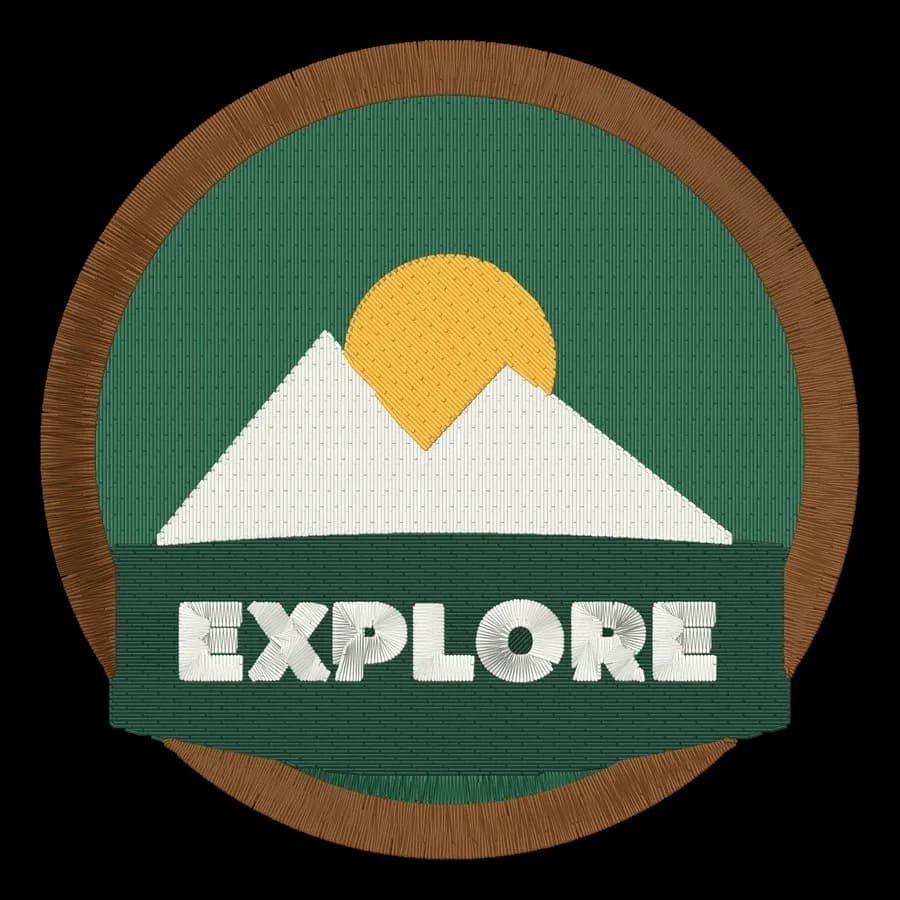
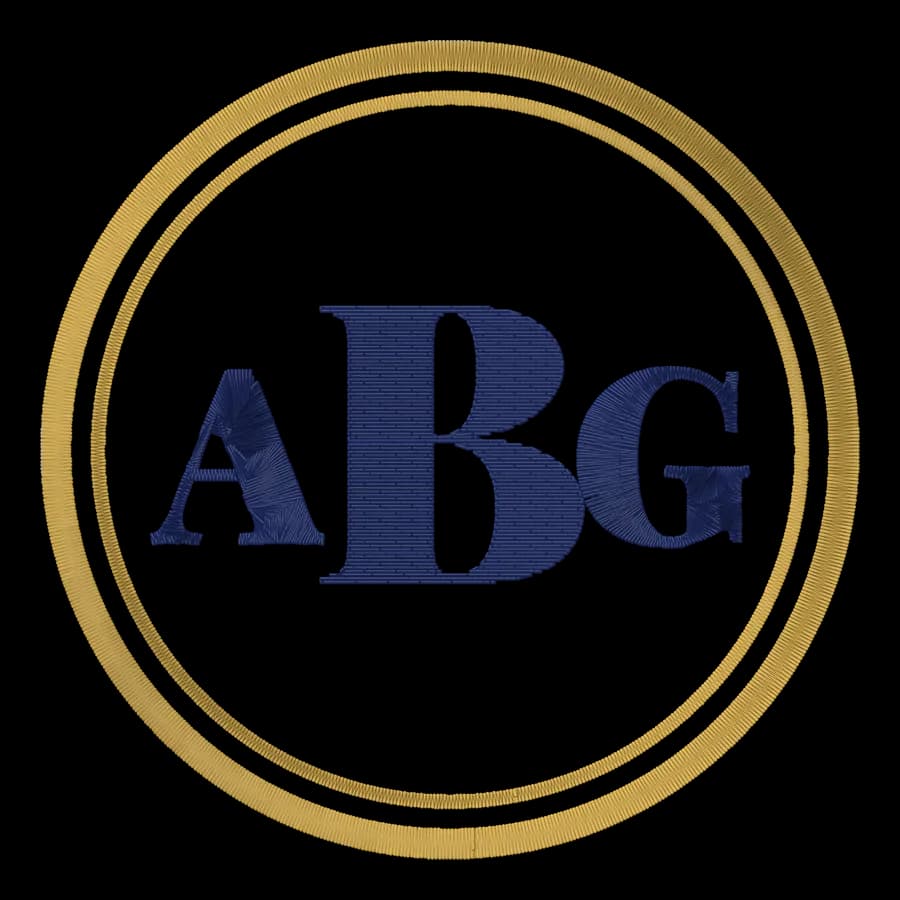
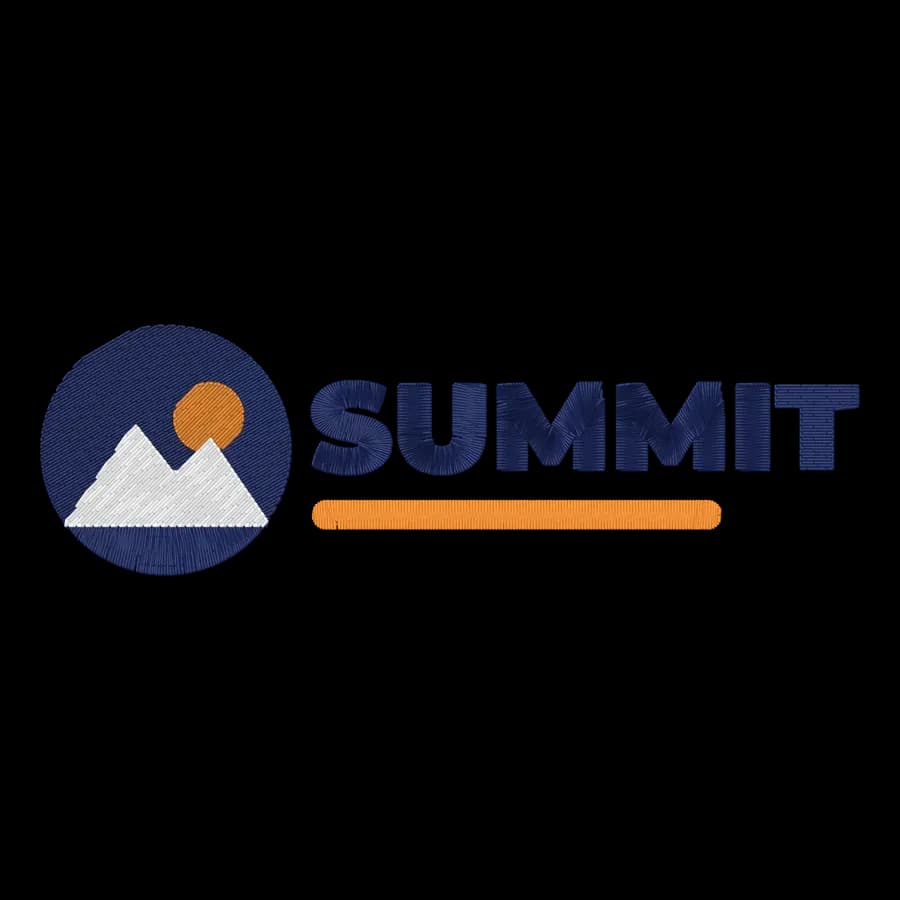
Create a free account to digitize any image, try every setting and watch it sew. Choose a plan only when you want to download files.
- Digitize and preview any image
- Realistic stitch preview and sew-out
- Download free ready-made designs
- No credit card needed
Embrilliance vs Ink/Stitch questions
The quickest way to see what it does with your artwork is to try it. With a free account, digitizing and previewing cost nothing and take about a minute.
Is Embrilliance better than Ink/Stitch?
Embrilliance suits editing, lettering and hand digitizing on a Mac; Ink/Stitch suits free, hands-on digitizing from vector paths. For most people who need files from logos and artwork, Embrizo is the better choice than either: it auto-digitizes in the browser on any computer, in seconds.
Which works on a Mac, Embrilliance or Ink/Stitch?
Both: Embrilliance runs on Mac and Windows and Ink/Stitch runs on Windows, Mac and Linux inside Inkscape.
Which is cheaper?
Ink/Stitch, at the entry level: free and open source. The other sells one-time modules from $159. Compare the level you actually need, since features differ by tier.
Can Embrilliance and Ink/Stitch auto-digitize images?
Neither auto-digitizes images: you draw or set up the stitch objects yourself.
What's the best alternative to Embrilliance and Ink/Stitch?
Embrizo. Upload an image in your browser and get a ready-to-sew file in seconds, on a Mac, PC or Chromebook. Digitizing and previewing are free with an account; downloads start at $8 a month billed yearly.
Where do these details come from?
From BriTon Leap's and the Ink/Stitch open-source project's own websites, checked in October 2026. Prices and features change, so confirm with the vendor before you buy.
Sources
- embrilliance.com/store
- embrilliance.com/product/stitchartist-level-1
- embrilliance.com/product/essentials
- github.com/inkstitch/inkstitch
- inkstitch.org/docs/install-windows/
- inkstitch.org/docs/file-formats/
- inkstitch.org/docs/inkscape-tips/
More comparisons
- Best embroidery software for Mac
- Free embroidery digitizing software
- Best embroidery software for beginners
- Hatch vs Embrilliance
- Hatch vs Wilcom EmbroideryStudio
- Hatch vs Ink/Stitch
- Hatch vs PE-DESIGN
- Chroma vs Hatch
- Embrilliance vs PE-DESIGN
- Chroma vs PE-DESIGN
- Chroma vs Wilcom EmbroideryStudio
- Embird vs Hatch
- SewArt vs Hatch
- Embird vs Embrilliance
- BERNINA Embroidery Software vs Hatch
- Artistic Digitizer vs Embrilliance
- SewArt vs Embird
Skip the software, keep the stitches
Sign up free, upload a logo and see it stitched in under a minute. Download for any machine when you're ready.