Best embroidery software for beginners
Embrizo is the best embroidery software for beginners: it auto-digitizes, so a picture becomes ready-to-sew stitches without learning digitizing, and it runs in any browser from $8 a month. Hatch Composer also auto-digitizes but needs Windows and $699 up front, Embrilliance Essentials suits lettering and editing, and Ink/Stitch is free but the hardest to learn.
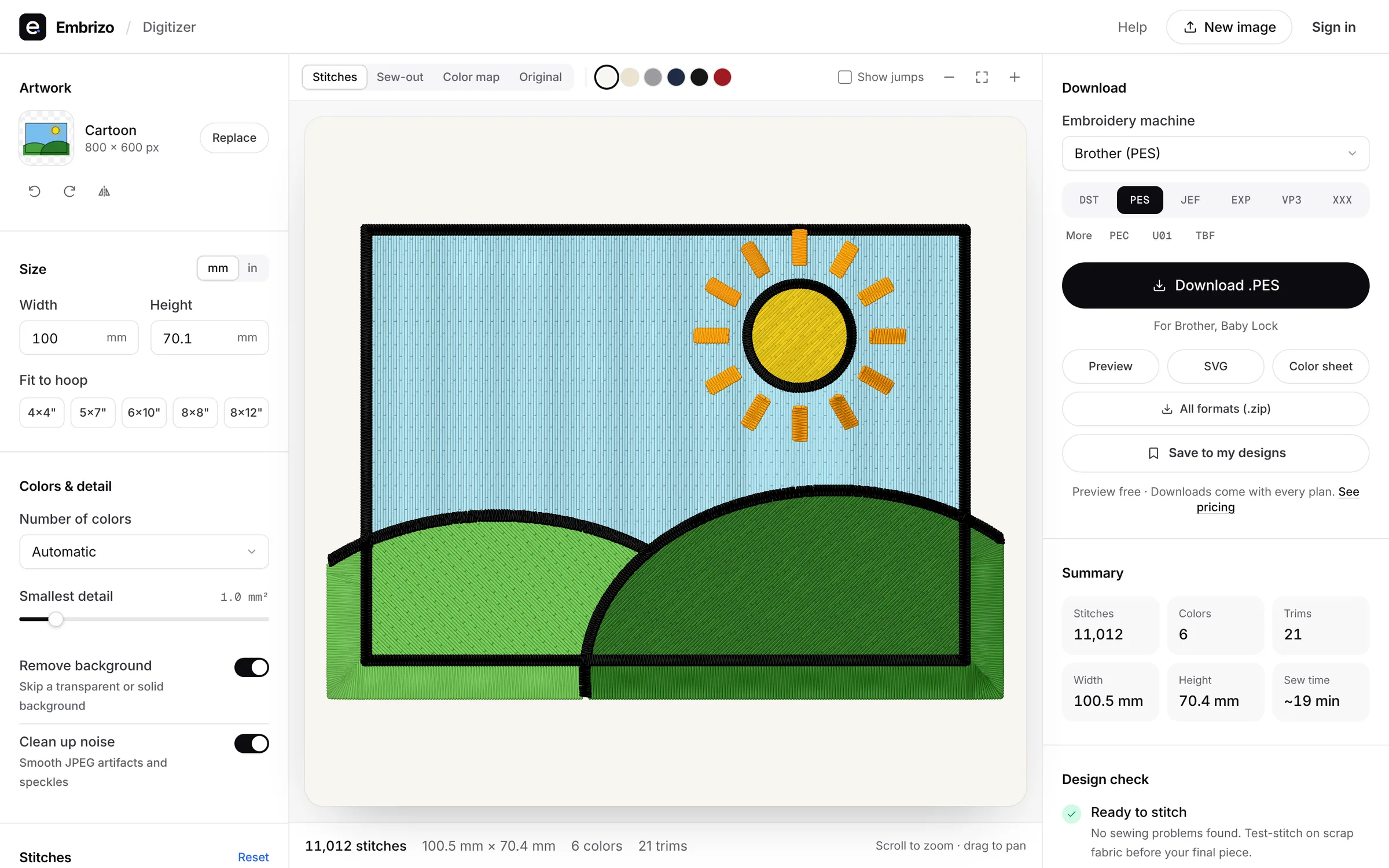
Ranked by how quickly a new embroiderer gets from an idea to a file that sews, not by how many features it has.
- Top pick1Best for beginners
Embrizo
Browser auto-digitizer
MacAuto-digitizingFree accountNo installation and no digitizing skills: upload a picture, pick the size and fabric, and the stitches, underlay and colors are chosen for you. A built-in design check flags anything that won't sew well before you download.
- Stitches in seconds from any image
- Fabric presets set density and underlay
- Realistic preview and sew-out
- Free account to digitize and preview
- Works on
- Any browser: Windows, Mac, Linux, Chromebook
- Price
- Free account; downloads from $8 a month billed yearly
- 2Best beginner desktop software
Hatch Embroidery 4
by Wilcom
MacAuto-digitizingFreeFour levels, so you can start small; good tutorials and a 30-day trial.
Watch out: Windows only, and auto-digitizing starts at $699.
- Works on
- Windows only
- Price
- One-time, from $199 ($699 with auto-digitizing)
- 3Best for lettering and editing
Embrilliance (Essentials and StitchArtist)
by BriTon Leap
MacAuto-digitizingFreeEssentials is friendly for names, monograms and combining designs, on Mac or Windows.
Watch out: Digitizing your own art means drawing objects in StitchArtist.
- Works on
- Mac and Windows
- Price
- One-time modules, from $159
- 4Best for Brother owners
Brother PE-DESIGN 11
by Brother
MacAuto-digitizingFreeWizards for photos and simple artwork, made by your machine's maker.
Watch out: Windows only and about $1,958 at retail.
- Works on
- Windows only
- Price
- One-time, about $1,958 at retail
- 5Best if the budget is zero
Ink/Stitch
by the Ink/Stitch open-source project
MacAuto-digitizingFreeFree, with an active community and documentation.
Watch out: The hardest to learn: Inkscape plus manual stitch setup.
- Works on
- Windows, Mac and Linux, inside Inkscape
- Price
- Free and open source
- 6Best phone app for Brother owners
Brother Artspira
by Brother
MacAuto-digitizingFreeA friendly app with ready-made designs that sends straight to Brother wireless machines.
Watch out: Image to Embroidery is in the paid Artspira+, and designs stay in the app.
- Works on
- iPhone, iPad and Android
- Price
- Free; Artspira+ $12.99 a month or $119.99 a year
- 7Low-cost Windows option
SewArt
by S&S Computing
MacAuto-digitizingFreeA simple, inexpensive Windows auto-digitizer for image-to-stitch conversion.
Watch out: Results depend on cleaning images into flat colors first; Windows only.
- Works on
- Windows only
- Price
- One-time, $75 ($93 on CD)
Quick comparison
| Software | Works on | Auto | Price |
|---|---|---|---|
| Embrizo | Any browser: Windows, Mac, Linux, Chromebook | Yes | Free account; downloads from $8 a month billed yearly |
| Hatch Embroidery 4 | Windows only | Yes | One-time, from $199 ($699 with auto-digitizing) |
| Embrilliance (Essentials and StitchArtist) | Mac and Windows | No | One-time modules, from $159 |
| Brother PE-DESIGN 11 | Windows only | Yes | One-time, about $1,958 at retail |
| Ink/Stitch | Windows, Mac and Linux, inside Inkscape | No | Free and open source |
| Brother Artspira | iPhone, iPad and Android | Yes | Free; Artspira+ $12.99 a month or $119.99 a year |
| SewArt | Windows only | Yes | One-time, $75 ($93 on CD) |
Prices and features of other programs from each vendor's website, checked October 2026.
Not included: Wilcom EmbroideryStudio, Chroma. Aimed at professionals and commercial shops rather than beginners.
Not included: Embird, Floriani Total Control U, Artistic Digitizer, BERNINA Embroidery Software. Full digitizing suites with more to learn; worth a look once you outgrow the basics.
Free account
See your design stitched before you buy anything
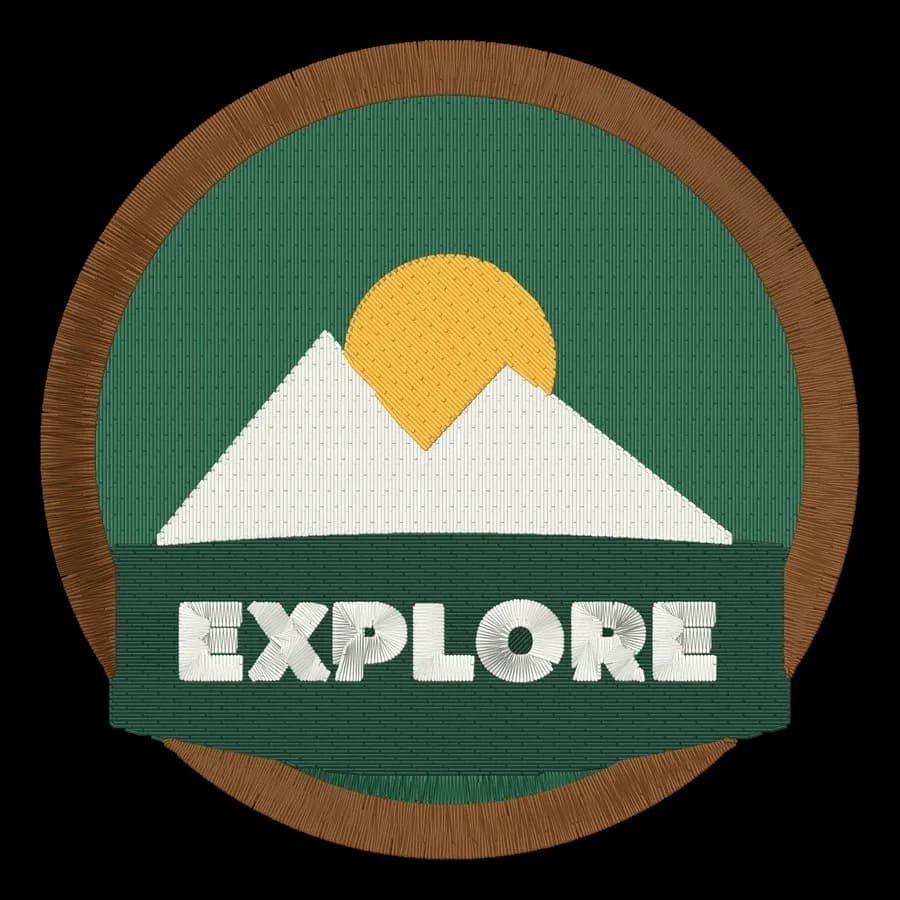
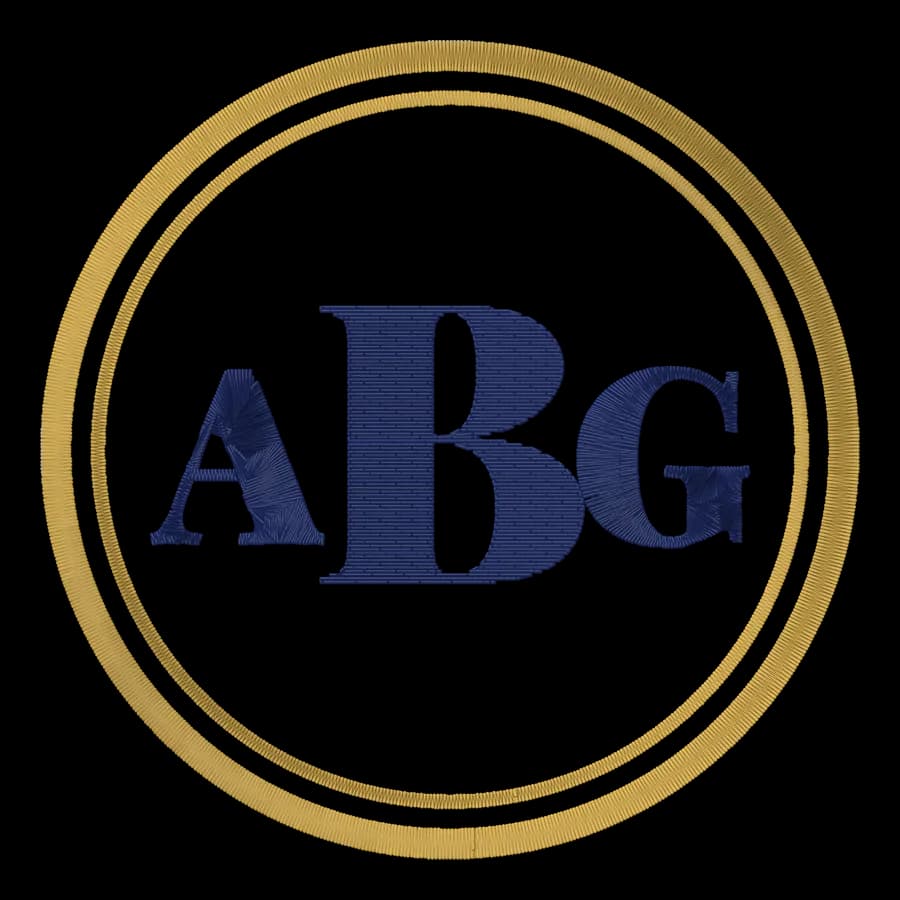
Create a free account to digitize any image, try every setting and watch it sew. Choose a plan only when you want to download files.
- Digitize and preview any image
- Realistic stitch preview and sew-out
- Download free ready-made designs
- No credit card needed

Questions
The quickest way to see what it does with your artwork is to try it. With a free account, digitizing and previewing cost nothing and take about a minute.
What is the easiest embroidery software for beginners?
Embrizo. You upload a picture in your browser and it makes the stitches, picks the underlay and density for your fabric and shows a realistic preview. Hatch Composer also auto-digitizes, on Windows.
Do I need digitizing software to start machine embroidery?
No. You can start with ready-made designs and your machine's built-in lettering, then add software when you want your own logos and art.
What software should I use with a Brother machine?
Embrizo makes PES files for Brother and Baby Lock from any image, on any computer. Brother's own PE-DESIGN, Hatch and Embrilliance also write PES.
Is Ink/Stitch good for beginners?
It's free, but you need to learn Inkscape and set up every stitch, so it suits beginners who enjoy a technical hobby.
More comparisons
The fastest way from image to stitches
Sign up free, upload a logo or drawing and see it stitched in under a minute, on any computer.