Embroidery file editor
Open any embroidery file and fix it for your project: turn it, flip it, size it for your hoop and change the thread colors, then watch it sew and save it for your machine.
Drop the embroidery file to edit
DST, PES, JEF, EXP, VP3, XXX, PEC, U01, TBF · opened right in your browser
Quick fixes without desktop software
Rotate
Turn the design in 90° steps to fit the hoop or the garment.
Mirror
Flip left-right for sleeves and pairs, or top-bottom.
Resize
Scale 50–150% with a density check that says when to re-digitize.
Recolor
Match each color to Brother or Janome thread.
Sew-out
Watch the edited design stitch before you save it.
Any format
Save as DST, PES, JEF, EXP, VP3, XXX, PEC, U01 or TBF.
Edit safely
- Turn designs instead of shrinking them when they nearly fit a hoop.
- Mirror a design for the second of a pair, such as cuffs or pillow ends.
- Keep resizes within about 10–20% of the original.
- Sew a test on scrap fabric after any edit.
Free account
Start digitizing in under a minute
Create a free account to digitize any image, try every setting and watch it sew. Choose a plan only when you want to download files.
- Digitize and preview any image
- Realistic stitch preview and sew-out
- Download free ready-made designs
- No credit card needed

Questions
The quickest way to see what it does with your artwork is to try it. With a free account, digitizing and previewing cost nothing and take about a minute.
Can I edit an embroidery file online?
Yes. Open a DST, PES, JEF, EXP, VP3, XXX or other stitch file here to rotate it, mirror it, resize it within a safe range and change its thread colors, then save it in any machine format. Everything runs in your browser.
Does editing change the stitches?
Rotating and mirroring move every stitch exactly. Resizing scales stitch lengths and spacing, so keep it within about 10–20%; for bigger changes, digitize the original artwork at the new size.
Can I change thread colors in a DST file?
Yes. DST has no colors of its own, so pick the threads you'll use; formats such as PES, JEF and VP3 store them in the file you save.
Is the editor free?
Opening, editing and previewing are free. Saving the edited embroidery file needs a paid plan, from $8 a month billed annually.
Can I add text or combine designs?
Not in this editor. Make lettering with the text to embroidery tool, or digitize a new design from an image.
More tools
Keep going
 GuideHow to open PES, DST and JEF embroidery filesWhat machine embroidery files are, how to view them on any computer, and how to get them into your machine's format and onto the machine.Read the guide
 GuideEmbroidery file formats explainedWhat each machine embroidery format is, which machines read it, and how to pick and convert the right one.Read the guide
 GuideEmbroidery hoop sizes: a practical guideStandard hoop sizes with their real sewing fields, how to choose one and what to do when a design is too big.Read the guide
 Free previewEmbroidery file converterConvert PES, DST, JEF, EXP, VP3 and XXX files to any other machine format.Open
 Free toolEmbroidery file viewerOpen DST, PES, JEF and more in your browser: stitch preview, colors, size and stitch count.Open
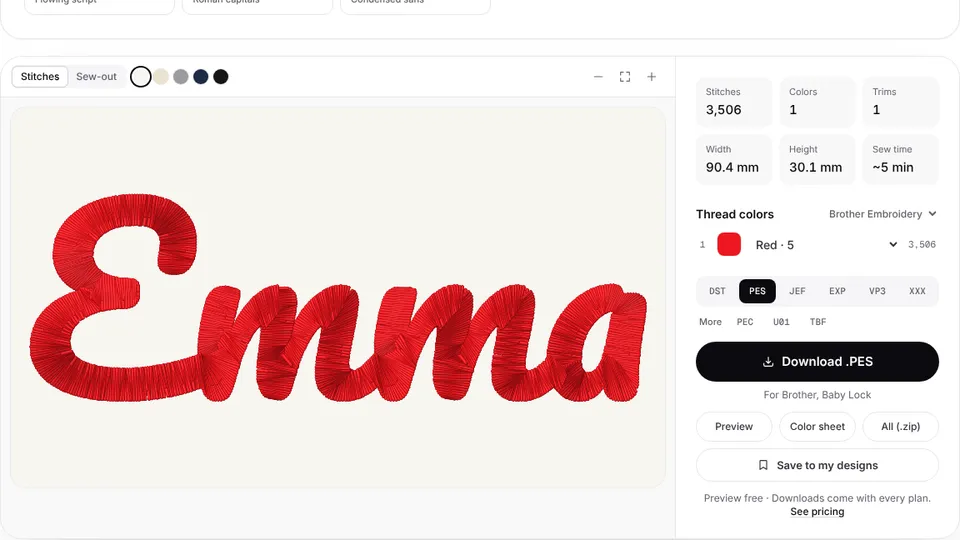 Free previewText to embroidery fileType a name or monogram, pick a font and download a ready-to-sew lettering file.Open
Need a new design instead?
Upload a logo or picture and get a ready-to-sew file made for your size and fabric.