Embroidery placement template
Print any design at true size, with its outline, center cross hairs and measurements, to try it on the garment and mark exactly where to hoop.
Drop the embroidery file to print
DST, PES, JEF, EXP, VP3, XXX, PEC, U01, TBF · opened right in your browser
Everything you need to place it
True size
Printed in millimeters, so it matches the sew-out.
Cross hairs
The design's center, to line up with the hoop.
Measurements
Width and height in mm and inches.
Thread colors
Optional, to show the customer the colors.
Letter or A4
Turns landscape when that fits better.
SVG download
For tiling large designs or keeping on file.
Placing it right
- Print at 100% and measure the width with a ruler first.
- Try the template on while the garment is worn: chests and caps look different flat.
- Mark the center, not the edges; hoops align by center.
- Keep templates of repeat jobs with the run sheet.
Free account
Start digitizing in under a minute
Create a free account to digitize any image, try every setting and watch it sew. Choose a plan only when you want to download files.
- Digitize and preview any image
- Realistic stitch preview and sew-out
- Download free ready-made designs
- No credit card needed



Questions
The quickest way to see what it does with your artwork is to try it. With a free account, digitizing and previewing cost nothing and take about a minute.
How do I print an embroidery design at actual size?
Drop the stitch file here, then print at 100% (actual size, no fit-to-page). The template shows the design, its outline and its measurements, so you can check it with a ruler.
How do I use a placement template?
Cut it out, lay it on the garment, line up the cross hairs where the design's center should go and mark the center with a pin or chalk. Then hoop so the hoop's center marks line up with yours.
What if the design is bigger than the paper?
Download the SVG and print it tiled (poster mode) from your PDF viewer, then tape the pages together.
Do I need an account?
Opening a file and seeing the template is open to everyone. Printing or downloading it needs a free account.
Is my file uploaded?
No. It's read in your browser.
More tools
Keep going
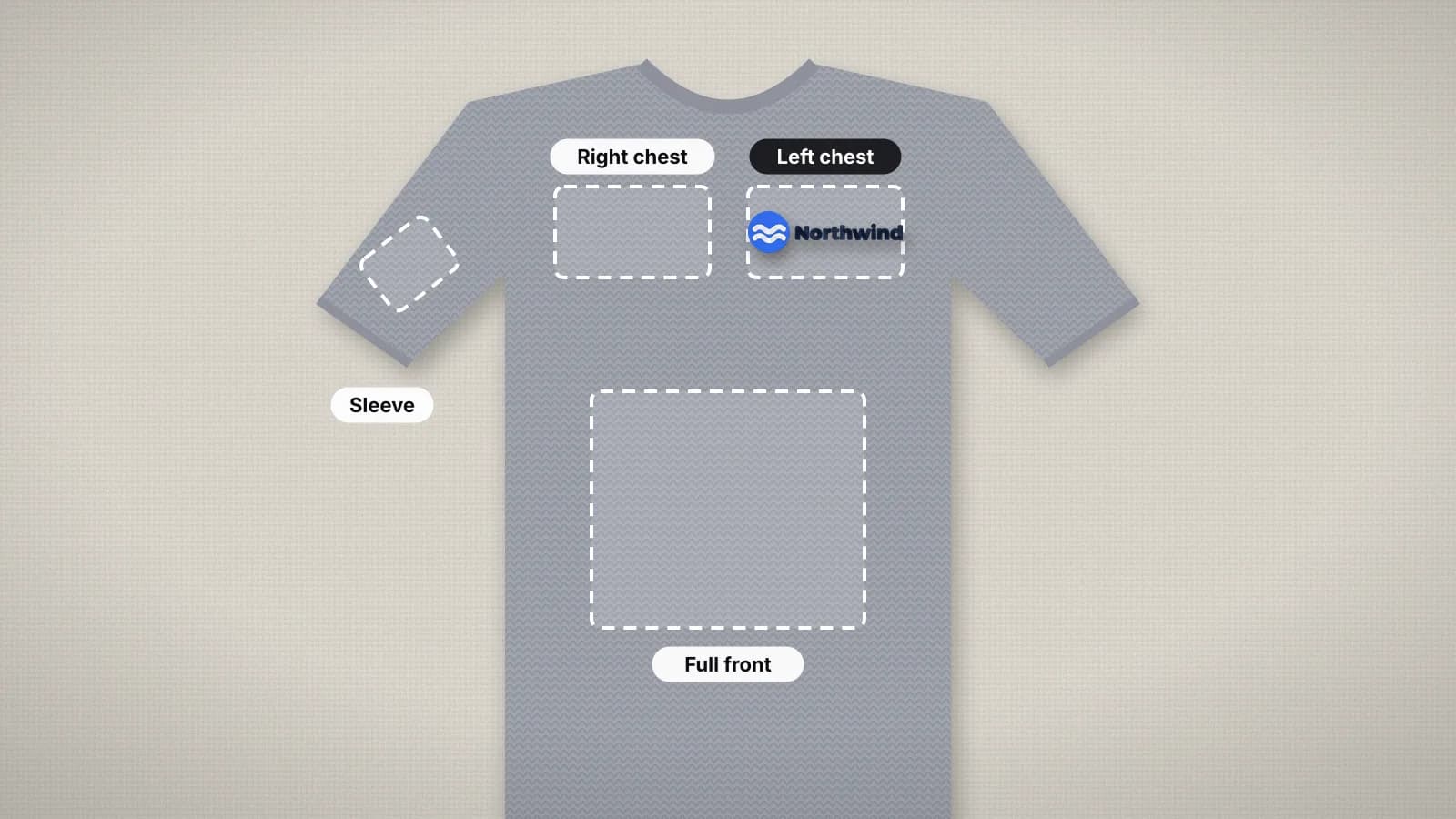 GuideEmbroidery placement guide: sizes and positionsStandard embroidery placements with sizes in inches and mm, where to measure from and how to hoop each one.Read the guide
 GuideEmbroidery hoop sizes: a practical guideStandard hoop sizes with their real sewing fields, how to choose one and what to do when a design is too big.Read the guide
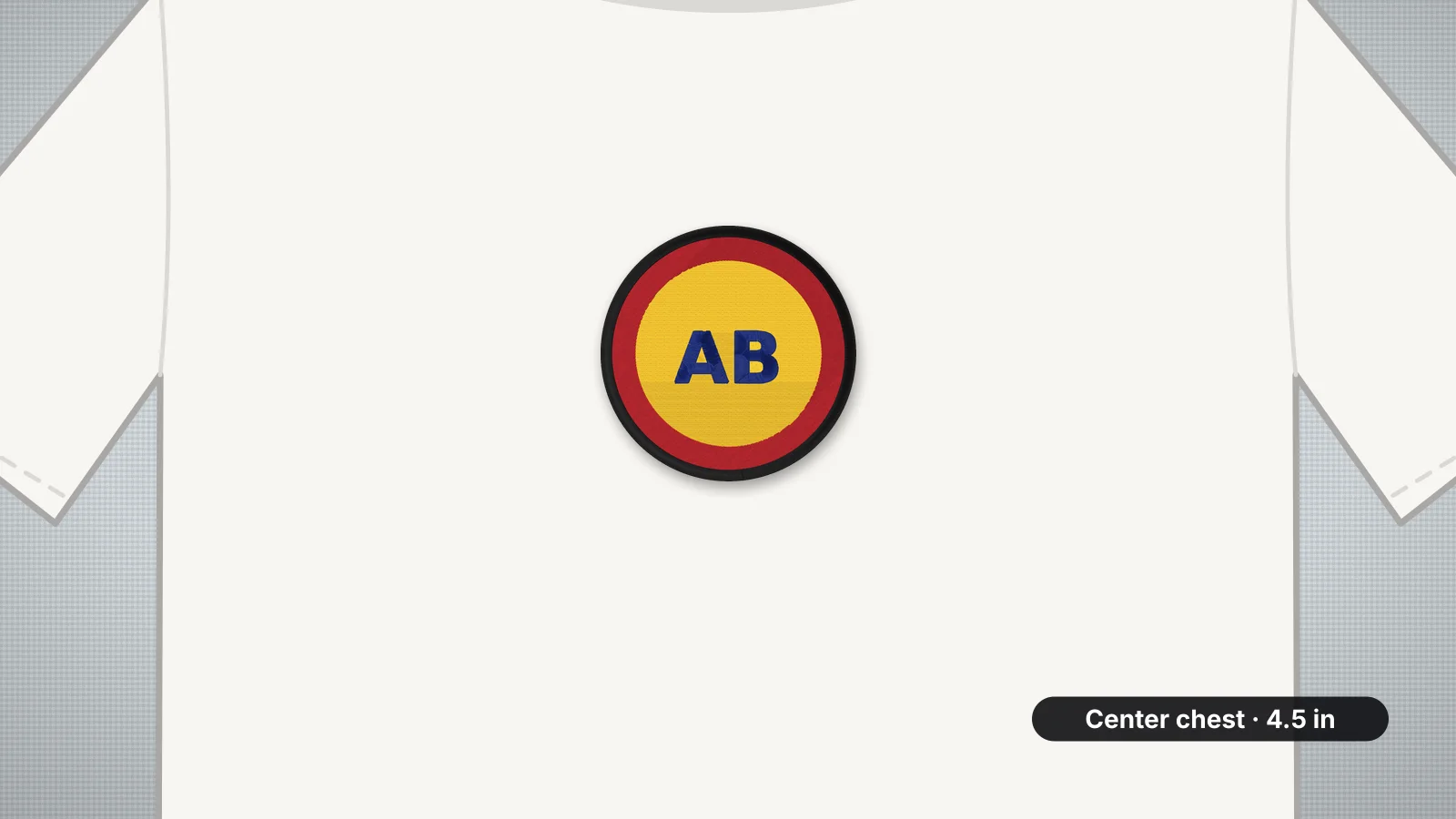 GuideHow to embroider a T-shirtWhere designs go on a tee and how big, which backing and needle jersey needs, how to hoop it flat and why lighter designs wear better.Read the guide
 Free previewEmbroidery file converterConvert PES, DST, JEF, EXP, VP3 and XXX files to any other machine format.Open
 Free toolEmbroidery file viewerOpen DST, PES, JEF and more in your browser: stitch preview, colors, size and stitch count.Open
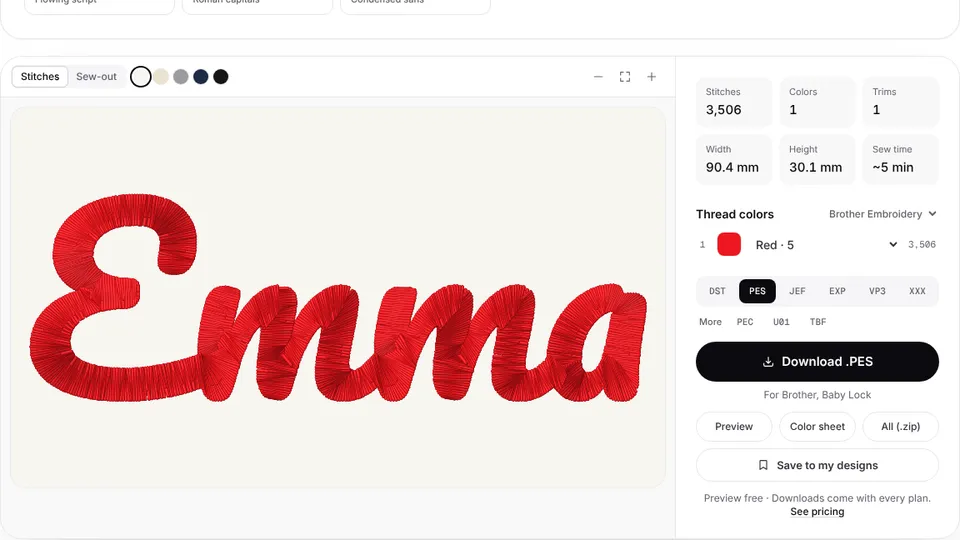 Free previewText to embroidery fileType a name or monogram, pick a font and download a ready-to-sew lettering file.Open
A design made for the spot
Digitize your artwork at exactly the size the placement needs.