Curved text embroidery
Arch a business name over the top of a circle and a slogan or year along the bottom, in 12 embroidery fonts, digitized and ready to stitch.
Badges, patches, caps and club logos
Top and bottom arcs
A name over the top, a year or slogan along the bottom, reading left to right.
Any circle
From 30 mm cap badges to 200 mm jacket backs.
12 fonts
Block, varsity, script and more, built for thread.
Real stitches
Satin and fill with underlay, tuned to the fabric you pick.
Patch ready
Combine with a frame for a round badge or patch.
Any format
Save as PES, DST, JEF, EXP, VP3 or XXX.
Arched lettering that reads
- Use bold block or varsity fonts on small circles.
- Keep the text to less than half of the circle.
- Add a frame with the frame maker for a finished badge.
- Test on scrap: small letters on knits need a topping.
Free account
Start digitizing in under a minute
Create a free account to digitize any image, try every setting and watch it sew. Choose a plan only when you want to download files.
- Digitize and preview any image
- Realistic stitch preview and sew-out
- Download free ready-made designs
- No credit card needed

Questions
The quickest way to see what it does with your artwork is to try it. With a free account, digitizing and previewing cost nothing and take about a minute.
How do I make curved text for embroidery?
Type the text for the top arc and, if you like, the bottom arc, pick a font, the circle diameter and the letter height. The tool draws the lettering along the circle and digitizes it into satin and fill stitches, with a preview before you save.
What size should arched letters be?
Keep capitals at least 5 mm tall, and 7–10 mm on caps and polos. Bigger circles let you use more letters without wrapping too far.
Why does my text look squashed on the curve?
Too many letters for the circle. Make the circle bigger, the letters smaller, or shorten the text so it covers less than half the circle.
Can I put a logo in the middle?
Yes. Save the curved text, then combine it with your logo using the design combiner, or digitize the full artwork with the lettering in place.
Is it free?
Typing, digitizing and previewing curved text is free with an account. Saving the embroidery file needs a paid plan.
More tools
Keep going
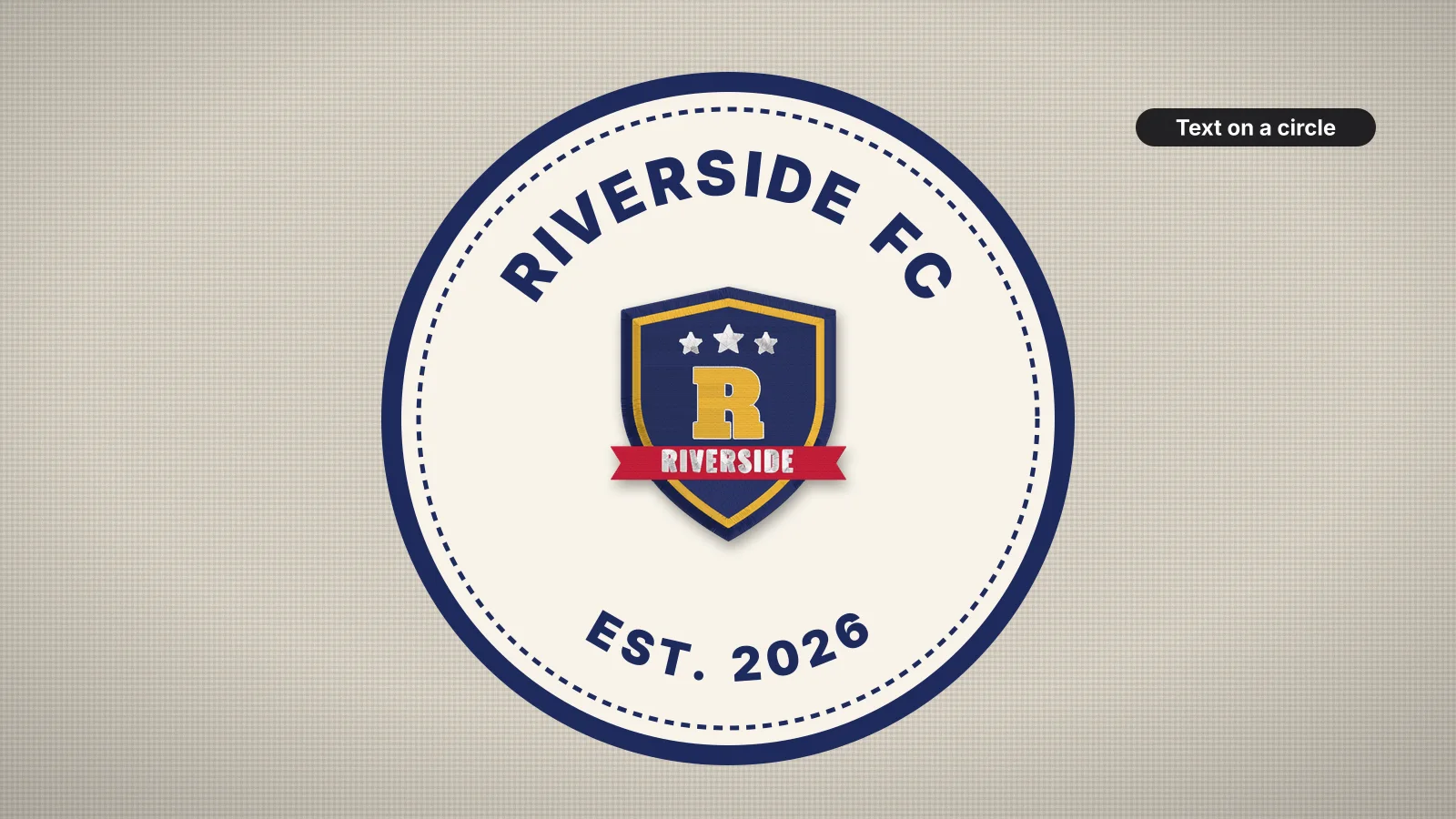 GuideHow to embroider curved textArches, circles and gentle arcs, how the radius changes each letter, spacing that looks even on a curve, readable sizes, satin or fill letters, centering and stitch order, and making the file.Read the guide
 GuideBest fonts for embroideryWhat makes a font stitch cleanly, how small each style can go, how to pair fonts and which ones suit caps, towels and kids' items.Read the guide
 GuideHow to make an embroidered patchMaterials, design rules, sizes and finishing steps for sew-on and iron-on embroidered patches.Read the guide
 Free previewEmbroidery file converterConvert PES, DST, JEF, EXP, VP3 and XXX files to any other machine format.Open
 Free toolEmbroidery file viewerOpen DST, PES, JEF and more in your browser: stitch preview, colors, size and stitch count.Open
 Free previewText to embroidery fileType a name or monogram, pick a font and download a ready-to-sew lettering file.Open
Need the logo in the middle?
Upload the full artwork and digitize it with the lettering in place.