Embroidery frame maker
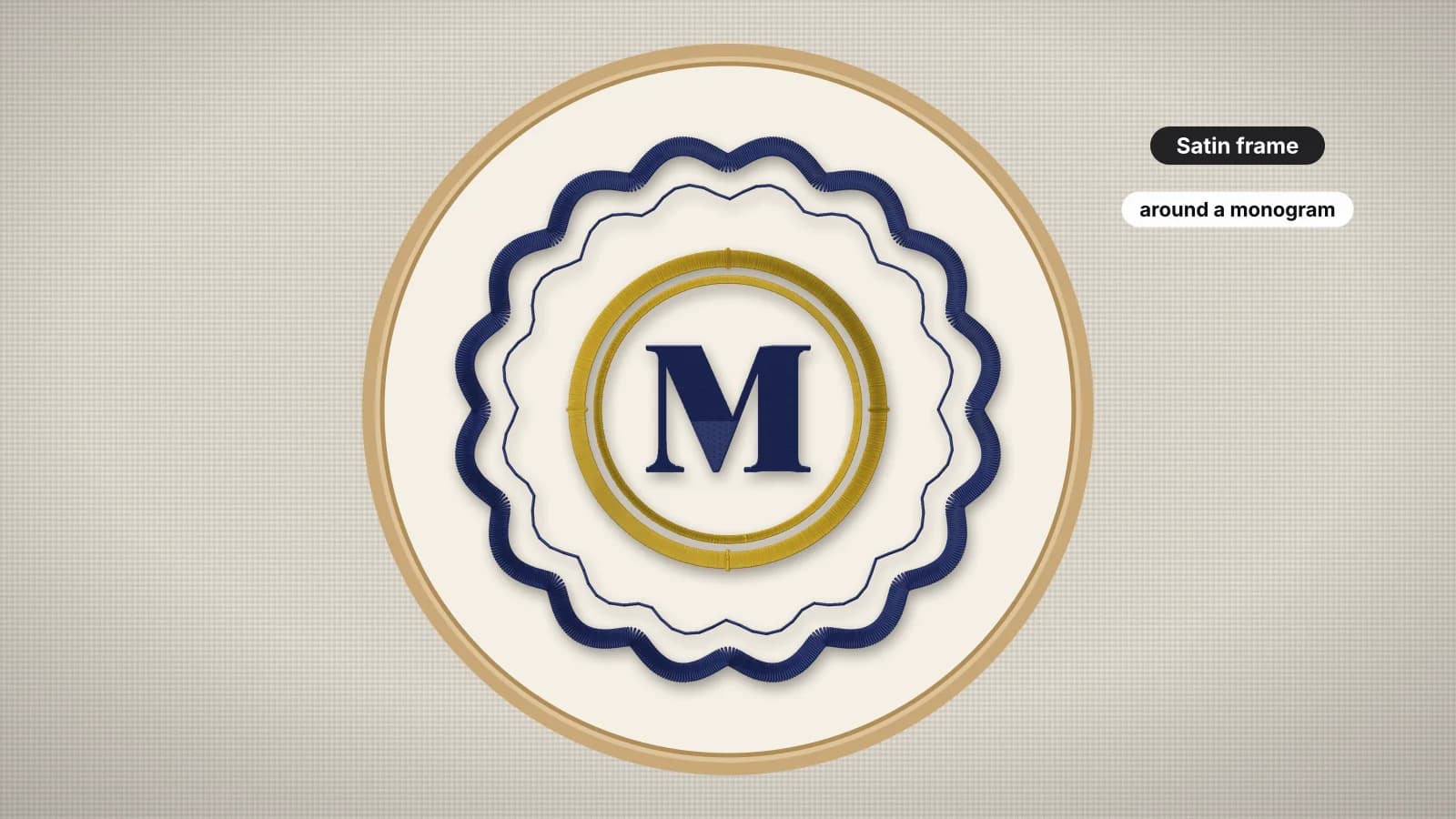
Circles, ovals, scallops, squares and hearts, stitched as satin or triple-run borders at the exact size you need, on their own or around your design.
Shape
Stitch
Space inside for a design
about 55 × 55 mm
Circle frame
- Stitches
- 1,573
- Colors
- 1
- Trims
- 1
- Width
- 93.0 mm
- Height
- 93.0 mm
- Sew time
- ~2 min
Thread colors
- 11,573
Frames for monograms, names and logos
Six shapes
Circle, oval, rounded square, square, scalloped circle and heart.
Exact size
Set the width and height in millimeters, up to 200 mm.
Satin borders
2–6 mm wide with a center underlay so they sit up off the fabric.
Double frames
Add a second, inner outline for a classic double border.
Design inside
Center a stitch file in the frame, with a fit check.
Any format
Save as PES, DST, JEF, EXP, VP3, XXX and more.
Frames that sew cleanly
- Use a stabilizer one weight heavier for satin borders over 4 mm.
- Leave 5–10 mm between the design and the frame.
- Scalloped and heart frames look best at 70 mm and up.
- Sew the frame last so it covers any small shifts in the fabric.
Free account
Start digitizing in under a minute
Create a free account to digitize any image, try every setting and watch it sew. Choose a plan only when you want to download files.
- Digitize and preview any image
- Realistic stitch preview and sew-out
- Download free ready-made designs
- No credit card needed


Questions
The quickest way to see what it does with your artwork is to try it. With a free account, digitizing and previewing cost nothing and take about a minute.
How do I put a frame around an embroidery design?
Pick a shape and size here, then use Put a design inside to open your stitch file: it's centered in the frame, sewn first, and the frame sews around it in one file. The tool shows whether the design fits inside before you save.
Satin, triple run or running stitch?
Satin gives a bold, raised border 2–6 mm wide. A triple run (bean stitch) is a crisp hand-drawn line that suits quilts and linens. A single running stitch is the lightest outline, best for small frames and placement lines.
What size frame should I use for a monogram?
Leave about 5–10 mm between the monogram and the frame. For a 50 mm monogram, a 70–80 mm circle is a good start.
Are the frames real embroidery files?
Yes. The frames are made as stitches, with an underlay under satin borders, and save as PES, DST, JEF, EXP, VP3, XXX and more.
Is the frame maker free?
Designing and previewing frames is free. Saving the embroidery file needs a paid plan, from $8 a month billed annually.
More tools
Keep going
 GuideEmbroidery frames and borders for monograms and namesRunning, bean and satin borders compared, frame shapes and what they suit, sizing a frame to the design inside it, stitch order, borders on towels, knits and quilts, and making a framed design.Read the guide
 GuideMonogram letter order and etiquetteWhich letter goes where in single, three-letter, same-size, couple and married monograms, with examples, plus sizes and fonts for stitching them.Read the guide
 GuideHow to combine embroidery designsPutting two designs, or a design and a name, into one file: layouts, gaps, stitch order, color stops, checking the combined size against the hoop and test-sewing.Read the guide
 Free previewEmbroidery file converterConvert PES, DST, JEF, EXP, VP3 and XXX files to any other machine format.Open
 Free toolEmbroidery file viewerOpen DST, PES, JEF and more in your browser: stitch preview, colors, size and stitch count.Open
 Free previewText to embroidery fileType a name or monogram, pick a font and download a ready-to-sew lettering file.Open
Have artwork for the middle?
Digitize a logo, drawing or initials, then frame it here.