Embroidery effect
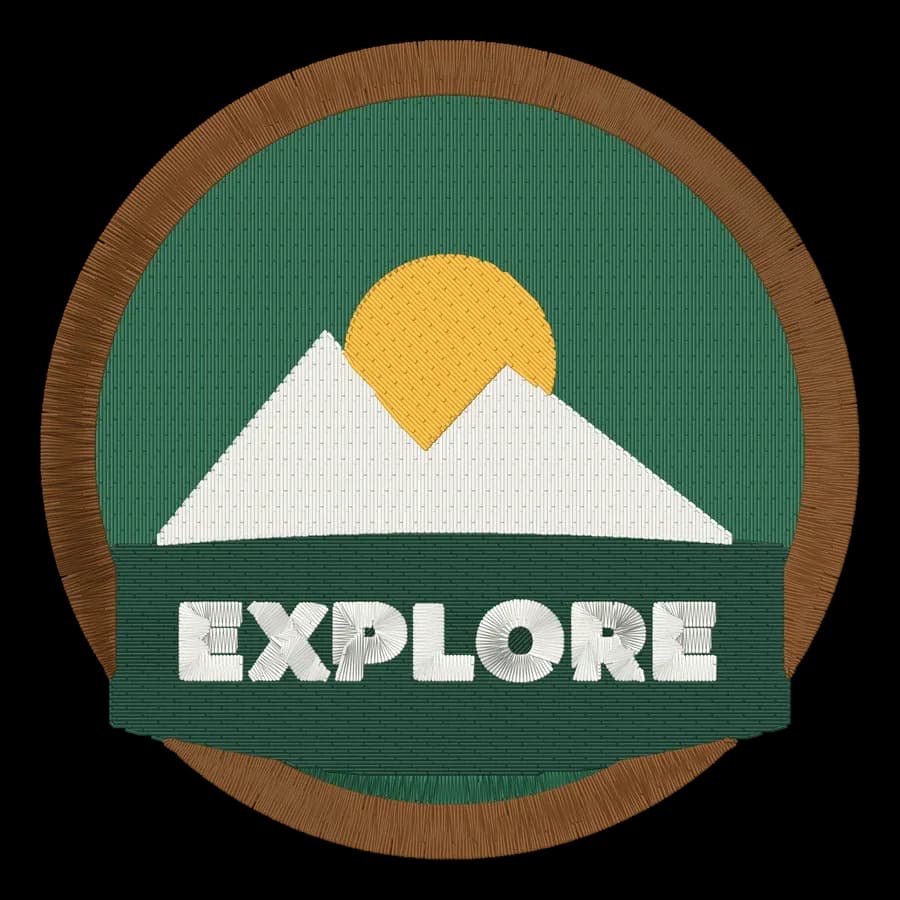
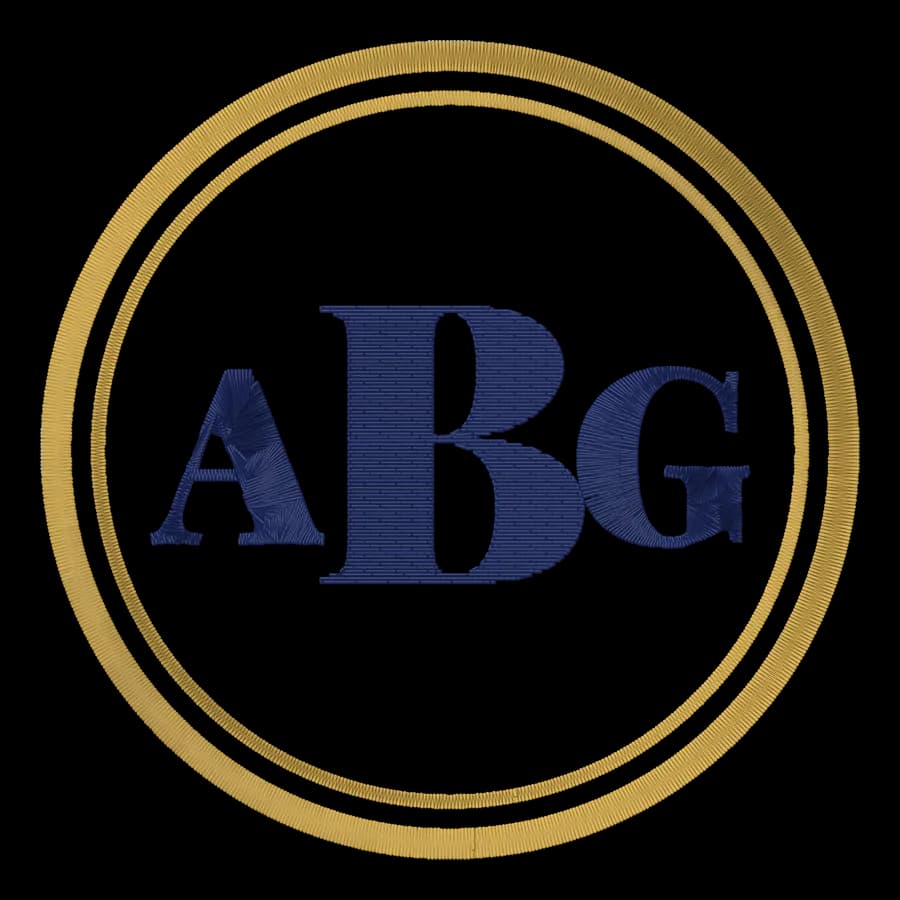
See any picture as real embroidery: your photo, logo or drawing digitized into thread and shown on fabric in a wooden hoop, ready to save or stitch.
Detail
Thread colors
Fabric
Hoop
Background
The image is real stitches, made in your browser. Free account needed to download.
What people make with it
Gift previews
Show what a pet or family portrait would look like before you stitch it.
Listing images
Show customers the embroidered look of a logo on fabric.
Social posts
A hand-stitched look for announcements, avatars and cards.
Logo checks
See which details survive as thread before you order.
Real stitches
Rendered from an actual stitch layout, not a texture.
To the machine
One click to the digitizer for the DST, PES or JEF file.
Better results
- Crop tight around the subject before you upload.
- Use a plain background, or switch on Remove the background.
- Choose fewer colors for a bolder, cleaner look.
- Try a dark fabric for bright, colorful pictures.
Free account
Start digitizing in under a minute
Create a free account to digitize any image, try every setting and watch it sew. Choose a plan only when you want to download files.
- Digitize and preview any image
- Realistic stitch preview and sew-out
- Download free ready-made designs
- No credit card needed

Questions
The quickest way to see what it does with your artwork is to try it. With a free account, digitizing and previewing cost nothing and take about a minute.
How do I make a photo look embroidered?
Upload the photo here. The image is digitized into real satin, fill and running stitches, then rendered thread by thread on fabric, optionally in a wooden hoop. Pick bold or fine detail and the number of thread colors, then save the image.
Is it a filter or real embroidery?
Real stitches. The same engine that makes machine embroidery files lays out every stitch, so what you see is how the design would sew. Filters only imitate the texture.
Can I stitch it on my machine?
Yes. Use Get the machine file to open the image in the digitizer, set the size and download DST, PES, JEF or another format for your machine.
What pictures work best?
Bold shapes and a few clear colors: logos, pets on a plain background, flowers, simple drawings. Busy photos simplify into fewer colors; try Fine detail for those.
Is the embroidery effect free?
Making and previewing the effect is free. Downloading the PNG needs a free account; downloading a machine embroidery file needs a paid plan.
More tools
Keep going
 GuideHow to turn a photo into embroideryWhich photos stitch well, how to simplify one to flat colors, how big to stitch it, pet portraits, and what an automatic digitizer will and won't do.Read the guide
 GuideHow to convert an image to embroideryFrom picture to stitch file in six steps: clean up the artwork, set the stitched size, reduce the colors, digitize it automatically or by hand, save your machine's format and test-sew.Read the guide
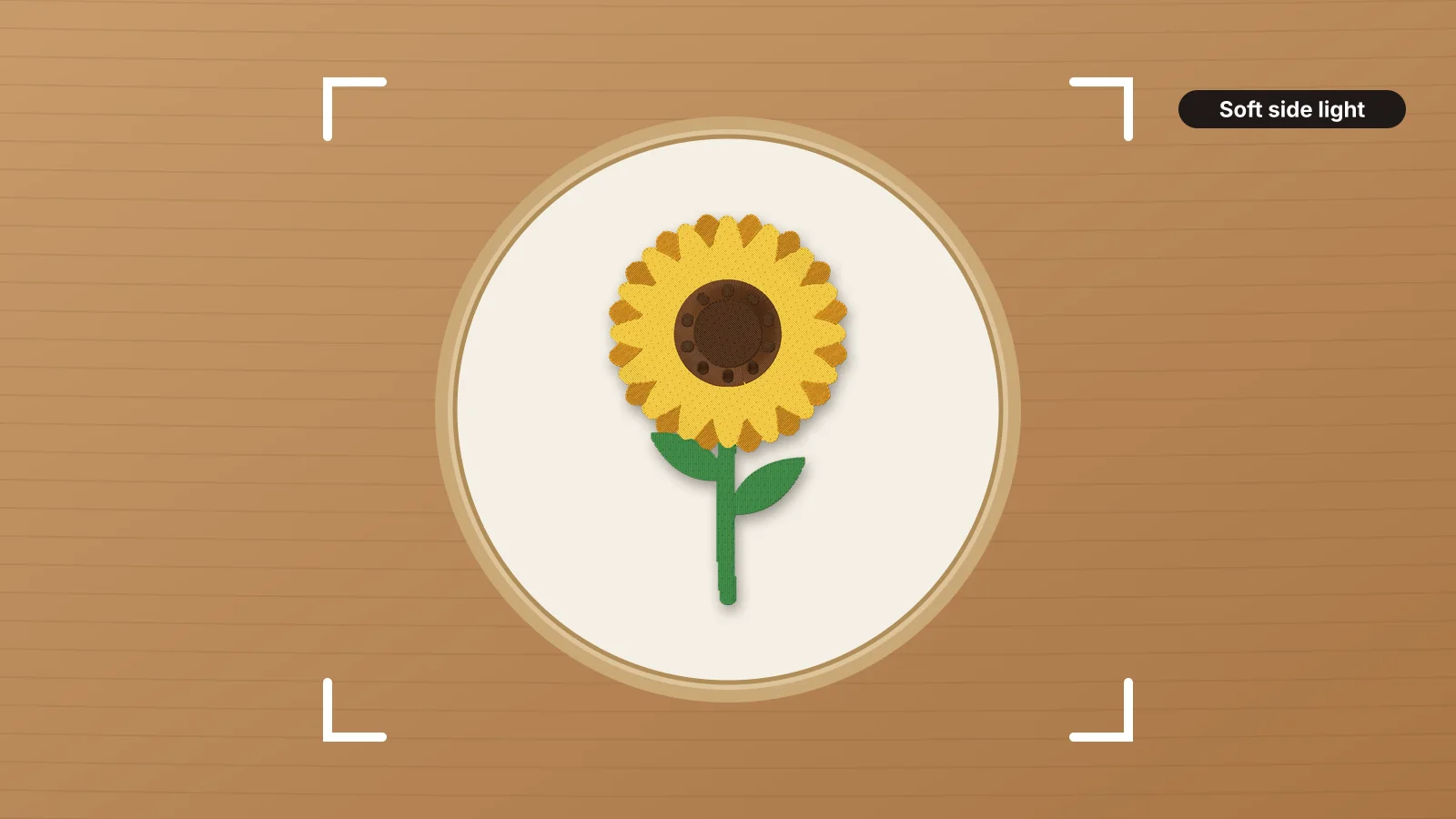 GuideHow to photograph embroideryLight that shows the stitches, the shots to take, hoop flat-lays and props, true color and white balance, showing the size, shooting on a phone, and mockups for designs you haven't stitched yet.Read the guide
 Free previewEmbroidery file converterConvert PES, DST, JEF, EXP, VP3 and XXX files to any other machine format.Open
 Free toolEmbroidery file viewerOpen DST, PES, JEF and more in your browser: stitch preview, colors, size and stitch count.Open
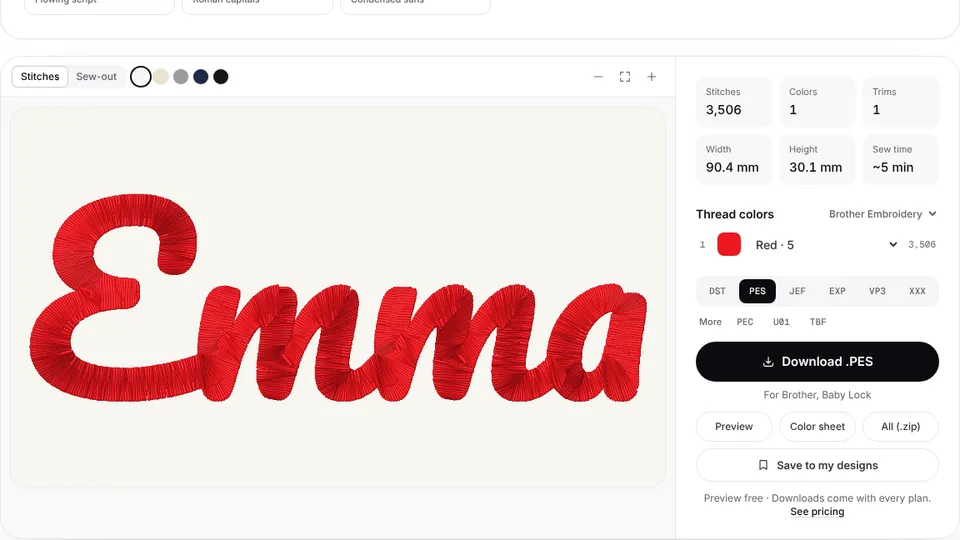 Free previewText to embroidery fileType a name or monogram, pick a font and download a ready-to-sew lettering file.Open
Love how it looks? Stitch it.
Open the same image in the digitizer, set the size and save a file for your machine.