PREMIER+ 2 alternative: auto-digitize in your browser
PREMIER+ 2 is the embroidery software family that Husqvarna Viking and PFAFF sold for Windows and Mac, from PREMIER+ 2 Embroidery up to PREMIER+ 2 Ultra. It has since been superseded by mySewnet Embroidery Software (now CREATIVATE), and retailers and users report that new copies can no longer be activated. Here's how it compares with Embrizo, and when each one is the better choice.
- Nothing to install
- No credit card needed
- 9 machine formats
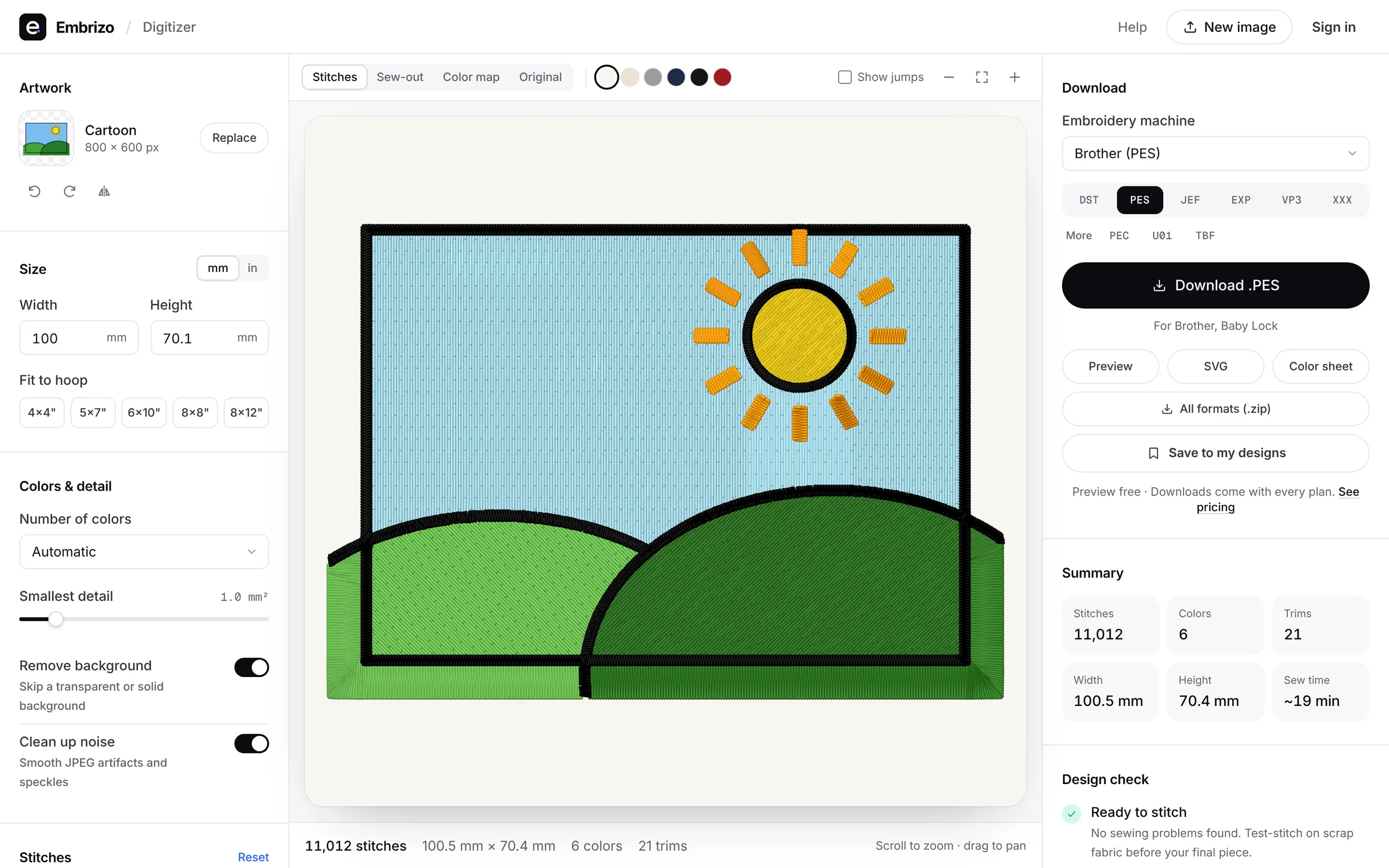
Embrizo vs PREMIER+ 2
SVP Worldwide's PREMIER+ 2 details are from the vendor's support pages and retailer reports, checked in November 2026.
| Feature | Embrizo | PREMIER+ 2 Embroidery System |
|---|---|---|
| Works on | Any modern browser on Windows, Mac, Linux or a Chromebook. Nothing to install. | Windows and Mac, as separate versions; the PREMIER+ 2 Ultra box included both. |
| Price | Free account to digitize, preview and save designs. Plans for downloads from $8 a month billed yearly ($96 a year), or $20 monthly. | Was a one-time purchase from Husqvarna Viking and PFAFF dealers. No current list price is published; mySewnet (now CREATIVATE) memberships replaced it. |
| Auto-digitizing from images | Yes, on every plan: upload a PNG, JPG, WebP, GIF, BMP or SVG and get stitches in seconds. | Yes: the ExpressDesign Wizard turns pictures with flat color areas into designs, from the Embroidery Extra level up. Ultra adds more PhotoStitch options. |
| Manual digitizing and editing | You adjust settings, not individual stitches: colors, stitch type per color, size, fabric, underlay, rotation and mirroring. | Yes: PREMIER+ 2 Create for digitizing, with QuickStitch to fill an area in one click, and PREMIER+ 2 Modify for editing designs. |
| Trying it | Free account, no credit card. Downloads need a plan; cancel anytime. | None now. Retailers and user forums report that activations stopped when the activation servers were shut down; copies already activated keep working. |
Choose Embrizo if…
- You're moving to a new computer where PREMIER+ 2 can't be activated anymore.
- You want logos and artwork auto-digitized in seconds, in a browser on a Mac, PC or Chromebook.
- You want VP3 for your Husqvarna Viking or PFAFF, plus DST, PES, JEF and more, from $8 a month billed yearly.
Choose PREMIER+ 2 if…
- You already have PREMIER+ 2 activated and it still does what you need.
- You sew on a Husqvarna Viking or PFAFF and rely on its wizards and VP3 workflow.
- You want to edit every object of a design in desktop software you already know.
Moving over takes a few minutes
- 1
Keep your existing files
Open your DST, PES, JEF and other machine files in the free file viewer, and convert them to any format.
- 2
Digitize new artwork
Upload a logo, drawing or photo. Colors, stitch types, underlay and sewing order are set for you.
- 3
Adjust and check
Change colors, size, fabric and stitch types, and watch the sew-out before you stitch.
- 4
Download for your machine
Save in PES, DST, JEF, EXP, VP3, XXX and more. Designs stay in your account.
Made with Embrizo, automatically
Each example was digitized straight from the artwork, with no hand editing.
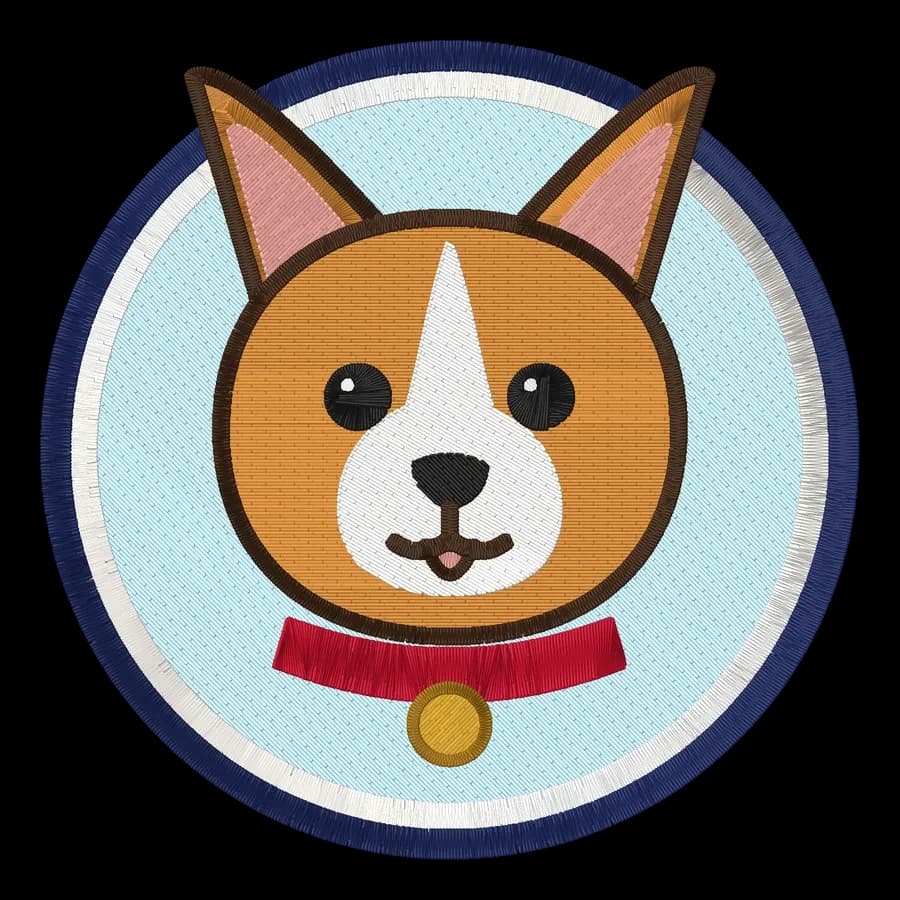
 StitchedPet portrait embroidery fileDogs, cats and other pets as cartoon-style portraits.Make yours
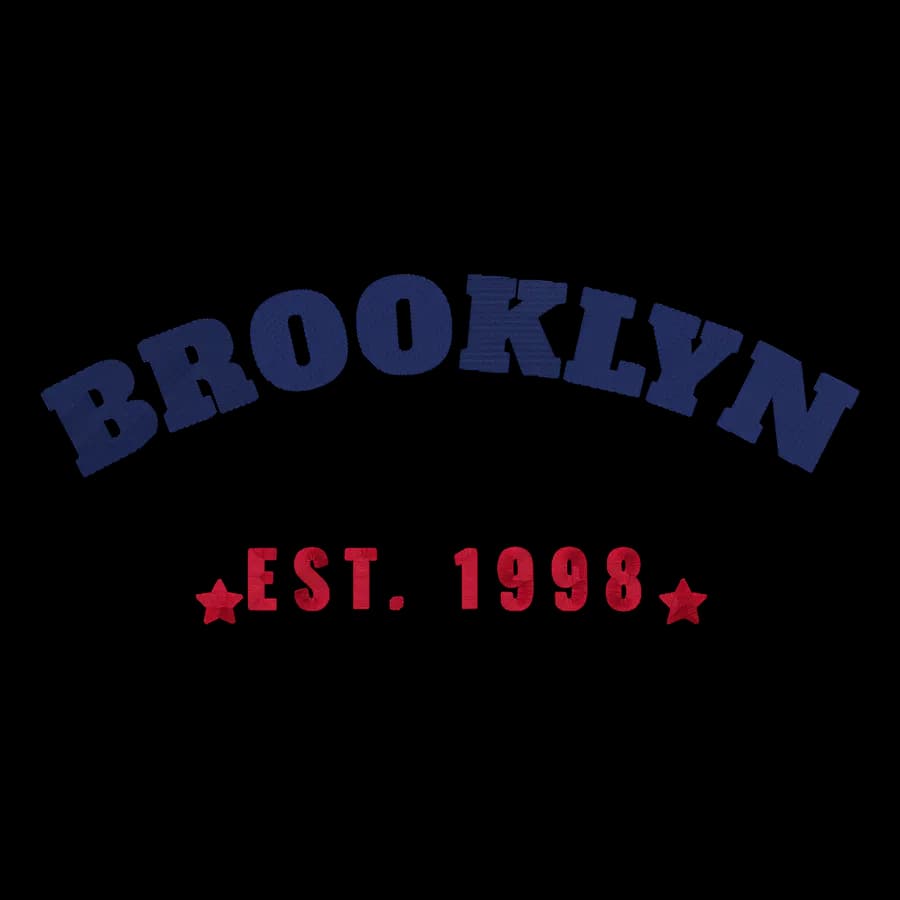
 StitchedHoodie embroidery fileChest logos, arched lettering and sleeve designs.Make yours
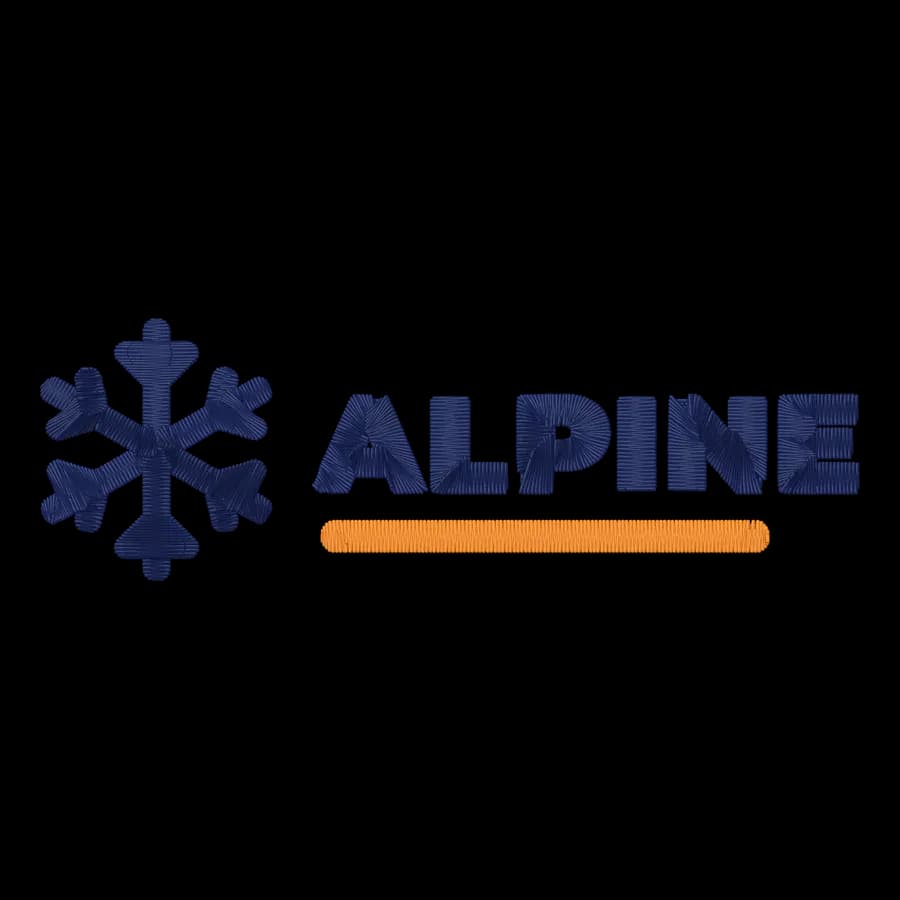
 StitchedBeanie embroidery fileSmall cuff logos for knit hats.Make yours

 StitchedTote bag embroidery fileFlorals, shop logos and lettering for canvas bags.Make yours
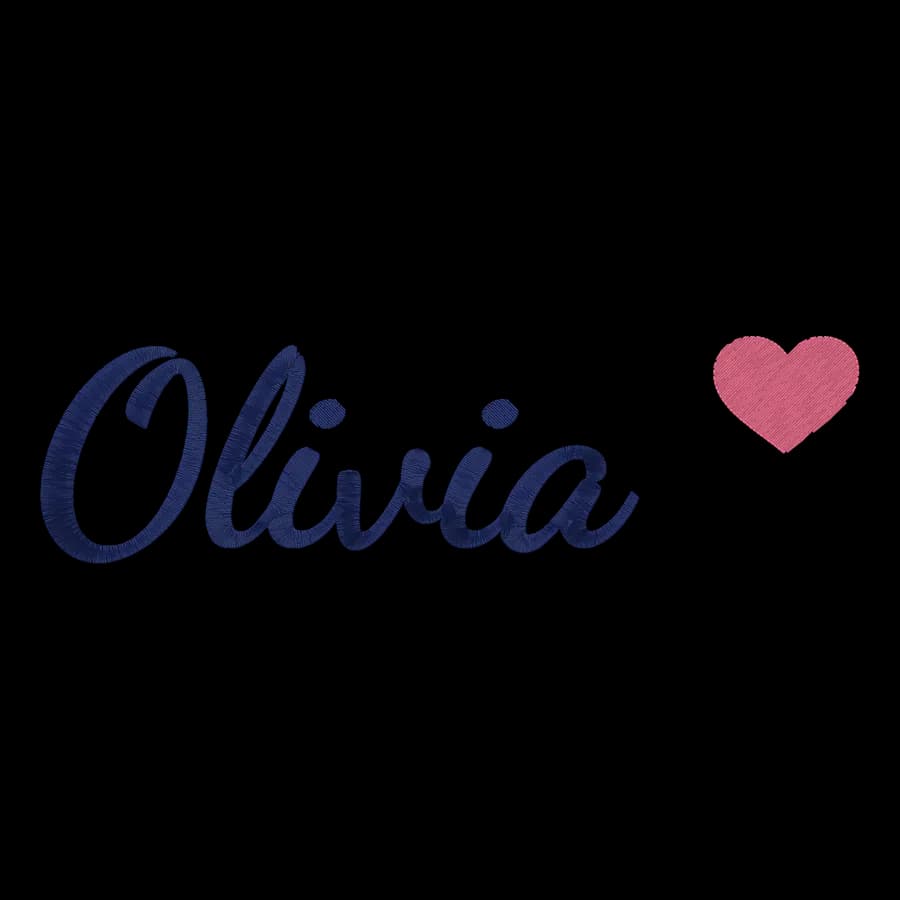
 StitchedTowel embroidery fileNames and monograms for hand, bath and beach towels.Make yours
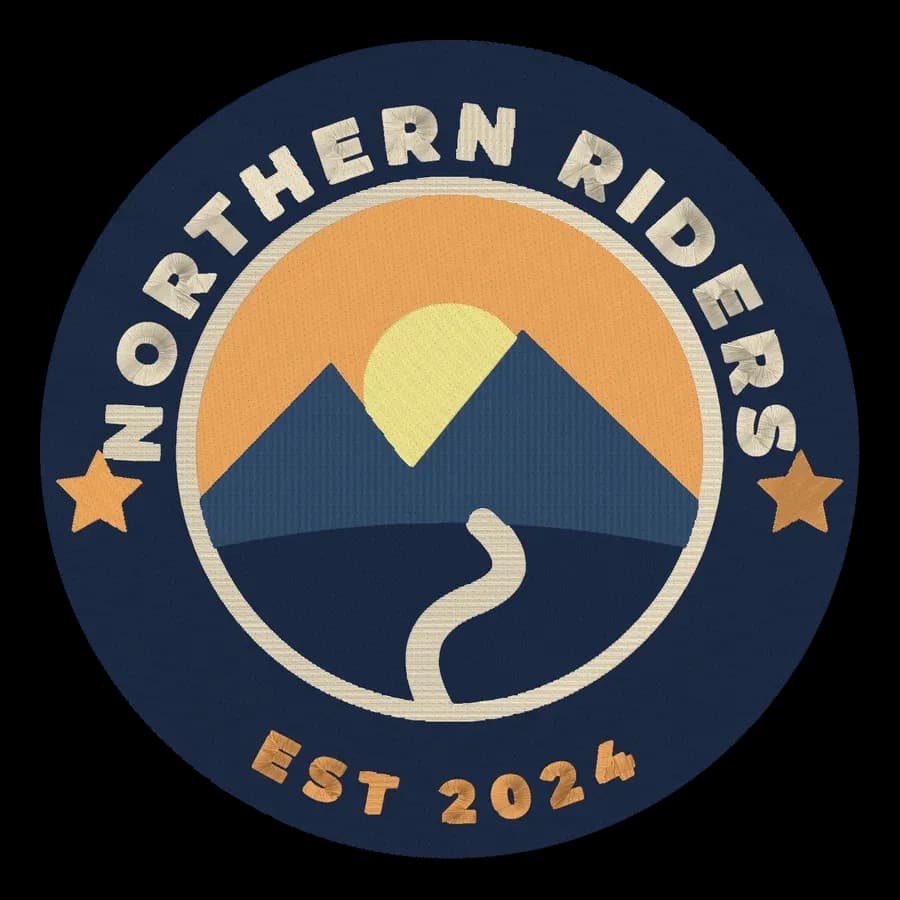
 StitchedJacket back embroidery fileLarge back designs for jackets, hoodies and vests.Make yours
Free account
Try Embrizo next to PREMIER+ 2
Create a free account to digitize any image, try every setting and watch it sew. Choose a plan only when you want to download files.
- Digitize and preview any image
- Realistic stitch preview and sew-out
- Download free ready-made designs
- No credit card needed



PREMIER+ 2 vs Embrizo questions
The quickest way to see what it does with your artwork is to try it. With a free account, digitizing and previewing cost nothing and take about a minute.
Is Embrizo a replacement for PREMIER+ 2?
Yes. For turning logos, drawings and artwork into embroidery files, Embrizo is faster and easier: upload an image and get a ready-to-sew file in seconds, on any computer, with nothing to install or learn. PREMIER+ 2 suits people who already have it activated and want to edit every object by hand.
Can Embrizo open files I made with PREMIER+ 2?
Embrizo opens machine files (DST, PES, JEF, EXP, VP3, XXX, PEC, U01 and TBF) in the free file viewer and converts them between formats. It doesn't open other programs' own working files, so export a machine format first.
Does Embrizo work on a Mac or a Chromebook?
Yes. It runs in a modern browser on Windows, Mac, Linux and Chromebooks, with nothing to install. Your designs are saved to your account.
Can I try Embrizo before paying?
Yes. A free account lets you digitize, preview and save designs and download the free designs. You need a plan only to download files you digitize from your own images.
Where do the PREMIER+ 2 details come from?
From SVP Worldwide's support pages and retailer reports, checked in November 2026. Prices and features change, so check the vendor before you buy.
More comparisons
- All digitizing software compared
- Best embroidery software for Mac
- Free embroidery digitizing software
- Best embroidery software for beginners
- Hatch Embroidery alternative
- Embrilliance alternative
- Ink/Stitch alternative
- Wilcom EmbroideryStudio alternative
- PE-DESIGN alternative
- Chroma alternative
- SewArt alternative
- Embird alternative
- Artspira alternative
- Floriani Total Control U alternative
- Artistic Digitizer alternative
- BERNINA Embroidery Software alternative
- mySewnet Embroidery alternative
- Wings XP alternative
- Tajima DG/ML by Pulse alternative
- Stitch Era alternative
- TrueSizer alternative
Sources (October 2026)
- softwarehelp.mysewnet.com/FAQ/premierplus2_windows_faq.html
- softwarehelp.mysewnet.com/FAQ/premierplus_faq.html
- softwarehelp.mysewnet.com/MSM/100/Digitizing/Topics/PREMIER_%E2%84%A2_2_Create_Reference_Guide.htm
- download.mysewnet.com/vsmsoftwareproductupdates.html
- rockymountainsewing.com/product/pfaff-premier-2-ultra
- makema.de/en/blogs/faq/premier2-sticksoftware-lasst-sich-auf-neuem-computer-nicht-mehr-installieren
- forum.embroideres.com/forums/topic/24736-premier2-move-to-new-computer/
PREMIER+ 2 is a trademark of SVP Worldwide. Embrizo isn't affiliated with SVP Worldwide.
Your next design, in seconds
Sign up free, upload a logo or drawing and see it stitched. No software to install, on any computer.