Embroidery machines range from compact 4×4 in models for names and small gifts to multi-needle machines that run a business. Spec sheets list hundreds of features, but a handful of choices decide whether a machine fits what you want to make: how big a design it can sew, how it handles colors, whether it also sews, and how designs get onto it.
This guide walks through those choices in order, with real models as examples. The facts come from the makers' published specifications, summarized on the machine pages, and the machine comparison sets models side by side. Models and included accessories change between years and countries, so confirm the details with a dealer before you buy.
Start with the embroidery field
The embroidery field is the largest area the machine can stitch in one hooping, set by how far the embroidery arm moves. It's the biggest limit on what you can make, and a bigger hoop can't extend it later.
| Largest field | What it fits | Examples |
|---|---|---|
| 4×4 in (100 × 100 mm) | Names, monograms, left chest logos, baby items and small patches | Brother SE600, SE630 and PE535 |
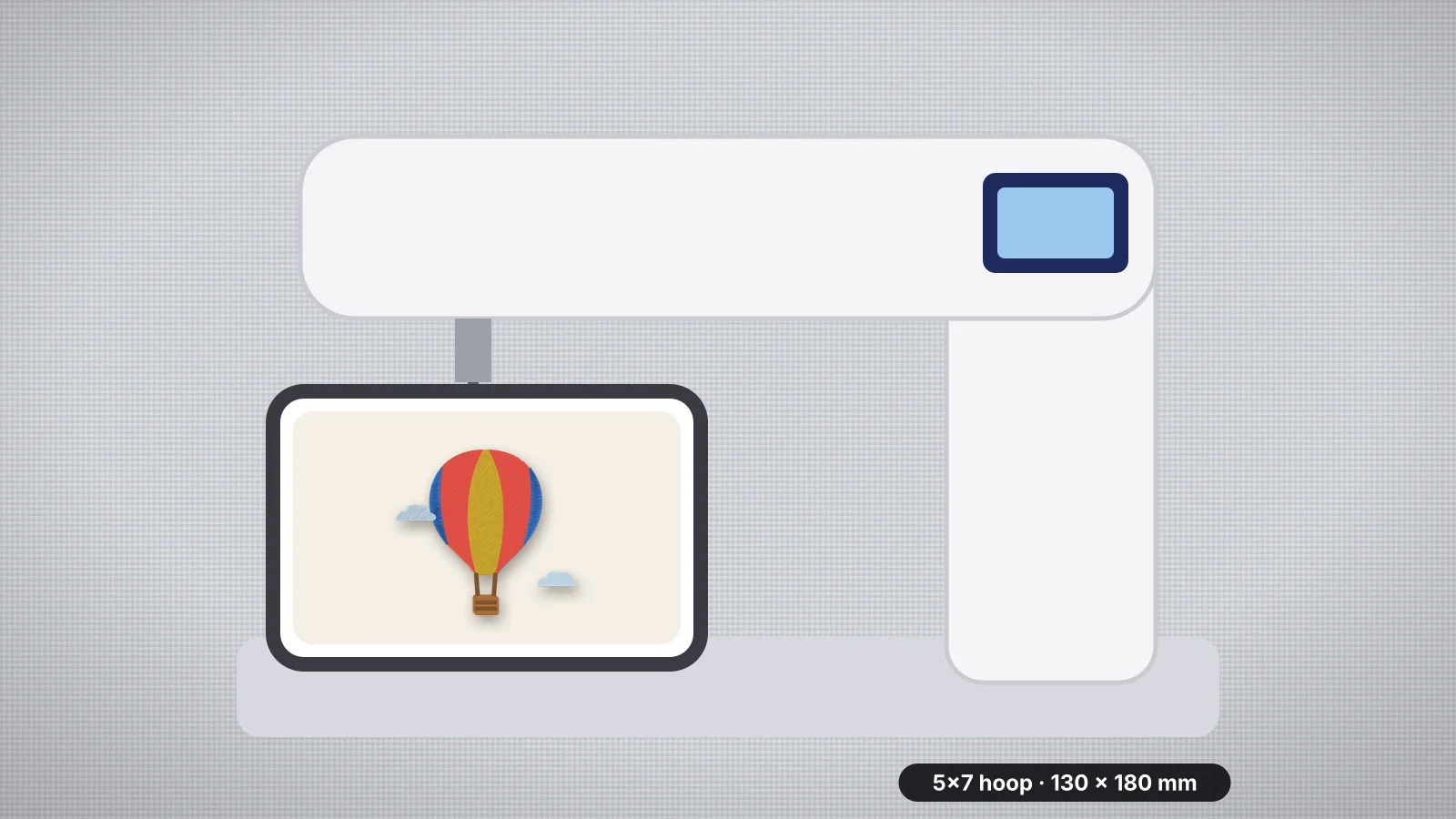
| 5×7 in (130 × 180 mm) | Larger chest designs, tote bags and most towel designs | Brother PE800, PE900 and SE1900 |
| 6×10 in (160 × 260 mm) | Names across a back yoke, larger totes and pillows | Brother NQ1700E and NQ3550W; Baby Lock Aventura II at 6.25 × 10.25 in |
| About 8×8 to 8×12 in | Large center chest designs and quilt blocks | Janome Memory Craft 400E (200 × 200 mm) and 500E (200 × 280 mm); Baby Lock Alliance (8 × 8 in) |
| Larger than 8×12 in | Jacket backs and large wall pieces in one hooping | Brother Stellaire XJ1 (9.5 × 14 in), Janome Memory Craft 550E (200 × 360 mm) and Pfaff creative icon 2 (350 × 360 mm) |
If you're unsure, a 5×7 in field covers many home projects and leaves room to grow, while 4×4 in is enough for names and the small designs most people start with. Check the included hoops too, since the largest one can be smaller than the field: the Pfaff creative 4.5 has a 350 × 360 mm maximum field but a largest included hoop of 360 × 200 mm, and the Bernina 790 PRO needs the Maxi hoop, sold separately, for its full field. The hoop sizes guide and the embroidery hoops pages go deeper.
Sewing and embroidery combo, or embroidery-only?
A combo sews regular stitches and, with the embroidery unit attached, embroiders. An embroidery-only machine does just embroidery, so there's no switching between modes and it's always ready to stitch a design.
| Consider | Combo | Embroidery-only |
|---|---|---|
| Good for | Sewists who want one machine for garments, quilting and embroidery | Anyone who already owns a sewing machine, or embroiders a lot |
| Day to day | Attach the embroidery unit to embroider, remove it to sew | Always set up; you can sew on another machine while it stitches |
| Examples | Brother SE600 (4×4 in, 103 sewing stitches), Brother SE2000 (5×7 in), Singer Legacy SE300 (260 × 150 mm) | Brother PE800 (5×7 in), Brother NQ1700E (6×10 in), Janome Memory Craft 500E (200 × 280 mm) |
If you'll often embroider and sew in the same session, two machines beat one combo: the embroidery machine stitches a design while you sew on the other.
Try it with your own design
Sign up free, upload an image and get a stitch preview in under a minute.
Drop your image here
PNG, JPG, WebP or SVG · stays on your device
Single-needle or multi-needle?
Home machines have one needle, so the machine stops at every color change for you to rethread. Multi-needle machines hold a thread on each needle and change colors themselves, which makes multi-color designs and repeat orders much faster. Many also have a free arm and cap frames for finished garments, caps and bags.
| Machine | Needles | Largest field | Good to know |
|---|---|---|---|
| Janome MB-7 | 7 | 240 × 200 mm | Janome markets it as a home-use machine; up to 800 stitches per minute |
| Brother PR680W | 6 | 8 × 12 in | Up to 1,000 stitches per minute; USB stick, Design Database Transfer and Artspira |
| Tajima SAI | 8 | 200 × 300 mm | Up to 800 stitches per minute; cap frame optional |
| Ricoma EM-1010 | 10 | 310 × 210 mm | Ships with cap rings, a cap driver and a hoop station for caps |
| Ricoma MT-1501 | 15 | 500 × 360 mm | Up to 1,200 stitches per minute |
| Melco SUMMIT | 16 | 410 × 393 mm | Up to 1,500 stitches per minute on flat items |
A single-needle machine is the less expensive way in, and it's fine for gifts, personal projects and small runs. A multi-needle machine is a bigger investment that pays off when you sew multi-color designs in quantity. The business guide covers when to make the move, and the production calculator estimates pieces per hour on one or more heads.
Which file formats it reads
Every brand has a native format, and most machines read a few others too. Designs are sold in all the main formats and files can be converted, so the format matters less than it used to, but it decides which designs open without an extra step.
| Brand | Native format | Other formats some models read |
|---|---|---|
| Brother, Baby Lock | PES | PHC and DST on most models; PEC on some Baby Lock models |
| Janome | JEF | JEF+, plus JPX and DST on some models |
| Bernina | EXP | DST, PES, PEC, JEF, SEW, PCS and XXX on the 790 PRO, 590 and 535 |
| Husqvarna Viking, Pfaff | VP3 | Check the model's manual |
| Singer | XXX on Futura models and the Legacy SE300; VP3 on the SE9180 | DST on the Legacy SE300 |
| Commercial: Tajima, Ricoma, Melco, Barudan | DST | Brand formats such as TCF, DSB, OFM or U01 |
Embrizo's digitizer writes DST, PES, JEF, EXP, VP3, XXX, PEC, U01 and TBF, so it covers all of these brands. The machine compatibility checker tests a design against a specific model, and the format comparisons explain the differences between formats.
How designs get onto it: USB, Wi-Fi or cable
- USB stick is the standard and works on almost every current machine. Check whether the manual limits stick size or folders: the Brother PE800 reads designs only from the top level of a FAT32 stick, and Janome gives 16 GB as the largest stick for the Memory Craft 500E.
- Wi-Fi or wireless LAN sends designs from the maker's app or software: Brother's Artspira app on models such as the SE700 and PE900, Design Database Transfer on models such as the SE2000 and NQ1700E, mySewnet on Husqvarna Viking, Pfaff and some Singer models, BERNINA Embroidery Software 9 on Wi-Fi Bernina machines and Janome's apps on the Skyline S9.
- A cable to a computer on some models, such as the Brother SE400, which has no USB stick port, and the Janome MB-7, which comes with a USB cable for a PC.
Wireless is convenient, but it's tied to the maker's apps, so check which ones support the model and run on your computer or phone. The transfer guide covers each brand step by step.
Built-in designs, fonts and other features
Built-in designs and lettering fonts are handy for a first project, but they matter less than the box suggests:
- Read the counts carefully. Brother's headline count of 480 designs for the SE630 includes 400 downloadable designs; 80 are built in. Some built-in designs can't be resized: Brother says this of the Disney/Pixar designs on the Stellaire XJ1.
- Built-in fonts handle quick names and initials on the machine, such as the 10 lettering fonts on the SE700 or the 3 built-in monogram fonts on the Janome Memory Craft 230E. For more lettering styles, text to embroidery makes lettering files in any format.
- Screen size matters if you edit on the machine, from a 3.2 in LCD touchscreen on the PE800 to a 10.1 in touchscreen on the PR680W.
- Extras on top models include a built-in projector on the Pfaff creative icon 2 that shows where the embroidery sits on the hooped fabric, and app alerts such as Brother's My Stitch Monitor on the PR680W.
Budget tiers and buying tips
| Tier | What you get | Suits |
|---|---|---|
| Entry | A 4×4 in field and a single needle, often a sewing combo, with USB stick transfer | Names, monograms, small gifts and learning; Embrizo's free designs all fit a 4×4 in hoop |
| Mid-range | A 5×7 or 6×10 in field, embroidery-only or combo, sometimes wireless transfer | Most hobbyists and small gift or Etsy shops |
| Top of the line | Large fields, big touchscreens and extras such as projectors, Wi-Fi and larger hoops | Quilters, large designs and dedicated hobbyists |
| Multi-needle | Six or more needles, automatic color changes and cap frames | Businesses sewing logos, caps and team orders in quantity |
- Buy for the next project, not just the first. Many people outgrow a 4×4 in field quickly; a 5×7 in machine leaves room.
- Check the included hoops against the maximum field, and which extra hoops your model takes.
- Ask about servicing and support, and try the machine at a dealer if you can.
- Used and discontinued machines can be good value, but check that they read the formats and hoops you need. Brother lists the PE770 as discontinued, for example.
Whichever machine you choose, you'll need designs in its format. The digitizer turns your own logos and drawings into PES, JEF, EXP, VP3, XXX or DST files: create a free account to digitize and preview, and download with a plan when you're ready to stitch.