Embroidery design catalog
Drop your embroidery files, or a whole folder, and get a printable catalog: a stitched thumbnail of every design with its size in mm and inches, stitch count, thread colors, sewing time and the smallest hoop it fits. Save it as a PDF or a spreadsheet.
Drop your embroidery files here
Up to 200 files: DST, PES, JEF, EXP, VP3, XXX, PEC, U01, TBF, HUS, SHV, SEW, JPX, PCS. They're read in your browser and never uploaded.
- What it does
- Drop a folder of embroidery files and print a catalog: a thumbnail of every design with its size, stitches, colors and hoop.
- Price
- Free
- Works on
- Any browser: Windows, Mac, Chromebook, iPad and phones
- Privacy
- Runs in your browser; your images and files aren't uploaded
Everything you need to pick a design
Stitched thumbnail
Drawn from the stitches in the file, not a stored picture, so it shows what your machine will sew.
Size in mm and inches
The design's width and height, to compare with the item you're stitching.
Stitches and time
The stitch count and about how long it takes to sew.
Thread colors
A swatch for each color in the file, in sewing order.
Smallest hoop
The smallest common hoop the design fits, from 4×4 to 9.5×14 in.
Format
PES, DST, JEF and the rest side by side, so mixed folders make sense.
A catalog you'll actually use
- Sort your files into themed folders first (seasons, monograms, animals), then make one catalog per folder.
- Rename files to say what they are before you start: the file name is the title on each card.
- Print four per row for a compact binder, two per row to see the detail.
- Save the spreadsheet to search your whole collection by size, stitch count or hoop.
- Keep the PDF on a tablet by the machine to choose designs for an order.
Work with the files in your catalog
Free account
Start digitizing in under a minute
Create a free account to digitize any image, try every setting and watch it sew. Choose a plan only when you want to download files.
- Digitize and preview any image
- Realistic stitch preview and sew-out
- Download free ready-made designs
- No credit card needed



Questions
The quickest way to see what it does with your artwork is to try it. With a free account, digitizing and previewing cost nothing and take about a minute.
How do I make a catalog of my embroidery designs?
Drop the files here, or choose a whole folder. Each design is read in your browser and shown as a stitched thumbnail with its size, stitch count, colors and the smallest hoop it fits. Give the catalog a title, sort it, then print it or save it as a PDF.
Which file formats can it read?
DST, PES, JEF, EXP, VP3, XXX, PEC, U01, TBF, HUS, SHV, SEW, JPX and PCS, mixed in one catalog. Other files in a folder, like PDFs and images, are skipped.
Are my files uploaded?
No. The files are read in your browser and never leave your computer. Printing the catalog or saving the spreadsheet needs a free account.
How is the sewing time worked out?
From the stitch count at 700 stitches a minute, plus about 20 seconds for each color change and 5 for each trim. A multi-needle machine is faster; a single-needle machine with many colors takes longer.
How many designs can one catalog hold?
Up to 200 at a time. For a bigger collection, make one catalog per folder (Christmas, monograms, animals): the printed pages are easier to browse too.
More tools
Keep going
 GuideHow to open PES, DST and JEF embroidery filesWhat machine embroidery files are, how to view them on any computer, and how to get them into your machine's format and onto the machine.Read the guide
 GuideEmbroidery file formats explainedWhat each machine embroidery format is, which machines read it, and how to pick and convert the right one.Read the guide
 Free previewEmbroidery file converterConvert PES, DST, JEF, EXP, VP3 and XXX files to any other machine format.Open
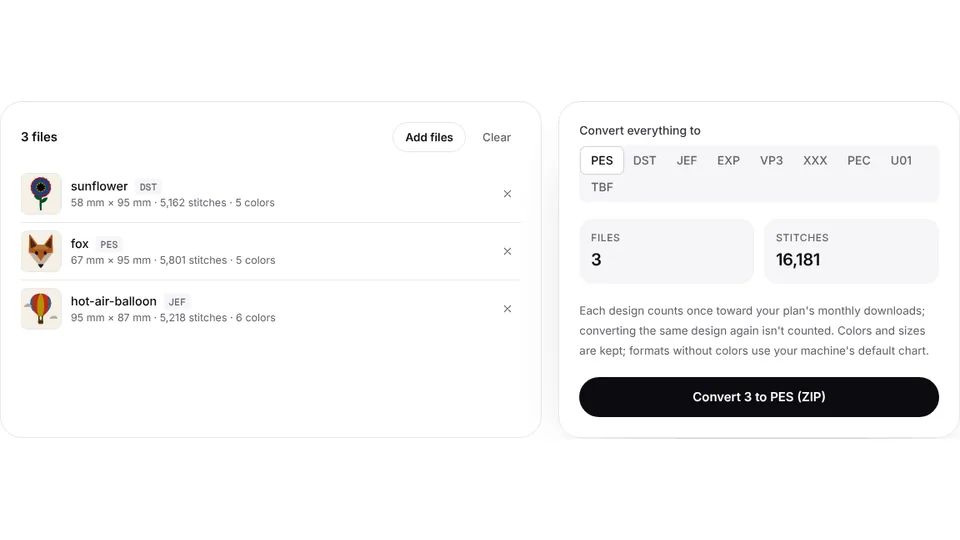 Free toolBatch embroidery file converterConvert up to 50 embroidery files to PES, DST, JEF or any format at once, as one ZIP.Open
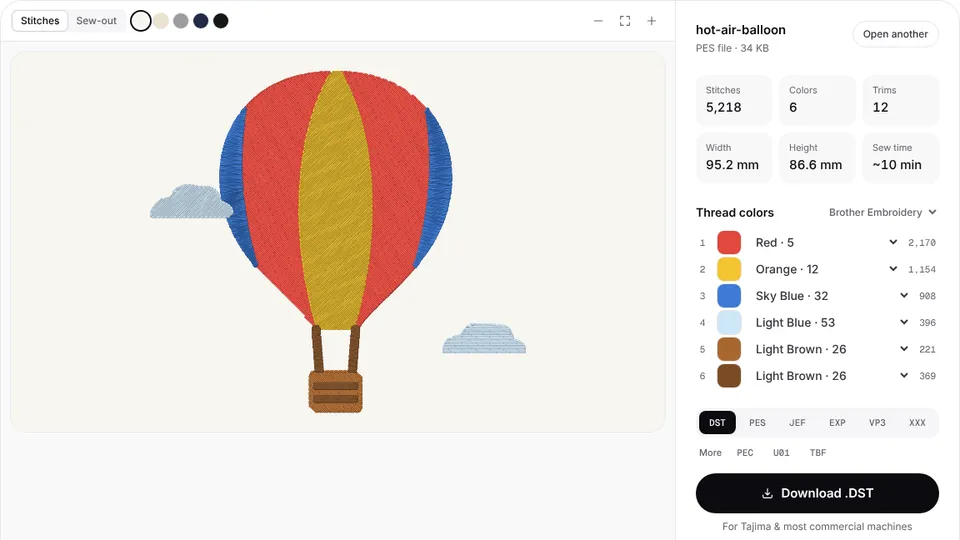
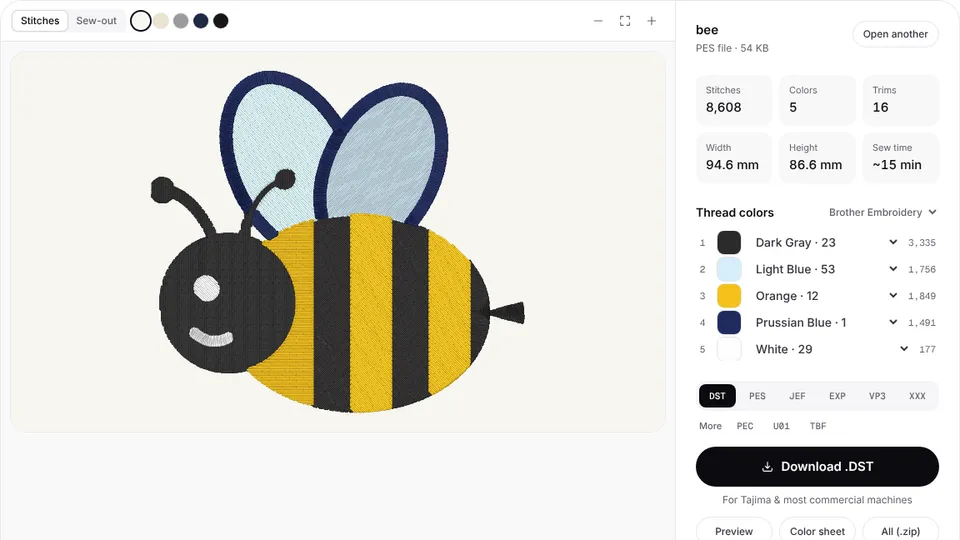 Free toolEmbroidery file viewerOpen DST, PES, JEF and more in your browser: stitch preview, colors, size and stitch count.Open
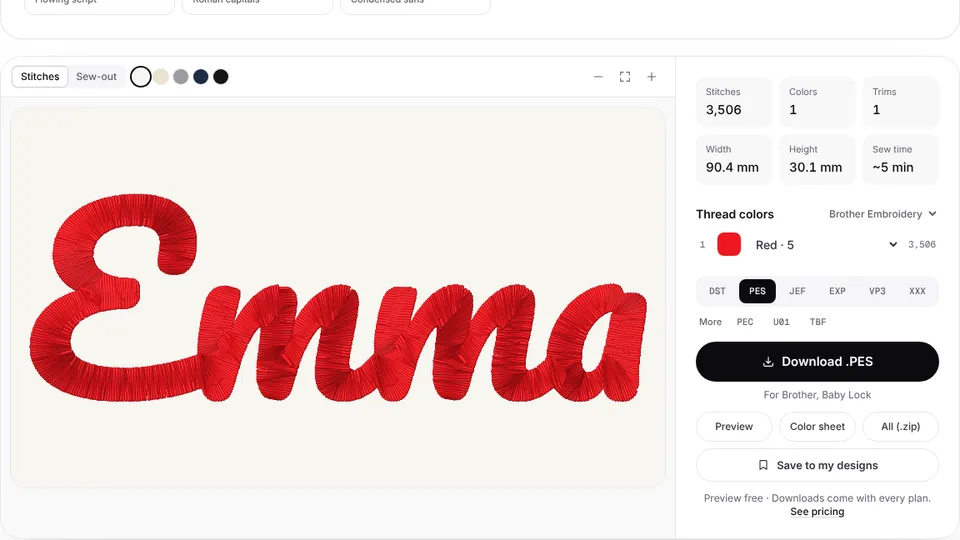 Free previewText to embroidery fileType a name or monogram, pick a font and download a ready-to-sew lettering file.Open
Add your own designs to the collection
Turn any image, logo or drawing into an embroidery file in your machine's format, then add it to your catalog.