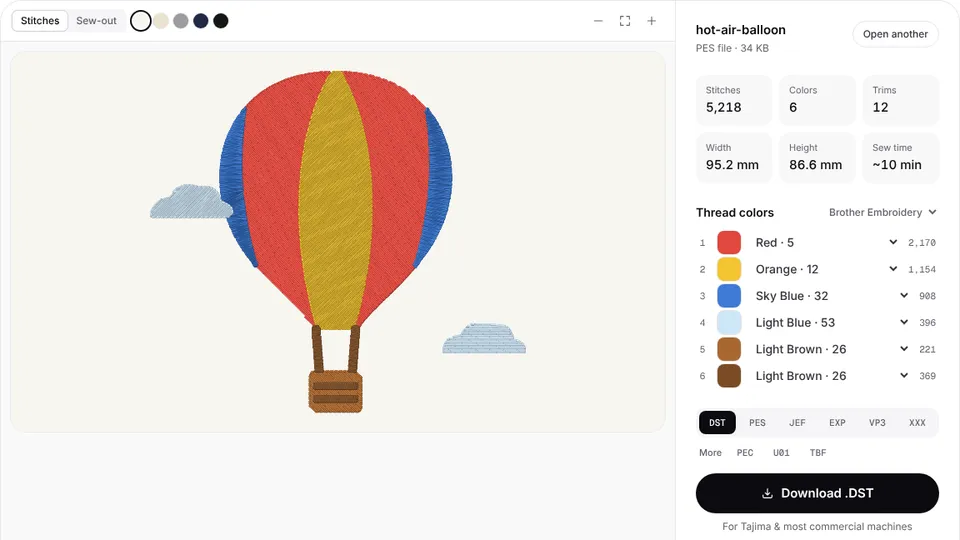

Happy Japan machines, from the 7-needle Journey to the 15-needle HCD3, read Tajima DST files as well as Happy's own TAP format. DST is what digitizers and design shops supply by default, and the machine loads it straight from a USB stick.
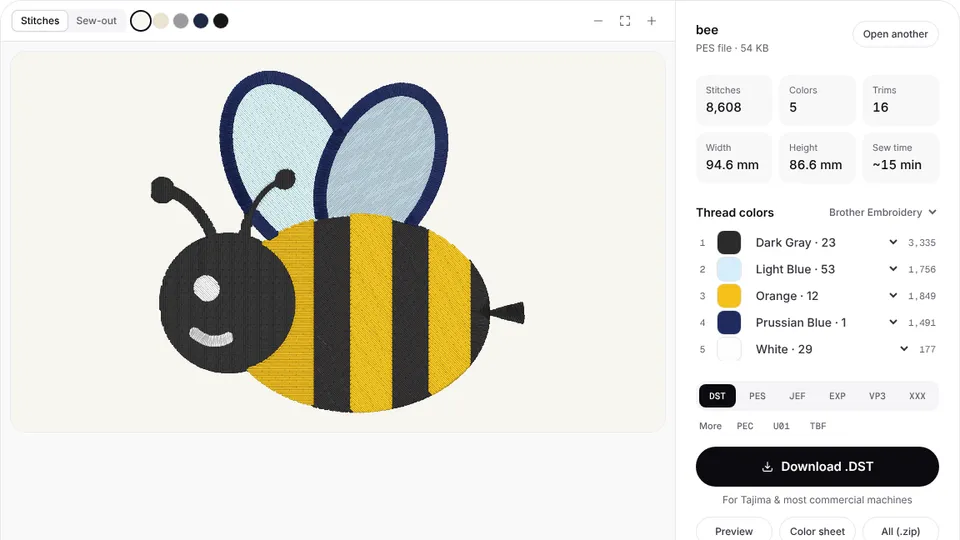
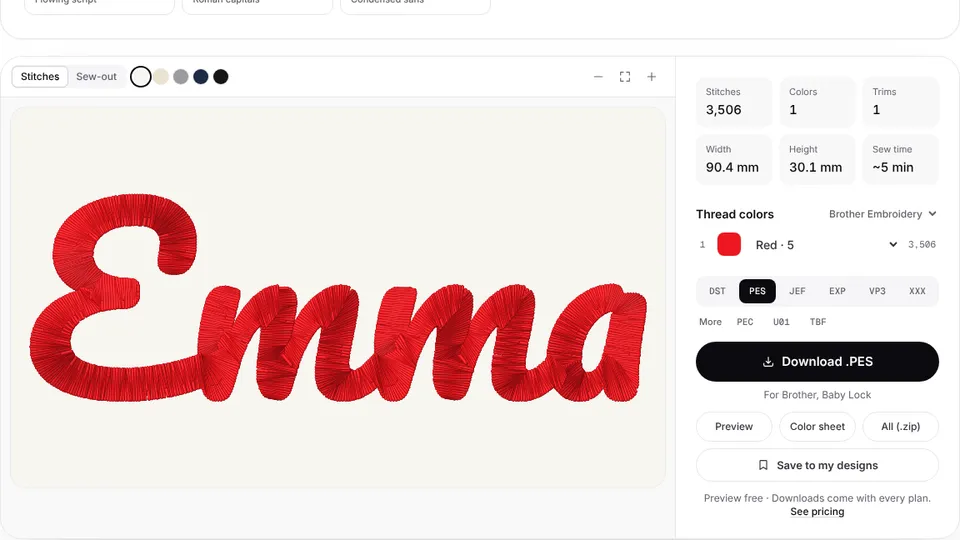
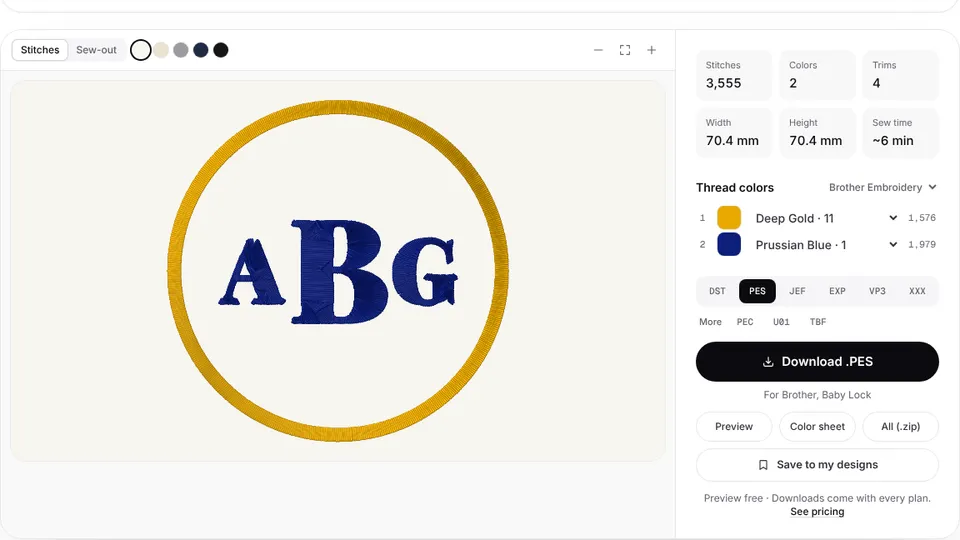
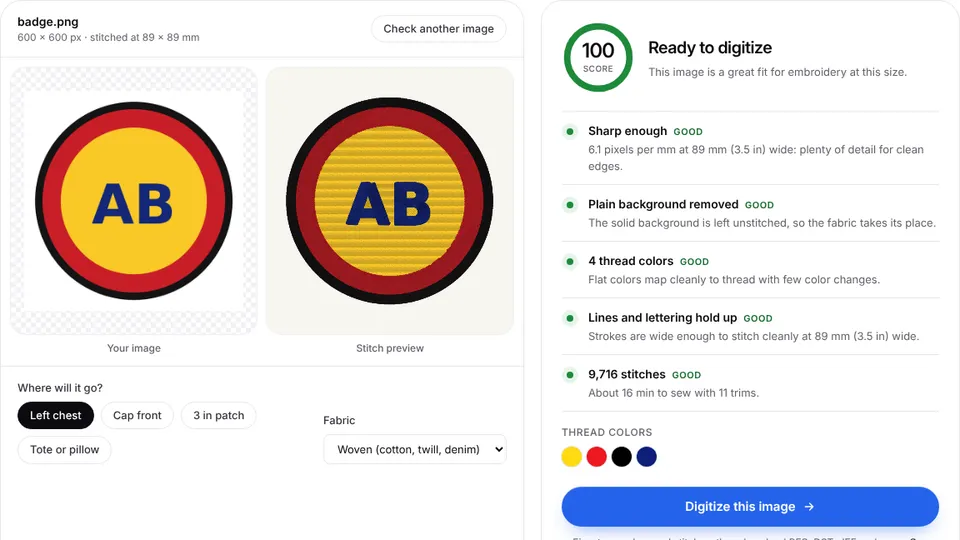
Embrizo's digitizer turns a logo or drawing into stitches in your browser, with trims and color changes where a commercial machine expects them. Upload the artwork, check the preview and make a DST file.
DST and TAP on Happy machines
The instruction books for the HCH, HCS3 and HCD3E list four kinds of pattern data: TAP (Happy), DST (Tajima), DSB (Barudan) and DSZ (ZSK). With the data format setting left on Auto, the machine reads Happy and Tajima files without further setup.
TAP is Happy's own format. It can carry function settings such as the needle bar selection, which the machine can apply when it reads the file. A DST holds stitches, jumps, trims and color changes only, so you choose a needle for each color at the panel, using the color sheet that comes with each download.
Embrizo writes DST, not TAP. That is enough for these machines; you set the needles at the panel.
Getting DST files onto a Happy machine
- Copy the .dst file to a USB stick formatted as FAT or FAT32.
- Push the stick all the way into the USB port on the control box.
- With the machine stopped, choose READ and pick the USB drive.
- Select the design to load it into memory, then set the needle for each color and pick the hoop.
The machines also read designs from a computer: Happy Link works over a USB cable, and Happy Link LAN shares a design folder over a LAN cable. Folders on the stick are fine; the READ screen opens them.
Happy models and sewing fields
| Model | Type | Maximum field |
|---|---|---|
| HCH-701 Journey | Compact single-head, 7 needles | 285 × 290 mm (11.2 × 11.4 in) |
| HCS3-1201 Voyager | Compact single-head, 12 needles | 285 × 290 mm (11.2 × 11.4 in) |
| HCD3-1501 | Single-head, 15 needles | 400 × 520 mm (15.7 × 20.5 in) |
These are maximums; the inner size of the frame in use limits the real sewing area. The Journey and Voyager figure is the sew field of the standard square frame, PTA-32320. On the HCD3-1501 the full width needs optional attachments, and the largest hoop in the US package is 17.25 × 16.5 in. Check the fit with the hoop size calculator.
Tips for Happy production
- Assign needles from the color sheet. It lists each color in sewing order with its stitch count.
- Choose the frame on the panel first. The machine checks that the design fits the frame you selected.
- Leave room on caps. The optional wide cap frame sews up to 95 × 290 mm on the Journey and Voyager, less on some cap shapes.
- Pick the fabric preset. Performance polos, fleece and caps need different density and underlay at commercial speeds.
- Price the job from the stitch count. Use the stitch count chart and the pricing calculator.
Convert other formats to DST
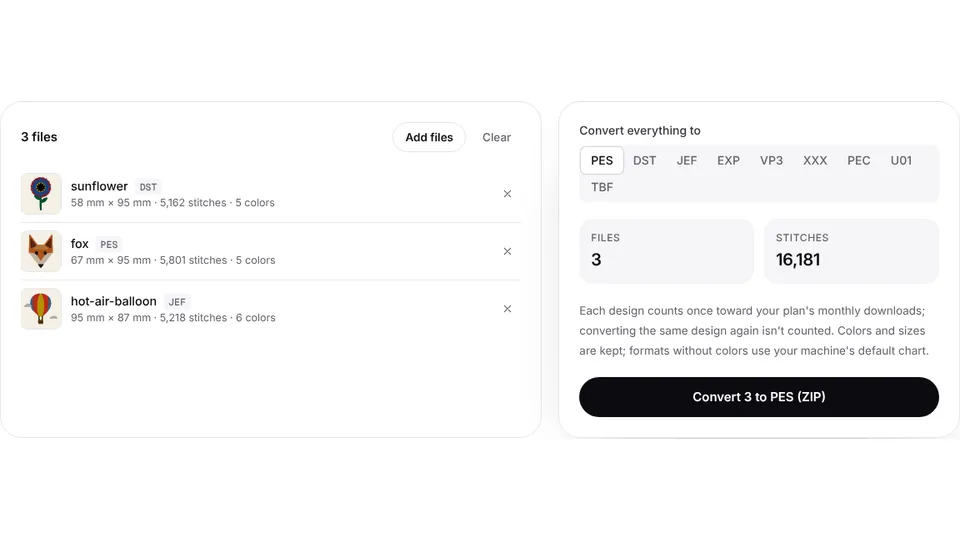
Happy's manuals don't list PES, JEF or VP3. Convert those files in your browser:
- PES to DST for Brother and Baby Lock files
- JEF to DST for Janome files
- VP3 to DST for Husqvarna Viking and Pfaff files
- EXP to DST and XXX to DST for Bernina, Melco and Singer files
- PNG to DST for a customer's logo image