Everything the digitizer does for you
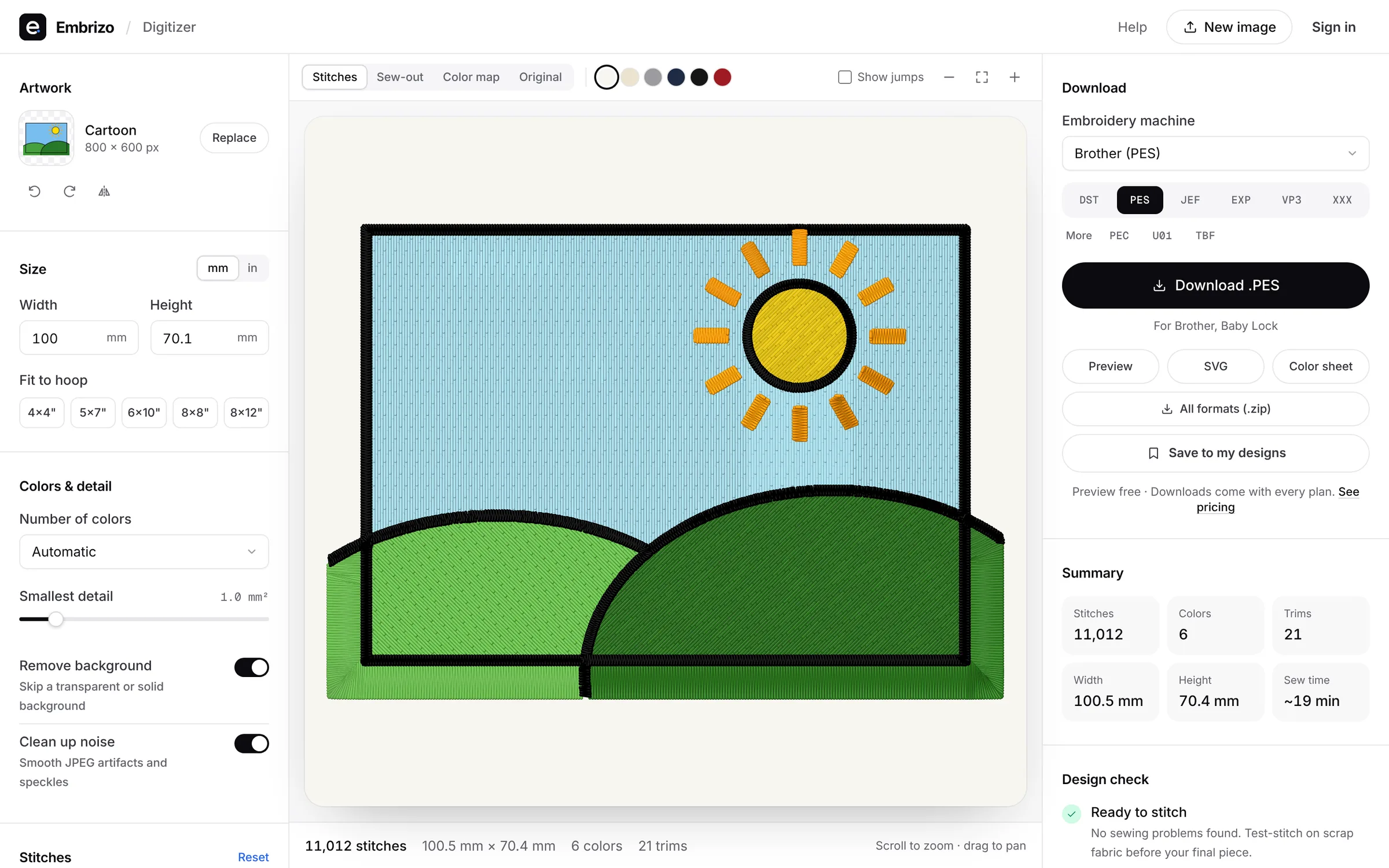
From the stitches it chooses to the checks it runs, here's what happens to your image in Embrizo, each shown on a real design.
- Free stitch preview
- 9 machine formats
- Nothing to install
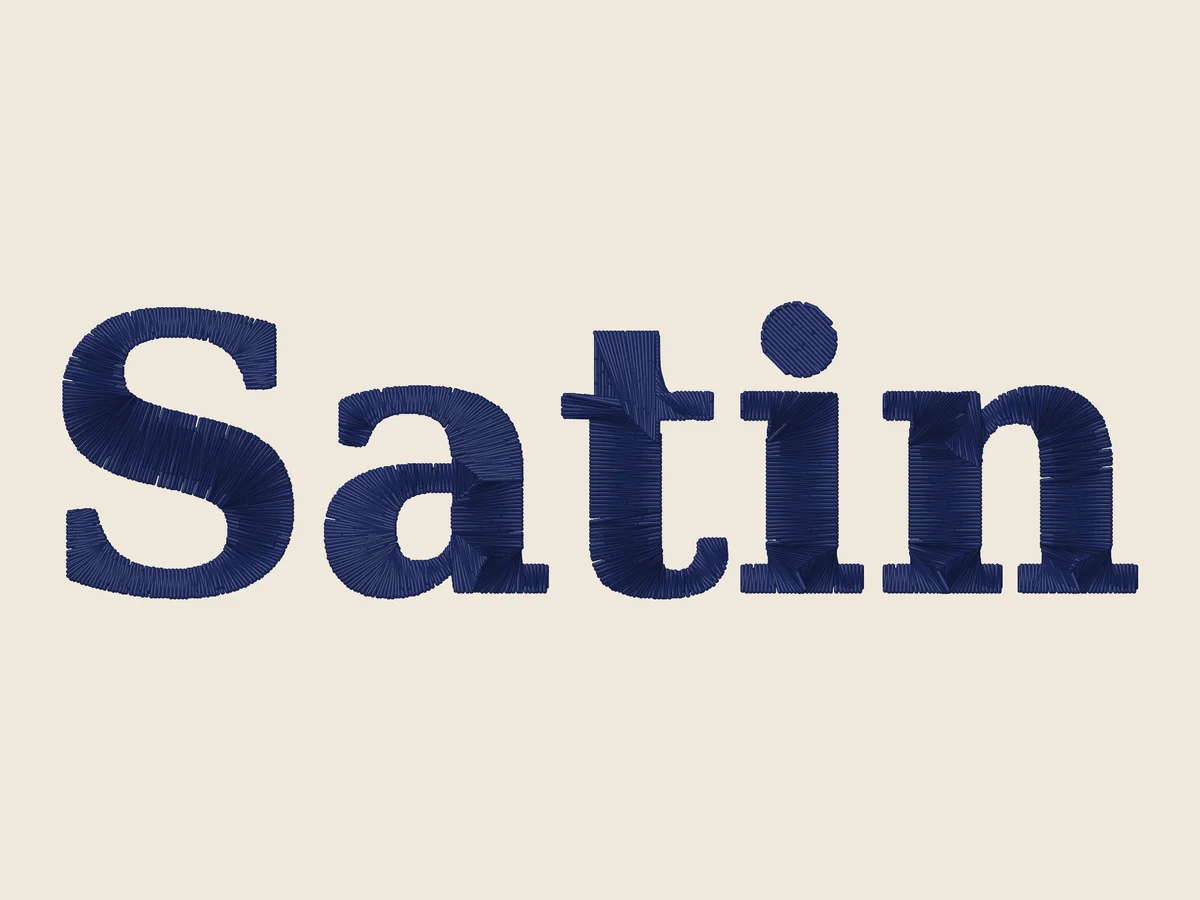 FeatureSatin stitch digitizingLettering, borders and outlines as smooth satin columns, and split satin when you want a wide shape in satin.See how it works
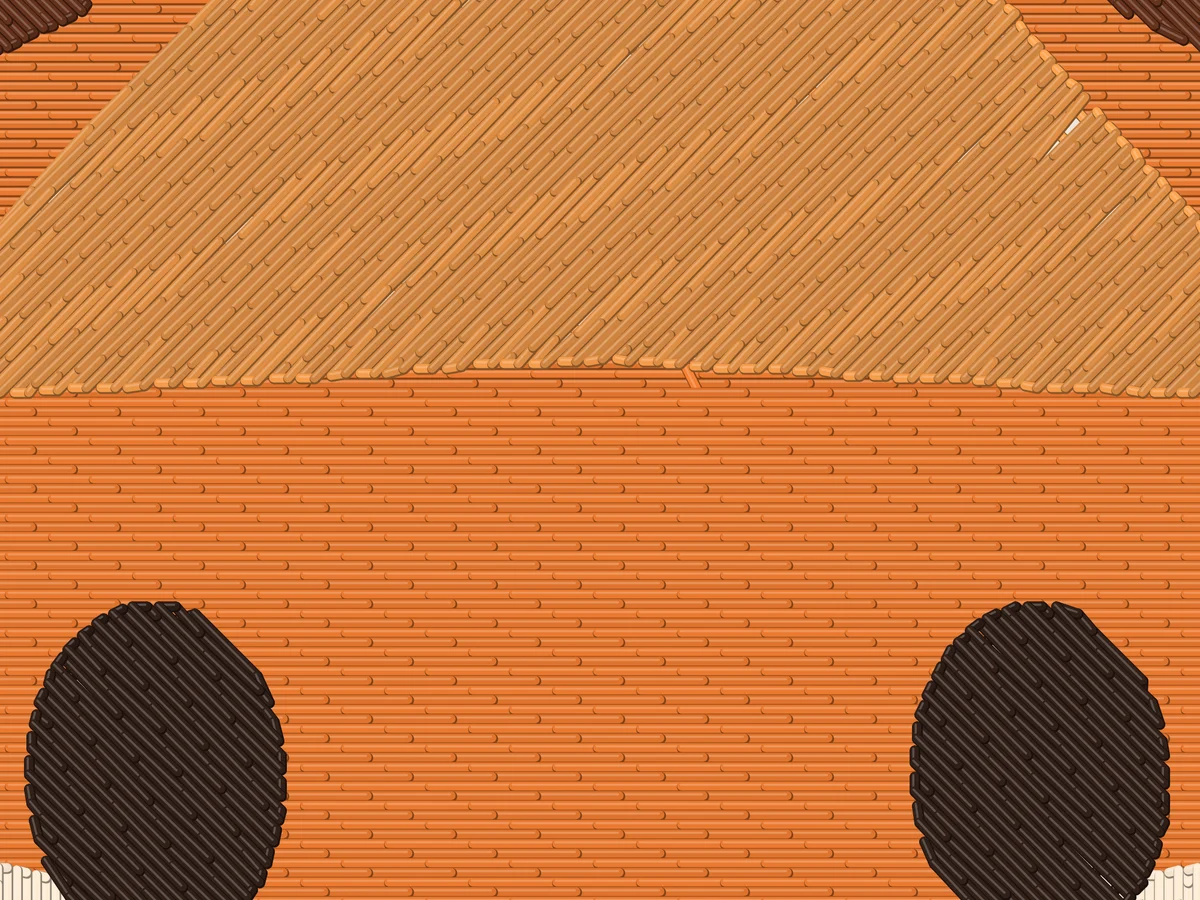 FeatureFill stitch digitizingLarge areas as tatami fill with staggered stitches, an angle chosen for each shape, and underlay underneath.See how it works
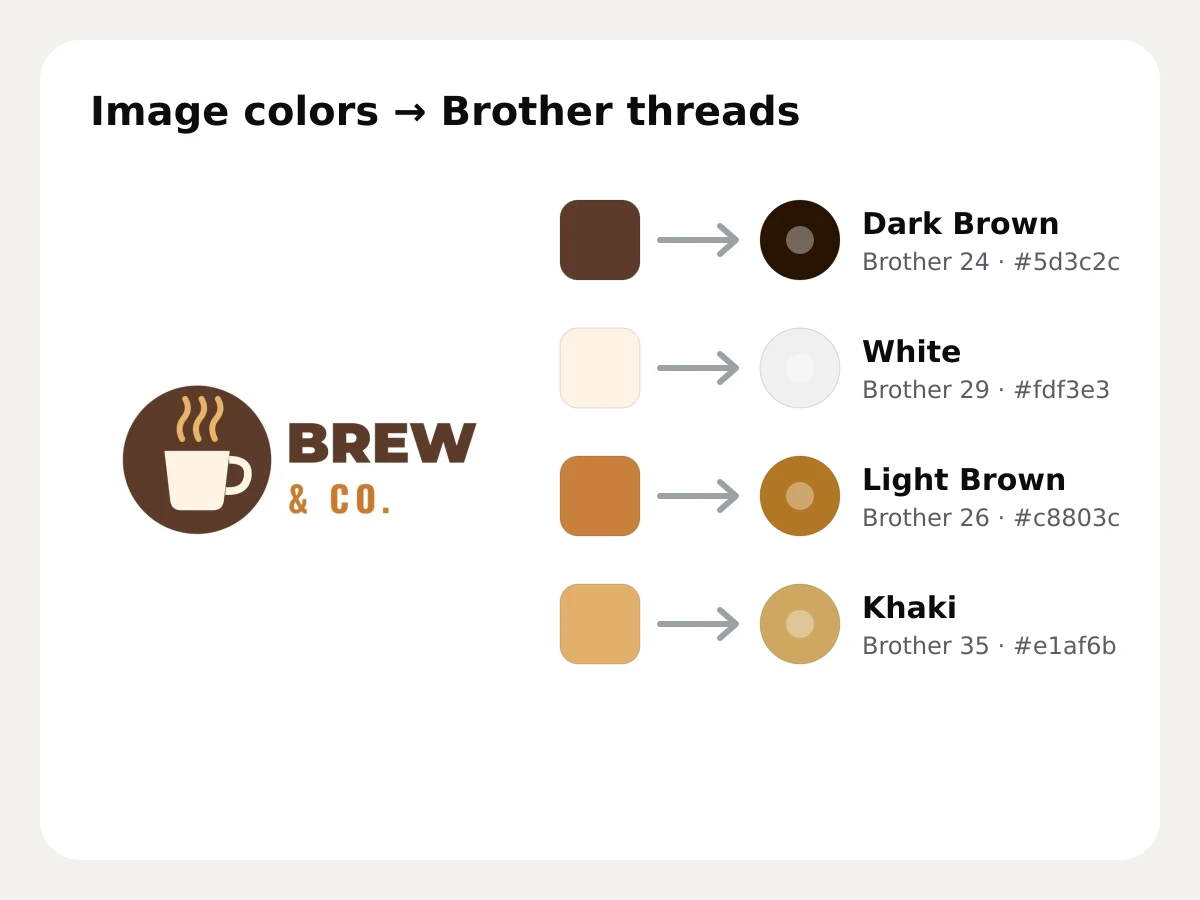 FeatureThread color matchingEvery color in your image matched to the nearest Brother or Janome thread, with its number, and any thread swappable.See how it works
- FeatureStitch preview and sew-outEvery stitch drawn as thread on your fabric color, a sew-out in stitching order, and the numbers to check before you download.See how it works
 FeatureAutomatic design checkFlags details too fine to sew, very small or oversized designs, many colors, high stitch counts and many trims, with a fix for each.See how it works
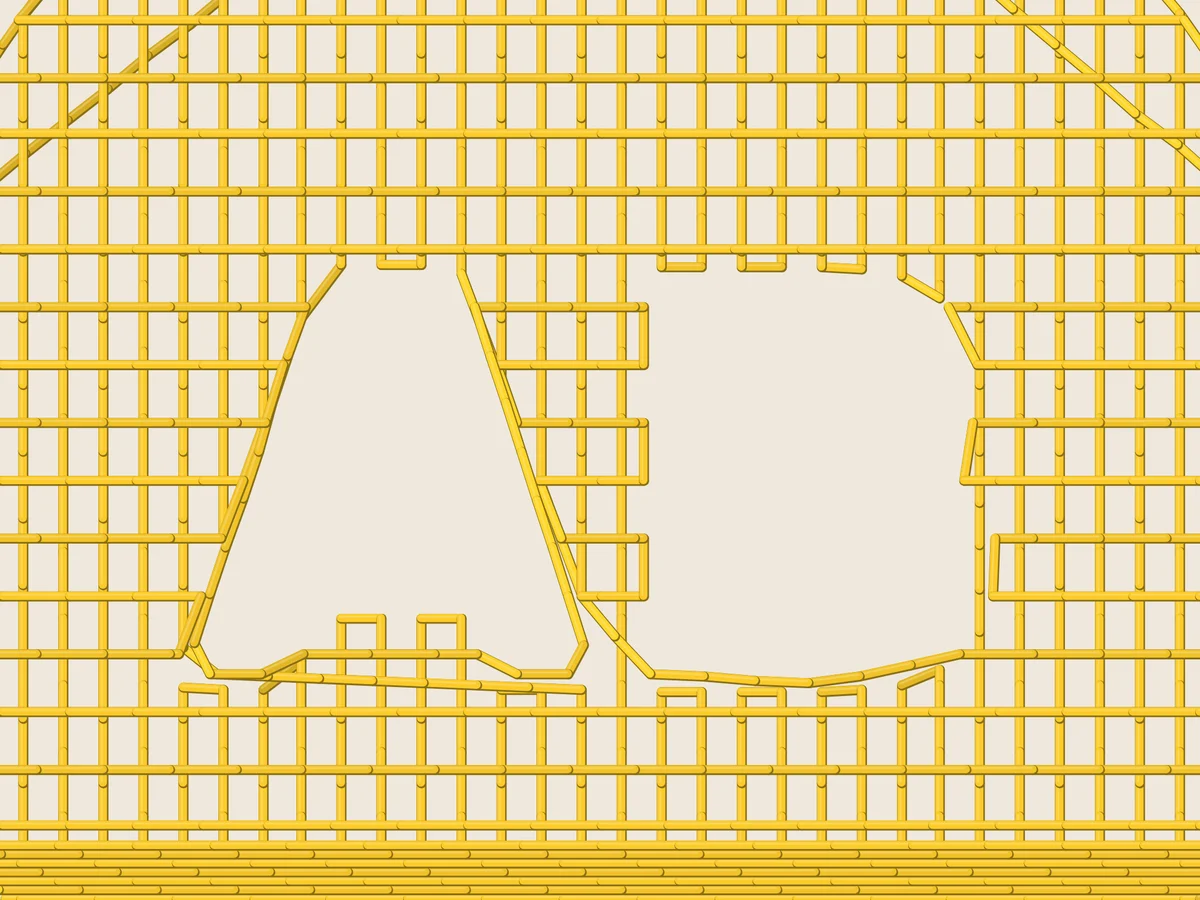 FeatureUnderlay and pull compensationPick your fabric and the underlay, density and pull compensation are set for it, so designs stay crisp on knits, fleece and twill.See how it works
Everything else that comes with it
Free account
See your own design stitched
Create a free account to digitize any image, try every setting and watch it sew. Choose a plan only when you want to download files.
- Digitize and preview any image
- Realistic stitch preview and sew-out
- Download free ready-made designs
- No credit card needed



Questions about Embrizo
The quickest way to see what it does with your artwork is to try it. With a free account, digitizing and previewing cost nothing and take about a minute.
What does the Embrizo digitizer do?
It turns an image into a machine embroidery file: it separates the colors, picks satin, fill or running stitch for each shape, adds underlay and pull compensation for your fabric, matches threads, checks the design and writes DST, PES, JEF, EXP, VP3, XXX, PEC, U01 or TBF.
Can I change what the digitizer chose?
Yes. Set any color to fill, satin or outline, swap threads, merge or switch off colors, pick a fabric, change the density, underlay and fill angle, and resize, rotate or mirror the design.
Do I need to install anything?
No. Embrizo runs in your browser on Windows, Mac, Chromebook, iPad and Android tablets, and your image is processed on your device.
Your design, ready to stitch
Sign up free, upload an image and see it stitched in under a minute. Your image stays on your device.