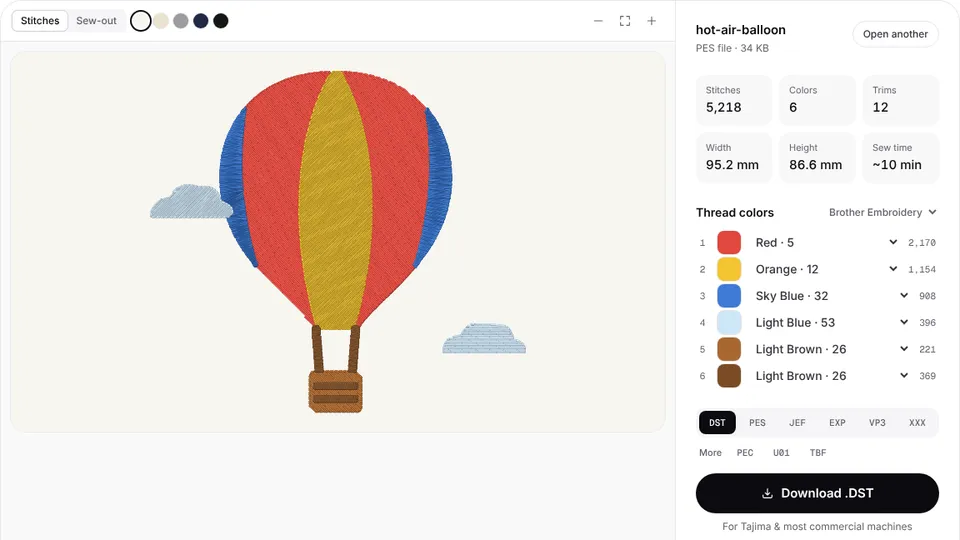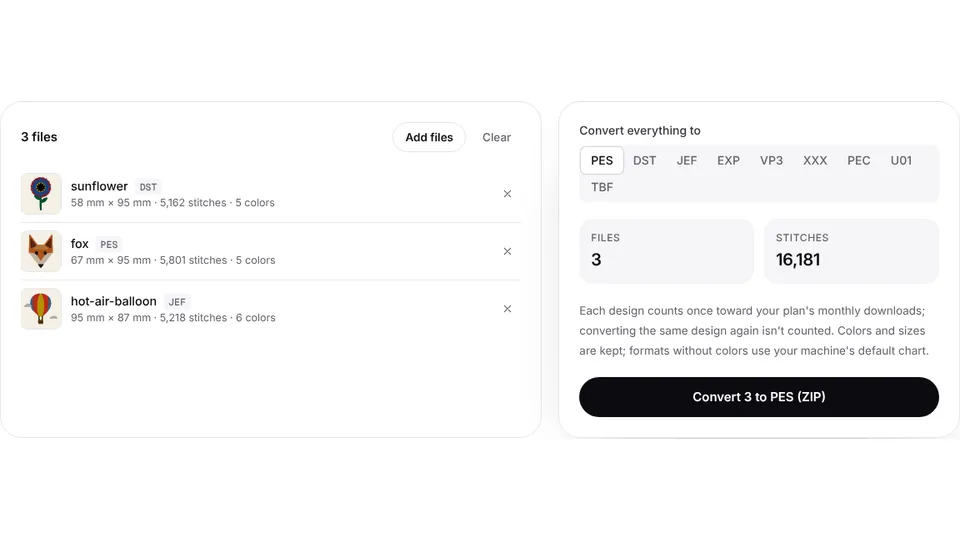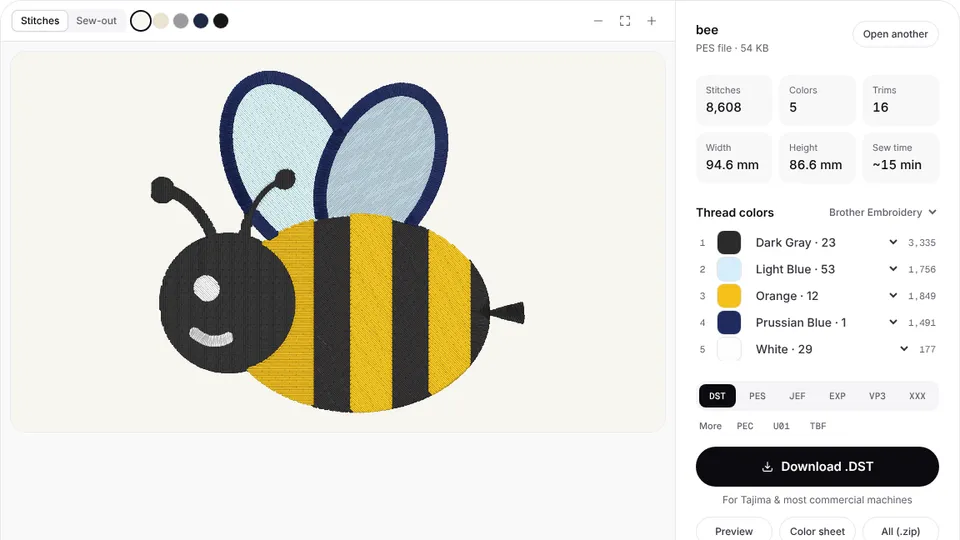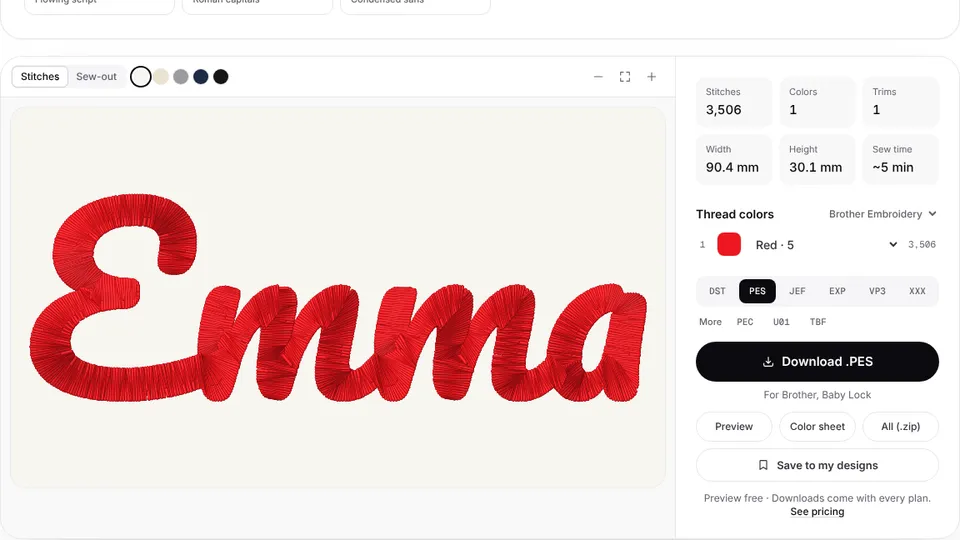

Poolin's home embroidery machines, such as the EOC05 and EOC06, read two stitch formats: DST and DSB. They don't open PES or JEF files, and they can't sew straight from a picture, so a design bought for another brand or a logo saved as a PNG has to become a DST first.
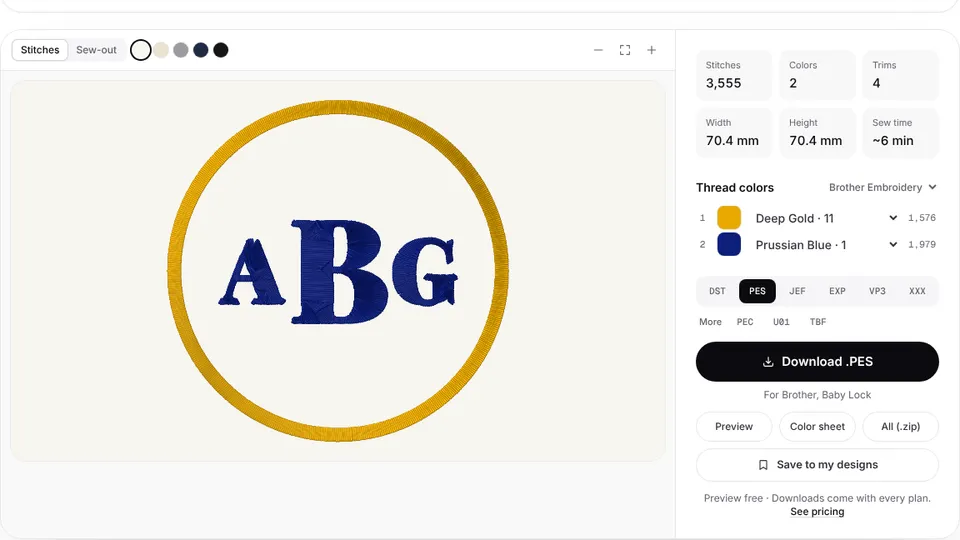
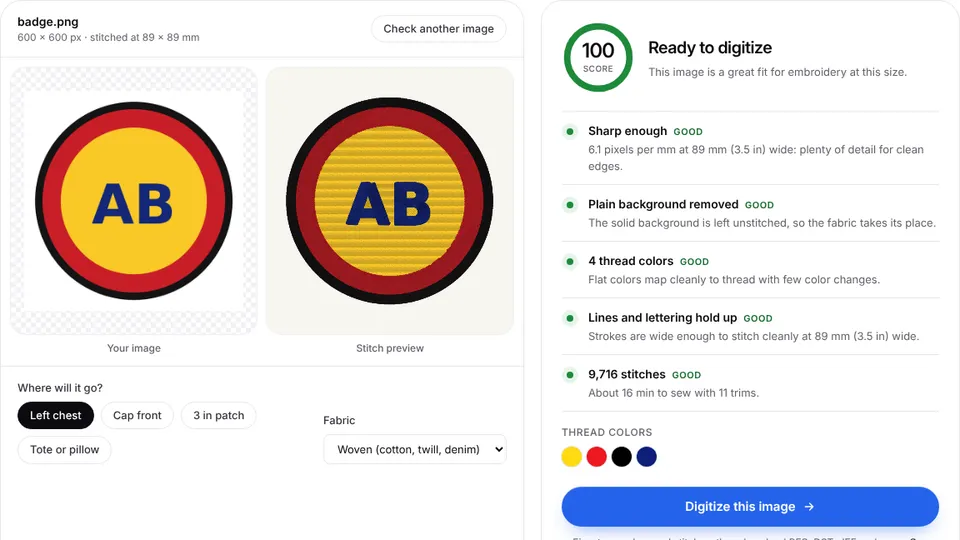
Embrizo's digitizer turns a PNG, JPG or SVG into stitches in your browser. Upload your artwork, check the stitch preview and make a DST file. Digitizing and previewing are free with an account; downloading the file needs a plan.
Which file format Poolin machines use
Poolin lists DSB and DST as the design formats for the EOC05, EOC06 and EOC07, and the EOC05 manual says the machine recognizes only those two. DST is the Tajima stitch format that nearly every embroidery program and design shop can supply, so it is the practical one to make.
A DST file stores stitches, jumps, trims and color changes, but no thread colors. These machines have one needle, so they stop after each color and wait for a thread change. The color sheet that comes with each download lists the colors in sewing order.
If the machine doesn't list a design, check that the file ends in .dst or .dsb.
How to get a DST file onto a Poolin
- Download the .dst file from the digitizer.
- Rename it using only letters and numbers, and copy it to the top level of a USB stick, not into a folder.
- Insert the stick, tap the USB icon on the pattern screen and select the design.
- Save it to the machine, check that the hoop chosen on the screen matches the hoop you fitted, then start.
These steps follow the EOC05 manual. The EOC05 and EOC06 also take designs over WiFi from Poolin's Institch software. If the machine doesn't recognize a stick, the manual suggests trying another one or the stick from the box.
Poolin hoop sizes and embroidery fields
| Model | Type | Maximum field |
|---|---|---|
| EOC03 | Single-needle | 100 × 235 mm (10 × 23.5 cm) |
| EOC05 | Single-needle, embroidery only | 100 × 235 mm (4 × 9.25 in) |
| EOC06 | Single-needle | 200 × 280 mm (7.9 × 11 in) |
| EOC07 | Single-needle | 200 × 380 mm (7.9 × 15 in) |
The EOC05 comes with a 4 × 4 in hoop and a 4 × 9.25 in hoop. The EOC06 comes with two 5.5 in hoops, a 7.9 in hoop and a 7.9 × 11 in hoop. Size the design for the hoop you plan to use and check it with the hoop size calculator. Poolin's multi-needle EOM, EOV and EOX aren't covered here.
Tips for Poolin embroidery
- Keep file names simple. Letters and numbers only, with no spaces or symbols, and no folders on the stick.
- Count the colors. Every color change is a stop and a thread change, so fewer colors sew faster.
- Mind the narrow field. The EOC05 field is 100 mm on its short side, so rotate a wide logo 90° in the digitizer.
- Match the needle to the job. Poolin's manual names HAX1 90/14 as the standard needle and suggests a smaller one for small designs or thin fabric.
- Choose the fabric preset for the garment, then test-stitch on a scrap with the same stabilizer.
Convert other formats to DST
Designs for other home machines usually come as PES or JEF. Convert them in your browser:
- PES to DST for Brother and Baby Lock designs
- JEF to DST for Janome designs
- VP3 to DST for Husqvarna Viking and Pfaff designs
- EXP to DST and XXX to DST for Bernina, Melco and Singer files
The stitches stay the same, but DST drops the thread colors, so note them before you convert. From artwork, use PNG to DST.