AI embroidery prompt generator
Get a prompt that makes ChatGPT, Gemini, Midjourney, Copilot or Firefly draw a design you can actually stitch: few flat colors, bold outlines, no gradients, on a plain background.
Kind of design
Style
Frame
Colors
Finished size
Image AI
Your prompt
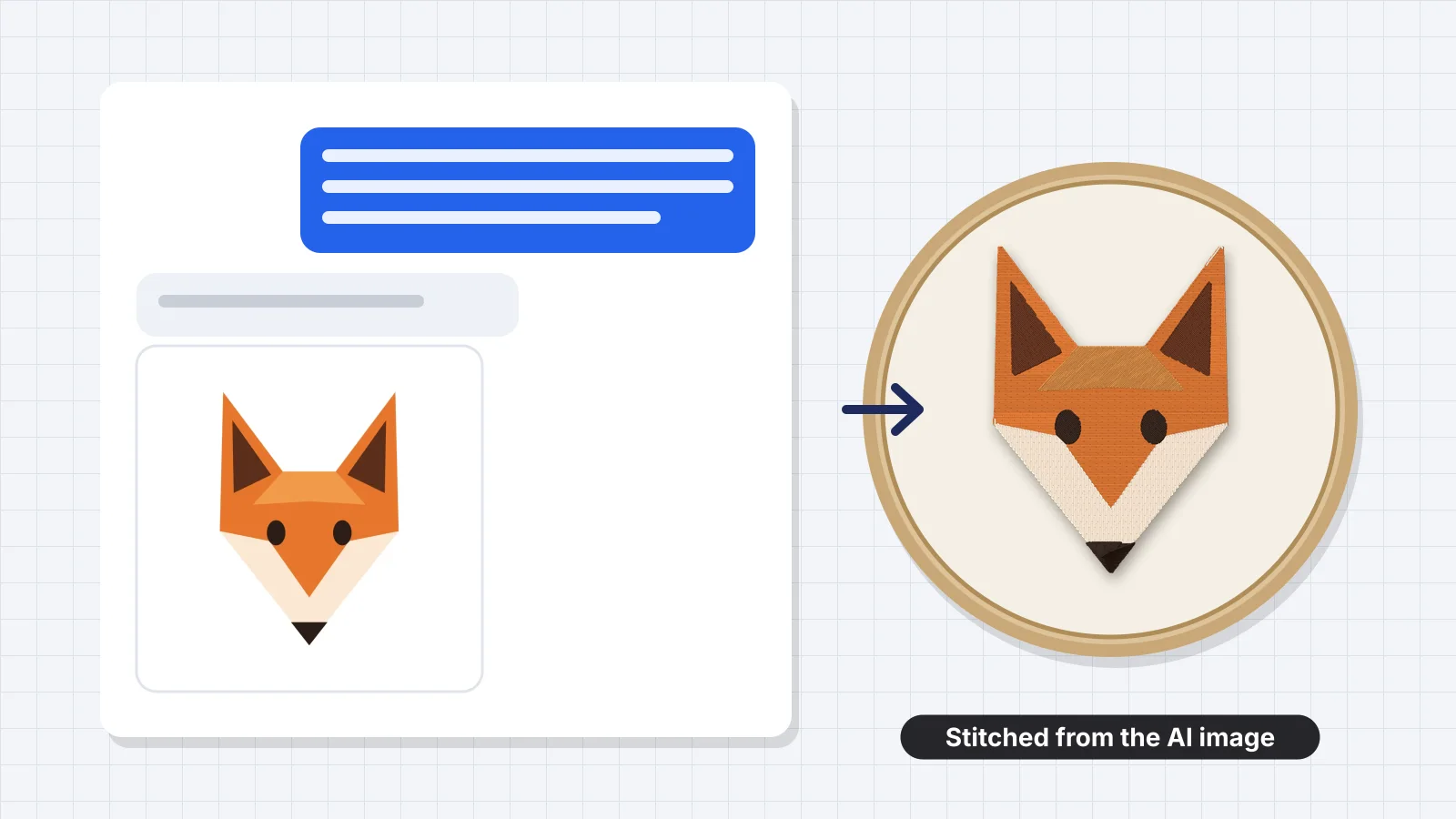
Create an embroidered-patch style emblem of a fox, flat vector illustration, inside a circular border. Make it ready to turn into machine embroidery: only 4 solid flat colors, thick bold dark outlines, large simple shapes, only a few medium-sized details, centered on a plain white background, square image. Avoid gradients, shading, shadows, texture, glow, fine lines, tiny details and photorealism. Keep every line and gap at least 2 mm wide at the finished size.
Variations
Then turn the image into stitches
Save the image from the AI and upload it to the digitizer: colors are matched to thread, the background is removed and you get DST, PES or JEF.
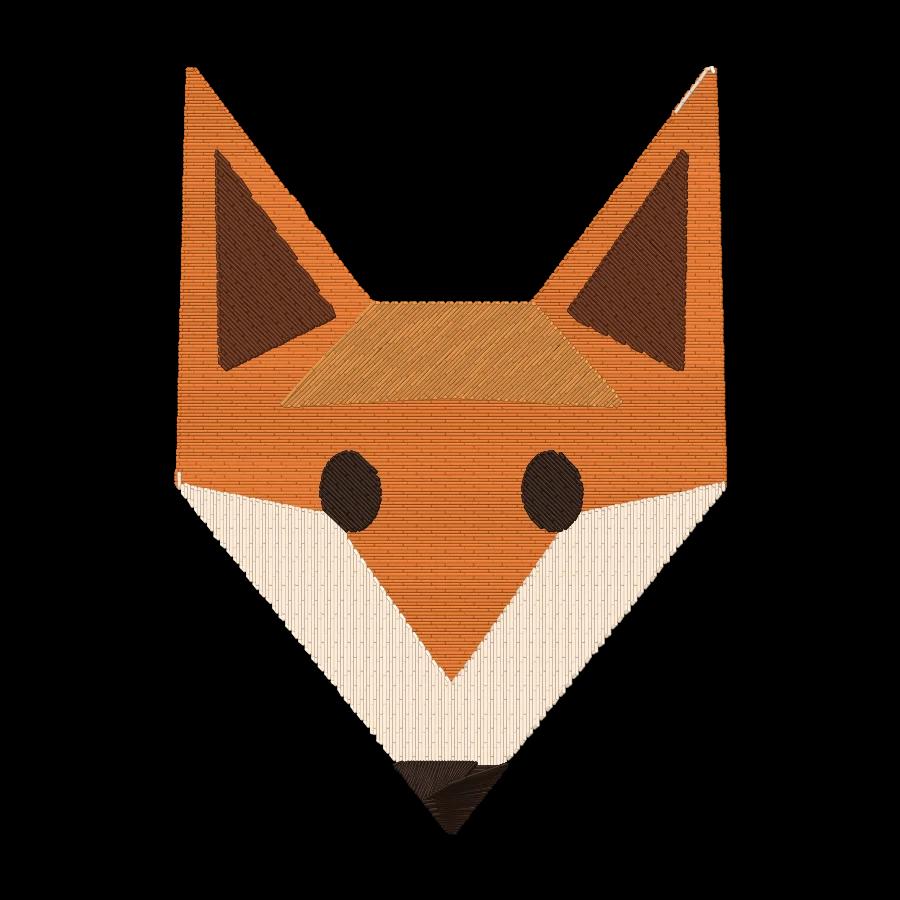
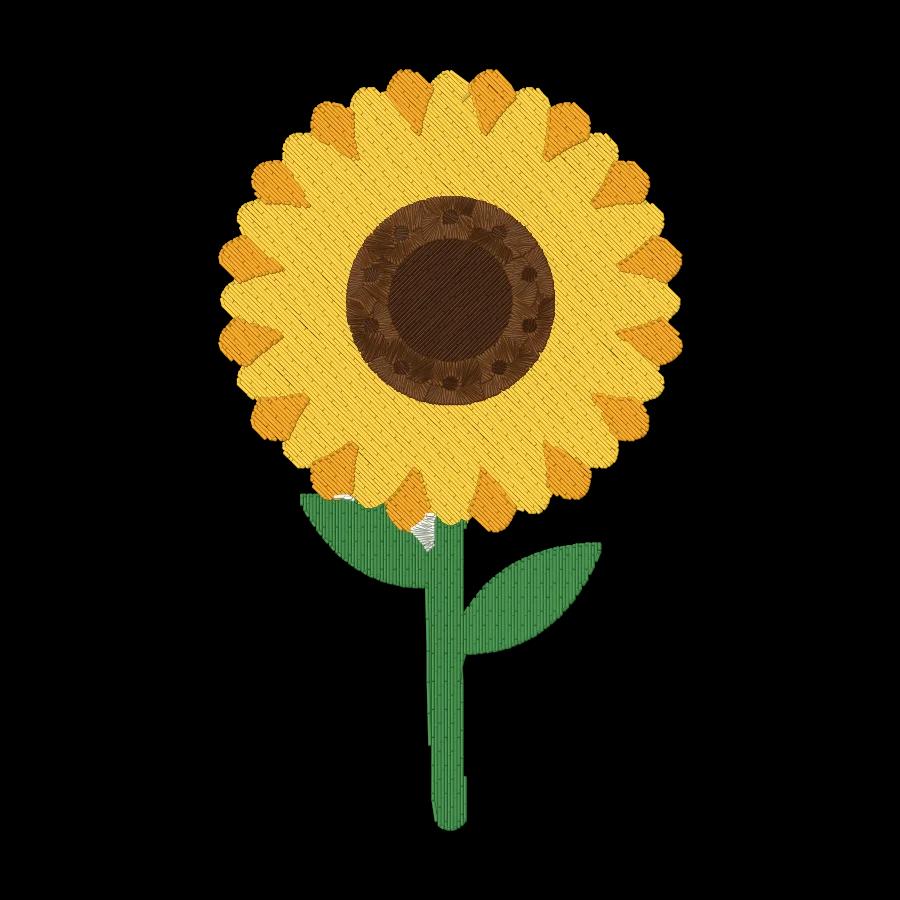
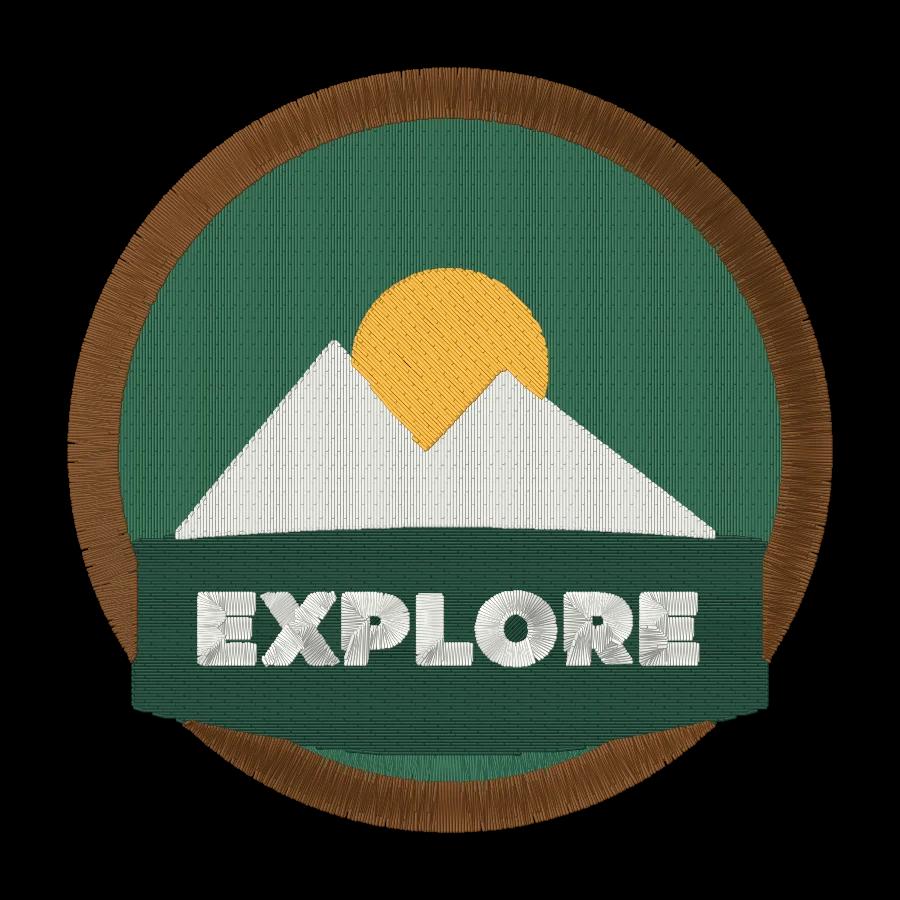
- What it does
- Write ChatGPT, Gemini or Midjourney prompts that give flat, embroidery-ready artwork.
- Price
- Free
- Works on
- Any browser: Windows, Mac, Chromebook, iPad and phones
- Privacy
- Runs in your browser; your images and files aren't uploaded
Prompts written for thread, not pixels
Solid colors
A set number of flat colors, so each becomes one thread.
Bold outlines
Thick dark outlines and large shapes that stitch cleanly as satin and fill.
No gradients
Shading, shadows, glow and texture are ruled out, because thread can't blend.
Sized for stitching
Less detail for caps and left chest logos, more for jacket backs.
Plain background
A white background the digitizer removes in one step.
Five image AIs
Wording tuned for ChatGPT, Gemini, Midjourney, Copilot and Adobe Firefly.
From prompt to stitch file
- Generate a few versions and keep the one with the fewest colors and the cleanest edges.
- If the AI adds shading anyway, reply: “Make it completely flat, with solid colors only.”
- Download the largest image the AI offers, then upload it to the digitizer.
- In the digitizer, set the number of colors to match the prompt and pick your hoop size.
Free account
Start digitizing in under a minute
Create a free account to digitize any image, try every setting and watch it sew. Choose a plan only when you want to download files.
- Digitize and preview any image
- Realistic stitch preview and sew-out
- Download free ready-made designs
- No credit card needed
Questions
The quickest way to see what it does with your artwork is to try it. With a free account, digitizing and previewing cost nothing and take about a minute.
Can ChatGPT make an embroidery design?
ChatGPT can draw the artwork, but not the stitch file a machine needs. Ask it for a flat design with a few solid colors and bold outlines using this generator's prompt, then upload the image to Embrizo's digitizer to get a DST, PES or JEF file.
What makes an AI image good for embroidery?
Few solid colors (usually 3–6), thick outlines, large simple shapes, a plain background and no gradients, shadows, texture or tiny details. Thread can't blend colors, and anything under about 1 mm wide disappears when stitched.
Which image AI works best for embroidery designs?
ChatGPT and Gemini follow written instructions such as color counts and a white background well. Midjourney gives more stylized art; its prompt here adds --style raw and a --no list to keep it flat. Try the same prompt in two and keep the cleaner image.
Why are the prompts in English?
Image AIs follow English prompts most reliably, especially Midjourney's parameters. You can still describe your subject in your own language; ChatGPT and Gemini understand it.
Should I put text in the AI image?
Only a short word, if any. Image AIs often misspell letters. For names, dates and longer text, generate the picture without text and add lettering with the text tool or in the digitizer.
Is the AI embroidery prompt generator free?
Yes. Prompts are free to copy. Digitizing and previewing the resulting image is free with an account; saving the machine file needs a plan.
More tools
Keep going
 GuideChatGPT prompts for embroidery designsWhy AI images often digitize badly, the prompt structure that works, 16 ready prompts by project, how ChatGPT, Midjourney and Gemini differ, fixing the image, digitizing it with Embrizo, and a note on who owns AI art.Read the guide
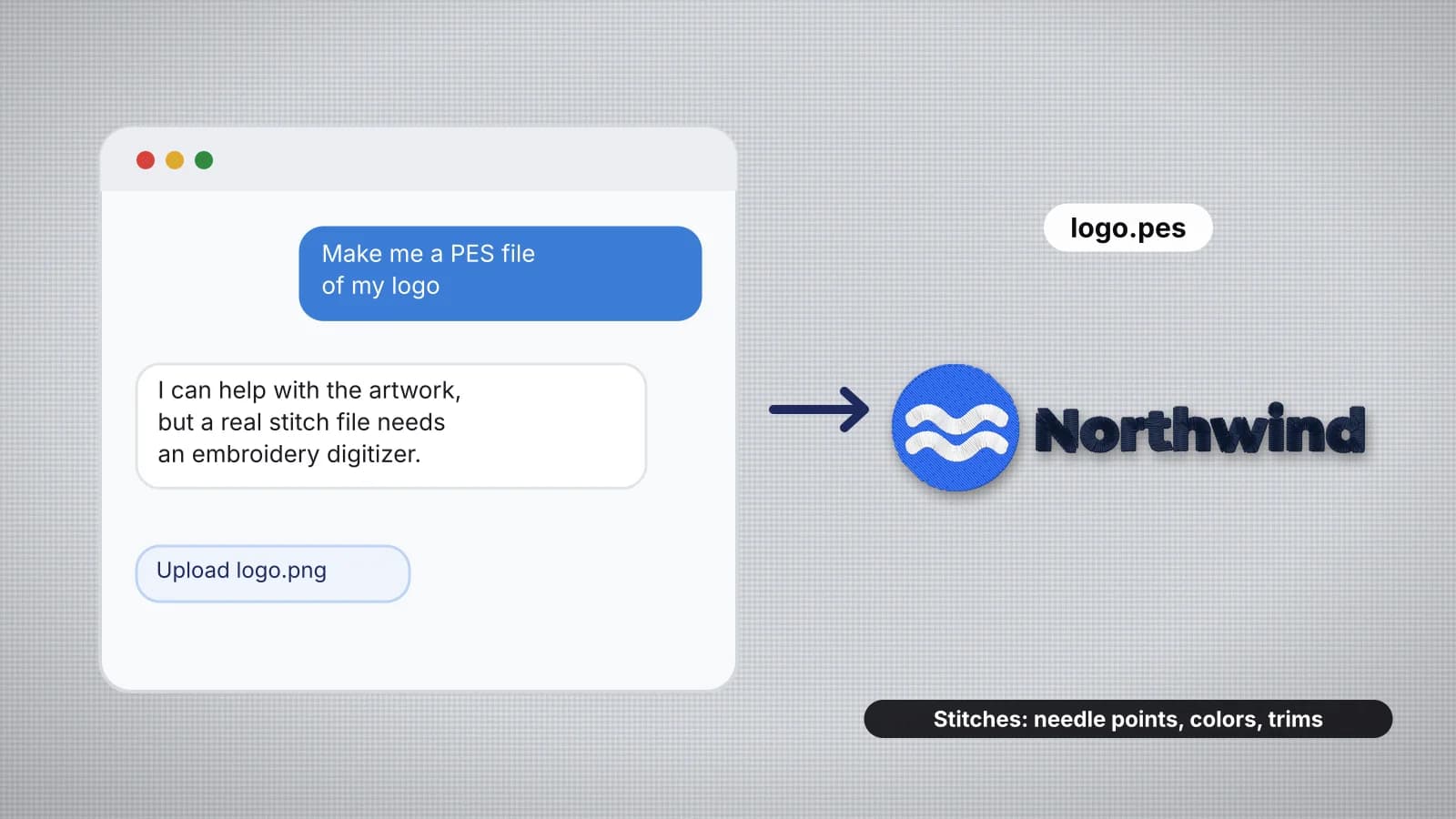 GuideCan ChatGPT make embroidery files?What happens when you ask a chatbot for a PES file, what a stitch file really contains, why text and code don't make a design that sews, what chatbots are good for, the route from artwork to a real file, and checking any file before you stitch it.Read the guide
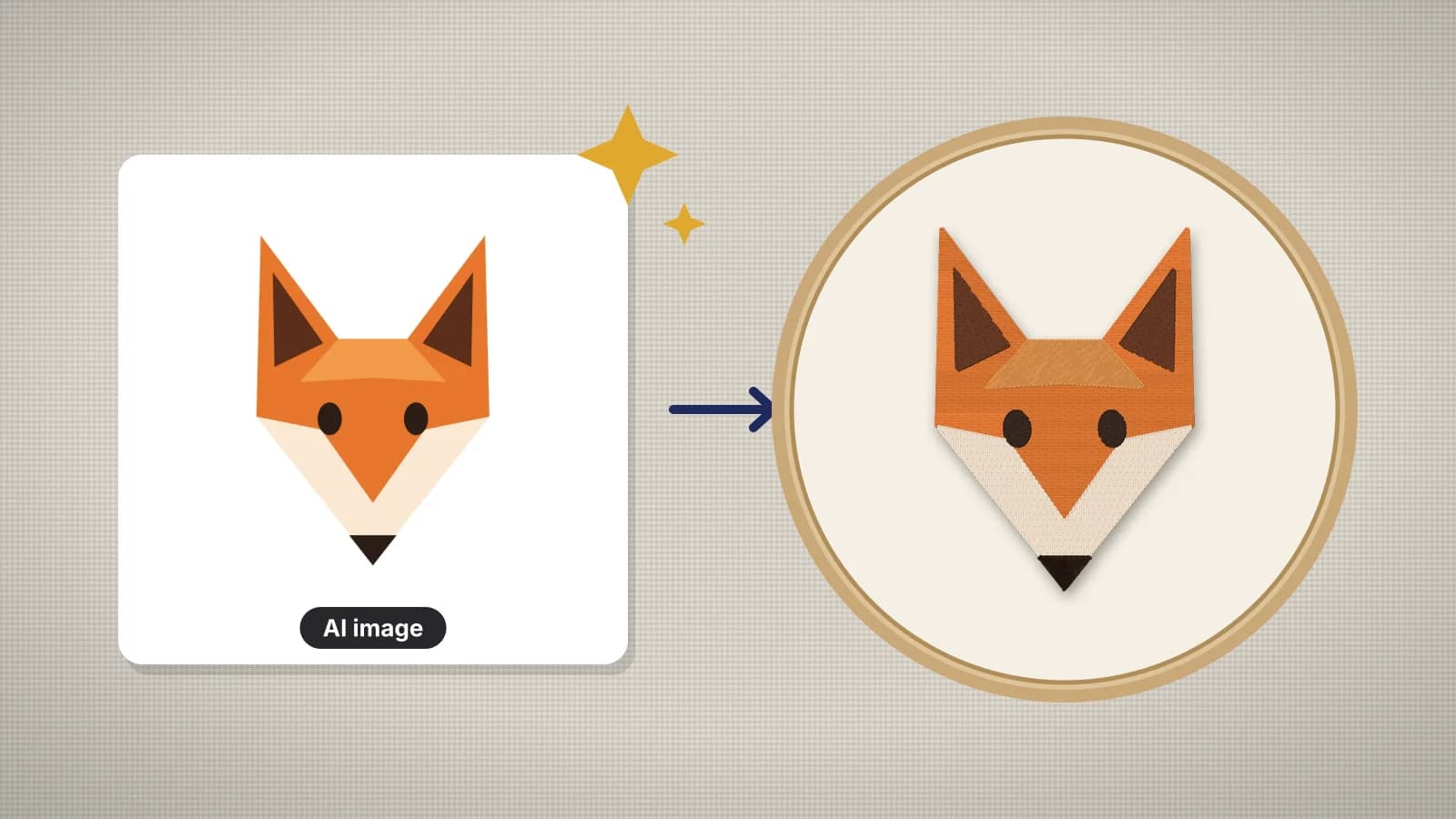 GuideHow to turn AI art into an embroidery fileWhy most AI images don't stitch as they are, prompt tips for embroidery-friendly art, cleaning up colors and backgrounds, sizing for the placement, digitizing, test stitching, and checking the image tool's terms before you sell.Read the guide
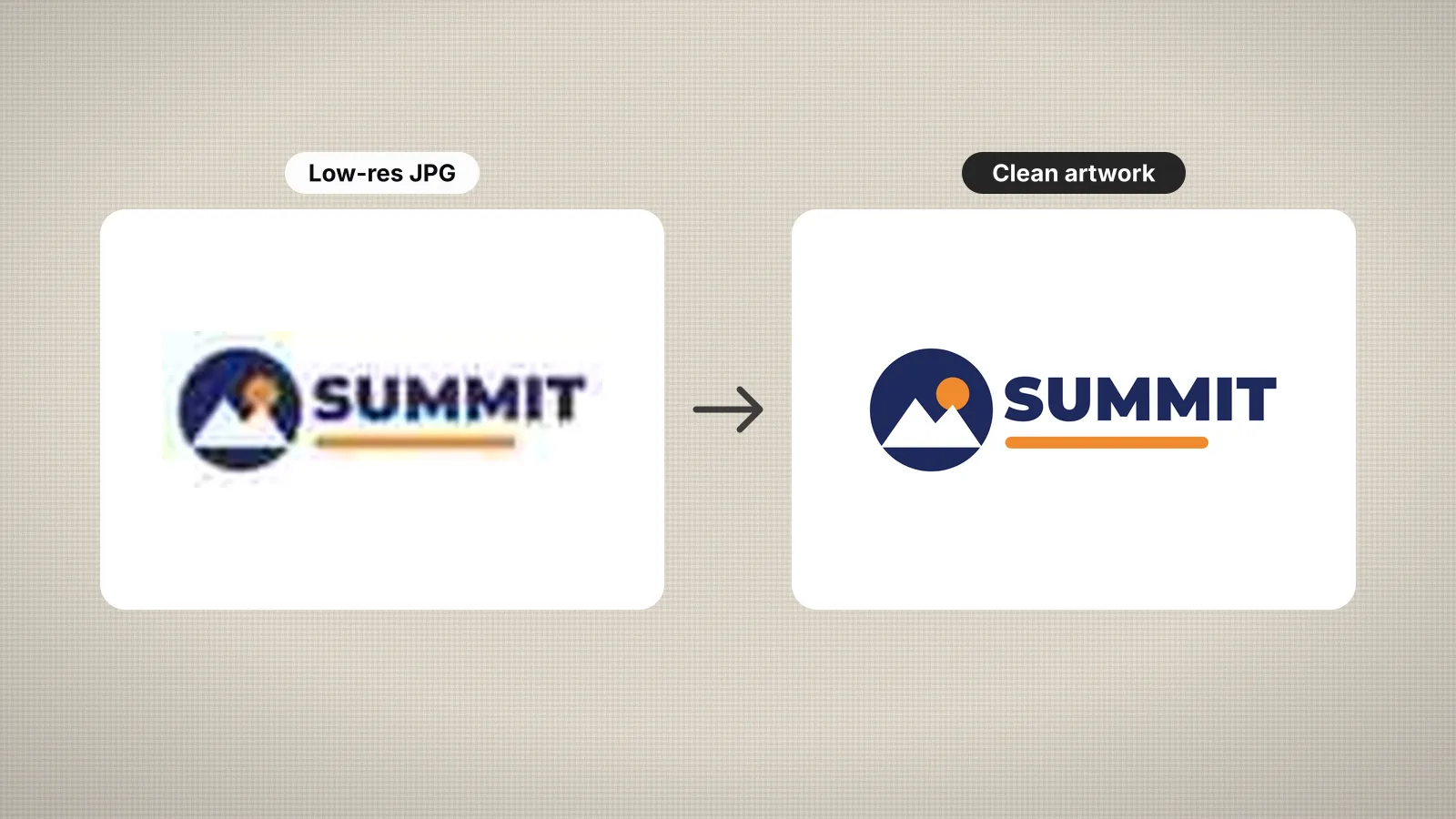 GuideHow to prepare an image for embroidery digitizingA checklist for turning a logo or picture into artwork that digitizes cleanly.Read the guide
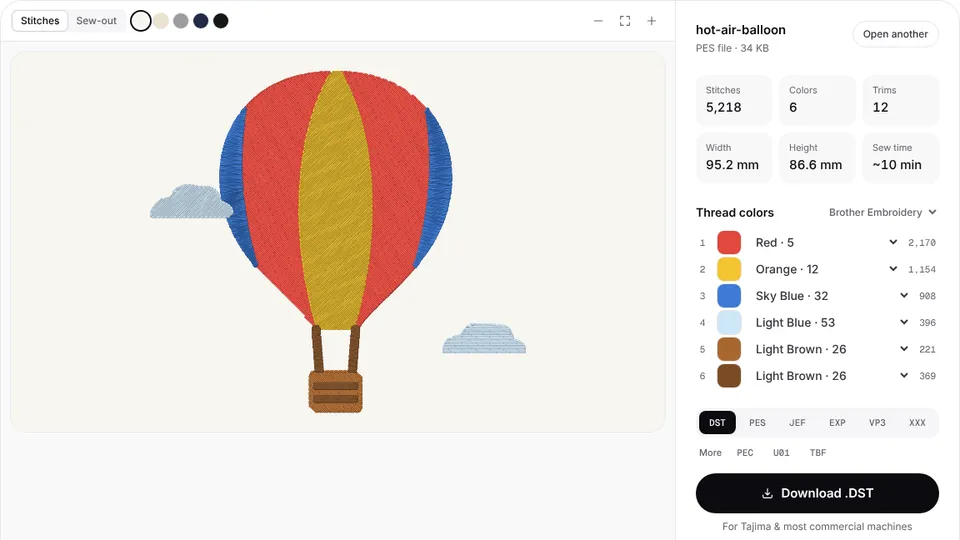 Free previewEmbroidery file converterConvert PES, DST, JEF, EXP, VP3 and XXX files to any other machine format.Open
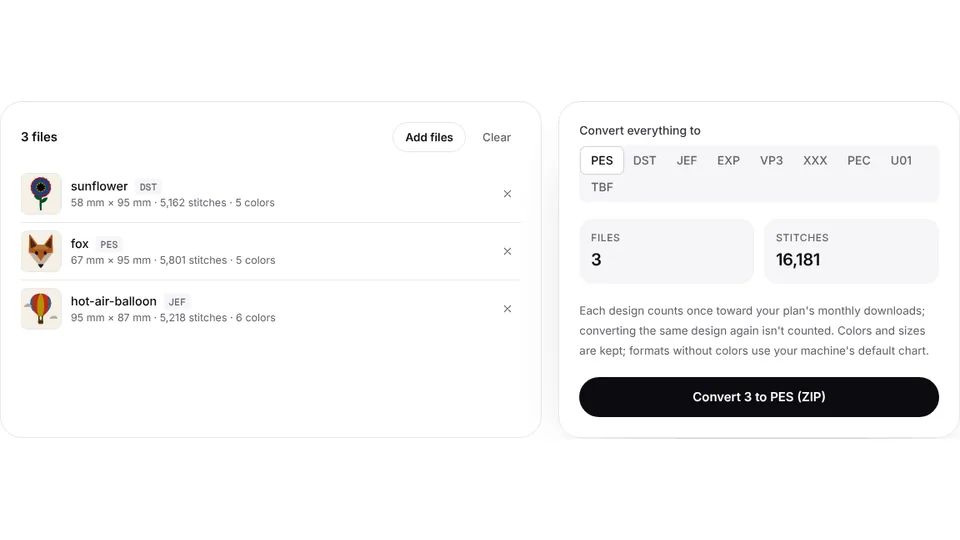 Free toolBatch embroidery file converterConvert up to 50 embroidery files to PES, DST, JEF or any format at once, as one ZIP.Open
Got your AI image?
Upload it and get a ready-to-sew DST, PES or JEF file with a realistic stitch preview.