See every stitch before you download
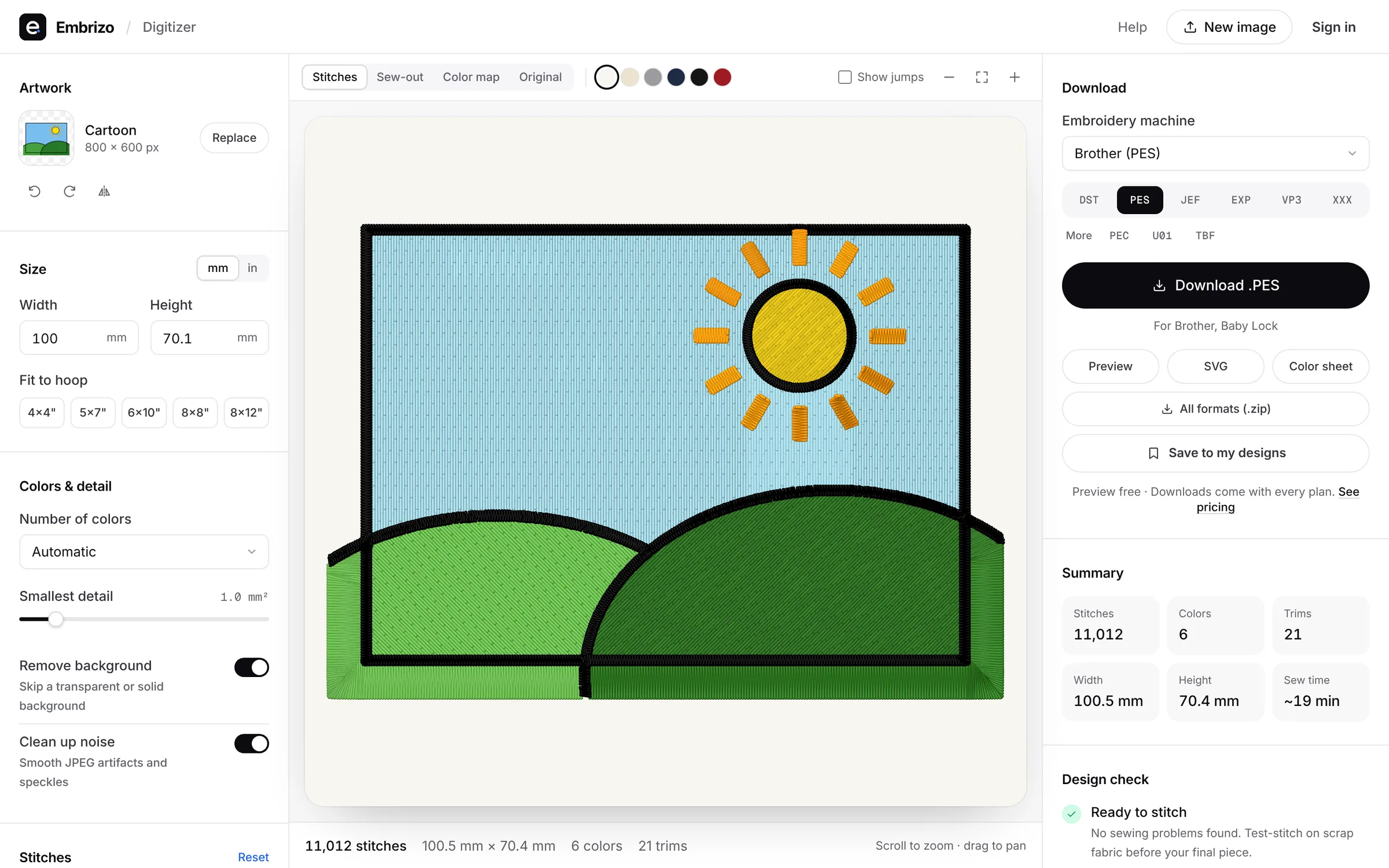
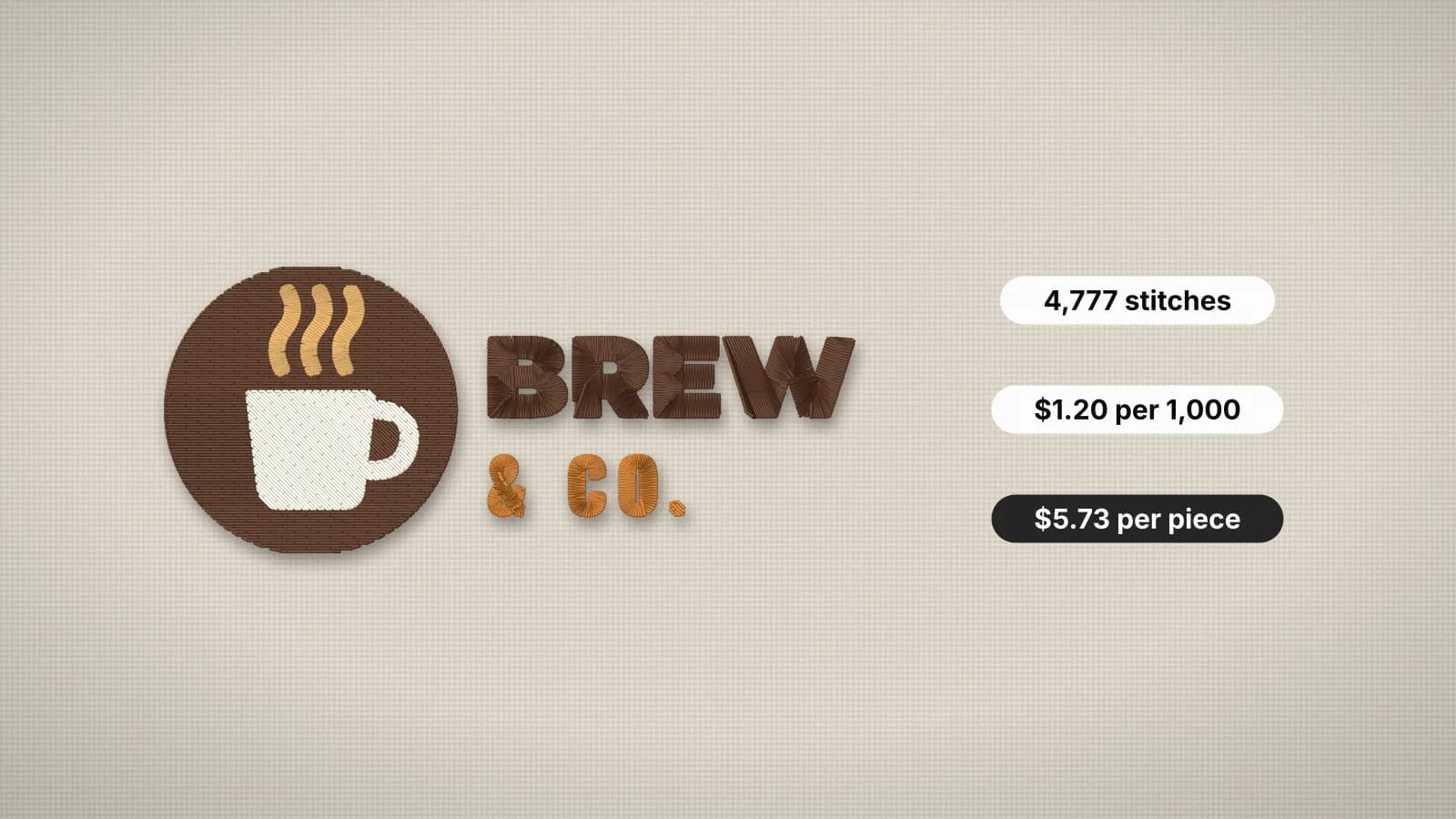
The preview draws each stitch as thread, with sheen and shadow, on the fabric color you pick. Play the sew-out to watch the design stitch in the order your machine will sew it, and check the numbers that matter before you spend a download.
- Free stitch preview
- 9 machine formats
- Runs in your browser
- Stitch preview with a free account
- Free
- Stitch preview with a free account
- Machine formats from the same preview
- 9
- Machine formats from the same preview
- The file has exactly the stitches you see
- 1:1
- The file has exactly the stitches you see
- Stitches a minute used for the sew time
- 700
- Stitches a minute used for the sew time
Thread, not a flat picture
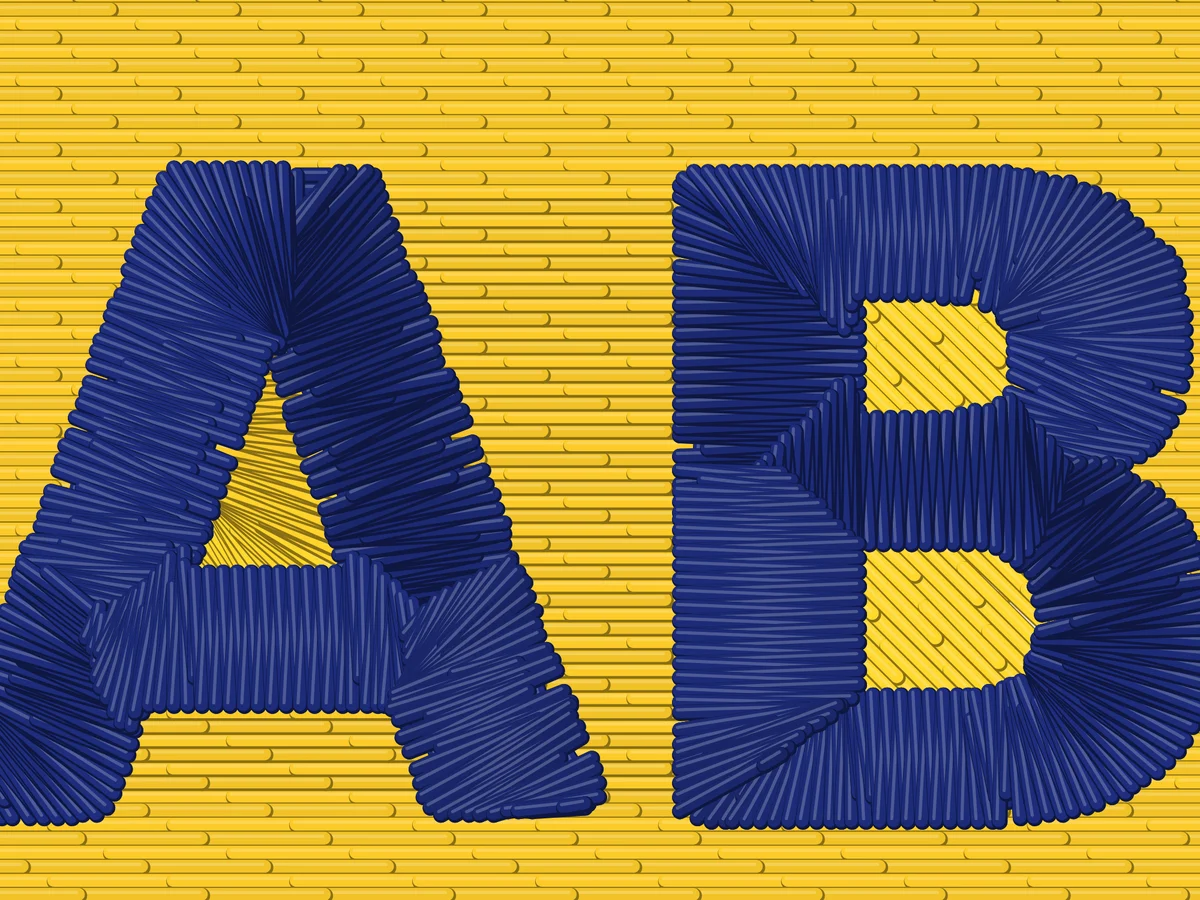
Every stitch is drawn as a strand of thread with highlight and shadow, so satin shines, fills look textured and you can see the direction of every area. Change the fabric color to see how the design reads on a dark polo or a white towel.
- Satin, fill and running stitch drawn as thread
- Your fabric color behind the design
- Zoom in on any detail
Watch it sew
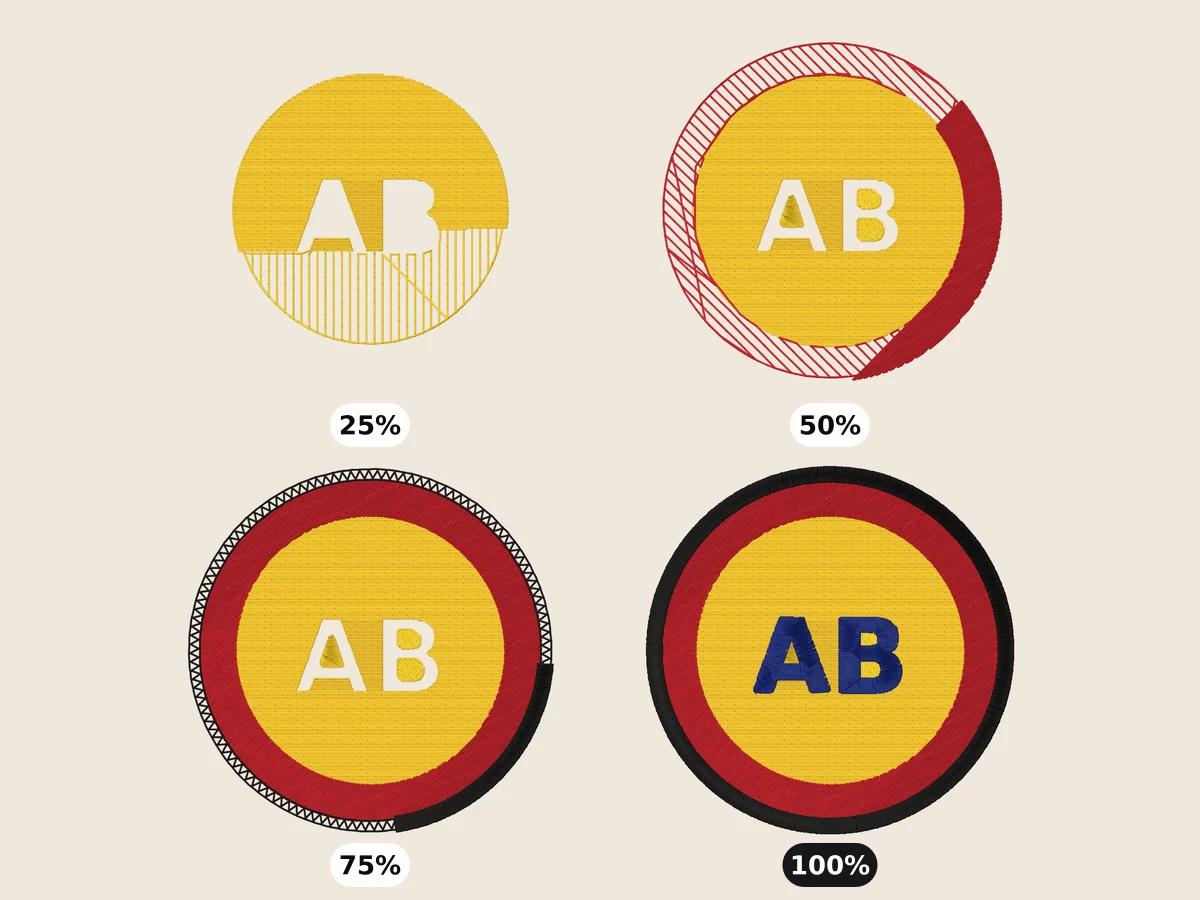
The sew-out plays the design in stitching order: large areas first, details and outlines last, one color at a time. You'll see where the machine trims and whether small details sew after the fill under them.
- The order your machine follows
- Color changes and trims
- Pause at any point
Free account · No credit card needed
Numbers you can price from
The summary shows the stitch count, colors, trims, size and an estimated sew time, plus each color's stitch count and stitch types. They're the numbers you need to quote a job, or to decide whether to simplify before you download.
- Stitch count and sew time
- Size in millimeters or inches
- Stitches and stitch types per color
Try it on your own design
Drop a logo, drawing or lettering here and see it stitched, with every setting on this page applied, in about a minute.
Drop your image here
PNG, JPG, SVG, PDF or AI · stays on your device
Free tools for this
- Free toolEmbroidery file viewerOpen DST, PES, JEF and more in your browser: stitch preview, colors, size and stitch count.Open
- Free toolSew-out simulatorWatch any embroidery file stitch out, color by color, before it touches your machine.Open
- Free toolEmbroidery mockup generatorPut your logo on a t-shirt, polo, hoodie, cap or tote, digitized and stitched at its real size.Open
Free account
See your own design stitched
Create a free account to digitize any image, try every setting and watch it sew. Choose a plan only when you want to download files.
- Digitize and preview any image
- Realistic stitch preview and sew-out
- Download free ready-made designs
- No credit card needed



Stitch preview and sew-out: questions
The quickest way to see what it does with your artwork is to try it. With a free account, digitizing and previewing cost nothing and take about a minute.
Can I preview an embroidery design before downloading it?
Yes. With a free account the digitizer shows a realistic stitch preview and sew-out of your design, with its stitch count, colors, trims and sew time. Downloading the machine file is what needs a plan.
How accurate is the stitch preview?
It draws the exact stitches that go into your file, in the same order, so what you see is what your machine sews. Thread sheen and fabric are illustrated, so test-stitch on scrap before the final piece.
Can I preview an embroidery file I already have?
Yes. Open DST, PES, JEF, EXP, VP3 or XXX files in the free embroidery file viewer to see the stitches, colors, size and stitch count.
How is the sew time estimated?
From the stitch count at 700 stitches a minute, plus time for each color change and trim. Your machine's speed setting changes the real time.
Guides on this
 6 min readHow to check an embroidery file before stitchingA pre-stitch checklist: size against the hoop, stitch count and sew time, long satin stitches that snag, tiny stitches that shred thread, density, trims and jumps, colors and format, then a test sew-out.Read the guide
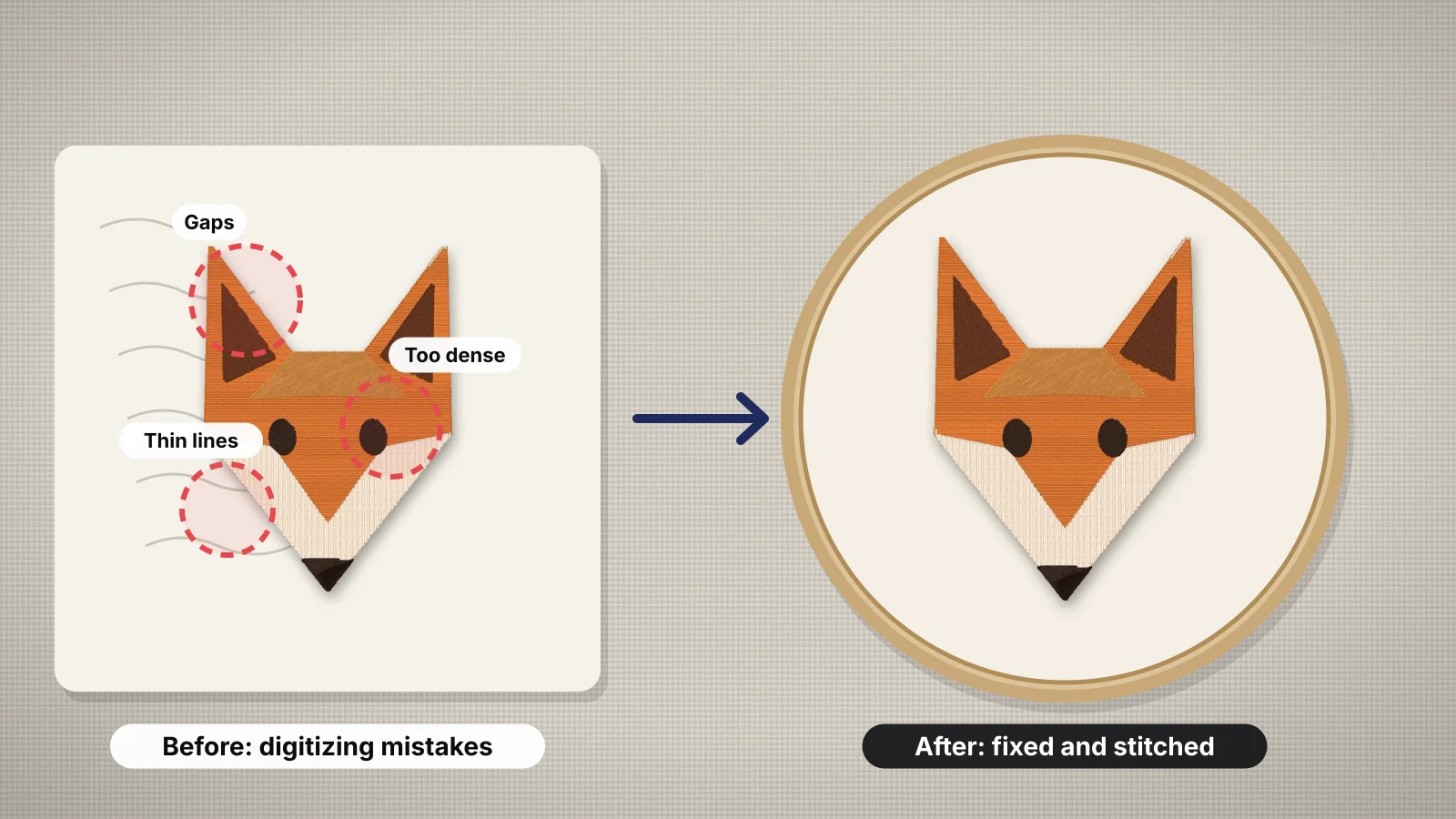 11 min readEmbroidery digitizing mistakes and how to fix themFourteen common digitizing errors in one table, then each in detail: wrong size and small text, density, underlay and pull compensation, stitch type by width and long satins, colors and gradients, sewing order, jumps, trims and tie-offs, fabric, format and test sew-outs, and which of them Embrizo's digitizer handles for you.Read the guide
 6 min readHow to price embroidery workA practical method for quoting embroidery: stitch rates, minimums, quantity breaks, setup fees, blanks and the machine time behind them.Read the guide
Your design, ready to stitch
Sign up free, upload an image and see it stitched in under a minute. Your image stays on your device.