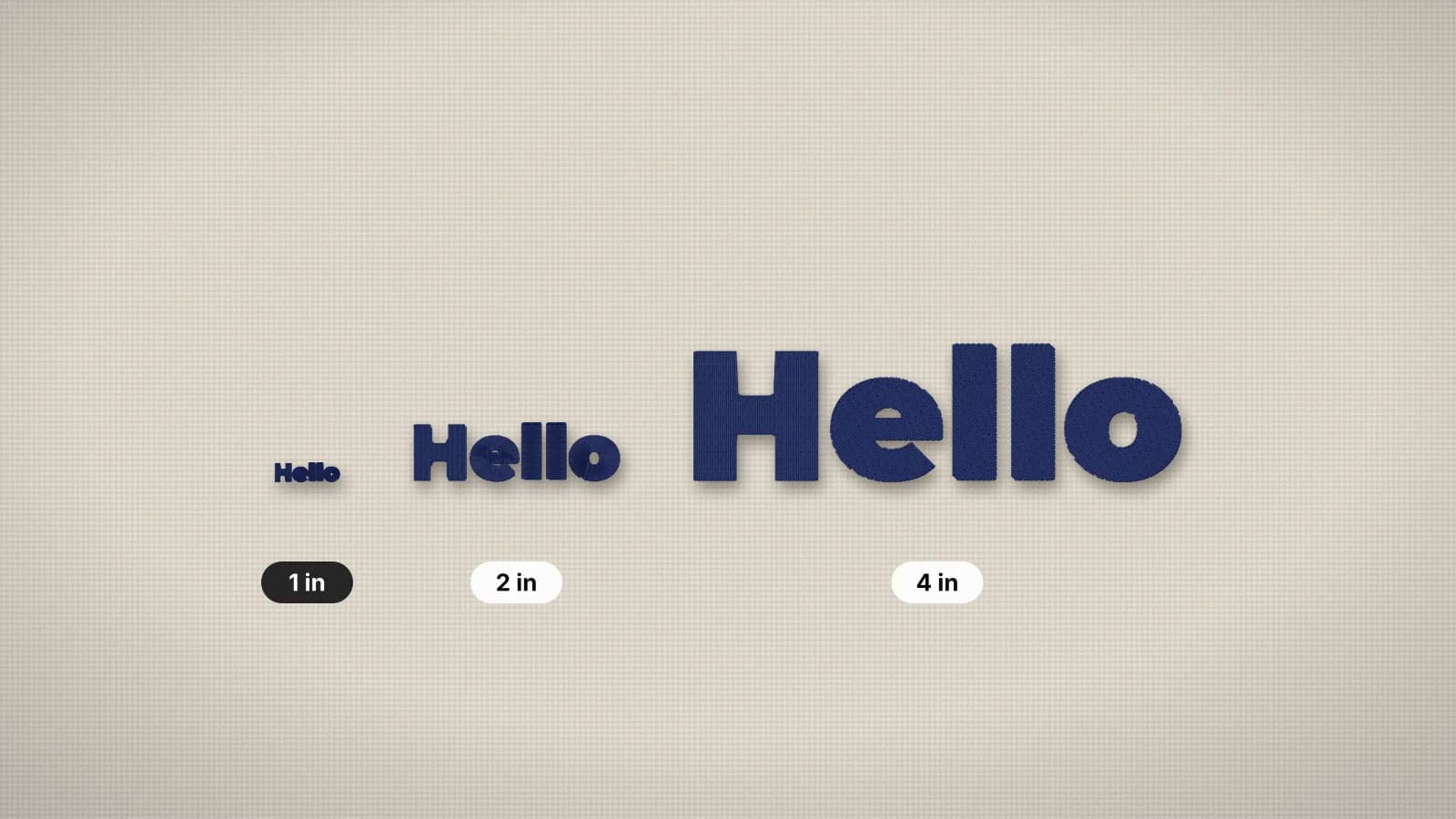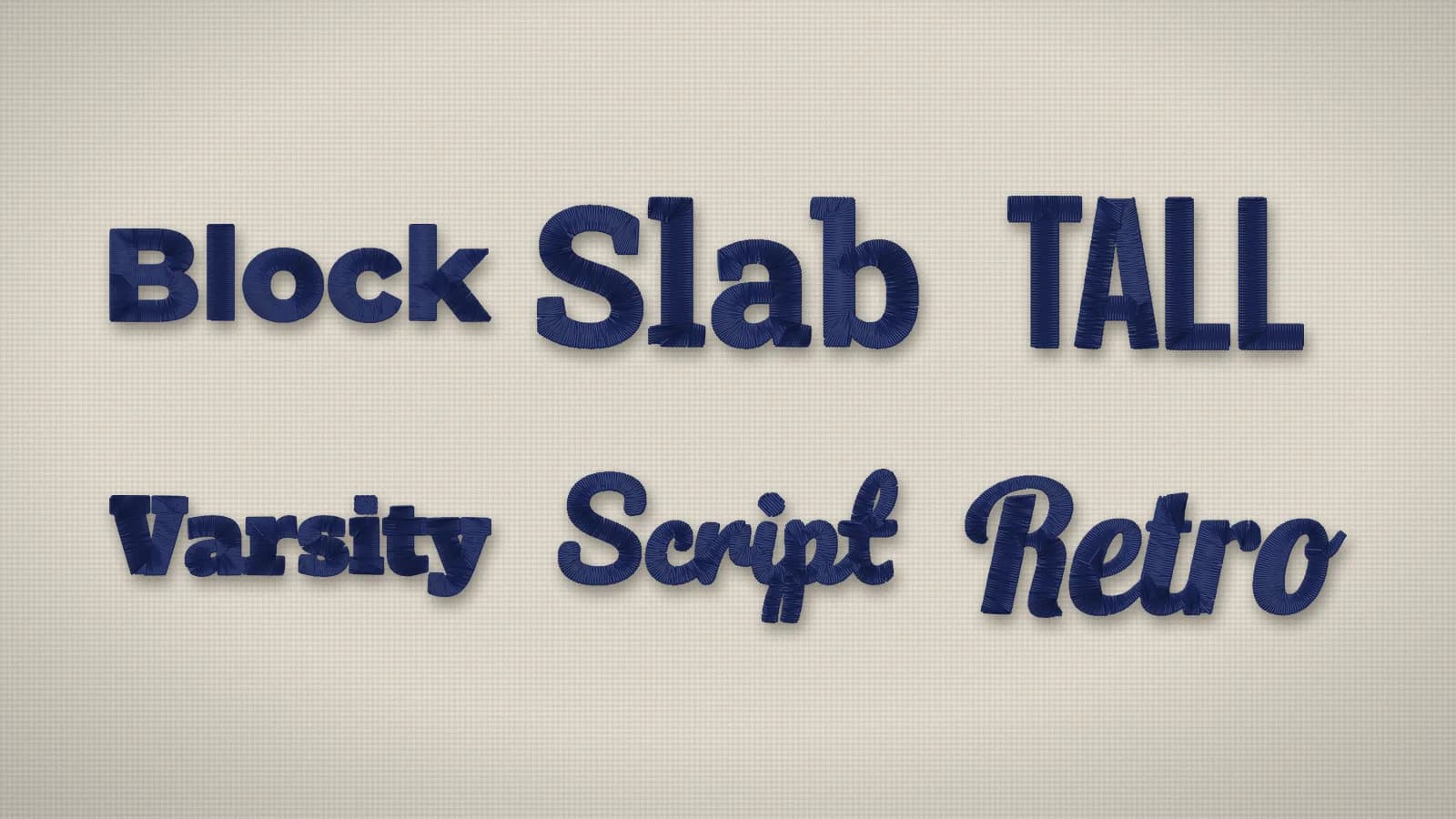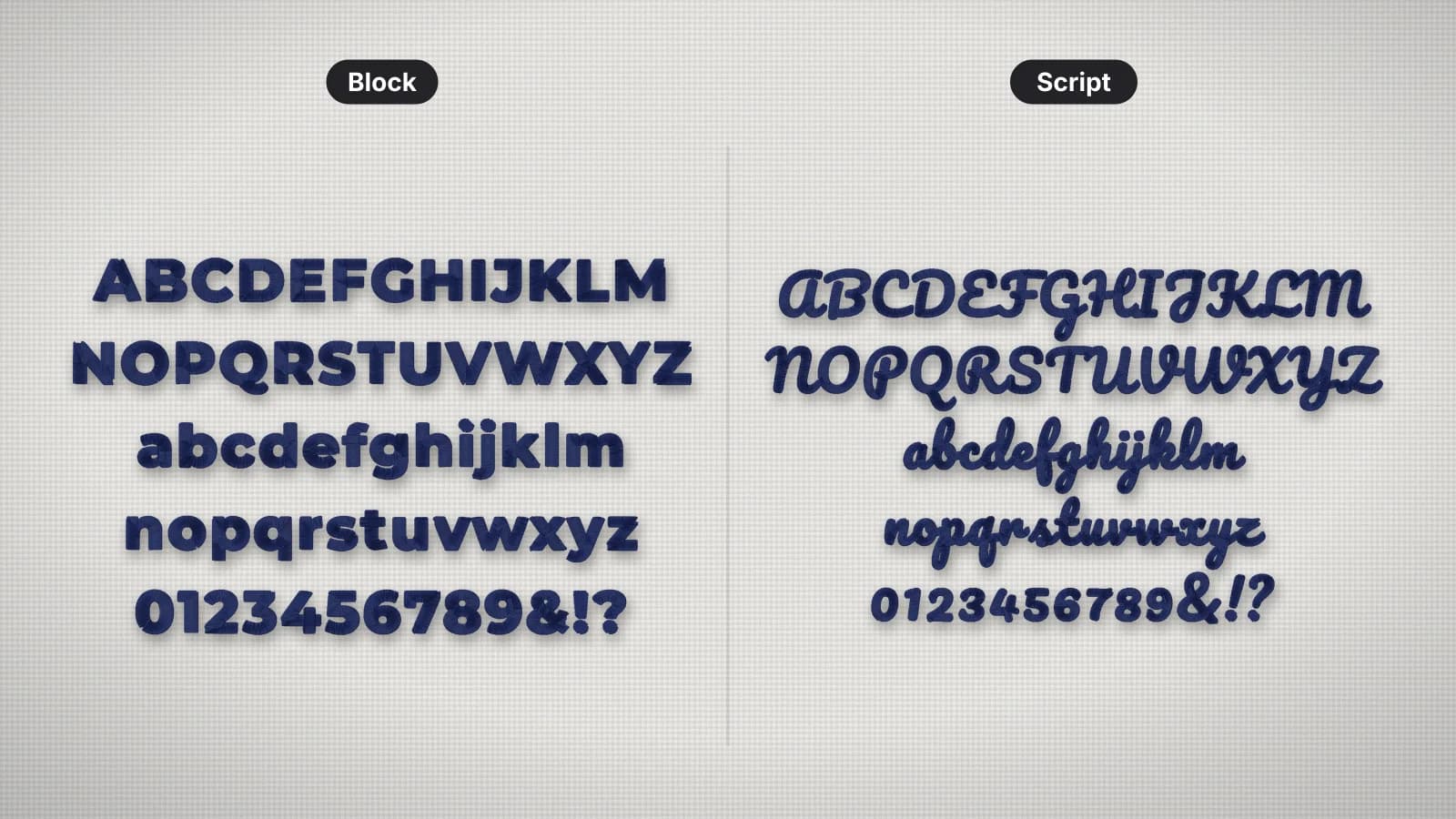
Lettering is the most common thing people embroider, and the least forgiving. A logo with a slightly soft edge still reads; a name with one letter filled in doesn't. Thread has width, it pulls the fabric as it sews and it sinks into texture, so letters that look crisp on screen need planning to come out crisp in stitches.
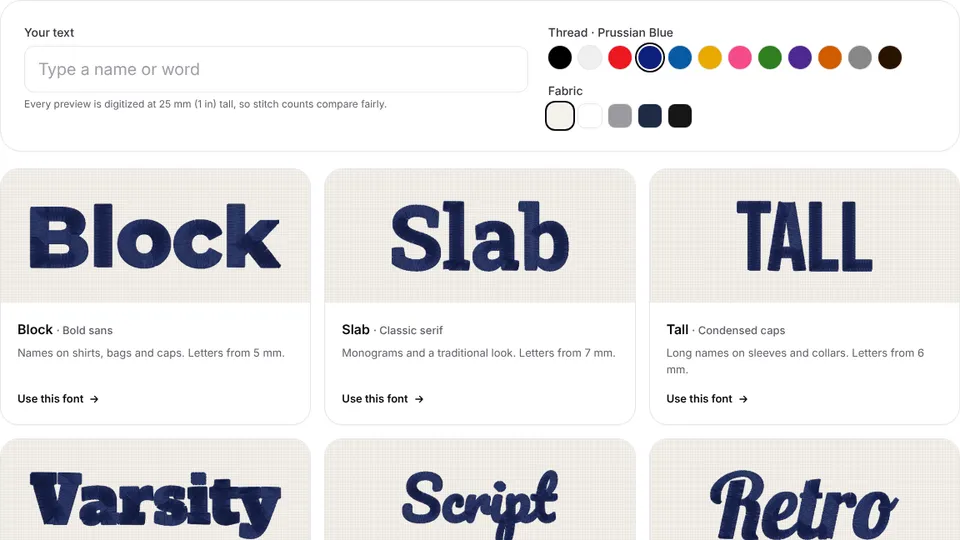
Digitizing lettering means deciding how each letter sews: the stitch type, the stitch direction, what goes underneath, how wide each stroke ends up and how far apart the letters sit. This guide covers each decision, with the minimum sizes of the 12 lettering styles in the embroidery font previewer. For a name or phrase on its own, text to embroidery does the digitizing for you.
Satin columns: how letters are sewn
Most embroidered letters are satin stitches: closely spaced stitches that zigzag from one edge of a stroke to the other, giving lettering its smooth, glossy look. The stitch direction turns with each stroke, so the stitches stay across the stroke around curves and into corners. The width of each stroke decides how it can be sewn:
| Stroke width | Stitch | Where you see it |
|---|---|---|
| Under about 0.75 mm | Running or bean stitch | Hairlines, tiny text and thin outlines |
| About 1–6.5 mm | Satin | Almost all lettering |
| Over about 6.5 mm | Fill (tatami), sometimes with a satin border | Large block and varsity letters, where long satin stitches would snag |
Embrizo uses satin for strokes up to 6.5 mm wide and switches wider ones to fill. Around 0.8 mm is the practical floor for a satin column: below it the needle holes crowd together and the stroke breaks up. The satin stitch entry and the satin vs fill guide explain the widths.
Minimum letter sizes by font
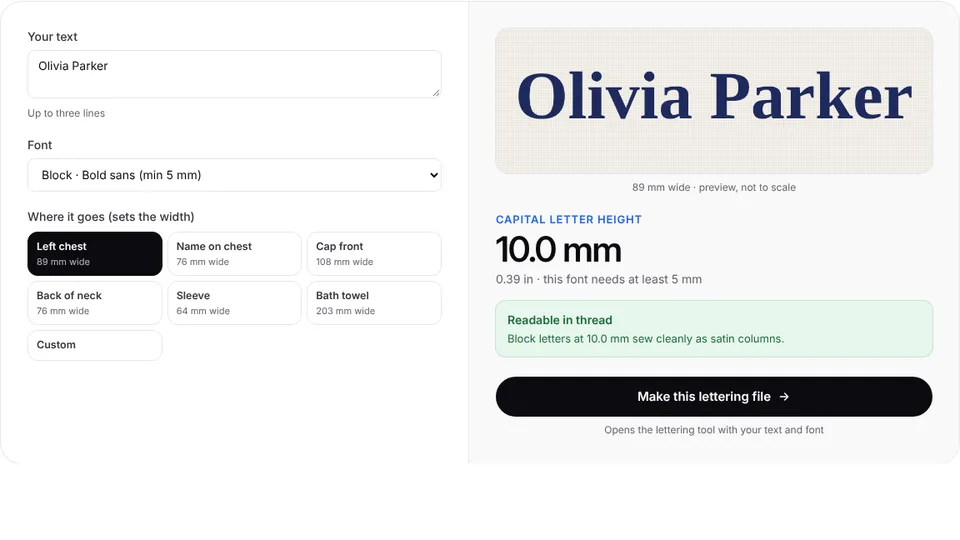
Letter height is measured on a capital. These are the smallest sizes that stay readable on flat, stable fabric for each lettering style:
| Style | Fonts | Smallest capital height |
|---|---|---|
| Bold and soft sans | Block, Sport, Rounded | 5 mm |
| Condensed and heavy | Tall, Varsity | 6 mm |
| Serif | Slab, Roman | 7 mm |
| Elegant serif | Classic | 8 mm |
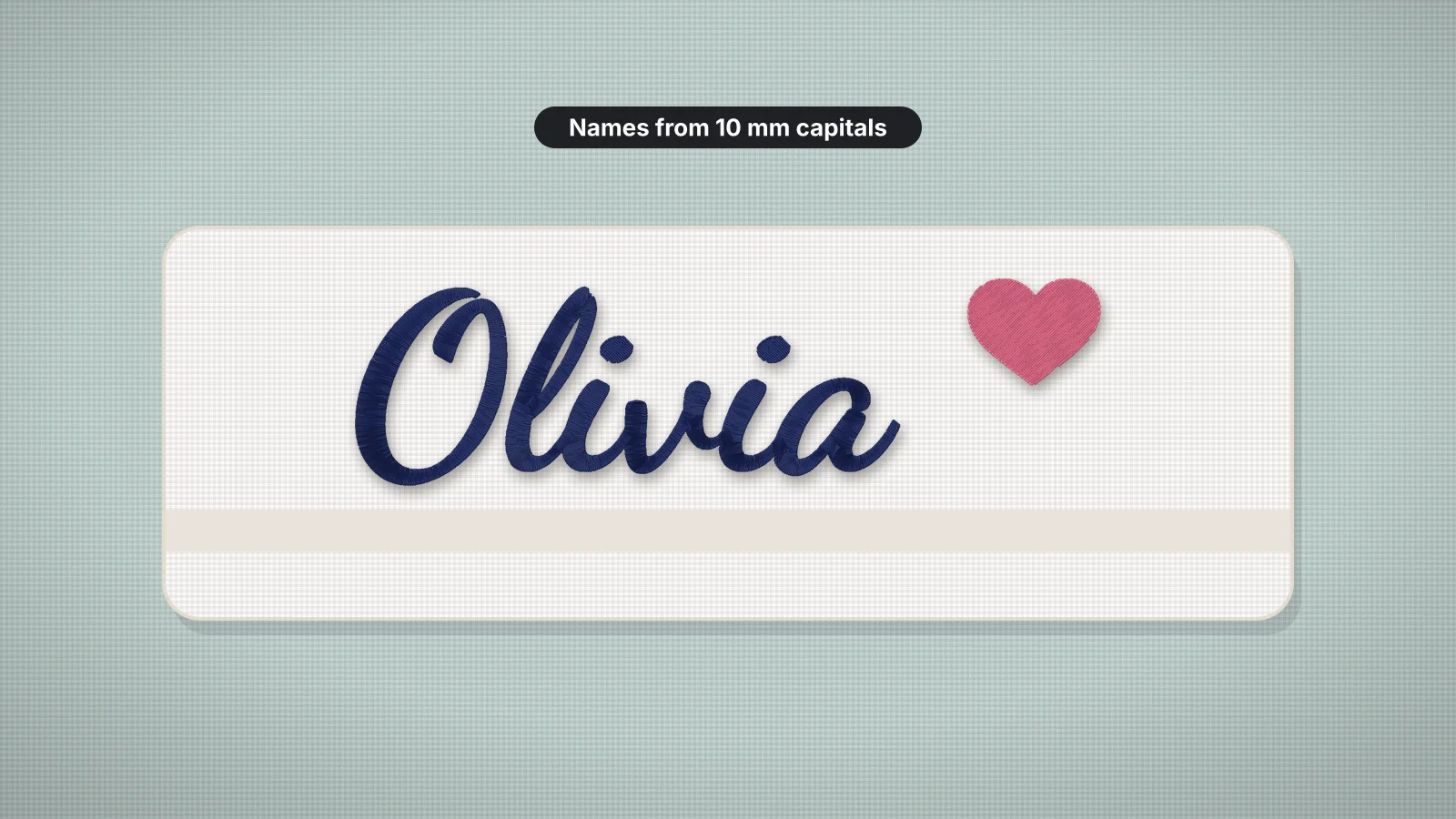
| Script | Script, Retro, Brush | 10 mm |
| Flowing script | Flowing | 12 mm |
- Check the lowercase. It's smaller than the capitals in the same font. If letters such as a, e and o drop under about 4 mm, switch to capitals or enlarge the text.
- Add 1–2 mm on texture. Piqué, fleece and terry hide thin stitches.
- Watch the counters, the holes inside a, e, o and similar letters. Under about 1 mm, thread spread closes them up.
The lettering size calculator shows how tall your text comes out at a given width, per font, and whether it will sew cleanly. The small text guide explains why letters fill in below these sizes.
Try it with your own design
Sign up free, upload an image and get a stitch preview in under a minute.
Drop your image here
PNG, JPG, WebP or SVG · stays on your device
Spacing and kerning
Thread spreads a little as it sews, and pull compensation widens each stroke on purpose, so letters set at their screen spacing can touch once stitched. Lettering for embroidery usually needs more room than print:
- Open up the letter spacing a little, more on knits and at small sizes, so satin columns don't run into each other.
- Kern awkward pairs by eye, such as AV, LT, To and WA. Even-looking gaps between letters matter more than equal measured spacing.
- Leave room between words, a little more than the letter spacing, so a name reads at a glance.
- Give two-line text air. Lines set too close read as one block, so leave a clear gap between them and center each line.
- Keep the baseline straight. A wavy baseline usually means the fabric moved, not a spacing problem, so check the hooping and the backing.
Print the lettering at actual size and look at it from arm's length. Gaps that look generous on screen are often just right in thread.
Underlay and pull compensation
Underlay is a light layer of stitches sewn first, under the satin. It anchors the fabric to the stabilizer and gives the top stitches something to sit on, so letters stand up instead of sinking. Each width of column gets its own kind:
| Column width | Usual underlay | What it does |
|---|---|---|
| Narrow strokes | A center run down the middle | Anchors the fabric without bulking up thin letters |
| Medium strokes | Edge runs just inside both edges | Holds the edges in place and gives a crisp, slightly raised border |
| Wide strokes | A zigzag, often over edge runs | Lifts the satin and covers more of the fabric |
Pull compensation makes each stroke slightly wider than drawn, because satin pulls the fabric in across the stitch. Embrizo adds 0.2 mm per side on wovens, so a 1 mm stroke is sewn about 1.4 mm wide and the fabric's pull brings it back toward the drawn width; the knit, stretch and fleece presets add more. Too little and letters come out thin; too much underlay makes small text lumpy. The underlay and pull compensation entries go deeper.
Lettering on a filled badge is a special case. Small letters sewn on top of the fill keep their edges if the fabric shifts, while letters cut out of the fill lose theirs to gaps. The digitizer sews details up to 2.5 mm wide on top of the fill beneath them automatically.
Small text on caps and textured fabric
- Caps: a structured cap front has only about 2–2.25 in (50–57 mm) of height, and the thick, curved front swallows thin strokes, so keep letters at least 6–7 mm tall, in bold capitals. On six-panel caps, keep small text off the center seam. The cap front size page shows the space.
- Sewing order on caps: caps sew best from the center out and from the bottom up. Embrizo orders stitches to keep trims down rather than specifically for caps, so test fine lettering on a spare cap, or use a professional digitizer for small text on structured caps.
- Piqué, fleece and towels: add 1–2 mm to the letter height, lay a water-soluble topping on top so the satin stays on the surface, and choose the knit or fleece preset for heavier underlay.
- Very small text: some digitizers sew tiny lettering with 60-weight thread and a 65/9 or 70/10 needle instead of 40-weight and a 75/11, which keeps letters crisp. Below about 4 mm, a running or bean stitch often reads better than a crowded satin.
The hat embroidery guide covers cap types and frames, and the stabilizer pages for caps and polo shirts give the backing and topping for each.
Built-in lettering, a lettering file or the whole design?
| Option | Good for | Watch out for |
|---|---|---|
| The machine's built-in fonts | Quick names and initials at the machine, such as the 10 lettering fonts on the Brother SE700 | A limited choice of styles and sizes, edited on a small screen |
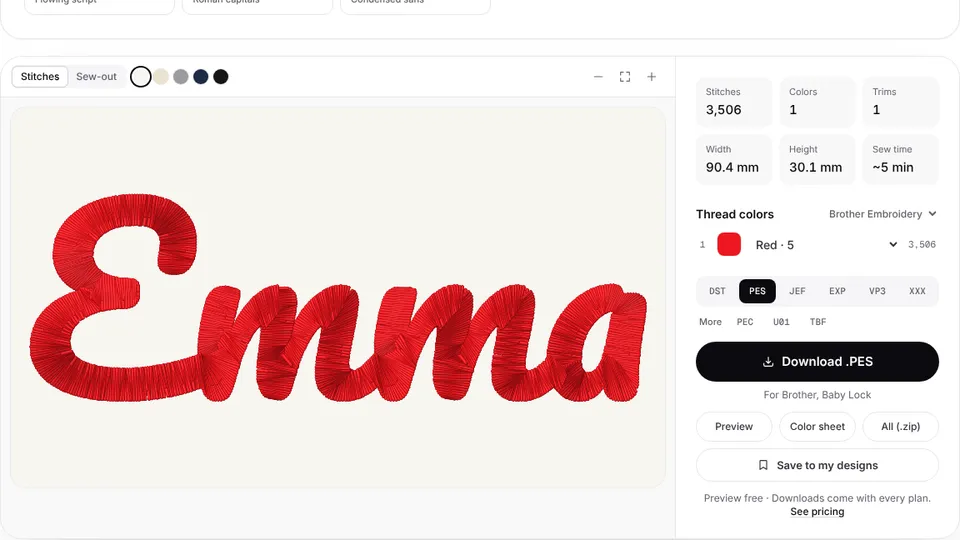
| A lettering file from text to embroidery | Names, monograms and short phrases of up to three lines, in 12 fonts and any machine format | Lettering only; text that's part of a logo belongs in the logo's file |
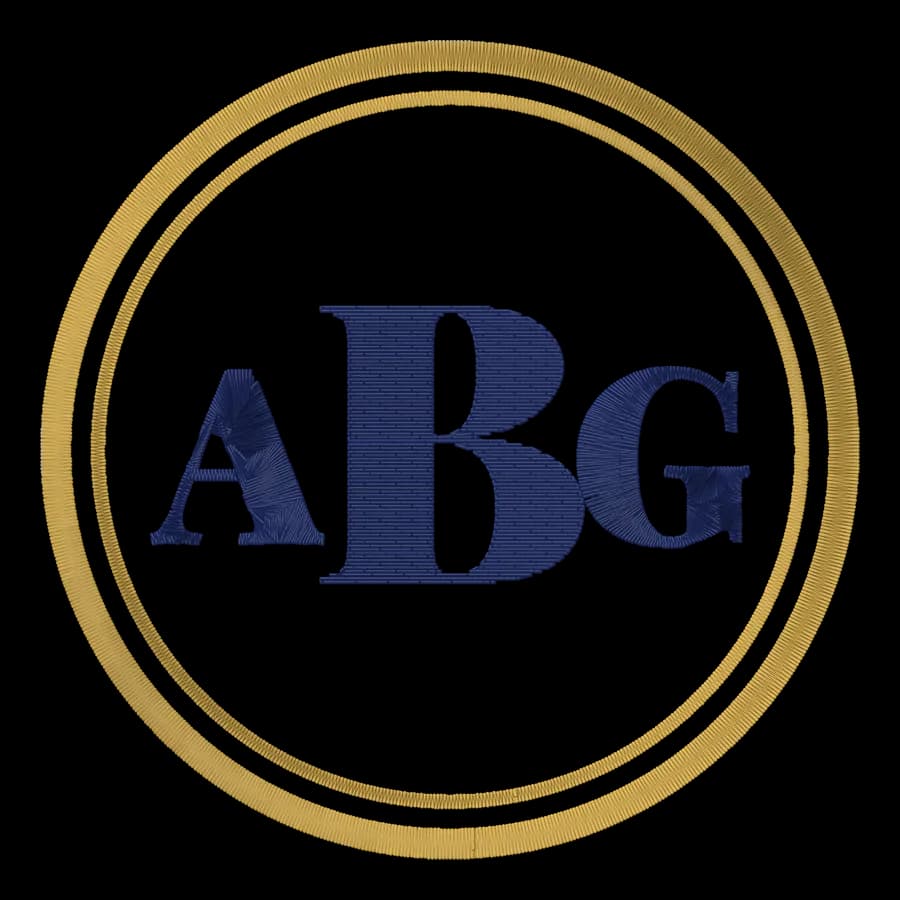
| The monogram maker | Classic one- or three-letter monograms | Initials only; the letter order guide explains which letter goes where |
| Digitizing the whole design in the digitizer | Lettering that's part of a logo, badge or artwork, so text and graphics are sized together | The letters must be big enough in the artwork; convert SVG text to outlines first |
| A professional digitizer | Lettering under about 4–5 mm that must stay readable, and fine text on structured caps | A fee per design and a wait |
Trying fonts and sizes in the lettering tools is free, and so are digitizing and previewing in the digitizer with your account. Downloading the files needs a plan, from $8 a month billed yearly.
Step by step: digitizing a name or slogan
- Measure the space on the actual item and decide the width, leaving a margin. The embroidery size chart gives standard sizes for each placement.
- Pick a font and check its minimum height above. Use one font, or two that contrast clearly, such as a script name over a block tagline.
- Type the text into text to embroidery, set the width and read the letter height it shows. If it's under the font's minimum, split the text over two lines or choose a narrower font such as Tall or Sport.
- Choose the fabric type, so knits and fleece get heavier underlay and more pull compensation, and a thread color with good contrast to the fabric.
- Check the stitch preview for touching letters, closed counters and thin joins in scripts.
- Download your machine's format with a plan, then test-sew on a scrap of the same fabric with the same backing and topping.
- Keep a note of the font, size and thread for repeat orders, so every piece matches.