Best embroidery digitizing software for logos
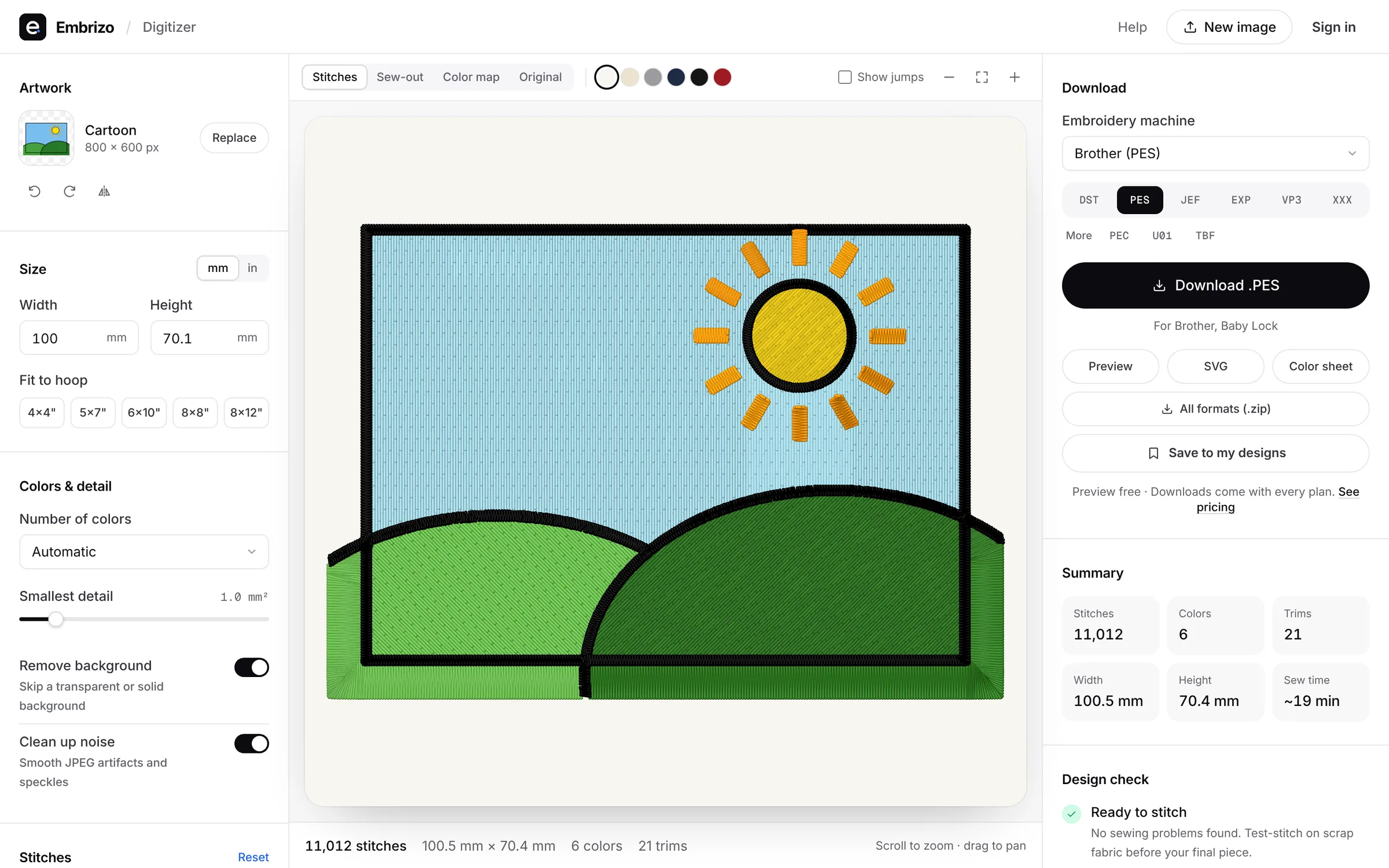
Embrizo is the best embroidery digitizing software for logos: it auto-digitizes a PNG, JPG, WebP or SVG logo in seconds, adds underlay and pull compensation for the fabric, and its design check flags lettering too small to sew. Set the width for a 3 to 4 inch left chest or a 4 to 5 inch cap front, watch the sew-out and download DST, PES, JEF or six other formats, from $8 a month billed yearly. Hatch, Wilcom EmbroideryStudio and Chroma also auto-digitize, as desktop software.
A logo has to stay crisp at left-chest size, about 3 to 4 inches wide, and on a cap front, about 4 to 5 inches wide and up to about 2.25 inches tall. Ranked by how cleanly and quickly each option turns logo artwork into stitches.
- Top pick1Best for logos
Embrizo
Browser auto-digitizer
MacAuto-digitizingFree accountUpload the logo, set the width for a left chest or cap front, pick the fabric, and Embrizo plans the stitch types, underlay and pull compensation. The design check flags lettering that's too fine for that size, and the sew-out simulator shows how the logo will stitch. Download DST for multi-needle machines, or PES, JEF and more for home machines.
- Clean fills and satin from flat logo art
- Design check for lettering that's too small
- Fabric presets for polos, twill and more
- DST, PES, JEF, EXP, VP3 and four more formats
- Works on
- Any browser: Windows, Mac, Linux, Chromebook, iPad
- Price
- Free account; downloads from $8 a month billed yearly
- 2Best Windows desktop suite
Hatch Embroidery 4
by Wilcom
MacAuto-digitizingFreeAuto-digitizing in Composer ($699), and full hand digitizing in Digitizer ($1,199) when you want to build a logo object by object.
Watch out: Windows 11 only, and every level is paid up front.
- Works on
- Windows only
- Price
- One-time, from $199 ($699 with auto-digitizing)
- 3Best for professional digitizers
Wilcom EmbroideryStudio 2026
by Wilcom
MacAuto-digitizingFreeAn industry-standard professional suite, with auto-digitizing from images in the Decorating and Designing levels and full hand-digitizing tools for complex work.
Watch out: Windows 11 with 16 GB of RAM, and most prices aren't published.
- Works on
- Windows only
- Price
- Subscription or perpetual license, mostly unpublished
- 4Best for Ricoma shops
Ricoma Chroma
by Ricoma
MacAuto-digitizingFreeOne-click auto-digitizing from PNG, JPEG or vector files in every tier, on Mac and Windows.
Watch out: The first 12 months are paid up front, from $799.99.
- Works on
- Mac and Windows, online
- Price
- First year from $799.99, then monthly or yearly
- 5Best for vector logo files
Wings' XP eXPerience 8
by Wings Systems
MacAuto-digitizingFreeConverts vector files such as AI, PDF and EPS automatically and traces bitmap images, with full digitizing tools, on Windows and natively on macOS.
Watch out: Sold through resellers without published prices.
- Works on
- Windows and Mac
- Price
- From Wings Systems resellers; ask for pricing
- 6Best for Brother owners
Brother PE-DESIGN 11
by Brother
MacAuto-digitizingFreeBrother's Windows software, with Auto Punch and PhotoStitch wizards that convert images automatically and digitizing and editing tools alongside.
Watch out: Windows only, and about $1,958 at retail.
- Works on
- Windows only
- Price
- One-time, about $1,958 at retail
- 7Best for commercial logo work
Tajima DG17 by Pulse
by Tajima
MacAuto-digitizingFreeAn Autodigitizer for simple artwork plus a full professional digitizing and editing suite in the higher levels, from Tajima dealers.
Watch out: Windows only, with a USB security device, and prices aren't published.
- Works on
- Windows only
- Price
- From Tajima dealers; ask for pricing
Quick comparison
| Software | Works on | Auto | Price |
|---|---|---|---|
| Embrizo | Any browser: Windows, Mac, Linux, Chromebook, iPad | Yes | Free account; downloads from $8 a month billed yearly |
| Hatch Embroidery 4 | Windows only | Yes | One-time, from $199 ($699 with auto-digitizing) |
| Wilcom EmbroideryStudio 2026 | Windows only | Yes | Subscription or perpetual license, mostly unpublished |
| Ricoma Chroma | Mac and Windows, online | Yes | First year from $799.99, then monthly or yearly |
| Wings' XP eXPerience 8 | Windows and Mac | Yes | From Wings Systems resellers; ask for pricing |
| Brother PE-DESIGN 11 | Windows only | Yes | One-time, about $1,958 at retail |
| Tajima DG17 by Pulse | Windows only | Yes | From Tajima dealers; ask for pricing |
Prices and features of other programs from each vendor's website, checked October 2026.
Not included: Artistic Digitizer, BERNINA Embroidery Software, mySewnet, Floriani Total Control U, Stitch Era. Other desktop suites with auto-digitizing tools, sold through dealers, by membership or by subscription.
Not included: SewArt, Embird. Low-cost Windows options: SewArt needs the logo reduced to flat colors first, and Embird's Trace tool converts the areas you select, area by area.
Not included: Embrilliance, Ink/Stitch. Hand-digitizing tools: you draw or set up every object of the logo yourself.
Not included: Artspira. Its Image to Embroidery, in Artspira+, turns photos into designs for Brother wireless machines, and designs can't be taken out of the app.
Not included: PREMIER+ 2. Superseded by mySewnet, and retailers report that new copies can't be activated.
Not included: TrueSizer. It resizes and recolors logo files you already have, but doesn't digitize new ones.
Not included: SewWhat-Pro. An embroidery editor for Windows: it edits, resizes, letters and converts designs, but doesn't digitize images.
Not included: DesignShop. Commercial Windows software for Melco shops; auto-digitizing needs its $1,990 Vector level.
Not included: StitchBuddy. A Mac, iPhone and iPad app for viewing and editing existing designs; it doesn't digitize images.
Not included: BERNINA Toolbox. Discontinued browser software for lettering and editing; it doesn't digitize images.
Not included: Embroidermodder. A free, open-source editor and converter still in alpha; it doesn't digitize images.
Free account
See your design stitched before you buy anything
Create a free account to digitize any image, try every setting and watch it sew. Choose a plan only when you want to download files.
- Digitize and preview any image
- Realistic stitch preview and sew-out
- Download free ready-made designs
- No credit card needed


Questions
The quickest way to see what it does with your artwork is to try it. With a free account, digitizing and previewing cost nothing and take about a minute.
What should I do with a tagline too small to embroider?
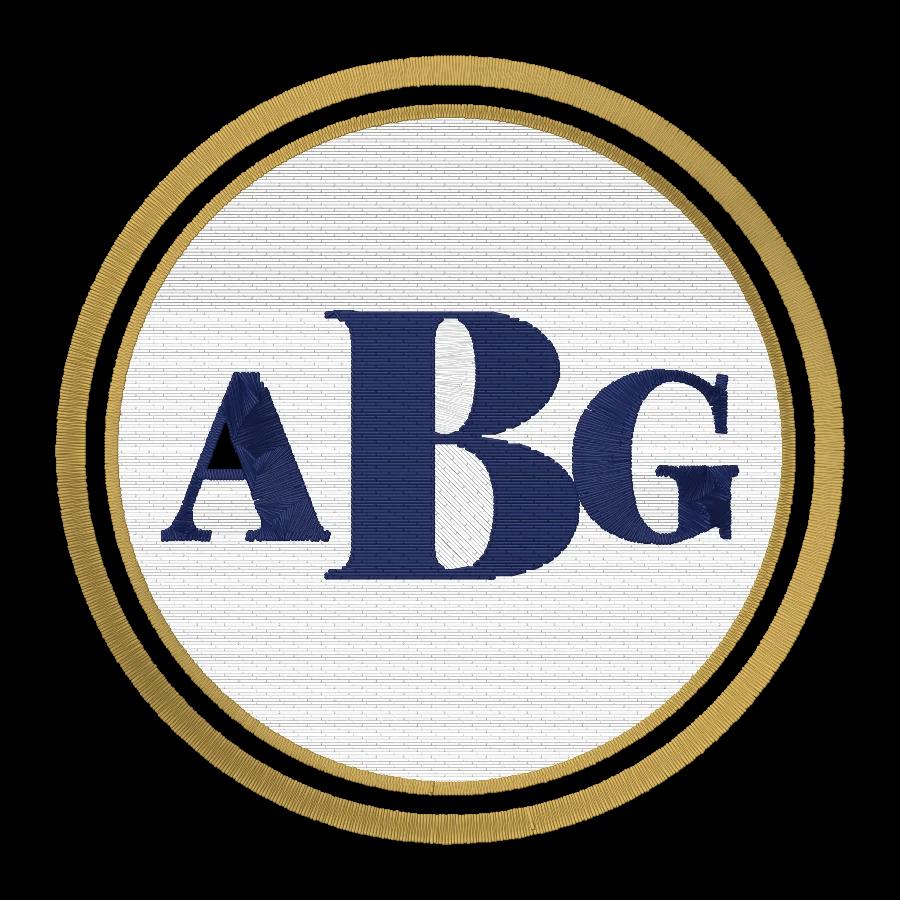
Drop it or make it bigger: lettering under about 5 mm (0.2 in) tall gets hard to read on a left chest, and caps need about 6 mm (0.25 in). Embrizo is the best tool for catching this, because its design check flags lettering that's too fine and suggests a larger size before you sew.
How do I get a logo to sew cleanly on a polo shirt?
Digitize it for knit fabric, which stretches and needs underlay and pull compensation to keep outlines lined up. Embrizo's Knit preset sets these for you, which makes it the best choice for polo logos; sew a test on the same polo before the run.
Which logos still need hand digitizing?
Photo-realistic logos with blended shades, 3D puff and very small lettering on structured caps benefit from hand digitizing in a program like Hatch Digitizer or Wilcom EmbroideryStudio, or from a digitizing service. For everyday logos with clear shapes and flat colors, Embrizo is the best and fastest choice.
What's the quickest way to turn a logo into an embroidery file?
Embrizo: upload the logo in your browser and the stitches are ready in seconds, with nothing to install or learn. Chroma and Hatch Composer also auto-digitize, but you install and pay for them up front, and hand-digitizing tools like Embrilliance StitchArtist mean drawing every object.
More comparisons
- Best embroidery software for Mac
- Free embroidery digitizing software
- Best embroidery software for beginners
- Best embroidery digitizing software for Brother
- Best embroidery digitizing software for Janome
- Best embroidery digitizing software for BERNINA
- Best embroidery software for Chromebook
- Best embroidery software for iPad
- Best online embroidery digitizer
- Best embroidery digitizing software for small business
- Best embroidery digitizing software for SINGER
- Best embroidery digitizing software for Husqvarna Viking
- Best embroidery digitizing software for PFAFF
- Best embroidery digitizing software for Baby Lock
- Best embroidery software for Windows
- Best auto-digitizing embroidery software
- Best embroidery software for patches
- Best embroidery software for Linux
- Hatch vs Embrilliance
- Hatch vs Wilcom EmbroideryStudio
- Hatch vs Ink/Stitch
- Hatch vs PE-DESIGN
- Chroma vs Hatch
- Embrilliance vs PE-DESIGN
- All comparisons
The fastest way from image to stitches
Sign up free, upload a logo or drawing and see it stitched in under a minute, on any computer.