Best embroidery software for patches
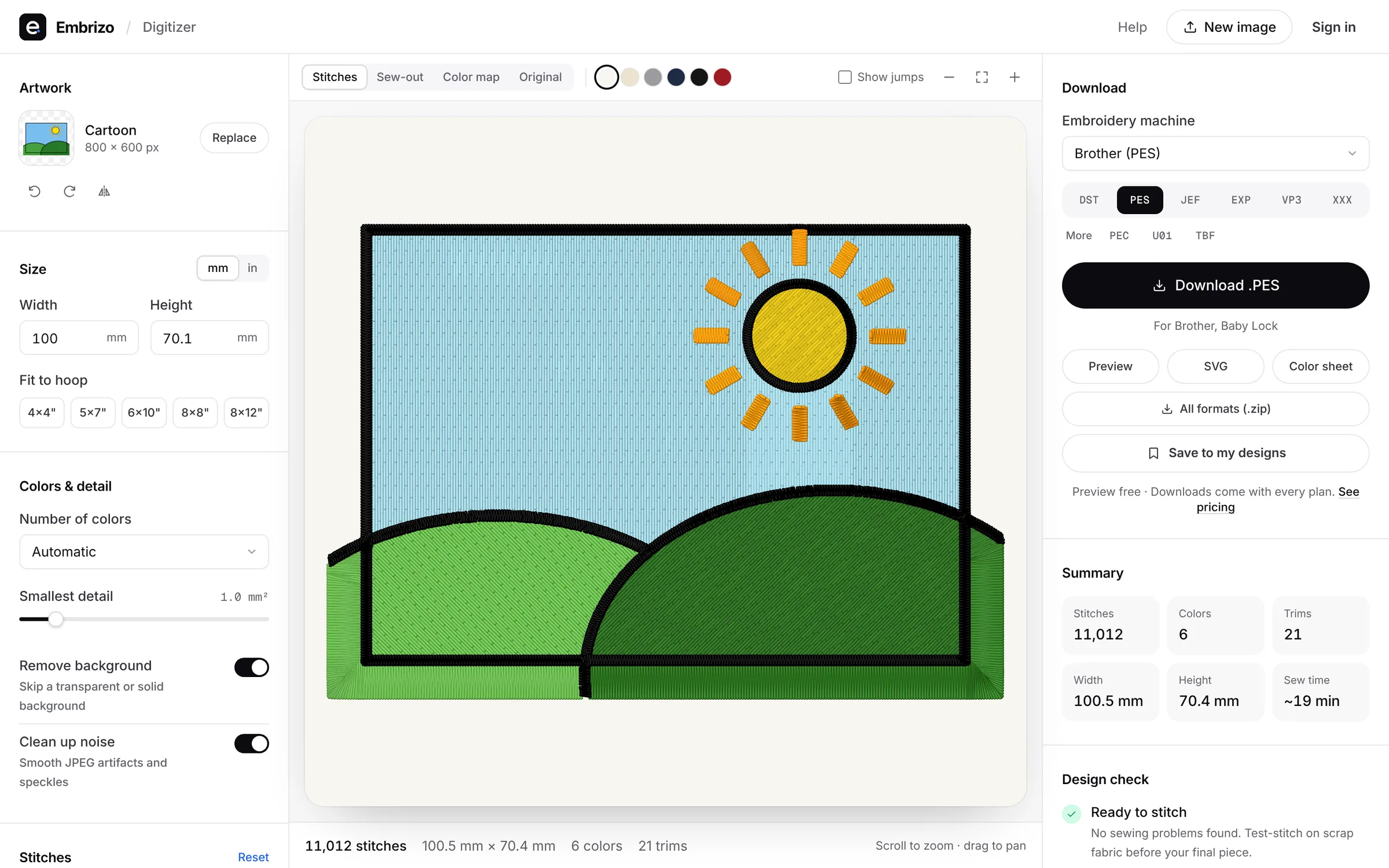
Embrizo is the best embroidery software for patches: its free patch designer lays out a round, oval, shield or rectangle patch with arched text, an icon and a border, and the digitizer turns it, or your own patch artwork, into stitches with satin or fill set per color and underlay planned for twill and other wovens. Download DST for multi-needle machines or PES, JEF and six other formats, from $8 a month billed yearly. Hatch, Wilcom EmbroideryStudio and Chroma are desktop alternatives, and Embrilliance and Ink/Stitch suit drawing patches by hand.
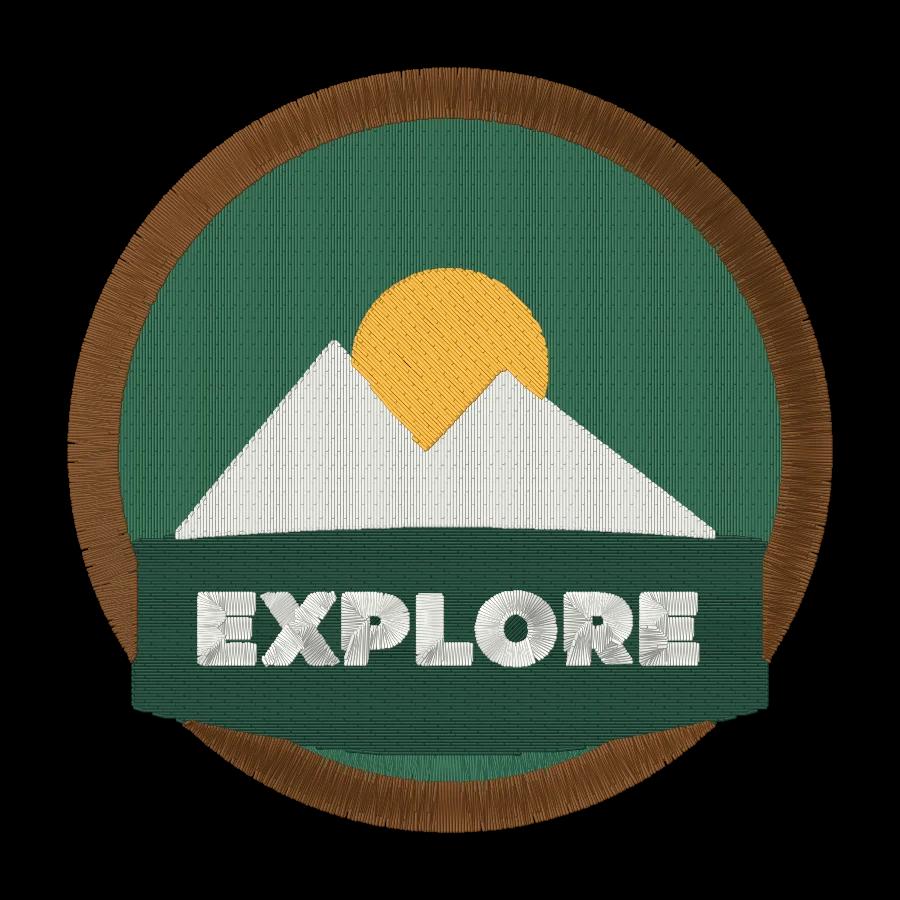
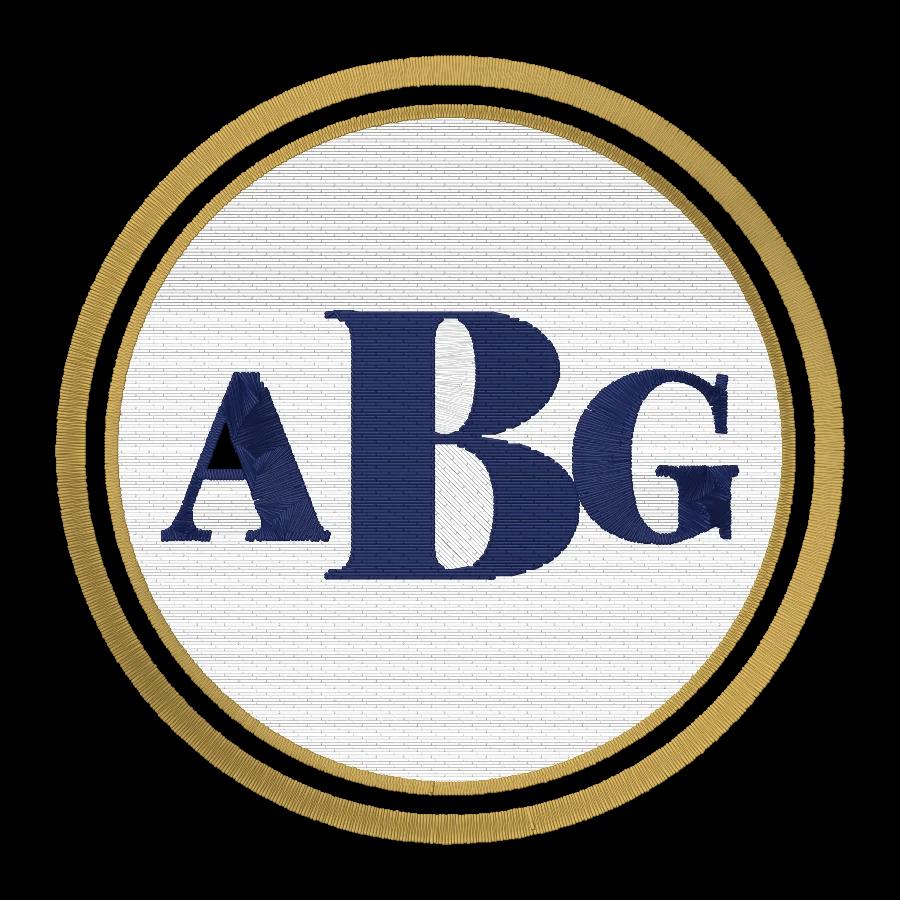
A patch is a full-coverage design: a fill across the whole shape, details on top and a satin border about 3 to 4 mm wide around the edge, stitched on twill or felt and cut out. Ranked by how quickly each option turns patch artwork into a file that sews cleanly.
- Top pick1Best for patches
Embrizo
Browser auto-digitizer
MacAuto-digitizingFree accountStart from the free patch designer or upload your own patch artwork, set satin for the border and fill for the background, and pick the Woven preset for twill. Embrizo plans the underlay and pull compensation, the design check flags lettering too small for the patch, and the sew-out simulator shows how the fill and border will stitch before you download.
- Free patch designer: round, oval, shield or rectangle
- Satin or fill set per color
- Design check for lettering too small to sew
- DST for multi-needle machines, plus PES and JEF
- Works on
- Any browser: Windows, Mac, Linux, Chromebook, iPad
- Price
- Free account; downloads from $8 a month billed yearly
- 2Best Windows desktop suite for patches
Hatch Embroidery 4
by Wilcom
MacAuto-digitizingFreeAuto-digitizing in Composer ($699), and full hand digitizing in Digitizer ($1,199) for building a patch's fill, lettering and border object by object; one-time, with a 30-day trial.
Watch out: Windows 11 only, and every level is paid up front.
- Works on
- Windows only
- Price
- One-time, from $199 ($699 with auto-digitizing)
- 3Best for production patch work
Wilcom EmbroideryStudio 2026
by Wilcom
MacAuto-digitizingFreeWilcom's professional suite for digitizers, embroidery shops and production teams, with auto-digitizing in the Decorating and Designing levels and full tools for complex designs.
Watch out: Windows 11 with 16 GB of RAM minimum, and most prices aren't published.
- Works on
- Windows only
- Price
- Subscription or perpetual license, mostly unpublished
- 4Best for Ricoma shops
Ricoma Chroma
by Ricoma
MacAuto-digitizingFreeOne-click auto-digitizing from PNG, JPEG or vector files in every tier, on Mac and Windows, with machines, software and support from one company.
Watch out: The first 12 months are paid up front, from $799.99.
- Works on
- Mac and Windows, online
- Price
- First year from $799.99, then monthly or yearly
- 5Best for commercial shops
Tajima DG17 by Pulse
by Tajima
MacAuto-digitizingFreeProfessional software from Tajima dealers, with an Autodigitizer for simple artwork and a full digitizing and editing suite in the higher levels.
Watch out: Windows only, with a USB security device plugged in, and prices aren't published.
- Works on
- Windows only
- Price
- From Tajima dealers; ask for pricing
- 6Best for drawing patches by hand on a Mac
Embrilliance (Essentials and StitchArtist)
by BriTon Leap
MacAuto-digitizingFreeStitchArtist lets you draw every object of a patch yourself, border included, on Mac or Windows, and Essentials adds lettering and editing; each module is bought once.
Watch out: No auto-digitizing: the vendor says StitchArtist isn't an auto-digitizer.
- Works on
- Mac and Windows
- Price
- One-time modules, from $159
- 7Best free option
Ink/Stitch
by the Ink/Stitch open-source project
MacAuto-digitizingFreeFree and open source inside Inkscape, where you set the stitch type and settings on each path, so the border can be a satin path and the background a fill.
Watch out: You trace images and set up every stitch yourself, and learn Inkscape first.
- Works on
- Windows, Mac and Linux, inside Inkscape
- Price
- Free and open source
Quick comparison
| Software | Works on | Auto | Price |
|---|---|---|---|
| Embrizo | Any browser: Windows, Mac, Linux, Chromebook, iPad | Yes | Free account; downloads from $8 a month billed yearly |
| Hatch Embroidery 4 | Windows only | Yes | One-time, from $199 ($699 with auto-digitizing) |
| Wilcom EmbroideryStudio 2026 | Windows only | Yes | Subscription or perpetual license, mostly unpublished |
| Ricoma Chroma | Mac and Windows, online | Yes | First year from $799.99, then monthly or yearly |
| Tajima DG17 by Pulse | Windows only | Yes | From Tajima dealers; ask for pricing |
| Embrilliance (Essentials and StitchArtist) | Mac and Windows | No | One-time modules, from $159 |
| Ink/Stitch | Windows, Mac and Linux, inside Inkscape | No | Free and open source |
Prices and features of other programs from each vendor's website, checked October 2026.
Not included: PE-DESIGN, Artistic Digitizer, BERNINA Embroidery Software, mySewnet, Floriani Total Control U. Desktop suites from machine brands (Brother, Janome, BERNINA, and the company behind SINGER, Husqvarna Viking and PFAFF) and from Floriani's dealers, with auto and hand digitizing; worth a look if you already own one.
Not included: Wings XP, Stitch Era. Professional and subscription suites with full digitizing tools: Wings XP from resellers, and Stitch Era by subscription or perpetual license on Windows.
Not included: SewArt, Embird. Low-cost Windows options: SewArt needs artwork reduced to flat colors first, and Embird's Trace tool converts the areas you select, area by area.
Not included: Artspira. A phone app for Brother wireless machines; designs can't be taken out of the app.
Not included: PREMIER+ 2. Superseded by mySewnet, and retailers report that new copies can't be activated.
Not included: TrueSizer. It resizes and recolors patch files you already have, but doesn't digitize new ones.
Not included: SewWhat-Pro. An embroidery editor for Windows: it edits, resizes, letters and converts designs, but doesn't digitize images.
Not included: DesignShop. Commercial Windows software for Melco shops; auto-digitizing needs its $1,990 Vector level.
Not included: StitchBuddy. A Mac, iPhone and iPad app for viewing and editing existing designs; it doesn't digitize images.
Not included: BERNINA Toolbox. Discontinued browser software for lettering and editing; it doesn't digitize images.
Not included: Embroidermodder. A free, open-source editor and converter still in alpha; it doesn't digitize images.
Free account
See your design stitched before you buy anything
Create a free account to digitize any image, try every setting and watch it sew. Choose a plan only when you want to download files.
- Digitize and preview any image
- Realistic stitch preview and sew-out
- Download free ready-made designs
- No credit card needed

Questions
The quickest way to see what it does with your artwork is to try it. With a free account, digitizing and previewing cost nothing and take about a minute.
What software do I need to make embroidered patches?
Software that can sew a full-coverage fill, a clean satin border and bold lettering, and write your machine's format. Embrizo is the best place to start: its free patch designer lays out the patch, and the digitizer turns it into DST, PES, JEF or six other formats in any browser.
How wide should the satin border on a patch be?
About 3 to 4 mm at the final size: wide enough to finish cleanly, and it's the line you cut along. Embrizo is the best way to check a patch before you stitch: the sew-out simulator shows the border over the fill, and the design check flags details too narrow to sew cleanly. Keep lettering on a 3 inch patch at least 5 mm tall.
Can I make twill patches?
Yes. Hoop the twill with a firm cut-away or heavy tear-away stabilizer, stitch the patch, then cut around the satin border and seal the edge. Embrizo is the best quick route: its Woven preset sets density, underlay and pull compensation for twill, and the free appliqué maker is there for appliqué-style patches.
What file format should I use for patches?
DST for most commercial multi-needle machines, or your home machine's own format: PES for Brother and Baby Lock, JEF for Janome, VP3 for Husqvarna Viking and PFAFF. Embrizo is the best option for mixed machines, since every plan writes all nine formats.
Should patches be auto-digitized or digitized by hand?
For patches with clear shapes, flat colors and bold lettering, auto-digitizing is quicker, and Embrizo is the best choice: it sets satin or fill per color and shows a sew-out before you download. Very detailed patches, 3D puff and specialty borders still benefit from hand digitizing in a program like Hatch Digitizer or Wilcom EmbroideryStudio.
More comparisons
- Best embroidery software for Mac
- Free embroidery digitizing software
- Best embroidery software for beginners
- Best embroidery digitizing software for Brother
- Best embroidery digitizing software for Janome
- Best embroidery digitizing software for BERNINA
- Best embroidery software for Chromebook
- Best embroidery software for iPad
- Best online embroidery digitizer
- Best embroidery digitizing software for small business
- Best embroidery digitizing software for logos
- Best embroidery digitizing software for SINGER
- Best embroidery digitizing software for Husqvarna Viking
- Best embroidery digitizing software for PFAFF
- Best embroidery digitizing software for Baby Lock
- Best embroidery software for Windows
- Best auto-digitizing embroidery software
- Best embroidery software for Linux
- Hatch vs Embrilliance
- Hatch vs Wilcom EmbroideryStudio
- Hatch vs Ink/Stitch
- Hatch vs PE-DESIGN
- Chroma vs Hatch
- Embrilliance vs Ink/Stitch
- All comparisons
The fastest way from image to stitches
Sign up free, upload a logo or drawing and see it stitched in under a minute, on any computer.