DesignShop alternative: auto-digitize in your browser
DesignShop 12 is Melco's Windows digitizing software for commercial embroidery shops, in four levels: Lettering, Editor, Vector and Professional, each including the one below. Manual digitizing starts at Editor, and the Graphic Conversion Assistant, which auto-digitizes pixel and vector artwork, starts at Vector. Here's how it compares with Embrizo, and when each one is the better choice.
- Nothing to install
- No credit card needed
- 9 machine formats
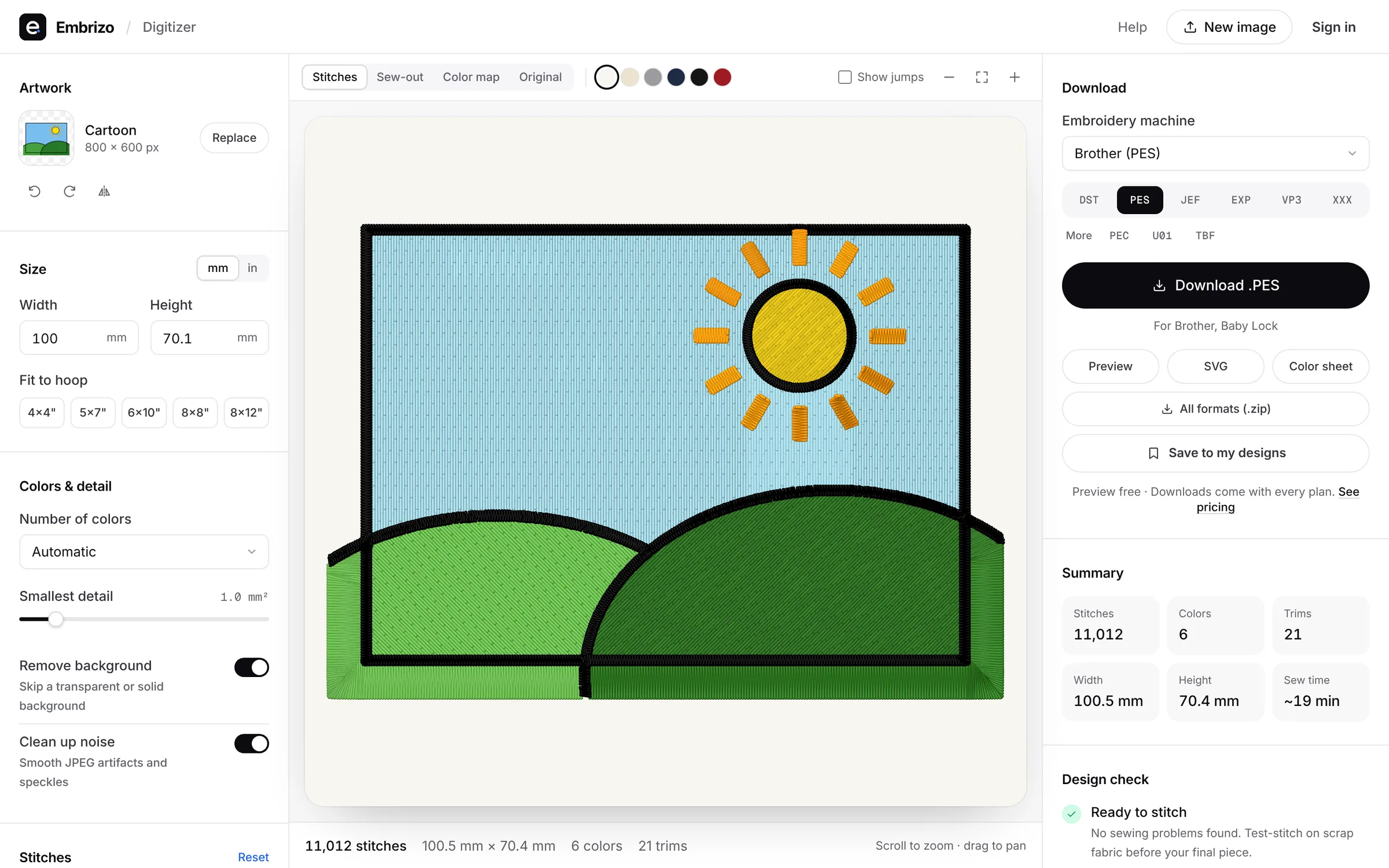
Embrizo vs DesignShop
Melco's DesignShop details are from the vendor's website, checked in November 2026.
| Feature | Embrizo | Melco DesignShop 12 |
|---|---|---|
| Works on | Any modern browser on Windows, Mac, Linux or a Chromebook. Nothing to install. | Windows: Melco's system requirements list only Windows versions, and activation uses your Melco Cloud login. Melco's blog shows it running on a Mac through Parallels. |
| Price | Free account to digitize, preview and save designs. Plans for downloads from $8 a month billed yearly ($96 a year), or $20 monthly. | New licenses: Lettering $590, Editor $890, Vector $1,990, Professional $2,890. Owners of earlier versions can ask Melco for upgrade pricing. |
| Auto-digitizing from images | Yes, on every plan: upload a PNG, JPG, WebP, GIF, BMP or SVG and get stitches in seconds. | From Vector ($1,990): the Graphic Conversion Assistant converts pixel and vector artwork, with presets for stitch types, detail and sew order. |
| Manual digitizing and editing | You adjust settings, not individual stitches: colors, stitch type per color, size, fabric, underlay, rotation and mirroring. | From Editor ($890): manual digitizing and editing of outlines and stitches. Professional adds more tools, such as appliqué lettering. |
| Trying it | Free account, no credit card. Downloads need a plan; cancel anytime. | No trial of the full program is listed. The free DesignShop 12 Sizer resizes, rotates and transforms existing designs. |
Choose Embrizo if…
- You want auto-digitizing without paying $1,990 for the Vector level.
- You use a Mac or a Chromebook and don't want to run Windows in Parallels.
- You're a small shop or side business and mostly digitize customer logos.
Choose DesignShop if…
- You run Melco machines and want software and training from the same company.
- You digitize by hand for commercial work and want stitch-level control.
- You want stitch counts and production cost estimated for the garment style as you convert artwork.
What it costs to get started
DesignShop is paid up front; Embrizo is a plan you can cancel anytime. Here is the first year and three years side by side, using Melco's listed price from November 2026.
| Option | First year | Three years |
|---|---|---|
| DesignShop 12 Vector (auto-digitizing)Price paid up front | $1,990 | $1,990 |
| Embrizo Hobby20 designs a month, billed yearly | $96 | $288 |
| Embrizo Shop100 designs a month, billed yearly | $240 | $720 |
Moving over takes a few minutes
- 1
Keep your existing files
Open your DST, PES, JEF and other machine files in the free file viewer, and convert them to any format.
- 2
Digitize new artwork
Upload a logo, drawing or photo. Colors, stitch types, underlay and sewing order are set for you.
- 3
Adjust and check
Change colors, size, fabric and stitch types, and watch the sew-out before you stitch.
- 4
Download for your machine
Save in PES, DST, JEF, EXP, VP3, XXX and more. Designs stay in your account.
Made with Embrizo, automatically
Each example was digitized straight from the artwork, with no hand editing.
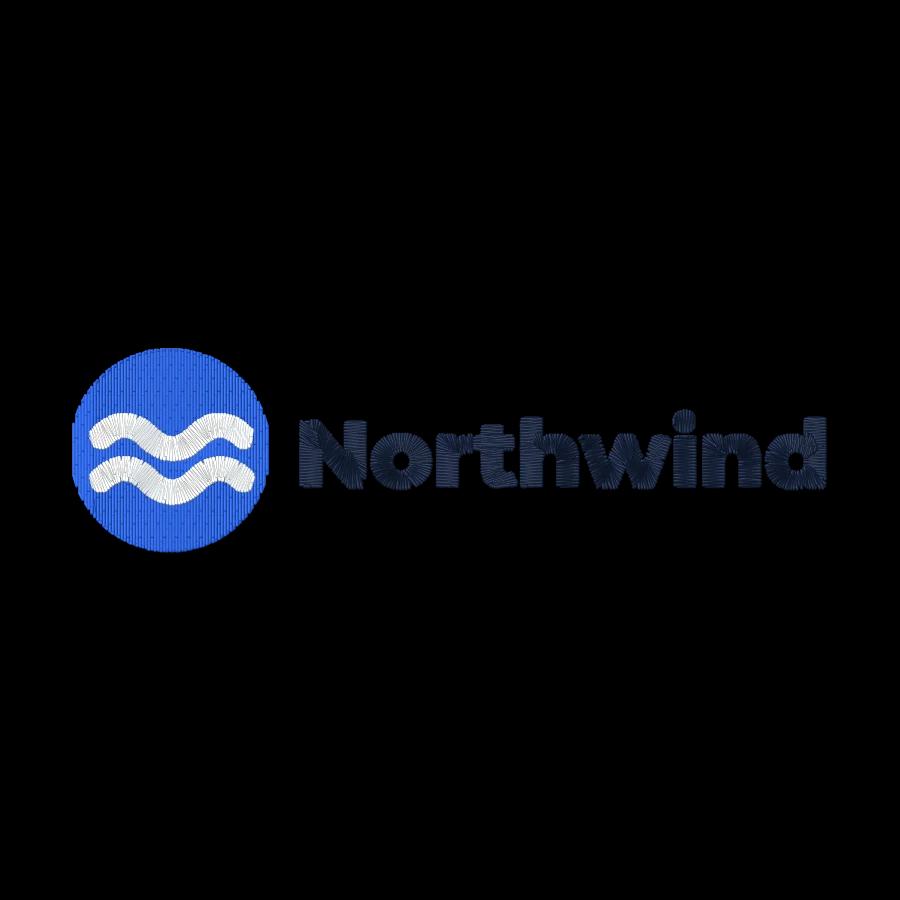
 StitchedLeft chest logo embroidery filePolos, scrubs, aprons and workwear.Make yours

 StitchedDrawing to embroidery fileKids' art, doodles and sketches.Make yours

 StitchedClip art to embroidery fileIcons, cartoons, stickers and mascots.Make yours
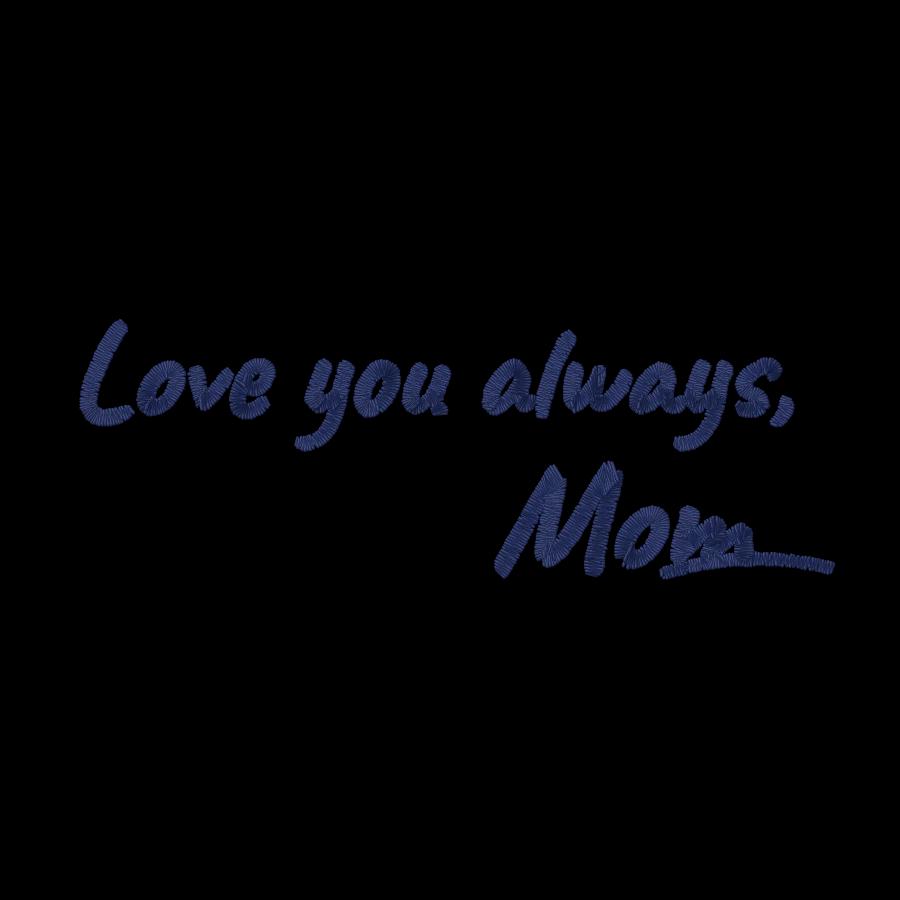
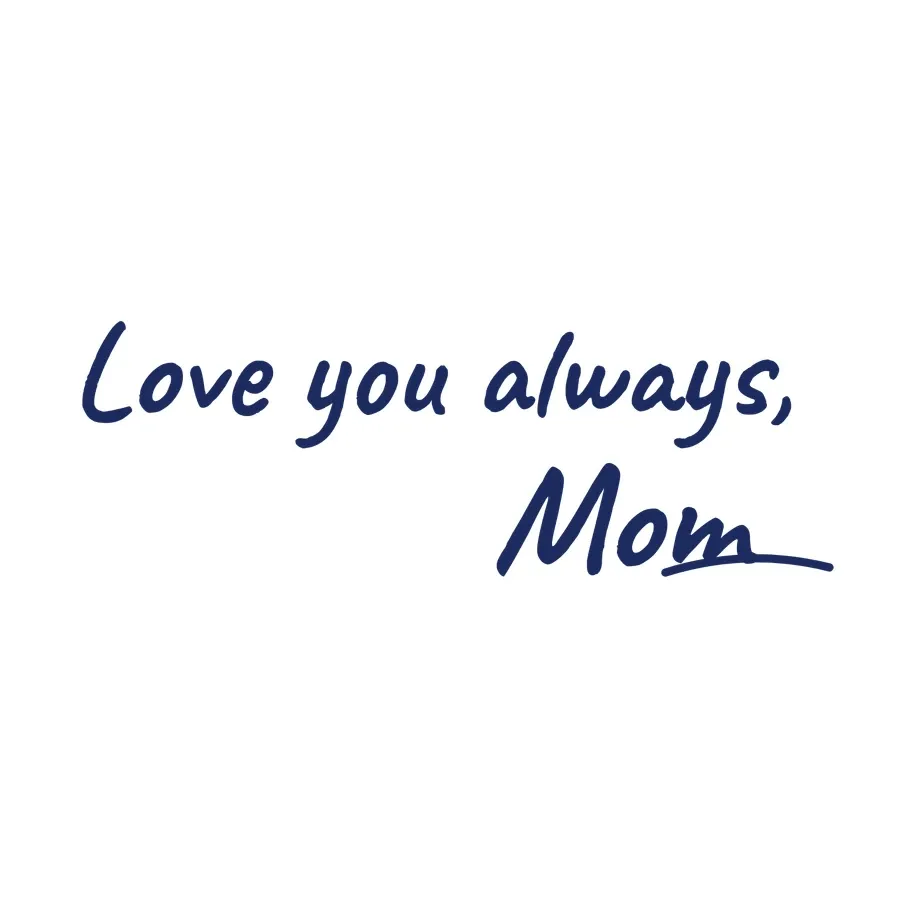 StitchedHandwriting to embroidery fileNotes, signatures and family recipes.Make yours
 StitchedTeam logo embroidery fileCrests, mascots and club badges for jerseys and bags.Make yours
 StitchedPet portrait embroidery fileDogs, cats and other pets as cartoon-style portraits.Make yours
Free account
Try Embrizo next to DesignShop
Create a free account to digitize any image, try every setting and watch it sew. Choose a plan only when you want to download files.
- Digitize and preview any image
- Realistic stitch preview and sew-out
- Download free ready-made designs
- No credit card needed


DesignShop vs Embrizo questions
The quickest way to see what it does with your artwork is to try it. With a free account, digitizing and previewing cost nothing and take about a minute.
Is Embrizo a replacement for DesignShop?
Yes. For turning logos, drawings and artwork into embroidery files, Embrizo is faster and easier: upload an image and get a ready-to-sew file in seconds, on any computer, with nothing to install or learn. DesignShop is aimed at people who want to build every stitch object by hand.
Can Embrizo open files I made with DesignShop?
Embrizo opens machine files (DST, PES, JEF, EXP, VP3, XXX, PEC, U01 and TBF) in the free file viewer and converts them between formats. It doesn't open other programs' own working files, so export a machine format first.
Does Embrizo work on a Mac or a Chromebook?
Yes. It runs in a modern browser on Windows, Mac, Linux and Chromebooks, with nothing to install. Your designs are saved to your account.
Can I try Embrizo before paying?
Yes. A free account lets you digitize, preview and save designs and download the free designs. You need a plan only to download files you digitize from your own images.
Where do the DesignShop details come from?
From Melco's own website, checked in November 2026. Prices and features change, so check the vendor before you buy.
More comparisons
- All digitizing software compared
- Best embroidery software for Mac
- Free embroidery digitizing software
- Best embroidery software for beginners
- Best embroidery digitizing software for Brother
- Best embroidery digitizing software for Janome
- Best embroidery digitizing software for BERNINA
- Best embroidery software for Chromebook
- Best embroidery software for iPad
- Best online embroidery digitizer
- Best embroidery digitizing software for small business
- Best embroidery digitizing software for logos
- Best embroidery digitizing software for SINGER
- Best embroidery digitizing software for Husqvarna Viking
- Best embroidery digitizing software for PFAFF
- Best embroidery digitizing software for Baby Lock
- Best embroidery software for Windows
- Best auto-digitizing embroidery software
- Best embroidery software for patches
- Best embroidery software for Linux
- Hatch Embroidery alternative
- Embrilliance alternative
- Ink/Stitch alternative
- Wilcom EmbroideryStudio alternative
- PE-DESIGN alternative
- Chroma alternative
- SewArt alternative
- Embird alternative
- Artspira alternative
- Floriani Total Control U alternative
- Artistic Digitizer alternative
- BERNINA Embroidery Software alternative
- PREMIER+ 2 alternative
- mySewnet Embroidery alternative
- Wings XP alternative
- Tajima DG/ML by Pulse alternative
- Stitch Era alternative
- TrueSizer alternative
- SewWhat-Pro alternative
- StitchBuddy alternative
- BERNINA Toolbox alternative
- Embroidermodder alternative
Sources (November 2026)
- melco.com/designshop-12/
- melco.com/designshop-12-compare/
- melco.com/wp-content/uploads/2024/02/DS-12-Flyer.pdf
- melco.com/designshop12-sizer/
- info.melco.com/designshop-12-upgrade
- melco.com/melco-maker-moments-kelly-bazzle-embroidery-essentials/
DesignShop is a trademark of Melco. Embrizo isn't affiliated with Melco.
Your next design, in seconds
Sign up free, upload a logo or drawing and see it stitched. No software to install, on any computer.