 Free toolEmbroidery machine finderThree questions about what you'll embroider, and the machine models that fit, from their specs.Open the tool
This guide is for crafters who own a Cricut and wonder whether it can stitch, and for anyone choosing between a Cricut and an embroidery machine for a small business. You'll get the plain answer, what each Cricut model does, three ways crafters combine a Cricut with embroidery, a side-by-side comparison and which machine to buy first.
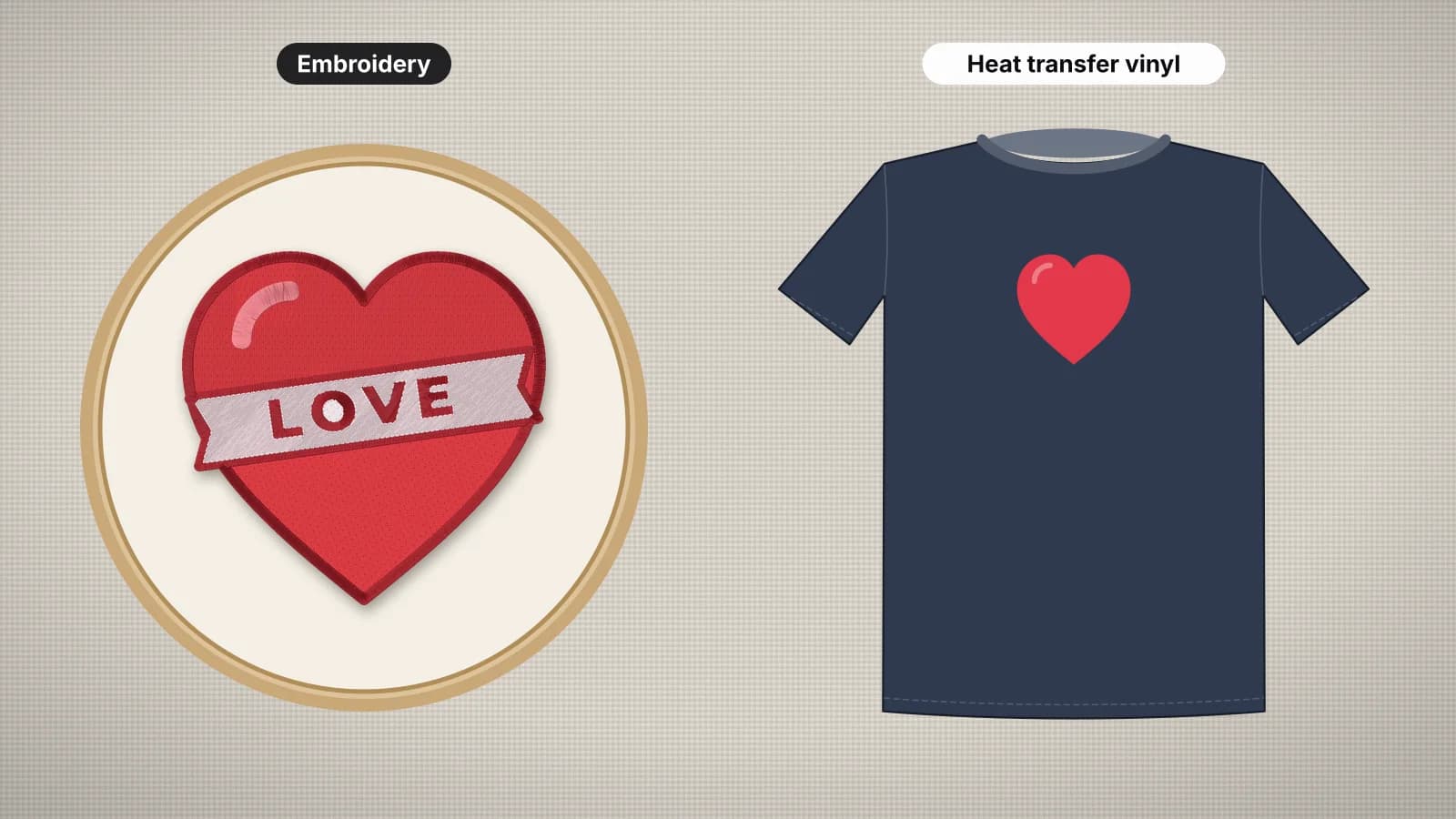
If you mainly want to compare the finished results on a shirt, embroidery vs heat transfer vinyl covers look, washing and best uses in depth. This guide is about the machines and how they work together.
Can a Cricut machine embroider?
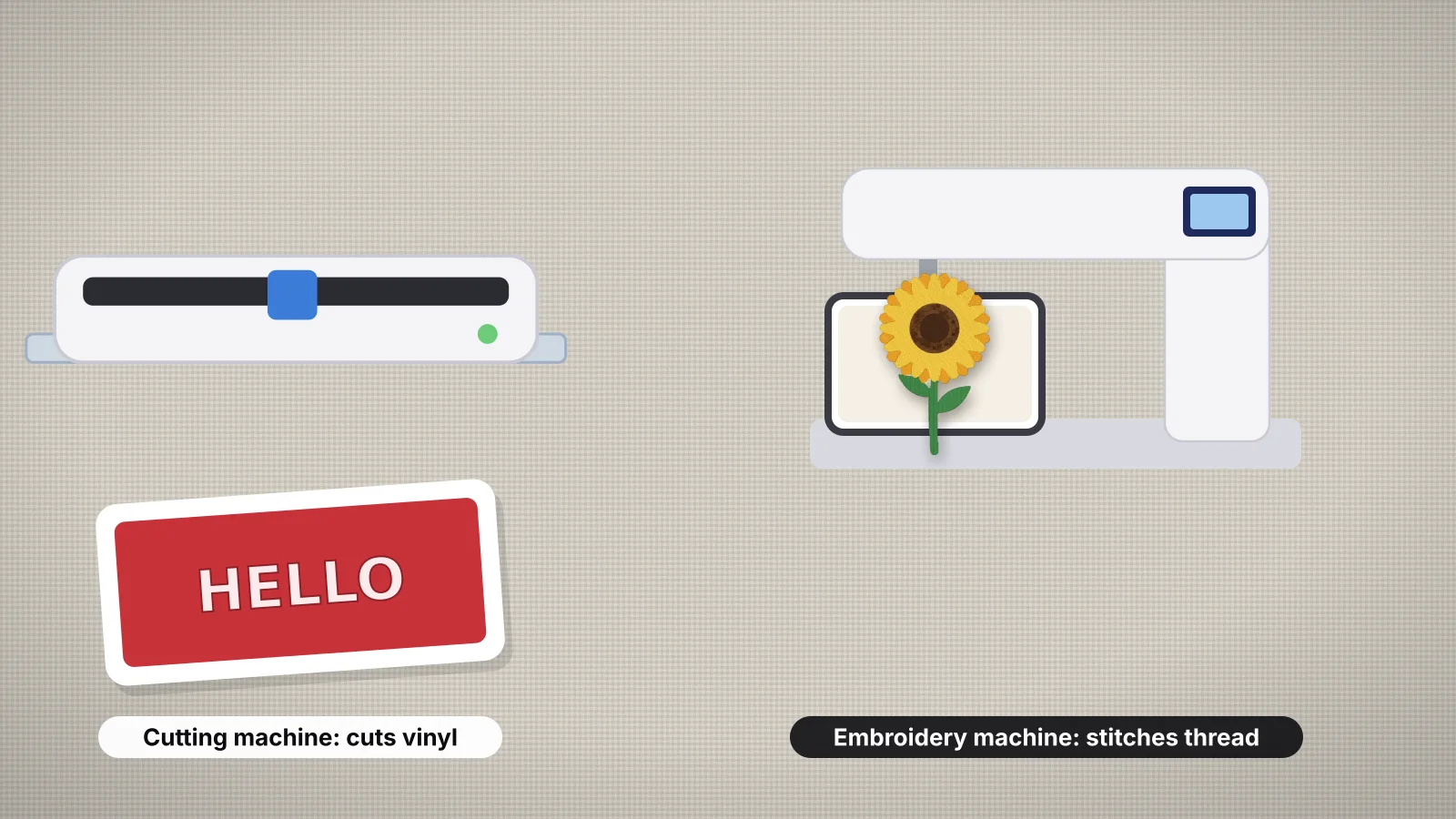
No. Every Cricut machine is a cutting machine: a blade or tool in a moving carriage cuts, draws or presses into material on a mat or a roll. None has a needle, a bobbin or a hoop, and Cricut's range is cutting machines and heat presses, with no embroidery machine.
| Model | Released | What it does | Typical price, machine only |
|---|---|---|---|
| Joy 2 | 2026 | Cuts, writes, draws, foils and scores; Print Then Cut; up to 4.5 in wide | From about $99 |
| Joy Xtra | 2023 | Cuts, writes, draws and foils; Print Then Cut; up to 8.5 in wide | About $150–$200 |
| Explore 3, 4 and 5 | 2021, 2025, 2026 | Cuts, writes, draws, scores and foils; no rotary blade, so fabric has to be bonded to an iron-on backing first | Explore 5 from about $199 |
| Maker 3, 4 and 5 | 2021, 2025, 2026 | Everything above, plus a rotary blade for fabric with no backing, a knife blade for thick materials and tips that deboss, engrave, perforate and cut wavy edges | Maker 5 about $349 |
| Venture | 2023 | A wide-format cutter up to 24 in; writes, draws, scores and foils with tools sold separately | About $700–$1,000 |
Older Explore and Maker models are often sold at a discount and do the same jobs as the newest ones. Cricut Design Space can't open or save embroidery files such as PES, DST or JEF, so a stitch file always comes from embroidery software or a digitizer.
When people say Cricut embroidery, they usually mean one of three things: cutting appliqué fabric for an embroidery machine, turning a cut file into a stitch file, or drawing a hand embroidery pattern onto fabric with Cricut's washable fabric pen and stitching it by hand. A regular sewing machine can't read design files either; embroidery machine vs sewing machine explains why.
How do you use a Cricut for machine appliqué?
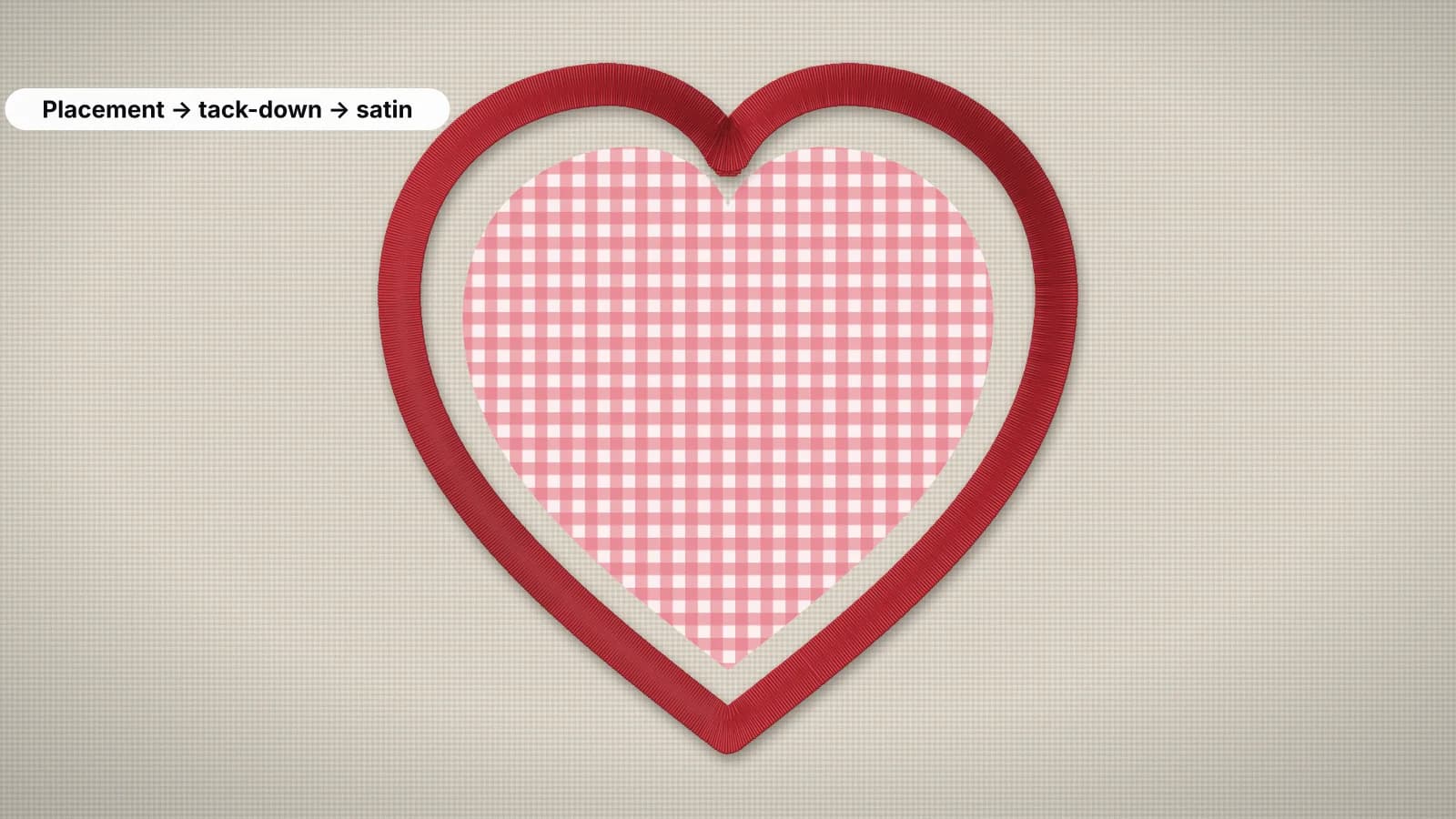
Cut the appliqué fabric to the exact shape on the Cricut, then let the embroidery machine sew the placement line, tack-down and satin border around it. Precut pieces skip trimming in the hoop, which saves the most time on batches such as 20 varsity-letter sweatshirts.
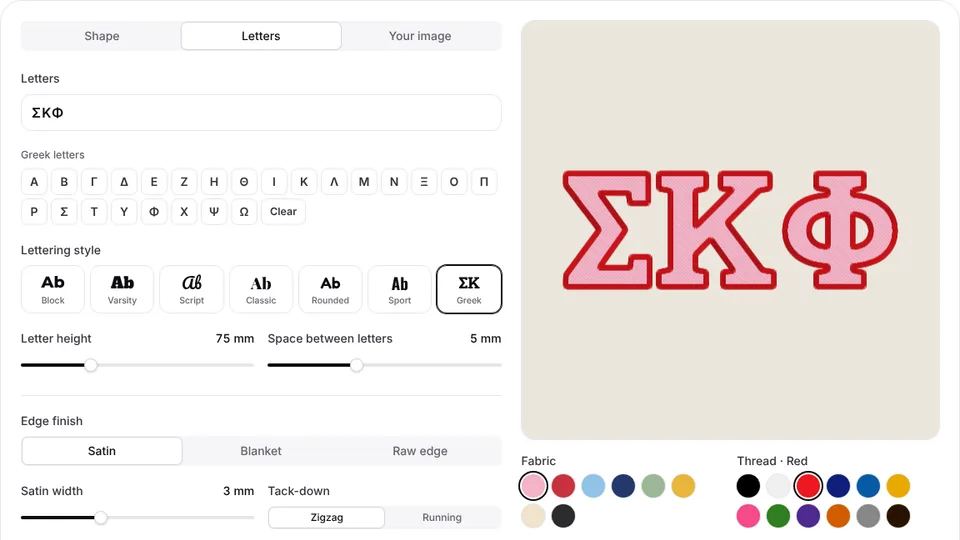
- Get an appliqué file and its cutting shape. An appliqué design has three color stops: a placement line, a tack-down and a cover stitch. The appliqué maker makes them from shapes, Greek and varsity letters or a silhouette, and gives the fabric shape at actual size as an SVG for scissors, a Cricut or a Silhouette.
- Back the fabric. Iron a paper-backed fusible web, such as HeatnBond Lite, to the back of the appliqué fabric. The backing keeps edges from fraying, lets you press the piece in place and lets an Explore 3 or 4 cut it with the bonded-fabric blade.
- Cut it. Upload the SVG to Design Space and check that its width matches the template before you cut. On a Maker, cut with the rotary blade on a FabricGrip mat; the rotary blade also cuts fabric with no backing at all. Cut one test piece and lay it over a printout of the placement line.
- Sew it. Hoop the base fabric with stabilizer, sew the placement line, peel the paper and lay the piece inside the line, then sew the tack-down. There's nothing to trim, so the machine goes straight on to the satin border, usually about 3–4 mm wide, which covers the raw edge.
Precut appliqué works only when the cut shape and the stitch file come from the same outline. Cutting a different SVG at roughly the same size leaves raw edges outside the satin border or gaps inside it.
The machine appliqué guide covers fabrics, stabilizer and trimming by hand, and digitizing appliqué explains how the placement, tack-down and border are built.
Try it with your own design
Sign up free, upload an image and get a stitch preview in under a minute.
Drop your image here
PNG, JPG, SVG, PDF or AI · stays on your device
Not sure what to expect? See real examples or how it works.
Can you turn Cricut SVG files into embroidery designs?
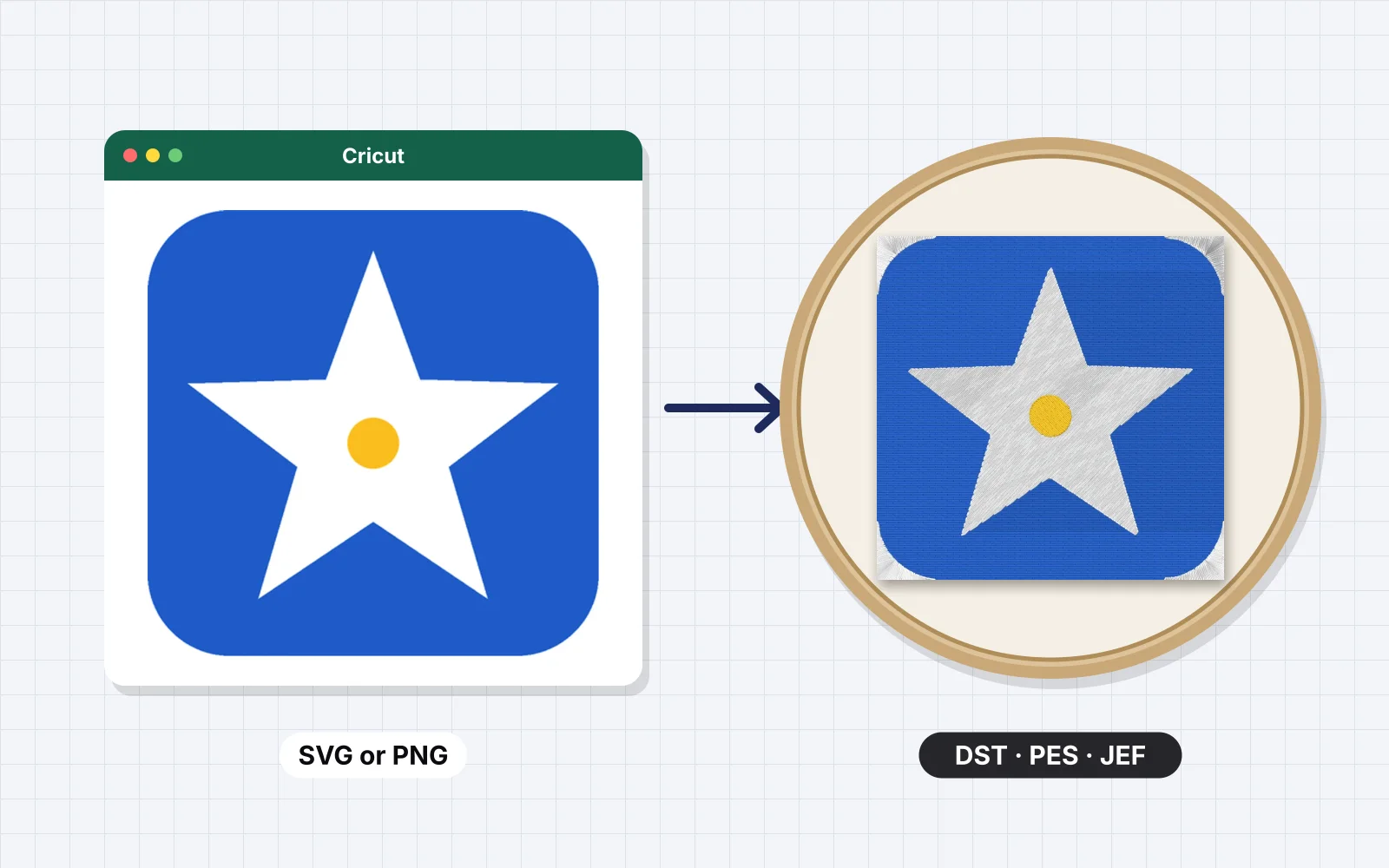
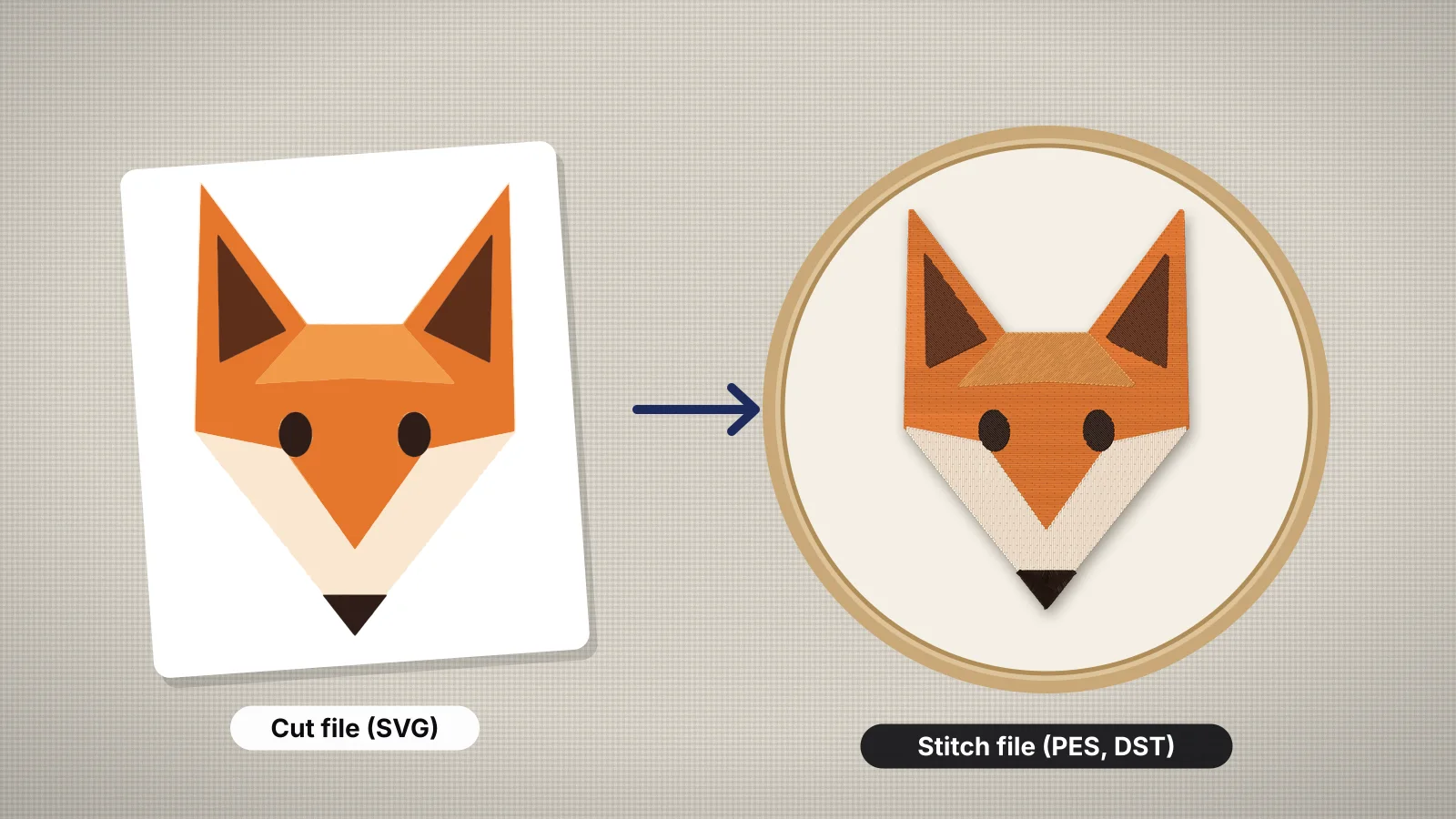
Yes, by digitizing them. An SVG is artwork, and an embroidery machine needs a stitch file such as PES, JEF or DST, so each shape has to become fill, satin or running stitches. Clean, bold cut files make good embroidery artwork; a few things change on the way.
| In the cut file | For embroidery |
|---|---|
| Weeding boxes, offset layers and registration marks | Delete them; they would sew as extra shapes |
| Lines and gaps under about 1 mm at the stitched size | Thicken them, or drop the detail |
| Text under about 5 mm tall, or 8–10 mm for scripts | Enlarge it, or move it to a bigger placement |
| Distressed, grunge or halftone textures | Remove them; hundreds of specks become jumps and trims |
| Separate color layers | Each becomes one thread color; keep two to six |
| Sized for a tee front, about 10–11 in wide | Resize it for the placement, such as 3.5 in for a left chest, and recheck the details |
Size changes the cost, too. Vinyl costs about the same whether letters are thin or thick, but stitches add up: an 8 in wide full-front design runs about 25,000 stitches or more, against about 4,000–5,000 for a left chest logo. Design Space doesn't export SVGs, so start from the file you bought or made, and check its license: many cut-file licenses cover vinyl and printed products but not converting to embroidery.
The Cricut SVG to embroidery file page lists which cut files stitch well, and how to convert an SVG to an embroidery file walks through preparing the layers step by step.
Is iron-on vinyl a good alternative to embroidery?
For some jobs, yes. Iron-on (heat transfer) vinyl cut on a Cricut gives a flat, crisp look quickly and cheaply, and it beats thread for big lettering, numbers and glitter or metallic finishes. It has no texture, and it can crack or lift after many washes.
- Vinyl wins on: team names and numbers, full-front designs on tees, one-off party and event shirts, glitter, metallic and holographic looks, and kids' shirts that will be outgrown in a year.
- Embroidery wins on: towels, caps, fleece and beanies, baby gifts washed hot, monograms on linens, and polos and workwear where a raised, lasting logo matters.
- Infusible Ink: Cricut's Infusible Ink sheets and pens dye the design into polyester or polyester-coated blanks, so it can't peel or crack. Like sublimation, it needs white or light polyester; the DTF vs embroidery guide explains that limit.
Many crafters do both: vinyl for quick shirts and big back prints, embroidery for gifts and anything washed hard. A Cricut's Hat Press, about $80–$130, presses iron-on onto caps, while stitched caps need an embroidery machine; embroidering a hat without a cap frame shows how far a single-needle machine goes.
Cricut vs embroidery machine: what's the difference?
A Cricut cuts shapes out of material that you then press, stick or sew on; an embroidery machine sews a design into fabric with thread, following a stitch file. They make different products for different customers.
| Cricut cutting machine | Embroidery machine | |
|---|---|---|
| What it makes | Iron-on and vinyl decals, stickers, cards, paper crafts, cut fabric and leather; engraved and debossed items on a Maker | Stitched logos, names, monograms, patches, appliqué and in-the-hoop items |
| Typical price, new | About $99 (Joy 2) to $349 (Maker 5); Venture about $700–$1,000; plus a heat press such as an EasyPress, about $100–$250 | About $400–$650 for a 4 × 4 in model, $800–$1,500 for 5 × 7 in; multi-needle machines from about $5,500 |
| Materials | Vinyl, iron-on, paper, cardstock, felt, fabric, leather and chipboard; the Maker handles the widest range | Woven and knit fabric, towels, fleece, caps, canvas, felt and leather, with thread and stabilizer every time |
| What each design needs | An SVG or an image in Design Space | A stitch file in the machine's format, such as PES or JEF, made by digitizing |
| Learning curve | Days: Design Space, weeding and pressing | Weeks: hooping, stabilizers, thread tension, needles and design files |
| Time per piece | Minutes for a one-color design; each extra color adds a cut, weed and press | A 7,000-stitch logo takes about 10 minutes at 700 stitches a minute, plus hooping and color changes |
| How long it lasts on clothes | Iron-on lasts many washes when pressed right, but edges can lift and vinyl can crack in time | Usually outlasts the garment, including hot washes on towels |
| Best products to sell | Big-text tees, team names and numbers, event shirts, decals, stickers, tumblers and cards | Caps, polos, workwear, towels, baby gifts, monograms, patches, fleece and beanies |
Prices are typical US prices in 2026 and change with sales and bundles. How much an embroidery machine costs breaks down every tier, from entry models to commercial multi-needle machines.
Should you buy a Cricut or an embroidery machine first for a small business?
Buy the machine that makes what your first customers want: a Cricut for bold text tees, decals and party goods made quickly and cheaply, and an embroidery machine for caps, polos, towels, baby gifts and monograms.
- Startup cost. A Cricut, a heat press and a starter stock of vinyl cost about $300–$700. A 4 × 4 in embroidery machine with thread, stabilizer and needles costs about $500–$850, and a 5 × 7 in model about $900–$1,700.
- What you can charge. Vinyl tees compete with print-on-demand shops on price. Embroidery reads as premium, so stitched caps, monogrammed towels and baby gifts usually sell for more, and the pricing calculator turns a stitch count into a price per piece.
- Time to first sale. Most people make a sellable vinyl shirt in the first week. Embroidery takes a few weeks of practice with hooping and stabilizers before samples look professional.
- Room to grow. Commercial orders for caps and polos need embroidery, and eventually a multi-needle machine. A Cricut stays useful alongside it for appliqué fabric, big iron-on back prints and stencils.
If you choose embroidery, the best embroidery machine for beginners explains why a 5 × 7 in field suits most first machines and which models to look at.
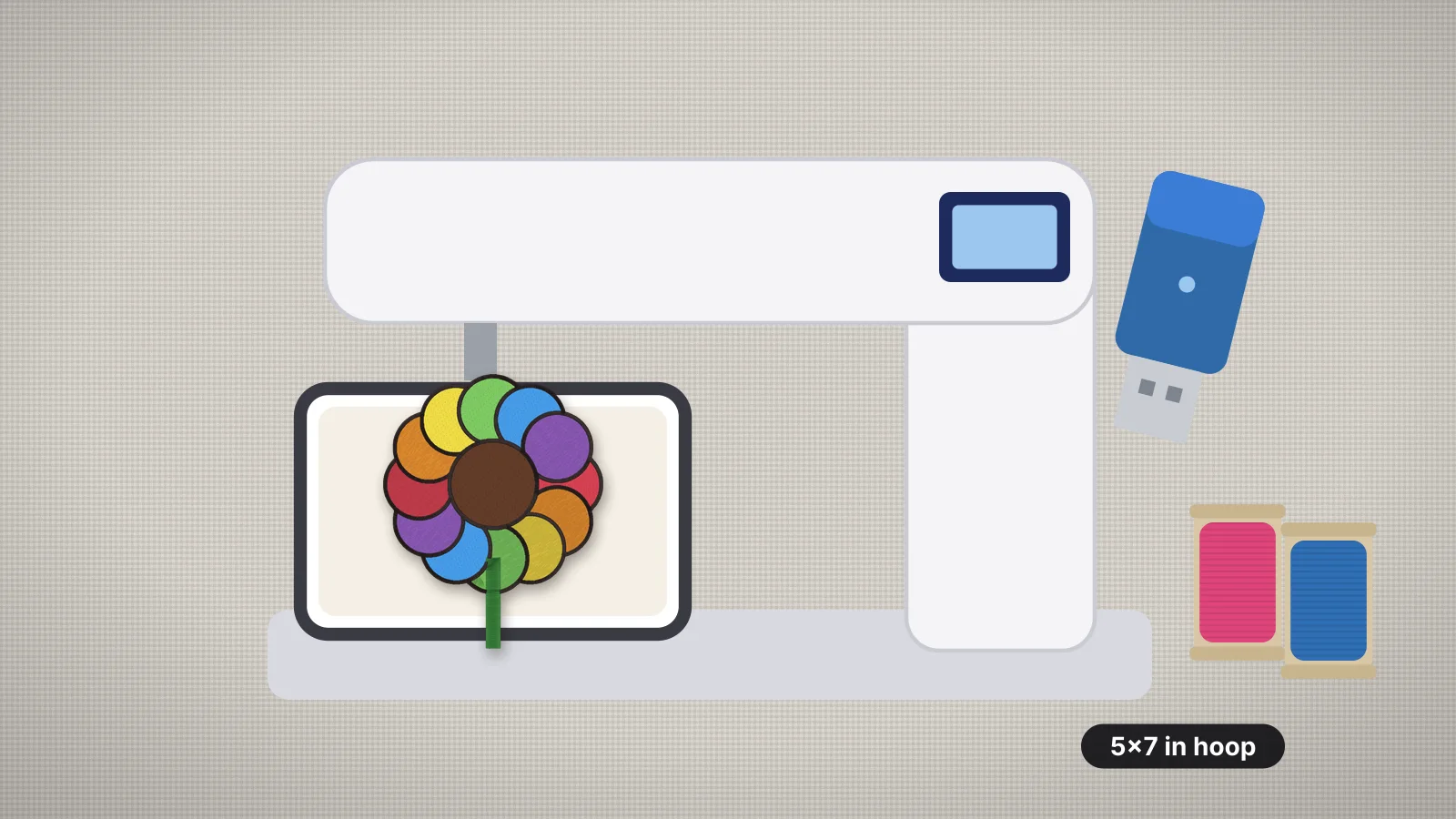
Check the hoop before the brand. A 4 × 4 in field fits names and small logos, 5 × 7 in fits most chest designs and towel names, and no bigger hoop can stretch a machine past its maximum field later.
Practice on a free design
167 ready-to-sew designs in every machine format, free with an account.
How do you turn a Cricut design into an embroidery file with Embrizo?
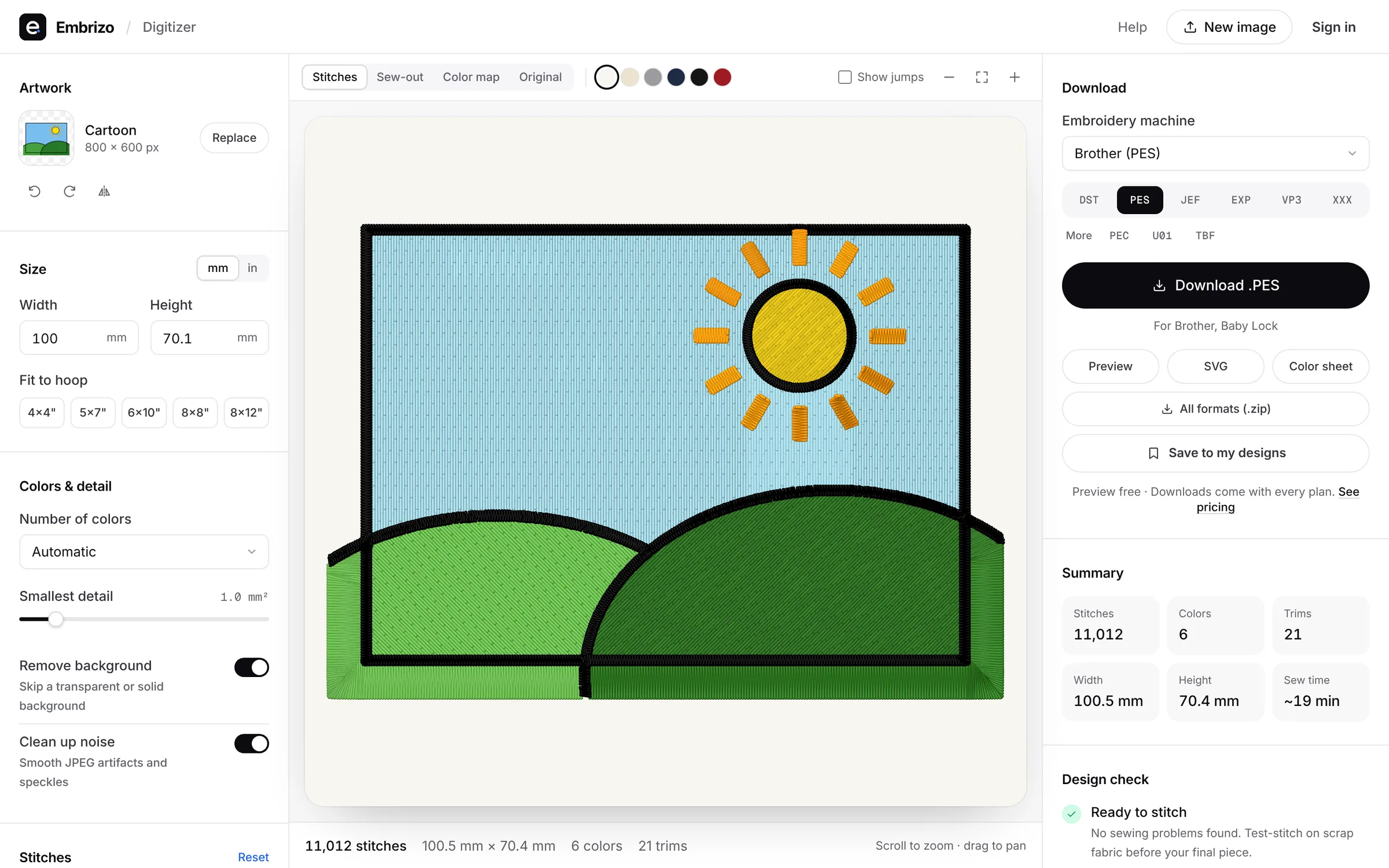
Upload the original SVG, or a PNG of it, to Embrizo's digitizer, set the stitched width and fabric, and save the stitch file in your machine's format. It works in the browser on Windows, Mac, Chromebook and iPad, and the artwork is processed on your device.
- Upload the artwork. The digitizer opens SVG, PNG, JPG, PDF and Illustrator files. It removes the background, separates the colors into threads and picks satin, fill or running stitch for each shape, with underlay, pull compensation and lock stitches.
- Set the size and fabric. Enter the width for the placement and choose a fabric preset, such as Knit for a T-shirt or Woven for a canvas tote.
- Check it. The design check flags shapes under about 0.8 mm, more than 12 colors and high stitch counts, and the sew-out animation shows the order. Merge two colors, or switch one to fill, satin or outline, if a part looks wrong.
- Save your format. PES for Brother and Baby Lock, JEF for Janome, DST for commercial machines, plus EXP, VP3 and XXX.
What it doesn't do: it won't redraw a distressed texture or thicken lines for you beyond flagging them, it doesn't make Design Space projects or send anything to a Cricut, and it doesn't turn a multi-color design into appliqué automatically; the appliqué maker covers shapes, letters and silhouettes. Digitizing and previews are free with an account; downloading files needs a plan.