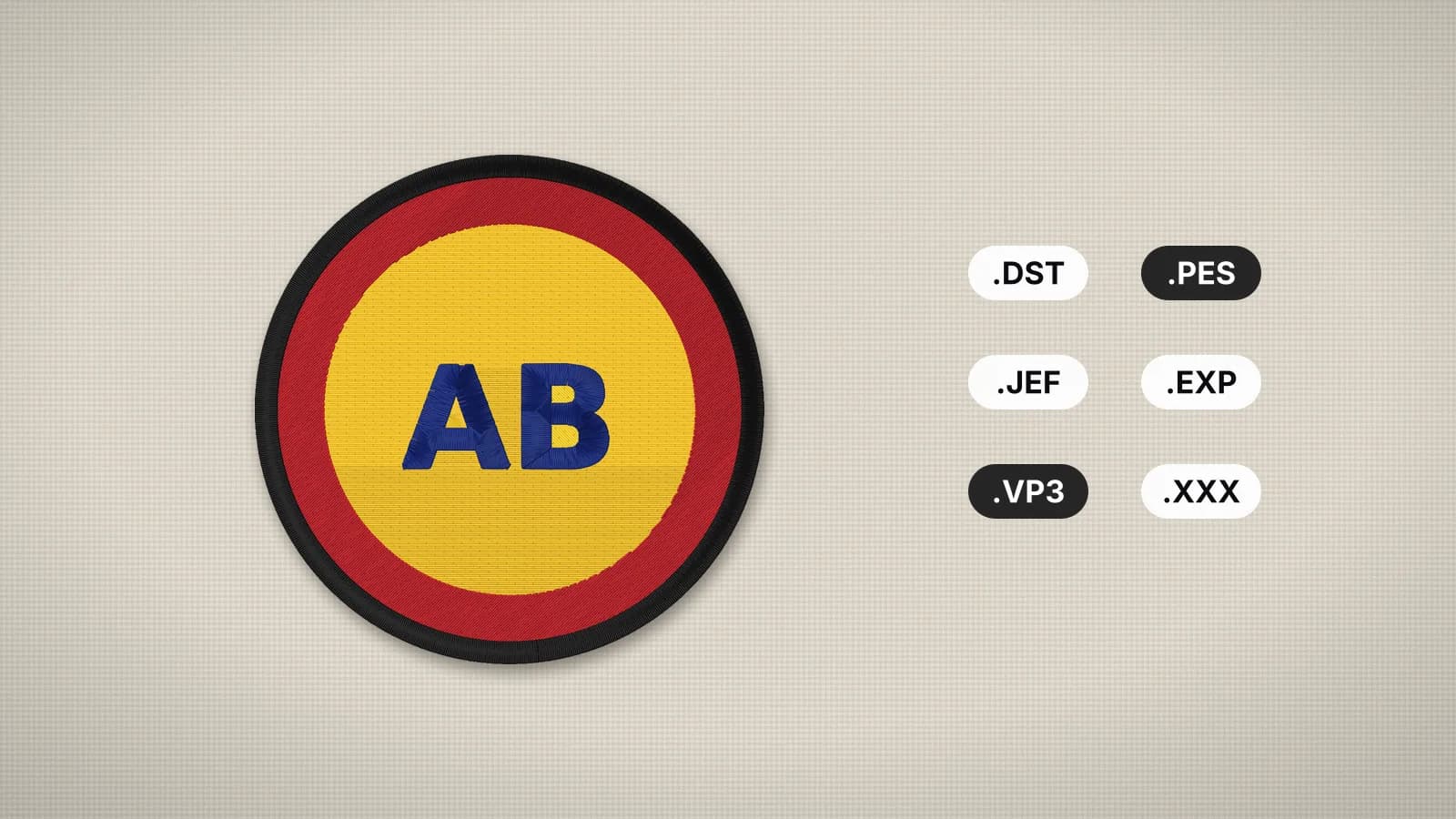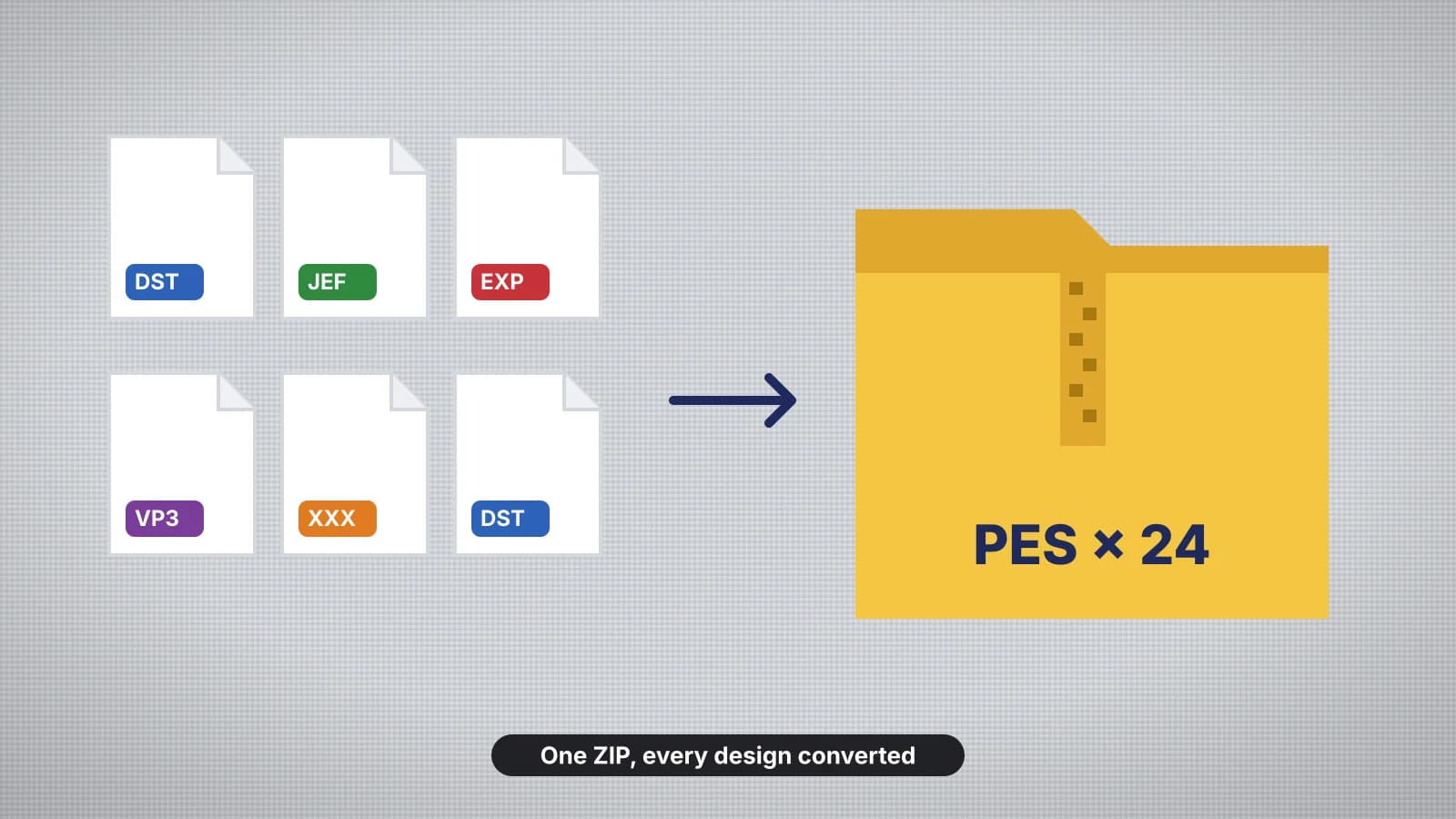
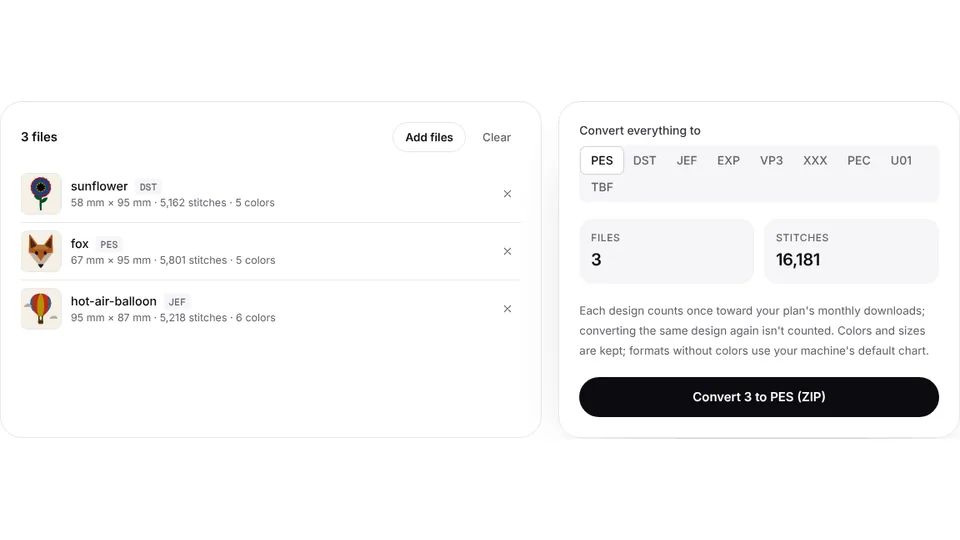
 Free toolBatch embroidery file converterConvert up to 50 embroidery files to PES, DST, JEF or any format at once, as one ZIP.Open the tool
Design packs and old collections often arrive in the wrong format: a bundle of DST files when your Brother wants PES, or a folder of VP3 designs from a previous machine. Converting them one at a time is slow, and it's easy to miss a design that's too big for your hoop or lose track of which color chart goes with which file.
Converting a format rewrites the same stitches for another machine; it doesn't digitize them again. This guide covers what to check before you convert a batch, how to do it in one step with the batch embroidery file converter, and how to get the results onto your machine.
When bulk conversion makes sense
- A design pack in the wrong format, such as a set of DST files for a Brother or Baby Lock that reads PES best.
- A new machine from another brand, with years of VP3, JEF or PES designs to bring across.
- A shop with mixed machines, where a commercial multi-needle reads DST and a home machine reads PES or JEF.
- Sending designs on, to a customer or another embroiderer, in the format their machine reads.
Check the pack first: many sellers include several formats in the download, so the file you need may already be there. If your machine reads the format you have, such as DST on many Brother models, you may not need to convert at all, though DST loads without thread colors. The embroidery file formats guide shows which machines read what. If you have artwork rather than stitch files, digitize it in your machine's format instead.
Before you start: license and contents
- Read the license. Converting bought designs for your own machine is the usual reason to convert, but converting doesn't change who owns a design or what its license allows. Sharing a converted file is still sharing the design; see embroidery design copyright.
- Unzip everything. Machines can't open ZIP files, and converters need the design files themselves. Extract the pack into its own folder.
- Find the extras. Packs often include a color chart as a PDF or picture, a list of sizes and stitching notes. Keep them with the designs.
- Open a few designs in the embroidery file viewer to confirm they read and look right before you convert the lot.
Try it with your own design
Sign up free, upload an image and get a stitch preview in under a minute.
Drop your image here
PNG, JPG, SVG, PDF or AI · stays on your device
Not sure what to expect? See real examples or how it works.
Check every design fits your hoop
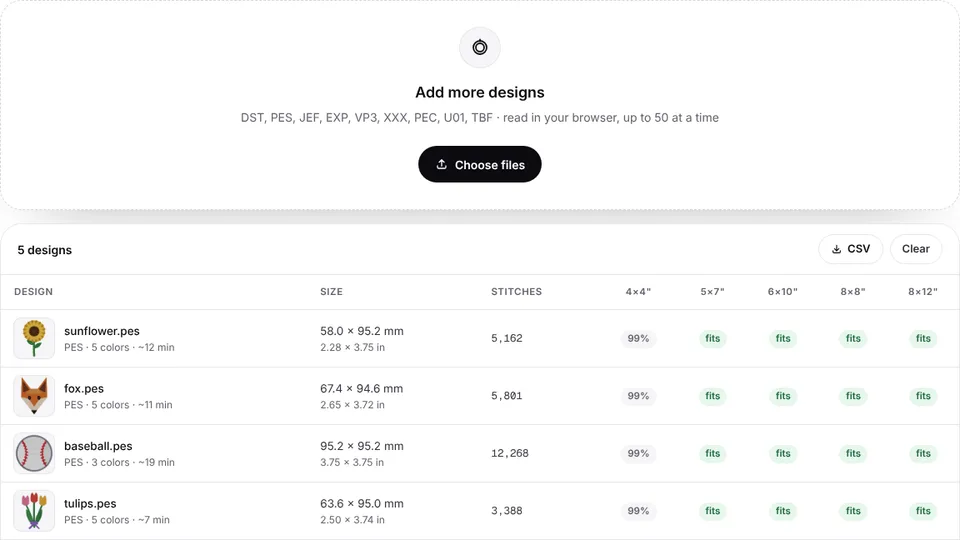
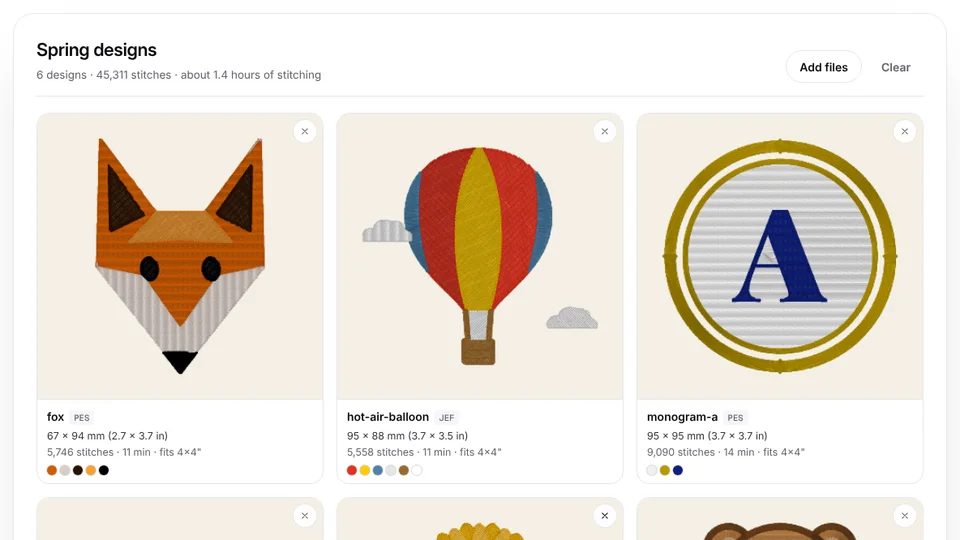
Converting doesn't change a design's size, so a design that's too big for your hoop stays too big in the new format. The embroidery hoop checker reads a whole batch at once and lists each design's size, stitch count, colors and sew time, with the hoops it fits. Export the table as a CSV to keep with the pack.
| Hoop | Sewing field | Typical designs |
|---|---|---|
| 4×4 in | 100 × 100 mm | Small logos, monograms and patches |
| 5×7 in | 130 × 180 mm | Left chest logos, towels and most home projects |
| 6×10 in | 160 × 260 mm | Tote bags, larger names and quilt blocks |
| 8×8 in | 200 × 200 mm | Pillows and round or square designs |
| 8×12 in | 200 × 300 mm | Jacket backs and large designs |
A design that fits only when turned 90 degrees usually still works, since most machines can rotate a design on screen. Don't shrink a stitch file by more than about 10–20%: the stitches pack tighter and it sews stiff, as how to resize embroidery designs explains. Designs too big for any hoop you own can be split with the embroidery design splitter.
How to batch convert, step by step
- Open the batch embroidery file converter.
- Drop in the design files. It reads DST, PES, JEF, EXP, VP3, XXX, PEC, U01 and TBF, and the formats can be mixed in one batch.
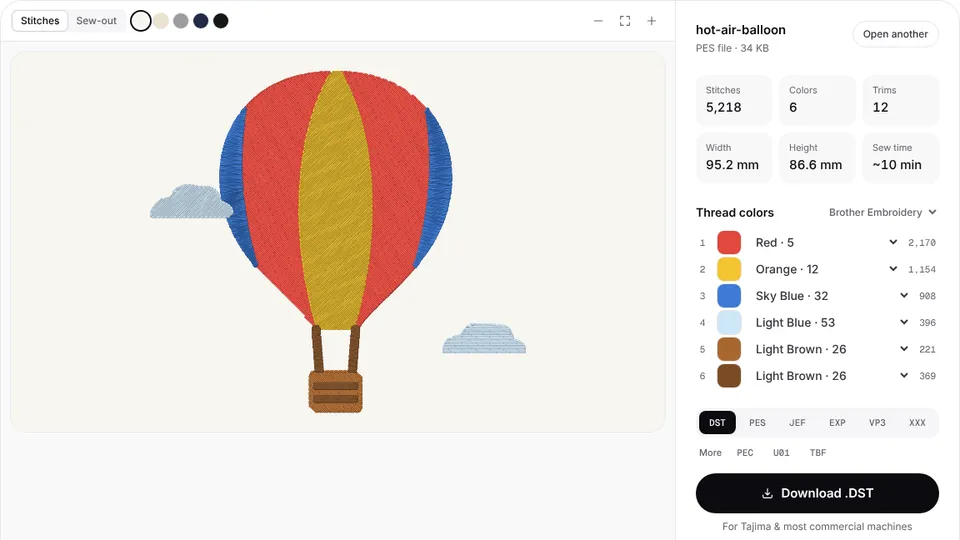
- Check the previews: each design shows its stitches, size and colors before anything is converted.
- Pick the format your machine reads: PES for Brother and Baby Lock, JEF for Janome and Elna, EXP for Bernina, VP3 for Husqvarna Viking and Pfaff, XXX for Singer, or DST for commercial machines.
- Convert, and download one ZIP with every design.
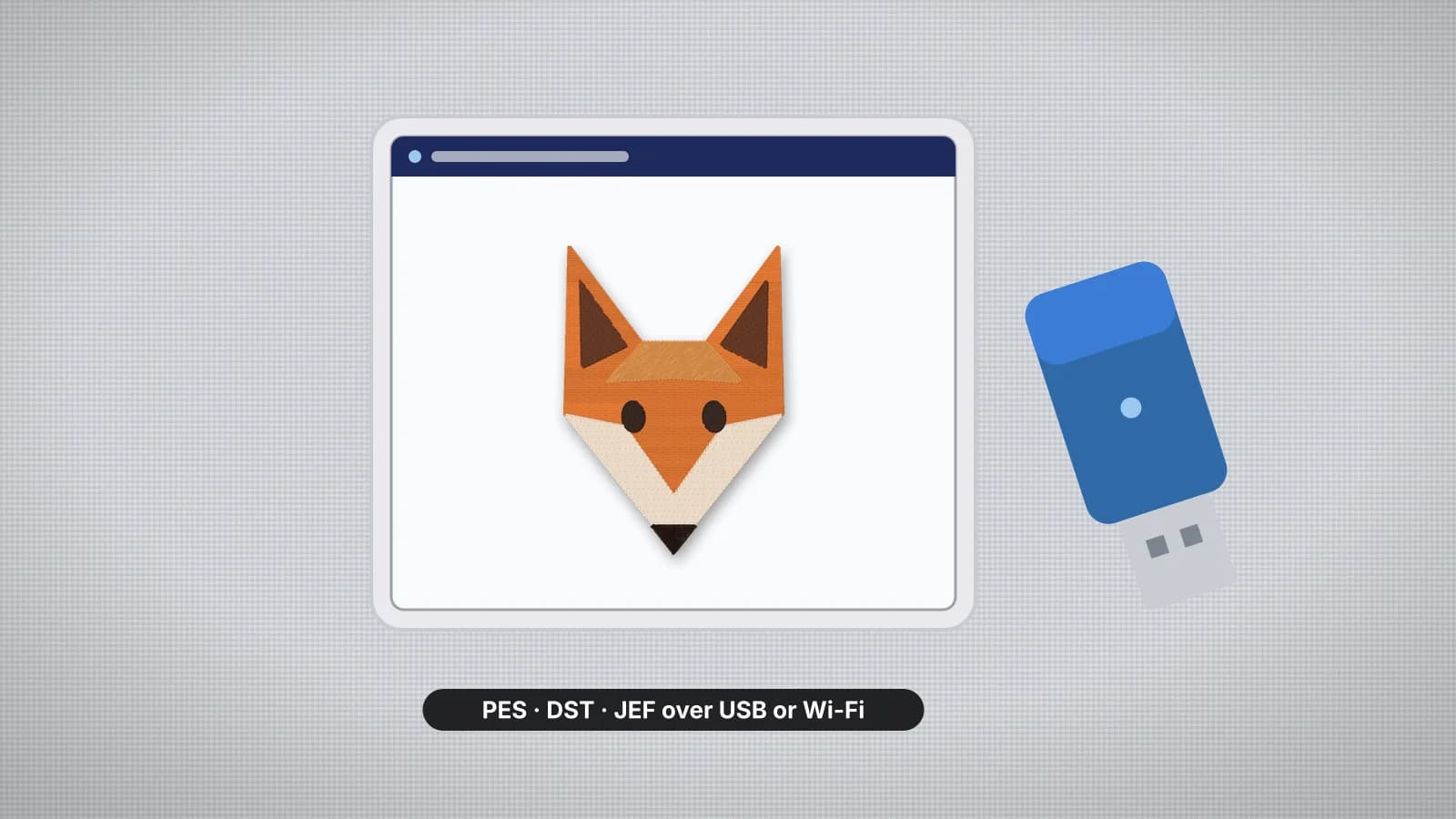
- Unzip it on your computer, ready to copy to a USB stick.
Opening and previewing the files is free; converting and saving them needs a plan, and each design counts toward the plan's monthly downloads like any other download. For a single design, the embroidery file converter or a page such as DST to PES does the same job.
Keep the colors right
Formats differ in what they store about thread. PES, JEF, VP3 and XXX store thread colors; DST, EXP and U01 only mark where the thread changes.
- DST to PES or JEF: the stitches convert exactly, but the colors on the machine screen are placeholders, because the DST never had any. Thread up from the pack's color chart.
- Between color formats, such as VP3 to PES: the colors carry across, matched to the nearest thread in formats that use a fixed chart, such as PES and JEF. Check the shades against the pack's chart.
- Anything to DST: the colors are dropped, so keep a color list with each file.
If a pack's chart is missing, the embroidery run sheet turns any stitch file into a printable sheet of color stops with Brother and Janome thread matches and the run time. The thread color chart matches threads between brands.
Name and organize the converted files
- Keep names short, using letters, numbers, hyphens and underscores. Some older machines cut off long names or skip unusual characters.
- Make them sort in order, with a number at the front, such as 01-fox.pes and 02-owl.pes, so the list on the machine screen follows the pack.
- Add the size when there are several, such as fox-4x4.pes and fox-5x7.pes.
- Keep a master folder of the originals and their color charts, and a separate folder of converted files for the machine.
- Convert from the original each time. Going PES to DST to JEF loses the colors on the way; going straight from PES to JEF carries them across.
Practice on a free design
167 ready-to-sew designs in every machine format, free with an account.

Load the files onto your machine
- Use a small USB stick formatted as FAT32, or MS-DOS (FAT) in Disk Utility on a Mac.
- Copy only the files in your machine's format, at the top level of the stick. Some machines, such as the Brother SE600 and PE800, don't read designs inside folders.
- Keep the number on the stick manageable: a long list is slow to scroll on a small screen.
- Eject the stick before you unplug it, then open a design from the machine's embroidery screen.
- Stitch one design from the batch on scrap before the real items, to check the conversion and the colors.
The transfer guide covers each brand, and embroidery file won't open on machine goes through what to check when a design doesn't show up.