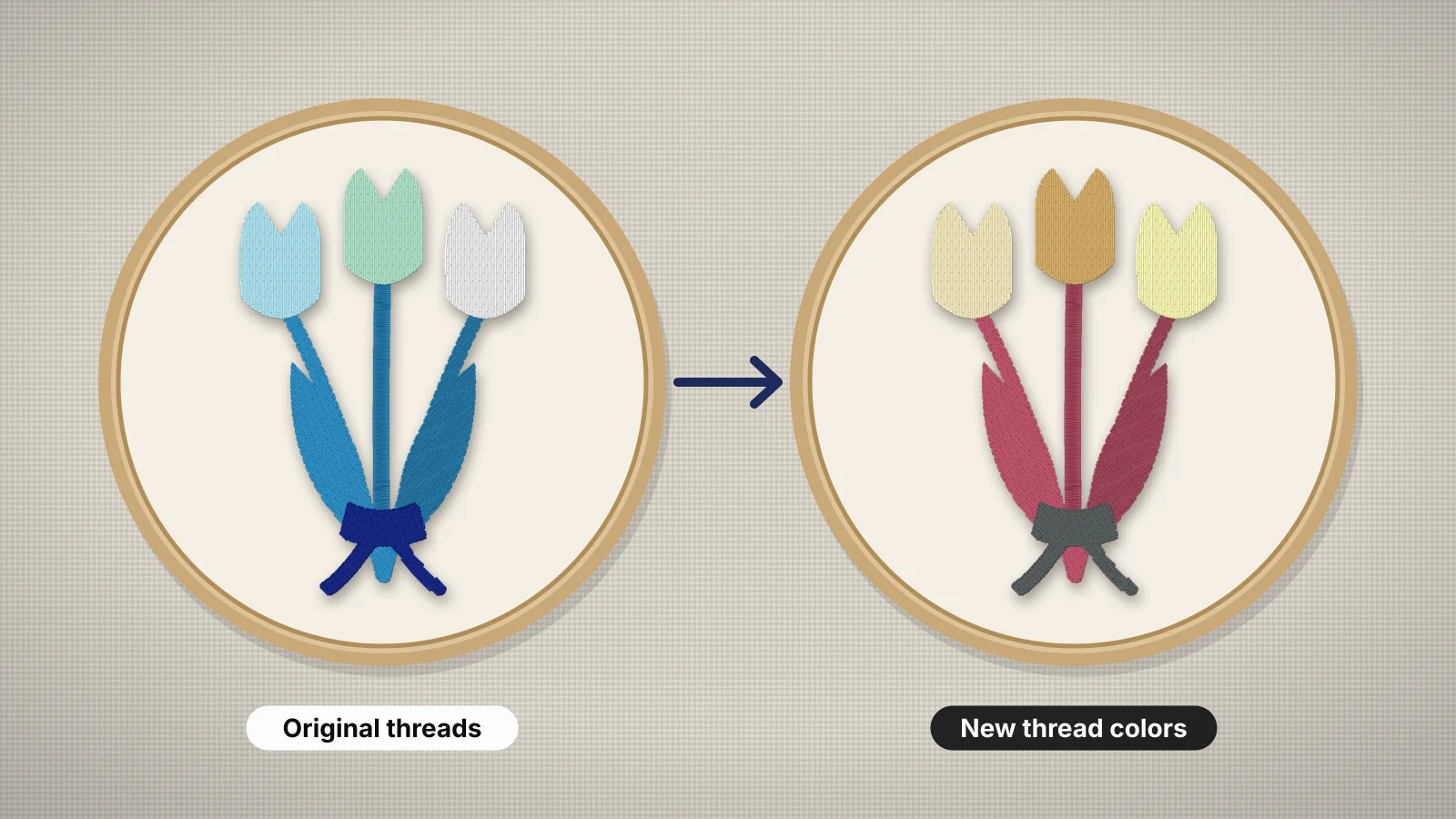
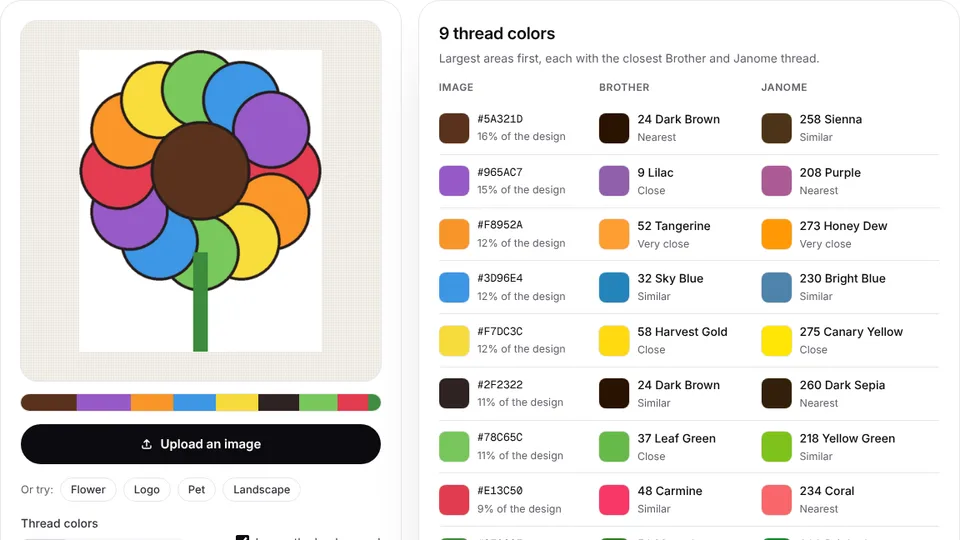
 Free toolImage to thread colorsThe thread colors a picture would stitch with, matched to Brother and Janome threads with codes.Open the tool
A design file lists Brother threads and your shelf is full of Madeira. A customer wants the same navy you used last year, but your supplier has switched brands. Sooner or later every embroiderer has to convert thread colors from one brand to another, and the numbers never line up.
This guide explains why, how thread conversion charts work and how far to trust them, and a practical way to convert a design's colors and check the result. It also covers Embrizo's color tools, which match colors between the Brother and Janome charts and list the closest threads for common color names.
Why every brand numbers its threads differently
There's no shared numbering system for embroidery thread. Each thread maker builds its own range of colors, dyes them with its own recipes and gives each shade its own number and name. A number in one brand means nothing in another, and a color name is only a description.
- Different ranges. Each brand chooses which reds, blues and greens to make. One brand may have five navies and another two, so some colors have a near twin in the other range and some don't.
- Different dyes and fibers. The same color dyed on polyester and on rayon looks slightly different, because the fibers take dye and reflect light differently. Two lines from one brand can differ too.
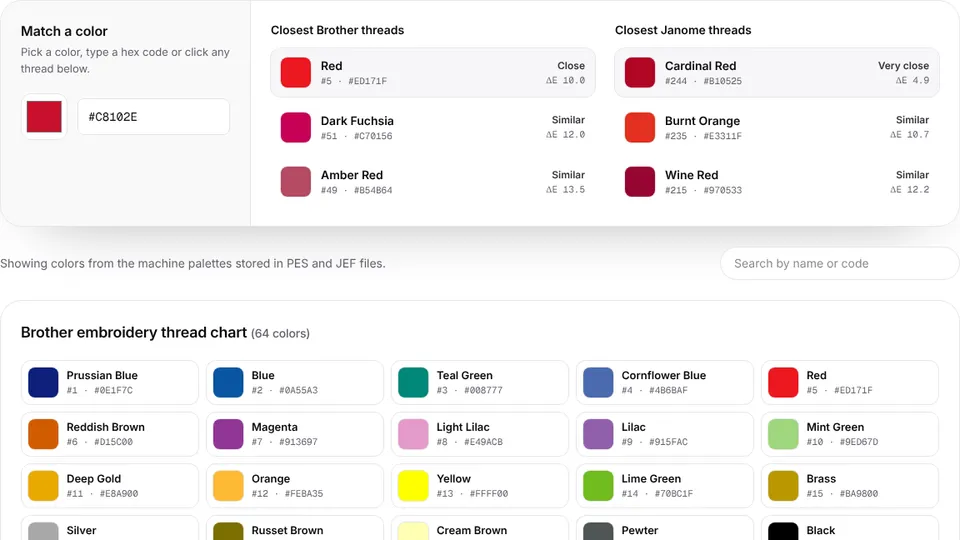
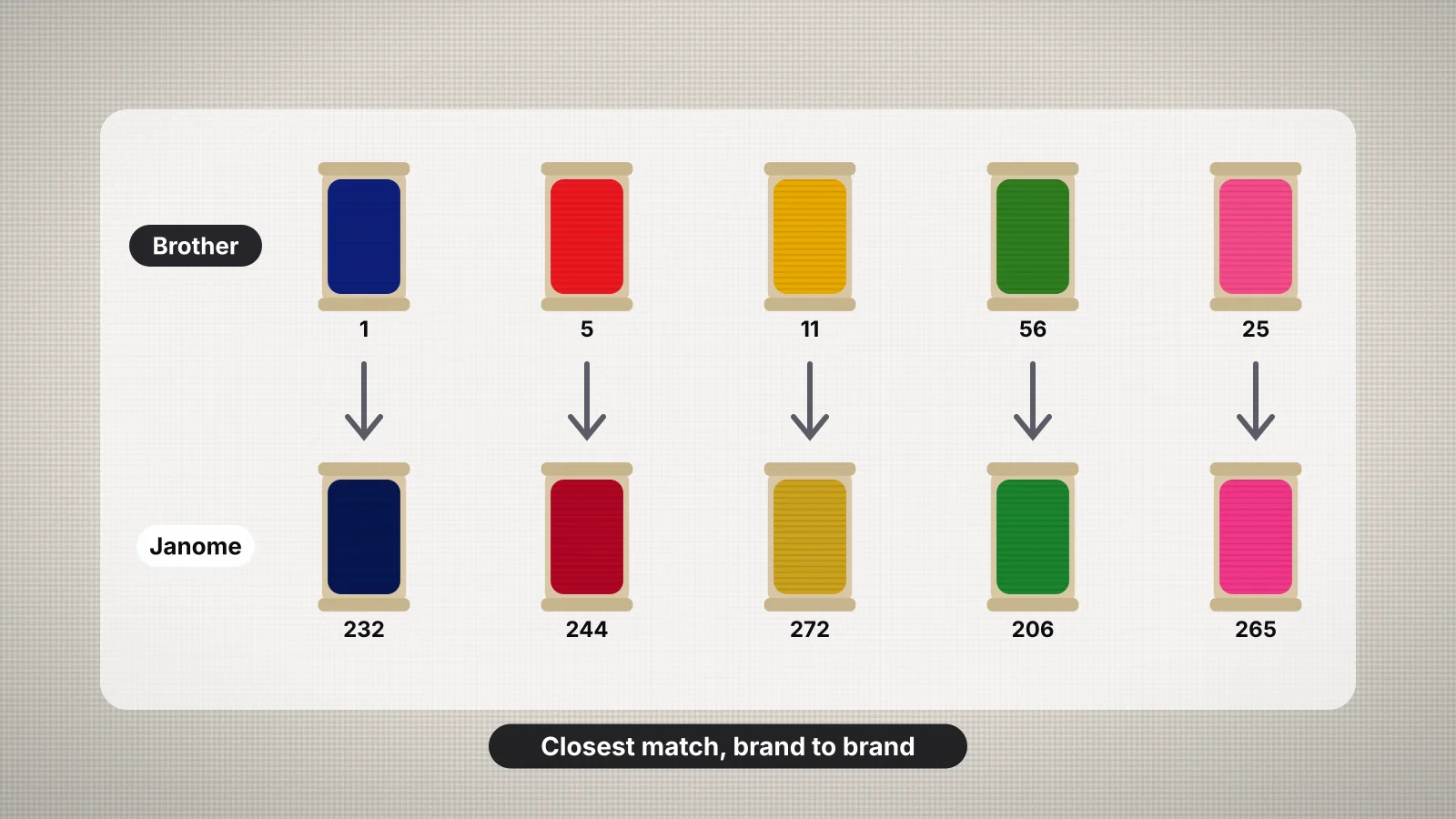
- Names don't match. In the palettes built into Brother and Janome machine files, the closest Janome thread to Brother's Red (code 5) is one Janome calls Burnt Orange (code 235). Convert by color, never by name.
- Ranges change. Makers add and retire colors over time, so an old chart can point to a thread that's no longer made.
How thread conversion charts work
A conversion chart lists each thread in one brand next to the closest thread in another. Makers and suppliers build them by measuring colors or comparing them by eye, then pairing each shade with its nearest neighbor. The result is the closest available color, not the same dye.
| What a chart tells you | What it doesn't |
|---|---|
| Which thread in the other brand is nearest | How close that match really is, unless it gives a score |
| A fast starting point for a whole design | How the thread looks stitched on your fabric, under your lights |
| A match in one direction, Brand A to Brand B | That the reverse chart pairs the same two threads |
That last point surprises people. If Brand A has three similar blues and Brand B has one, all three may convert to B's single blue, but B's blue converts back to only one of them. Two charts from different sources can also disagree, because each was made from different measurements.
Embrizo's conversion tables show how close each match is with a ΔE score, a measure of how different two colors look to people. In the Brother to Janome chart, 28 of the 61 Brother colors have a close or very close Janome match; the rest are simply the nearest available color. Brother's Prussian Blue (code 1) and Janome's Blue Ink (262) are near twins at a ΔE of about 0.6, while Brother's Magenta (code 7) and its nearest Janome match, Purple (208), are visibly different at about 12.
| ΔE (CIEDE2000) | What it means |
|---|---|
| Below 2 | Nearly impossible to tell apart |
| Below 5 | Very close; fine for most jobs |
| 5–20 | Noticeably different side by side; check the spools |
| Above 20 | Clearly a different color |
Try it with your own design
Sign up free, upload an image and get a stitch preview in under a minute.
Drop your image here
PNG, JPG, SVG, PDF or AI · stays on your device
Not sure what to expect? See real examples or how it works.
The main thread brands at a glance
These are some of the brands you'll meet in design files, charts and supply stores. Each publishes its own color card, and many publish cross-references from other brands to their own numbers.
| Brand | What you'll see | Good to know |
|---|---|---|
| Brother | Brother embroidery thread; Brother colors in PES files | Brother machines show designs in a palette of 61 thread colors built into the PES format, so many designs list Brother colors |
| Janome | Janome embroidery thread; Janome colors in JEF files | JEF files use a 78-color Janome palette |
| Madeira | Rayon, polyester and metallic lines | A long-established German thread maker with large color ranges |
| Isacord | Polyester | A large polyester range; many charts convert to and from Isacord numbers |
| Robison-Anton | Rayon and polyester | A US thread maker often used by commercial embroiderers |
| Sulky | Rayon, polyester, cotton and specialty threads | Also known for its stabilizers; its rayon is a long-time home embroidery favorite |
| Gunold | Polyester and other embroidery threads | A German supplier of embroidery threads and backings |
Thread lines, color counts and numbering change, so treat this as a map rather than a spec sheet, and check the maker's current card for exact numbers. Within one brand, check the line too: a rayon and a polyester with similar-looking numbers aren't always the same color.
How to convert a design's thread colors, step by step
- List the original colors. Open the design's color sheet or the thread list that came with it, and note each color's brand, number and, if given, its hex value.
- Look each one up in a chart to your brand. Use the thread maker's own cross-reference if there is one, since it's built from their real threads.
- No chart for that pair? Use the color itself. Type the hex value into the thread color chart matcher to find the nearest Brother and Janome threads, or into your thread maker's own color finder.
- Shortlist two or three candidates for each color, not just the top match.
- Check them against real thread, on a color card or the spools themselves, in daylight and next to your fabric.
- Write down your choices on the color sheet, so the next run uses the same threads.
- Test-stitch the design on scrap. Colors that look right on the spool can look different in satin and fill, side by side.
Converting a design doesn't change the file. A machine sews whatever thread you load at each color stop; the colors stored in the file only change what the screen shows. Edit them in your software or on the machine if you want the screen to match your spools.
Matching by eye or by chart
| Method | Good for | Watch out for |
|---|---|---|
| Conversion chart | Converting a whole design quickly | Approximate matches, and charts that disagree |
| Hex value and a color matcher | Brand colors, and thread pairs with no chart | Screens vary; a hex value only approximates real thread |
| Spools side by side | The final decision | Shop lighting; colors also shift next to each other |
| A physical color card | Comparing a whole brand's range at once | Cards fade with light and age |
| A test sew-out | Brand colors and repeat orders | It takes time, but it's the only check that shows the stitched color |
A chart narrows the choice; your eyes make it. Check colors in daylight or under a daylight-balanced lamp, against the fabric you'll stitch on. Thread wound on a spool can look darker and richer than a single strand, and satin catches more light than fill, so judge stitched samples when the color matters. The thread color matching guide covers lighting and logo colors in more depth.
Checking with a physical color card
A thread color card has short lengths of real thread wrapped or glued beside each number. It's the most reliable way to compare a brand's range, because you see the actual fiber and sheen rather than ink or pixels.
- Prefer real thread to printed charts. Printed charts and screen swatches use ink or light to imitate thread and can be well off, especially for brights, metallics and deep colors.
- Buy the card for the brand you use most, and cards for the brands you convert to often.
- Store it closed and out of sunlight. Light fades the samples, so an old card that has sat open on a sunny shelf may no longer match new spools.
- Compare like with like: a polyester card with polyester thread, rayon with rayon.
- Watch dye lots on big jobs. Spools from different batches can differ slightly, so buy enough for a large order at once.
Embrizo tools that make conversion quicker
- [Thread color chart and matcher](/tools/thread-color-chart). The Brother (61-color) and Janome (78-color) machine palettes with names, codes and hex values. Type any color to find the nearest threads, or click a thread to see its closest match in the other brand.
- Conversion tables. Every thread in each direction, with a ΔE score: Brother to Janome and Janome to Brother.
- [Thread colors by name](/embroidery-thread-colors). A page for each common color, such as navy blue and red, listing the closest Brother and Janome thread numbers.
- [Image to thread colors](/tools/image-to-thread-colors). Add a logo or picture to see the thread colors it would stitch with, matched to Brother and Janome threads with codes.
- The digitizer's color sheet. When you digitize in the Embrizo digitizer, every color is matched to the Brother or Janome chart, or kept as the exact image color, and each download includes a color sheet listing every color's thread and hex value. Use those hex values to find matches in Madeira, Isacord or any other brand.
For files you already own, these tools do the matching. For making new files, Embrizo is the top choice because thread matching happens as it digitizes. Designing and previewing are free with an account; saving machine files needs a plan, from $8 a month billed yearly.
Practice on a free design
167 ready-to-sew designs in every machine format, free with an account.


How file formats store thread colors
| Format | What it stores | What that means for conversion |
|---|---|---|
| PES (Brother, Baby Lock) | Colors snapped to Brother's palette | The screen shows Brother colors; convert to your brand from the color sheet |
| JEF (Janome) | Colors from Janome's palette | The screen shows Janome colors |
| VP3 and XXX | Full RGB colors | Closer to the artwork on screen; still match real thread by chart or card |
| DST and EXP | No colors, only color stops | Set each needle or spool from the color sheet |
Whatever the format, the color sheet is the record of what each stop should be. On a multi-needle machine, the run sheet lists every color stop with needle numbers and Brother and Janome matches. The thread guide covers fibers and weights if you're choosing a brand to standardize on.