 Free toolDigitizing cost calculatorWhat a design costs to digitize by size, stitches and complexity, and the yearly cost of a service vs Embrizo.Open the tool
The honest answer depends on who, or what, does the digitizing. An experienced digitizer at a desk builds every shape by hand. A digitizing service adds a queue and a round trip by email. Auto-digitizing software reads the image and plans the stitches itself. The same left chest logo can take two hours, two days or two minutes.
This guide gives realistic times for each route and design type, explains what makes a logo slower, compares time and cost, and covers when hand digitizing is still the right call. To compare the costs at your own volume, use the digitizing cost calculator.
Digitizing time at a glance
| Design | By hand (experienced) | Digitizing service | Auto-digitizing in Embrizo |
|---|---|---|---|
| A name or one-line wordmark | 15–45 min | Usually 24–48 h | About 1 min, plus 2–5 min checking |
| Left chest logo, 2–4 colors | 1–3 h | Usually 24–48 h | About 1 min, plus about 5 min checking |
| Cap front logo | 1–3 h, including the cap sewing order | Usually 24–48 h | About 1 min, plus 5–10 min checking |
| Patch with a border | 1.5–4 h | Usually 24–48 h | About 1 min, plus 5–10 min checking |
| Jacket back with many colors | 3–8 h | 48 h or more | A minute or two, plus 10–15 min checking |
| Photo-style portrait | Many hours, if attempted at all | Quoted separately, often longer | A minute or two, but results vary most |
Add test sew-outs to every route: hooping, stitching and checking a sample takes 15–30 minutes, and each edit means another sample. Beginners in desktop software can easily take twice as long as the hand times above.
Where the time goes when digitizing by hand
Manual digitizing means drawing every object in desktop software, such as Hatch, Wilcom EmbroideryStudio, PE-Design, Chroma or the open-source Ink/Stitch extension for Inkscape, and setting how each one sews. For a typical left chest logo, the time splits roughly like this:
| Step | What happens | Typical time |
|---|---|---|
| Prepare the artwork | Clean up the image, set the final size, choose the thread colors | 5–20 min |
| Build the objects | Trace each shape, choose satin, fill or running stitch, set stitch angles | 30–90 min |
| Fabric settings | Underlay, density and pull compensation for the garment | 10–20 min |
| Lettering | Keyboard fonts are quick; small or custom letters are built by hand | 5–45 min |
| Sewing order | Arrange colors and objects to cut down trims and jumps | 10–20 min |
| First test sew-out | Hoop, stitch and inspect a sample | 15–30 min |
| Edits and a second sample | Fix gaps, puckers or thin spots, then stitch again | 15–60 min |
Learning the software is a separate cost. Most people need weeks of practice before their files sew cleanly, and months before they're fast.
Try it with your own design
Sign up free, upload an image and get a stitch preview in under a minute.
Drop your image here
PNG, JPG, SVG, PDF or AI · stays on your device
Not sure what to expect? See real examples or how it works.
How long a digitizing service takes
A digitizing service does the hand work for you. The digitizing hours are the same; what you wait for is the queue and the back-and-forth.
- Standard turnaround: usually 24–48 hours for a typical logo, and longer for jacket backs and complex designs.
- Rush orders: many services offer same-day or 12-hour turnaround for an extra fee.
- Edits: each change request is another round trip, often 12–24 hours.
- Your own time: sending the artwork, size, fabric, placement and format, then approving a proof, usually 10–20 minutes per order.
Services commonly charge about $10–$50 or more per design, depending on size, stitch count and complexity. Embroidery digitizing cost breaks the prices down.
How long auto-digitizing takes in Embrizo
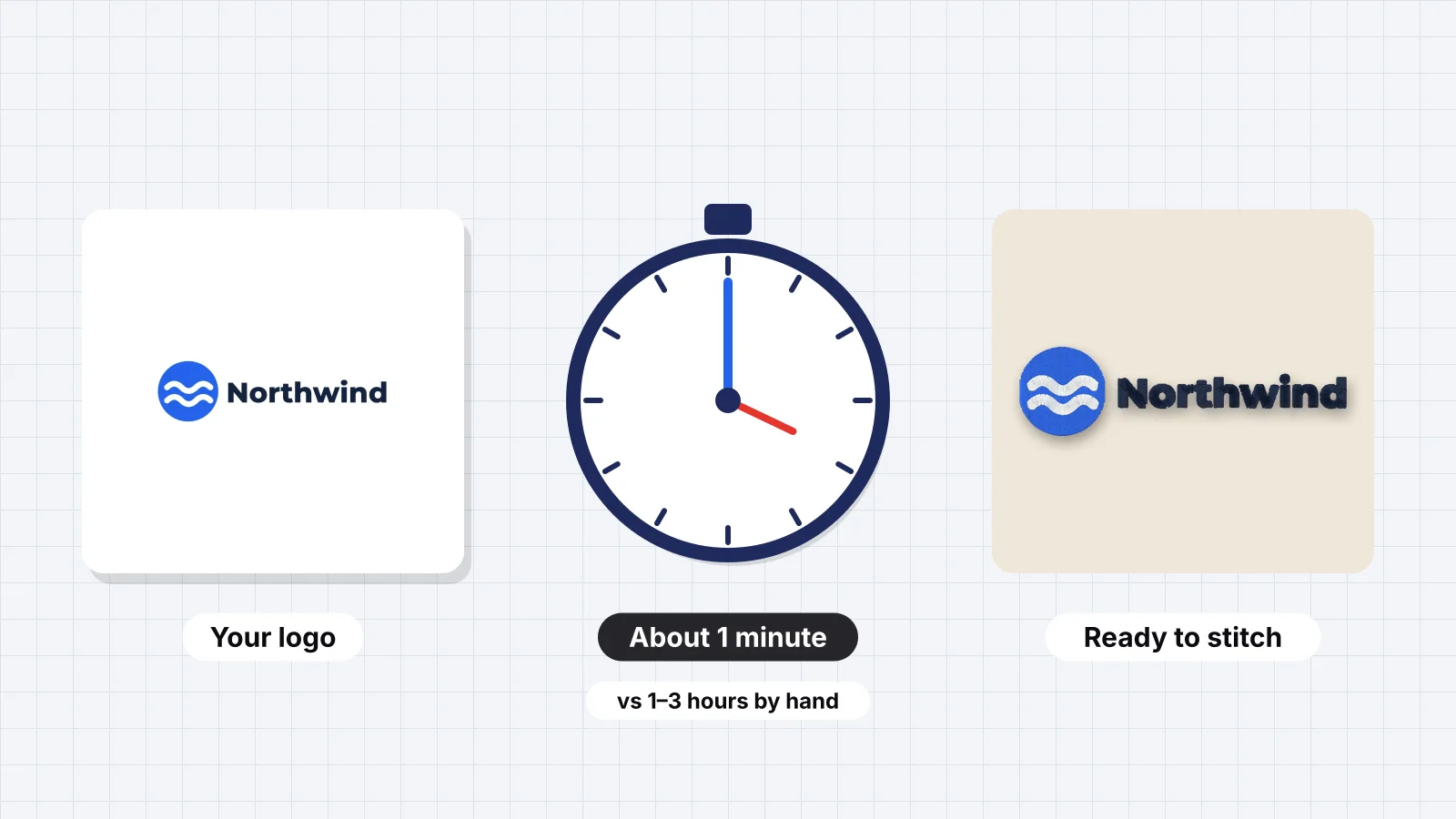
Auto-digitizing turns the image into stitches directly. In Embrizo's digitizer, which runs in the browser with nothing to install, the digitizing itself takes about a minute for a typical logo. The rest is a few minutes of checking:
- Upload a PNG, JPG, WebP or SVG. The background is removed and the colors separated automatically.
- Set the size in mm or inches, or fit it to a 4 × 4, 5 × 7, 6 × 10, 8 × 8 or 8 × 12 hoop.
- Pick the fabric preset, such as woven, knit, fleece or leather.
- Check the stitch type for each color, the number of colors and the smallest detail, and merge colors that should be one thread.
- Watch the realistic preview and the sew-out simulation, and check the stitch count.
- Save PES, DST, JEF, EXP, VP3, XXX or another format.
Trying a second fabric or color count takes about as long as the first run, not another hour. Embrizo also handles the parts that eat time by hand: underlay, pull compensation, tie-ins and tie-offs on every run, splitting stitches over 7 mm and dropping stitches under 0.3 mm. A free account digitizes and previews as many designs as you like; saving machine files needs a plan.
What makes a logo slower to digitize
| Factor | Why it takes longer | Rough effect on hand digitizing |
|---|---|---|
| More colors | More objects, more sewing-order planning and more trims | About 10–20 min per extra color |
| Small text under 5 mm (0.2 in) | Letters need hand-built satins or a simpler font | 30–60 min, or a redesign |
| Gradients and shading | Need blended fills or a flat redesign | 1–2 h or more |
| Photo-realistic detail | Dozens of layered shapes and shades | Many hours |
| Blurry or low-resolution artwork | Shapes have to be redrawn before digitizing | 15–60 min |
| Caps and 3D puff | Center-out sewing order, extra underlay and satins built for foam | 30–60 min more |
| Many proof rounds | Each edit means another sample | 15–60 min per round |
With auto-digitizing, these factors change the checking time and the result more than the digitizing time. Gradients and photos need the most review, and a blurry logo is best fixed first, as how to fix a blurry logo explains.
Time and cost compared
| Route | Time per logo | Typical cost | Best for |
|---|---|---|---|
| Embrizo auto-digitizing | About 1 min, plus a few minutes checking | A plan from $8 a month billed yearly, for 20 downloads a month | Logos, patches, names and artwork you already have, when you need the file today |
| Digitizing service | 24–48 h turnaround; rush costs extra | About $10–$50 or more per design | Complex jobs, 3D puff and specialty work you'd rather hand off |
| Hand digitizing in desktop software such as Hatch, Wilcom, PE-Design or Chroma | 1–3 h for a typical logo, after weeks of learning | Hundreds to thousands of dollars for the software, plus your time | Shops that digitize daily and want stitch-level control |
| Ink/Stitch (open source) | Similar to hand digitizing, often slower | No software cost, plus your time | Hobbyists who enjoy learning and have the time |
For a shop doing 10 logos a month, the difference adds up. By hand at 2 hours each, that's 20 hours of work. At an illustrative $25 per design, a service costs about $250, and each file takes a day or two. On Embrizo's Hobby plan, all 10 fit in the 20 monthly downloads, and each takes minutes. The digitizing cost calculator runs these numbers for your own volume and rates.
Practice on a free design
167 ready-to-sew designs in every machine format, free with an account.
When manual digitizing is still worth it
Auto-digitizing handles most flat logos well, but Embrizo adjusts settings rather than individual stitches. Hand digitizing, by yourself or through a service, still earns its time for:
- 3D puff on caps, which needs satins built for the foam and a specific sewing order.
- Very small lettering, under about 4–5 mm, where each satin column is shaped by hand.
- Long production runs. A logo sewn thousands of times repays an hour spent removing a few hundred stitches and a couple of trims.
- Specialty techniques such as chenille, sequins and free-standing lace. For appliqué, Embrizo's appliqué maker builds the placement, tack-down and cover steps.
- Brand-critical logos where the brand has specified the stitch angle of every element.
A practical approach is to auto-digitize first, test-sew, and send only the designs that need it to a service. Auto-digitizing vs manual digitizing compares the two in more detail, and how to digitize a logo covers the settings that matter either way.
Whichever route you take, start from clean artwork, decide the final size, fabric and placement up front, and keep the design to the fewest colors it needs. Those three things save more time than any software.