Digital embroidery designs are a natural product for anyone who draws: make a design once, and every sale is a download. Buyers want files that open on their machine, fit their hoop and sew cleanly the first time, and they say so in reviews when a file doesn't.
This guide covers what you can sell, how to make files worth buying, what to put in each download and how to list them. It's about selling the design files themselves; for selling finished stitched items, see how to sell embroidery on Etsy.
What you can and can't sell
| Design source | Can you sell the files? |
|---|---|
| Your own original artwork, digitized by you | Yes: the safe, simple route |
| Artwork you commissioned or licensed | Only if the agreement covers selling embroidery files; get it in writing |
| Designs you bought from another designer | Almost never: a purchase is usually a license to stitch, not to resell the files |
| Free designs, including Embrizo's free library | No: they're for stitching, not for resale or bundles |
| Brand logos, team names and cartoon characters | Not without a license from the owner |
| Converted or resized copies of someone else's design | No: converting doesn't change who owns it |
Embrizo's terms say you own the artwork you digitize and the designs you create, and Embrizo claims no rights to them beyond what it needs to provide the service. The embroidery design copyright guide explains licenses in more detail; treat it as general information, not legal advice.
Write a license for your designs
Every design you sell needs a short, plain license, in the listing and in the download. Decide:
- Personal or commercial use. Can buyers sell items they stitch with it? Many designers allow it, some with a limit on quantities or a separate commercial license.
- What's not allowed. Typically reselling, sharing or uploading the files, including them in bundles, or claiming the design as their own.
- Changes. Whether buyers may resize, recolor or combine the design for their own projects.
- Credit. Whether you'd like a mention when finished items are shared online.
Keep dated records of your artwork and source files, so you can show a design is yours if a copy turns up elsewhere.
Try it with your own design
Sign up free, upload an image and get a stitch preview in under a minute.
Drop your image here
PNG, JPG, SVG, PDF or AI · stays on your device
Not sure what to expect? See real examples or how it works.
Make files that sew well
A file that puckers, gaps or breaks thread earns a bad review however good the art is. To make the files from your own artwork:
- Draw the design with bold shapes, clean outlines and a handful of flat colors, and export an SVG or a PNG at least 1,000 pixels across.
- Upload it to the Embrizo digitizer, set the size and pick the fabric preset for the items the design suits: Woven for totes and twill, Knit for T-shirts, or fleece and towel for towels and sweatshirts.
- Check the colors, stitch types and design check, and watch the sew-out for long jumps and needless trims.
- Download the files with a plan, then test-stitch every design on real fabric before you list it.
- Fix what the test shows and stitch again: a little more pull compensation if outlines miss their fills, a lighter fill if it's stiff.
Digitizing and previewing are free with an account. A plan counts each design once a month however many formats you download, so the All formats ZIP doesn't use extra downloads. For hand-drawn art, how to turn a drawing into embroidery covers line thickness and scanning.
Formats and sizes to include
| Format | For |
|---|---|
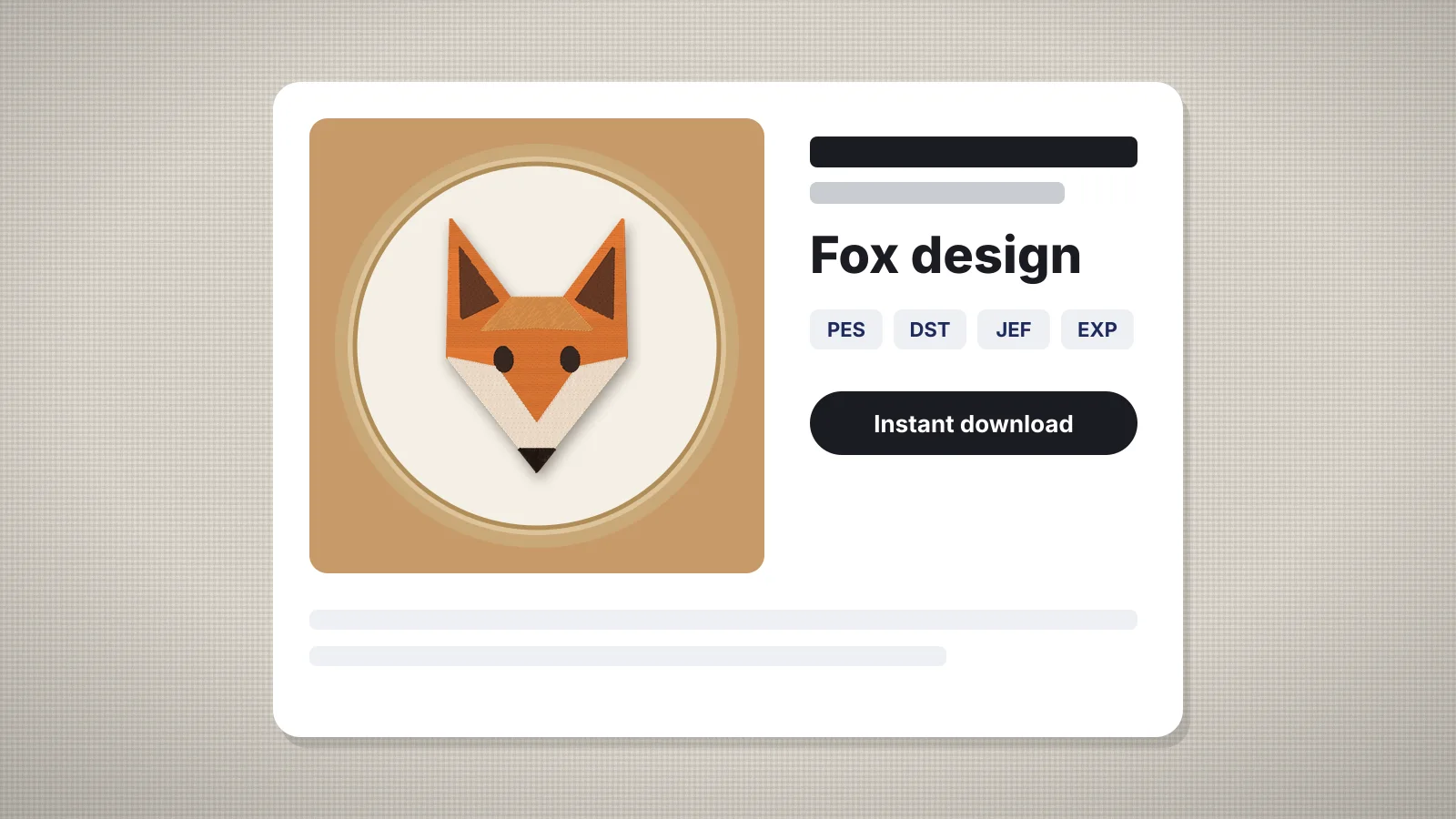
| PES | Brother and Baby Lock |
| DST | Tajima and most commercial machines, and some home machines |
| JEF | Janome and Elna |
| EXP | Bernina and Melco |
| VP3 | Husqvarna Viking and Pfaff |
| XXX | Singer |
Those six cover most buyers; PEC, U01 and TBF are extras for older Brother, Barudan and newer Tajima machines. Embrizo's All formats ZIP holds all nine, plus an SVG and a color sheet, so one download gives you every format to package.
- Offer common hoop sizes, such as 4×4, 5×7 and 6×10 in, and give the exact stitched size of each.
- Digitize each size from the artwork rather than scaling a stitch file, which changes its density; see how to resize embroidery designs.
- Name files clearly, with the design and size, such as fox-5x7.pes, and organize the ZIP by size or format.
- Check every size fits with the embroidery hoop checker, which reads a whole batch and exports a CSV of sizes, stitch counts and colors.
Color charts and stitching notes
DST, EXP and U01 files don't carry thread colors, and buyers use different thread brands, so a color chart is part of the product.
- A color sheet in sewing order. Embrizo's TXT color sheet lists the size, stitches, colors and trims, then each color with its thread and stitch count.
- A printable chart. The embroidery run sheet turns a stitch file into a sheet of color stops with Brother and Janome thread matches and the run time.
- Thread matches for other brands, from the thread color chart.
- Stitching notes: the recommended stabilizer, needle and fabrics, and whether the design suits knits.
Mockups and listing photos
- A realistic mockup for the main image. The embroidery hoop mockup draws your stitch file thread by thread in a wooden hoop on fabric, in square, 5:4 or 4:5 shapes up to 2,000 px wide.
- A photo of a real stitch-out, which shows buyers the design sews as shown. How to photograph embroidery covers light and angles.
- A clean stitch image from embroidery file to image, for close-ups and color charts.
- The design on a product, such as a T-shirt or tote, from the embroidery mockup generator.
- An information image listing the sizes, stitch counts, colors and formats included.
Label mockups as previews, say clearly that the buyer gets a digital file rather than a stitched item, and use the same hoop and fabric style across your shop for a consistent look.
Practice on a free design
167 ready-to-sew designs in every machine format, free with an account.
Pricing and where to sell
Prices for embroidery files vary widely by niche, complexity and size, so look at what similar designs sell for where you plan to sell before setting yours. A few principles hold in most shops:
- Price by effort and value, not stitch count alone: a detailed design in several sizes is worth more than a simple motif.
- Bundle related designs, such as a set of holiday motifs, at a lower price per design.
- Include every format and size in one purchase; buyers don't want to pay again for their format.
- Allow for fees: marketplaces and payment providers take a share of each sale.
You can sell through handmade and craft marketplaces, specialist embroidery design sites, or your own website with a digital download service. Each has its own rules for digital products, fees and file delivery, and they change, so read the current terms before you list. The Etsy sellers page and how to start an embroidery business cover running a shop.