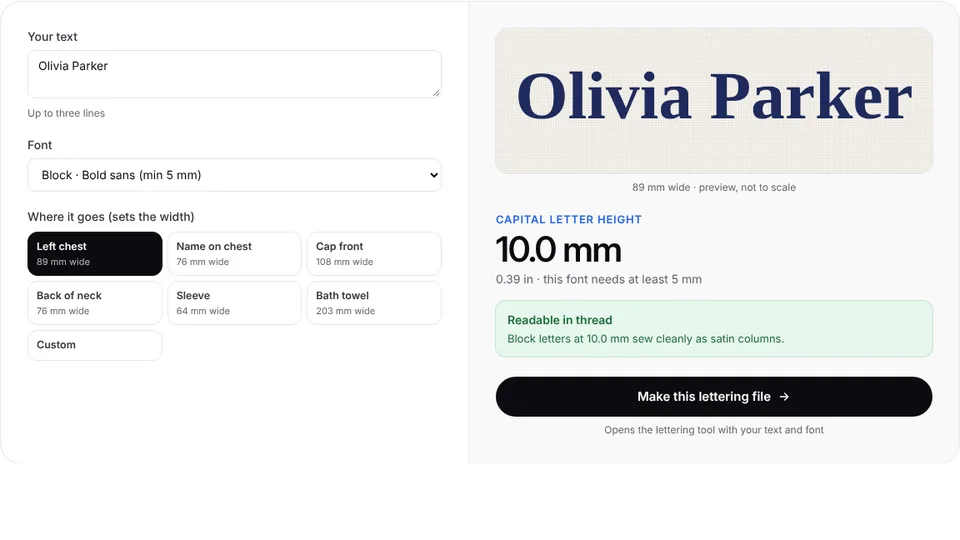
 Free toolLettering size calculatorSee how tall your letters will be at a given width, per font, and whether they'll sew cleanly.Open the tool
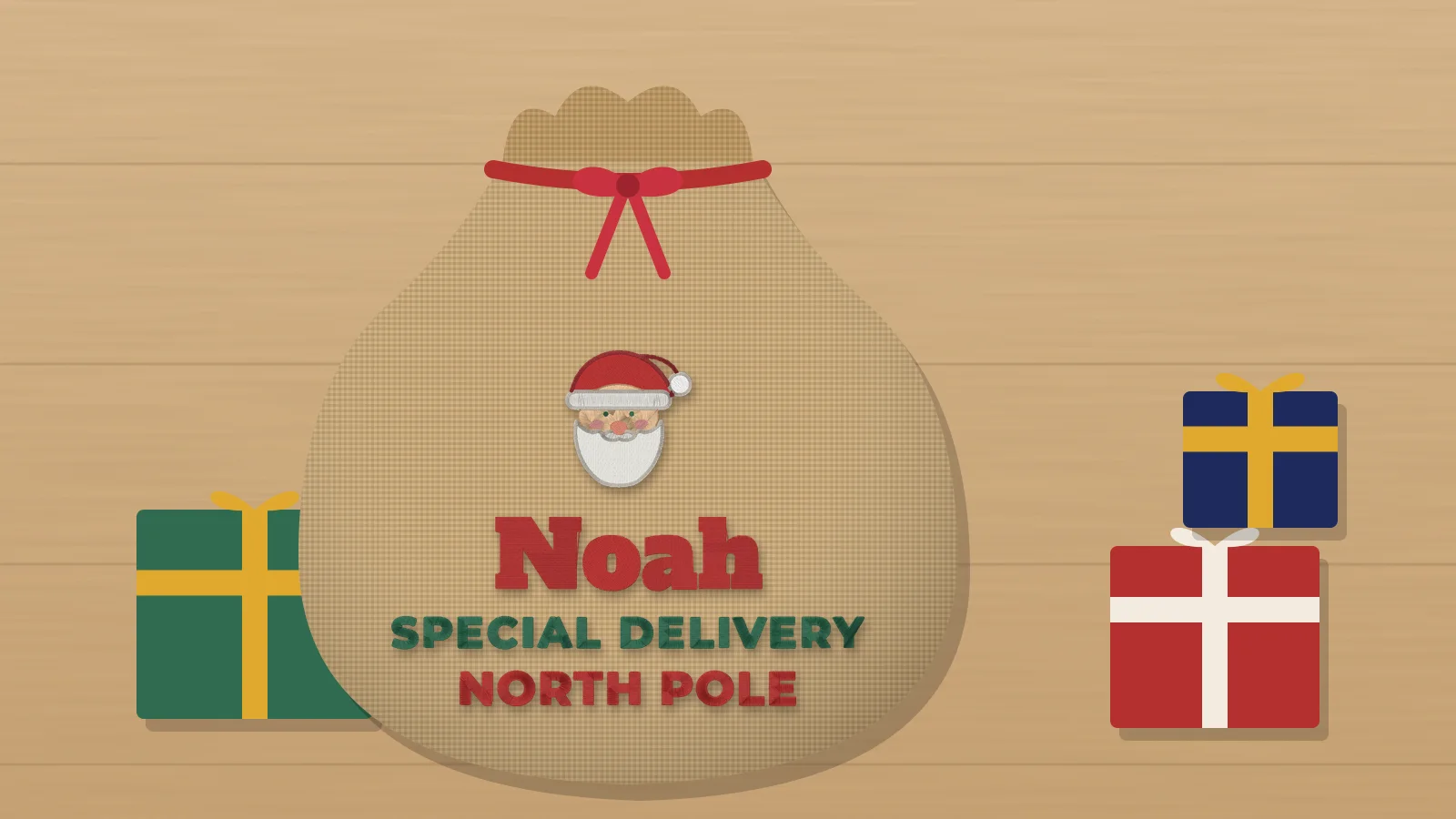
A Santa sack with the child's name comes out every Christmas Eve to be filled with presents, so it's a gift that gets used for years, and a steady seller from October on. Because the sack is big, the name can be bold and large, and the design reads from across the room.
This guide covers sizes and wording, stitching on canvas, burlap and velvet, and sewing your own sack around the embroidery. The Santa sack design maker lays out the name, a North Pole line and Santa or a gift box, sized for the sack or your hoop.
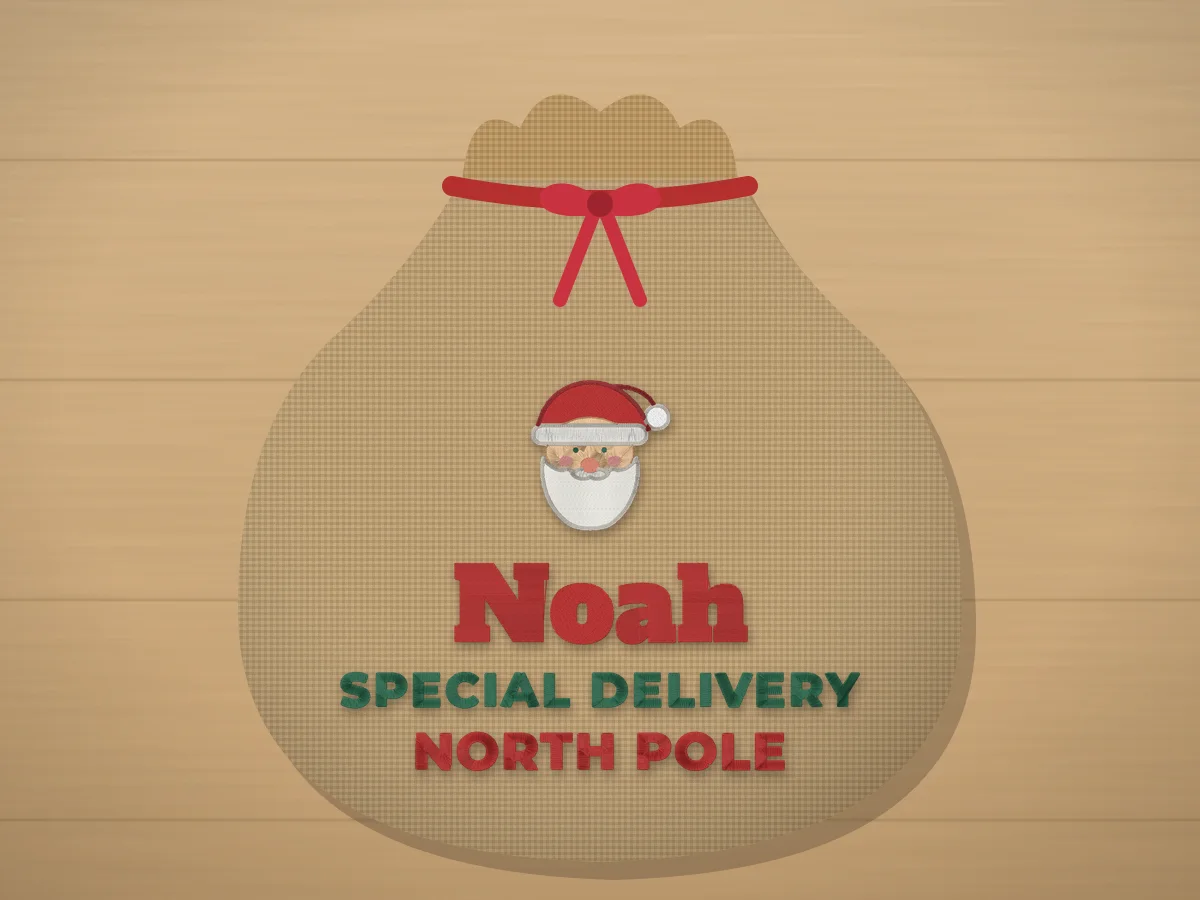 Free design makerPersonalized Santa sack embroidery design makerType the name, pick lettering and an icon, and see it sized for the item. Then turn it into a file for your machine.Make yours
Sack sizes, fabrics and design sizes
| Sack | Typical size | Design width |
|---|---|---|
| Standard | 20 × 27 in | 7–9 in (in an 8×12 hoop or larger) |
| Large | 24 × 36 in | 9–11 in |
| Small gift sack | 12 × 16 in | 4.5–6 in (a 5x7 or 6x10 hoop) |
Heavy cotton canvas is the easiest to stitch and holds a dense design. Burlap looks rustic but sheds and has a loose weave, so it needs bold lettering and a topping. Velvet looks luxurious but crushes in the hoop, so float it. If your biggest hoop is a 5x7, a 4.5–5 in design still looks good centered on the upper half of a standard sack.
What to write on a Santa sack
- Name + Special Delivery + North Pole: the classic three lines.
- Name + Do not open until + December 25: fun for gift bags.
- North Pole Express + name: with a sleigh or a reindeer.
- Two names with &: one sack for siblings, with a star or a tree.
- Name + the year: a keepsake that marks the first Christmas.
Keep the extra lines short (under about 20 characters) so they stay at least 8–10 mm tall on canvas, and use block or varsity letters for those lines even if the name is in script.
Try it with your own design
Sign up free, upload an image and get a stitch preview in under a minute.
Drop your image here
PNG, JPG, SVG, PDF or AI · stays on your device
Not sure what to expect? See real examples or how it works.
Stitching on canvas, burlap and velvet
| Fabric | Stabilizer | Tips |
|---|---|---|
| Canvas | Medium tear-away | A 90/14 sharp needle on heavy canvas |
| Burlap | Medium cut-away plus a water-soluble topping | Bold letters and fills with underlay; spray starch first to firm the weave |
| Velvet | Cut-away, velvet floated | Hoop the stabilizer only; topping keeps stitches out of the pile |
| Felt (for a sewn-on panel) | Tear-away | Stitch the name on a felt panel, then sew the panel to any sack |
A large design on a big hoop runs a long time, so check the bobbin is full before you start and stay near the machine for the first few minutes. See embroidering canvas and velvet for more on each fabric.
Embroidering a ready-made sack
- Unpick 6–8 in of one side seam so the front panel lies flat, or turn the sack inside out to reach just the front layer.
- Mark the center of the design about a third of the way down from the drawstring.
- Hoop the front layer with the stabilizer, rolling or pinning the rest of the sack out of the way.
- Stitch, trim the stabilizer, remove the topping, then close the side seam.
Practice on a free design
167 ready-to-sew designs in every machine format, free with an account.



Sewing your own Santa sack
- Cut two panels of canvas or burlap about 21 × 28 in.
- Embroider the front panel first, with the design centered about 9 in from the top edge.
- Sew the sides and bottom with right sides together and a 1/2 in seam allowance, leaving 1.5 in open at the top of one side seam.
- Fold the top edge down 1/4 in, then 1.25 in, and stitch to make a casing for the drawstring.
- Thread a cord or ribbon through the casing with a safety pin, turn the sack right side out and add a gift tag.
Selling sacks? Price by the time the large design takes to stitch plus the blank; the embroidery pricing calculator works it out. Matching in-the-hoop gift tags with the same name make an easy add-on.